How to Buy a New Ufone SIM in Pakistan
Buy a Ufone SIM with your original CNIC and thumbprint. Book a number free online, collect it within 5 days, and know the 1 year porting lock.
To buy a new Ufone SIM, take your original CNIC to a Ufone Business Centre, franchise or retailer and give your thumbprint for biometric verification. You can also pick a number first on Ufone's website, the U ptcl app or Ufone's WhatsApp line, 0331-1333100. Searching and booking a number is free. A booked number must be collected within five calendar days, or the booking is cancelled.
We read Ufone's own buy SIM pages, its online SIM sale terms, its new SIM offer page and its eSIM page on 22 September 2026. Ufone's website now calls the network Ufone 5G. Everything below comes from those pages unless we say otherwise.
Three ways to get a new Ufone SIM
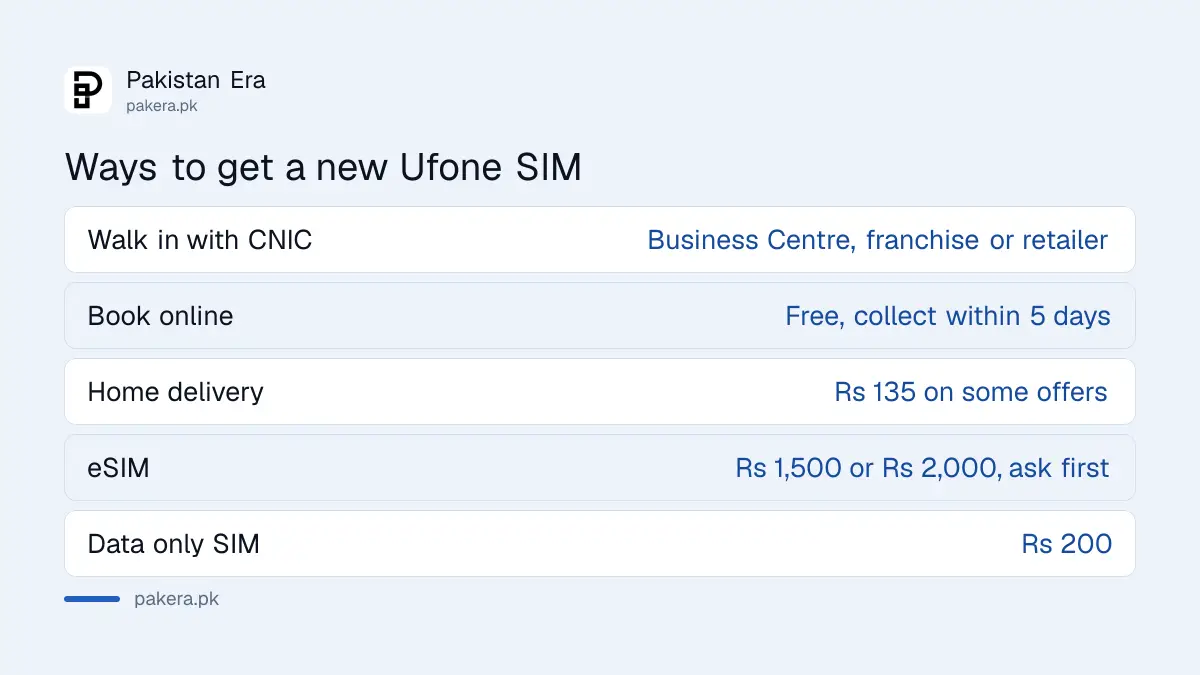
| Route | What you do | What it costs |
|---|---|---|
| Walk in | Visit a Ufone Business Centre, franchise or retailer with your CNIC | Set by the offer you choose |
| Book online, collect | Pick a number on ufone.com or the U ptcl app, then collect it within 5 days | Searching and booking are free |
| Book online, delivery | Pick a number and choose home delivery | Rs 135 delivery on some offers, free on others |
| eSIM | Visit a service centre, franchise or Self Service Booth | Rs 1,500 or Rs 2,000, see below |
| Data only SIM | Buy a Ufone Internet SIM from a retailer | Rs 200 |
Ufone's buy SIM page lists a delivery charge of Rs 135 next to some offers and "Free Delivery" next to others. Check the line under the offer you pick before you pay.
What you need to buy the SIM
The list is short. Ufone's online sale terms say the customer "must present his/her original and valid CNIC". Every Ufone page also carries the line "Your SIM is your identity, only use SIMs issued through Biometric Verification", which is PTA's rule for all networks.
- Your original CNIC. A photocopy or a photo on your phone is not enough.
- Your own fingerprints. The SIM is registered to the person whose thumb is scanned, so the CNIC holder must be there in person.
- A free SIM slot on your CNIC. Each CNIC has a limit on SIMs across all networks under the current SIM card rules.
Never let somebody else register a SIM for you on their CNIC, and never lend yours. A SIM on your CNIC is your legal responsibility, whoever uses it.
How to book a Ufone number online
Booking online lets you choose the number before you go to the shop. Ufone says customers from other networks can book too, so you do not need a Ufone SIM already.
- Open the Buy SIM page on ufone.com, or open the U ptcl app, or send "Hi" on WhatsApp to 0331-1333100 and choose Buy SIM.
- Search the available numbers. Ufone offers ordinary numbers free and some special numbers at a price.
- Pick an offer. The online sale terms say you must choose one of the listed new SIM offers.
- Choose collection from a Ufone Business Centre or franchise, or home delivery where it is offered.
- If you chose collection, go within five calendar days with your original CNIC.
- Give your thumbprint. The SIM is activated after biometric verification succeeds.
Booking depends on stock, so a number shown as free may still be gone when you try to confirm it. Ufone also says it can change or cancel the online offer at any time.
The one year lock on discounted numbers
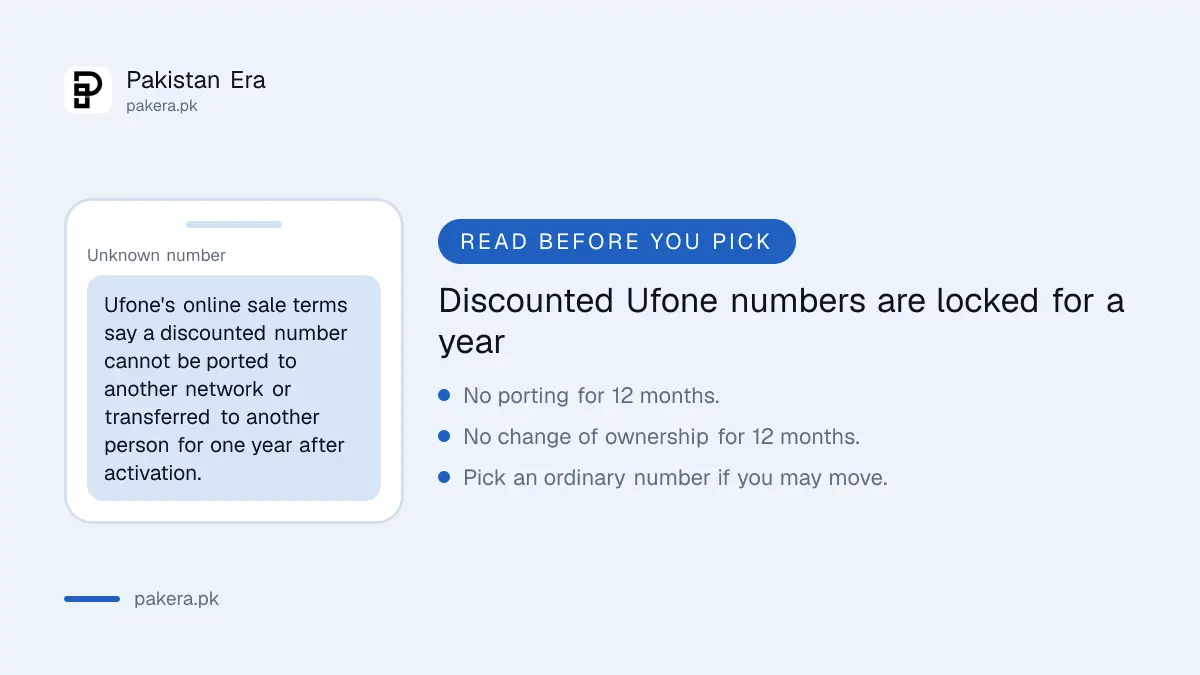
This rule is easy to miss. Ufone's online sale terms say a discounted number, and the services that come with it, "will not be portable or transferable for one (01) year after the date of SIM activation". The same terms add that change of ownership is not allowed for one year.
In plain words, if you take a discounted number or a double offer, you cannot move that number to another network and you cannot put it in another person's name for twelve months. If you want to port the number later, or you are buying it for a relative, pick an ordinary number and ordinary offer.
The new SIM offer and free resources
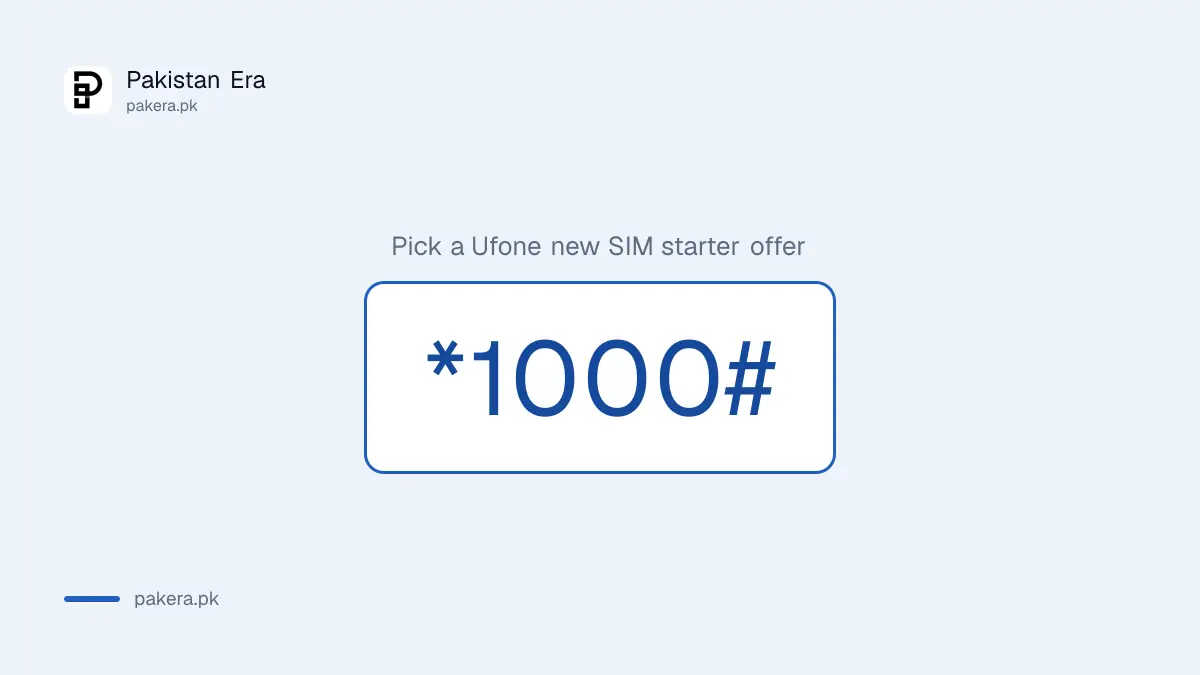
Ufone tells new customers to dial *1000# from the new SIM to pick a free or paid Nayi SIM Offer. On 22 September 2026 Ufone listed a free offer of 4 GB (including 1 GB for social apps and 1 GB for WhatsApp) and 1,000 on-net minutes, valid for 7 days.
The terms that matter:
- The free offer must be taken within the first 30 days after biometric verification, and only once.
- Paid starter bundles can be taken within 90 days of verification.
- Check what is left of the free resources by dialling *706#.
- When the free data runs out, internet stays on and is charged at Ufone's default rate of Rs 2.75 plus tax per MB.
That last point costs new users money. Turn on Ufone's balance save service, *6611#, so a finished bundle does not drain your balance.
Buying a Ufone eSIM instead
An eSIM is a digital SIM built into newer phones. Ufone's eSIM page says you get one at a Ufone Service Centre, franchise or Self Service Booth. After biometric verification you receive a QR code, which you scan on the phone. The default PIN is 0000.
The price is not clear on Ufone's own page. The top of the page says the eSIM costs Rs 1,500 for new customers and for those switching from a physical SIM. The FAQ and terms further down the same page say Rs 2,000, excluding special number charges. PTA was reported in August 2026 to have capped the initial eSIM fee at Rs 1,500. Ask the counter which figure applies before you pay.
Ufone's page also warns that its eSIM does not work on carrier locked phones or on the Apple Watch.
Check your new SIM before you leave the shop
- Wait for the confirmation SMS, then make a short call to confirm the SIM works.
- Dial *4#. Ufone says this confirms whether your SIM and handset are 4G. Ufone is switching off 3G in many districts, so a 3G handset may lose service.
- Check the SIMs on your CNIC to make sure only the ones you bought are there.
- Keep the booking SMS or receipt until the SIM has worked for a few days.
When something goes wrong
- Fingerprint does not match. Clean and dry your thumb and try other fingers. If it still fails, you may need to update your fingerprints at NADRA, which the shop cannot do for you.
- Booking cancelled. You missed the five day collection window. Book again; the number may have gone.
- SIM shows no service. Restart the phone, then work through the fixes for a Ufone SIM that is not working.
- Anything else. Call 333 from a Ufone number or 051-111-333-100 from any other number, as listed on Ufone's support pages, or email customercare@ufone.com.
Safety warning: Buy only at a Ufone counter or an authorised retailer, and watch your CNIC and thumbprint. A fake shop or street seller can register extra SIMs on your identity while you wait. Never pay for a "number booking" through a private WhatsApp account or a link someone sent you.
Common questions
Can I buy a Ufone SIM online?
You can book a number online on ufone.com, the U ptcl app or WhatsApp at 0331-1333100. You still need biometric verification with your original CNIC before the SIM works.
Is booking a Ufone number free?
Yes. Ufone's online sale terms say no charges apply for searching or booking a number. You pay for the offer you choose, and for delivery where it is charged.
How long does Ufone hold a booked number?
Five calendar days from booking. After that the booking is cancelled.
Can someone else collect my SIM?
No. The SIM is registered to the fingerprints of the CNIC holder, so that person must be present.
Can I port a discounted Ufone number to another network?
Not for one year from activation. Ufone's terms also block change of ownership on discounted numbers for one year.
What code gives new Ufone SIM offers?
Dial *1000# from the new SIM. Check the remaining free resources with *706#.
How we verified this
What we checked, where we read it, and what we could not confirm.
Last checked 22 September 2026. The CNIC requirement, the five calendar day collection rule, free searching and booking, booking by customers of other networks and the one year lock on porting and ownership come from Ufone's Online SIM Sale Terms and Conditions page on ufone.com. The booking routes, special numbers and the Rs 135 delivery charge come from Ufone's Buy SIM page. The *1000# code, the free 4 GB starter offer, the 30 and 90 day windows, *706# and the Rs 2.75 plus tax per MB default rate come from Ufone's Nayi SIM Offer page. The eSIM process and both eSIM prices come from Ufone's eSIM page, which contradicts itself, so we give both. The Rs 200 Internet SIM comes from Ufone's Internet SIM page. The *4# check and the 3G shutdown come from Ufone's home page and its 3G sunset page. Helplines are from Ufone's customer care and support pages. We did not buy a SIM or dial any code.
About the author

Public Services and Education Journalist
Fajr Riaz is a journalist and content writer at Pakistan Era, based in Lahore. She covers the questions people meet in everyday life in Pakistan: how a public service works, what a change in the rules means, and where to find a reliable answer.