AdSense Ad Serving Limited in Pakistan: Why It Happens, the 30 Day Rule and 6 Fixes
AdSense ad serving limited on your Pakistani site? Google says most limits lift in under 30 days, with no appeal button. The two causes and 6 steps to take now.
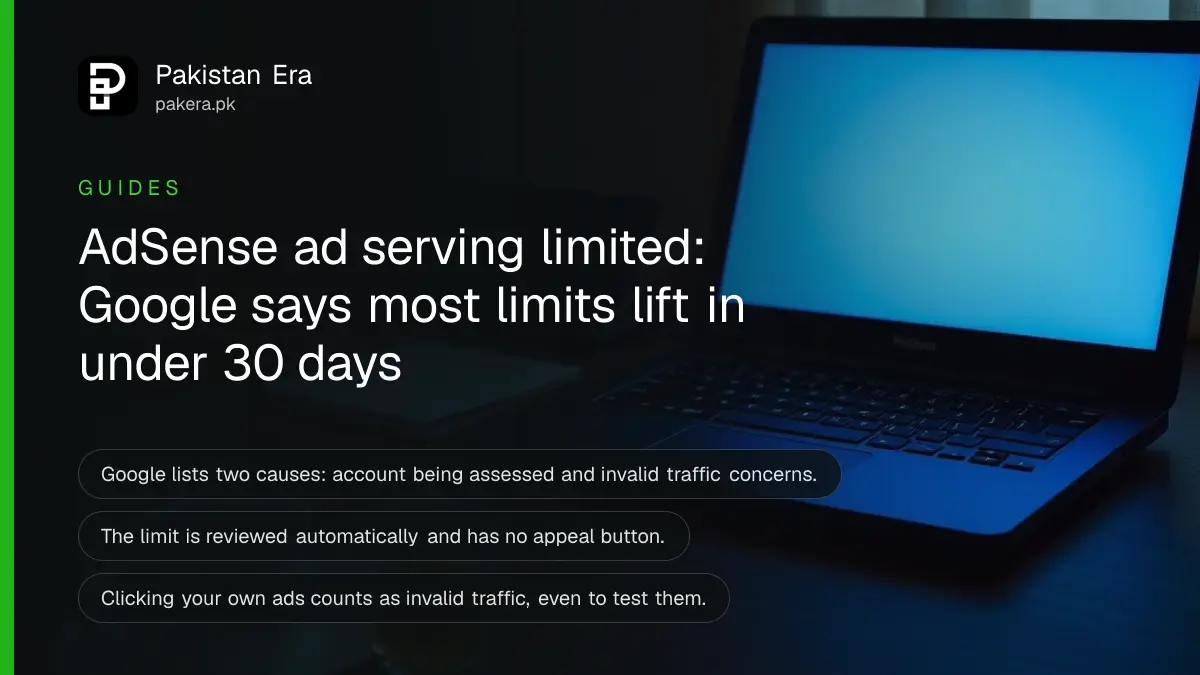
If AdSense says "Ad serving is currently limited" on your Pakistani website, Google has capped how many ads your account can show. Google says the limit usually lasts less than 30 days, it is reviewed automatically, and there is no button to ask for a faster review. What you do in those weeks decides whether the limit lifts or turns into a closed account.
We read Google's AdSense Help pages on ad serving limits, its ad serving limits troubleshooter, its invalid traffic definition and its prevention tips on 6 November 2026. Everything below comes from those pages. We have not had a limit placed on an account of our own, so we make no claim about how long one lasted for us.
Google limits ads while it checks your traffic
An ad serving limit is a cap on the number of ads your AdSense account can show. Google says it uses the limit to protect advertisers, publishers and users from fraud and bad ad experiences. Your account stays open and you can still sign in.
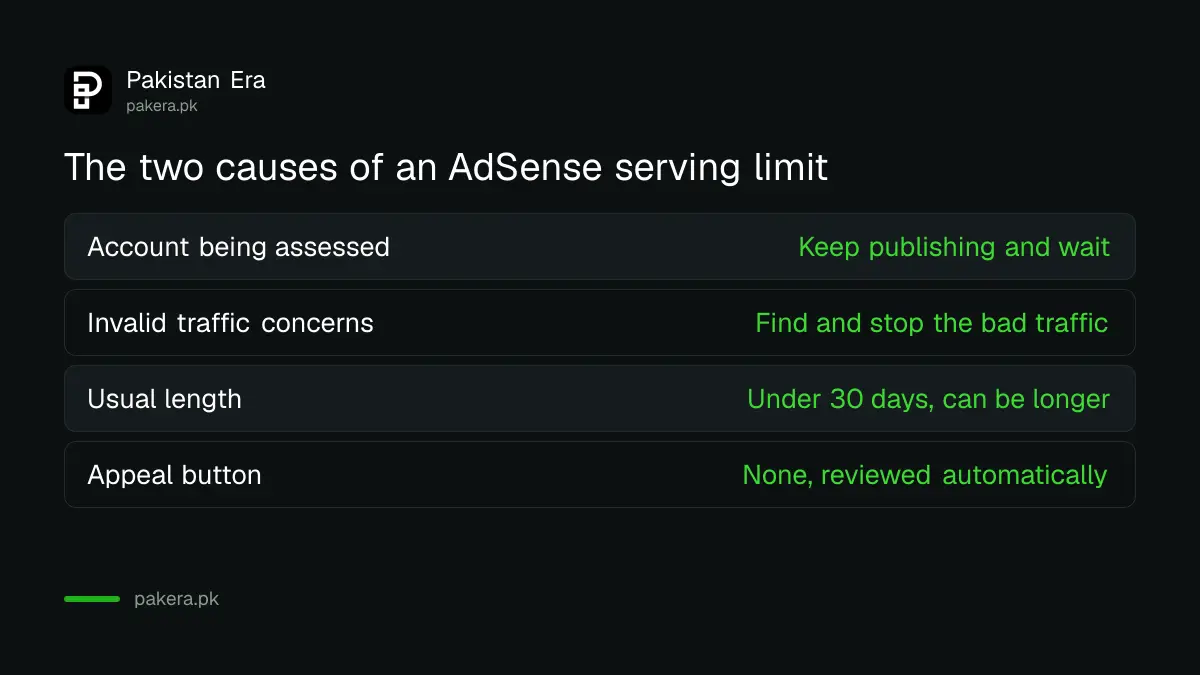
The notice sits in the Policy center of your AdSense account. The account level status reads "Ad serving is currently limited". Google's troubleshooter lists two causes for it, and the cause decides what you should do next.
| Cause shown | What Google says it means | Your main job |
|---|---|---|
| Account being assessed | Google is still learning about your traffic quality, often on a new account | Keep publishing and wait |
| Invalid traffic concerns | Google has found clicks or impressions it does not count as real interest | Find and stop the bad traffic |
Two other notices look similar but are not the same thing. "Disabled ad serving" and "Restricted demand" are site level notices, not account level ones. Limited ads is also different again. That is a setting that limits the use of personal data for ad personalisation, and it does not cap how many ads you show.
Most limits lift in under 30 days, but there is no fixed date
Google says the limit "typically impacts publishers for less than 30 days", and that it can take longer in some cases. For an account under assessment, Google says it cannot say how long the check will take.
Google reviews the limit on its own as it watches your traffic. You do not file an appeal or press a review button for this notice. Google also warns that it can put the limit back after lifting it, if it finds new problems or no longer has enough information to judge your traffic.
So a 30 day countdown is not a promise. Plan your income as if ads will stay low for a month, and treat an earlier lift as a bonus.
Invalid traffic is any click that is not real interest
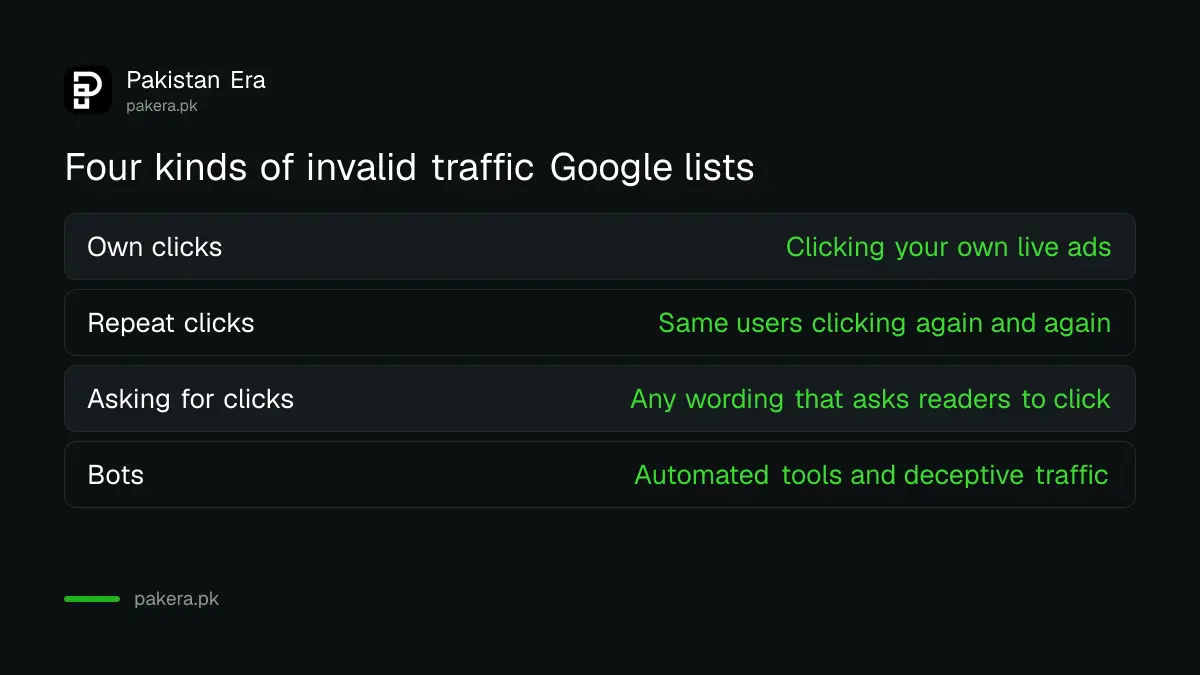
Google defines invalid traffic as clicks or impressions that may artificially raise an advertiser's costs or a publisher's earnings. It covers deliberate fraud and accidental clicks alike. Google lists four examples on its own page.
- A publisher clicking their own live ads.
- Repeated clicks or impressions from one or more users.
- A publisher encouraging people to click ads, including any wording that asks for clicks, and layouts that cause many accidental clicks.
- Automated clicking tools, robots, or other deceptive software and traffic sources.
Some common habits fall straight into these examples. Posting your link in a WhatsApp group and asking friends to "click an ad to support us" is encouraging clicks. Testing a new ad by clicking it from your own phone is clicking your own ads. Buying cheap visitors from a traffic seller is a traffic source you cannot vouch for. None of these needs bad intent to count.
Six steps to take while the limit is on
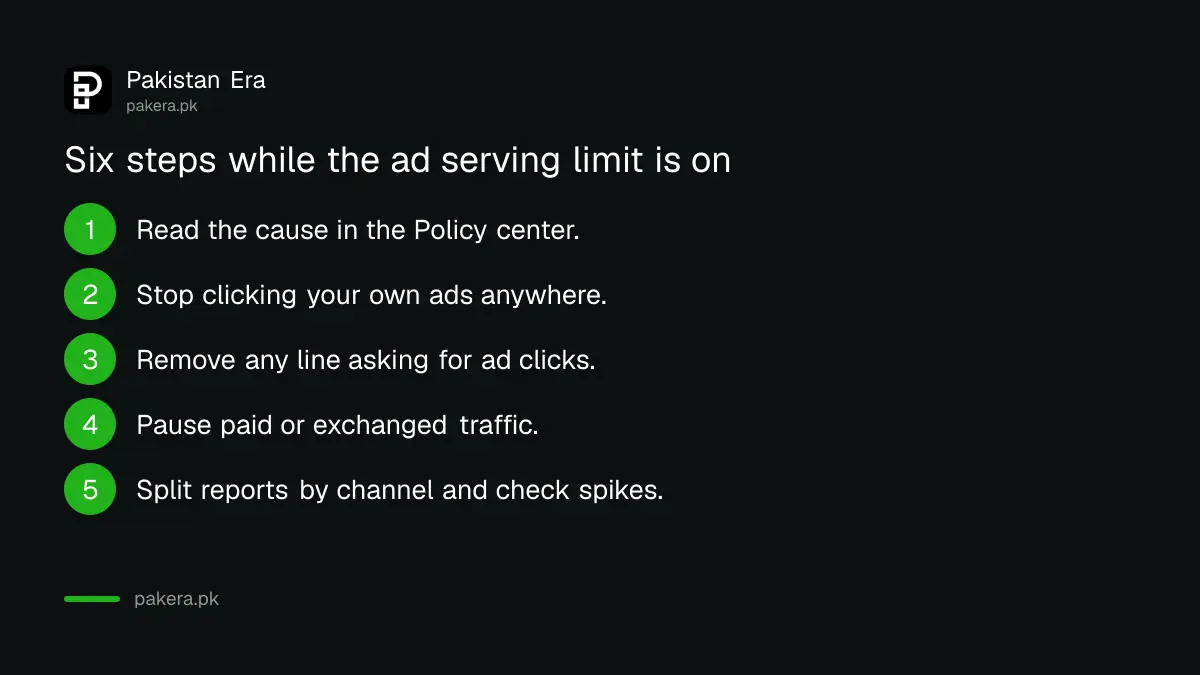
Google's advice is to keep building your content and audience, follow the AdSense Program policies, and study its invalid traffic resources. Turned into a working list, that means six steps, in this order.
- Open the Policy center and note which cause it shows: account being assessed, or invalid traffic concerns.
- Stop clicking your own ads on every device, including your family's phones on the same Wi Fi. To see which ads appear, Google points you to the Ad review center instead.
- Remove any line on your pages that asks readers to click, support or visit ads.
- Pause any paid traffic, traffic exchange or low quality ad network that sends visitors to your pages.
- Split your reports by URL channels, custom channels or ad units, and check Google Analytics for sudden spikes from one country, one source or one page.
- Check that your ad code follows the ad placement policies, so ads do not sit next to buttons, menus or download links where people tap them by mistake.
Keep publishing through all of this. Google names building content and audience as the first thing to do, and new, ordinary visitors give it the clean data it needs to judge you.
A limit can turn into a closed account if the bad traffic continues
Google's ad serving limits page says that if it finds invalid activity or other issues, your account may face further action or be closed for good. That is the real risk. A limit is a warning period, not a punishment you can wait out while the same traffic keeps arriving.
If the account is disabled, the route changes. You then use Google's online appeal form, and you must explain what caused the traffic and what you have changed. A refused appeal means you cannot open a new account. Do not open a second AdSense account to get around a limit: Google's troubleshooter asks whether yours is your only account, so a second one is something it checks.
Payments are a separate matter. A limit cuts how many ads show, so your earnings fall, but it is not the same as a payment hold. For holds on payouts to a Pakistani bank, see our AdSense payment on hold guide.
Prevent the next limit before it starts
Google's own prevention tips come down to knowing where your visitors come from and keeping your ad setup clean. A site that grows mainly from search and steady social sharing gives Google little to worry about.
Avoid partners Google describes as untrusted or low quality, such as cheap ad networks, search engines and directory sites that send odd traffic. Double check any new ad code across phones and browsers before it goes live. If your site is new to AdSense, check it against Google's rules first with our AdSense eligibility checklist, and fix the ads.txt warning if you see one, using our ads.txt guide.
Ask in the AdSense Help Community if one source of traffic looks strange to you. Google lists the community as a place to report third parties that seem to send invalid traffic.
Common questions
How long does an AdSense ad serving limit last?
Google says it typically lasts less than 30 days, though it can take longer. For an account still being assessed, Google says it cannot give a time.
Can I appeal an AdSense ad serving limit?
Google's help page gives no appeal or review button for a limit. It reviews the limit automatically. You can post in the Help Community or use the Contact us form if you need help.
Will I still get paid while ads are limited?
Yes, for valid clicks and impressions. Google says publishers do not receive revenue for invalid clicks, and valid clicks are credited to the account.
Should I remove AdSense code from my site during a limit?
Google's page does not tell you to remove it. Its advice is to keep building content and audience while it watches your traffic, which needs the code to stay in place.
Is ad serving limited the same as limited ads?
No. Limited ads is a setting about personal data used for ad personalisation. Limited ad serving caps how many ads your account can show.
Can I open a new AdSense account to avoid the limit?
No. A second account does not clear the limit, and Google's troubleshooter checks whether yours is your only account. Fix the traffic on the account you have.
How we verified this
What we checked, where we read it, and what we could not confirm.
Last checked 6 November 2026 against Google's AdSense Help pages on ad serving limits, the guide for ad serving limits, limited ad serving vs. limited ads, the definition of invalid traffic and tips for preventing invalid traffic. Menu names in AdSense can change, so follow the labels on your own screen if they differ.
About the author

Founder and Editor
Umer Kureshi founded Pakistan Era in July 2024 and runs it as administrator, SEO lead and writer, overseeing website operations, search growth, content strategy and coverage of technology and current affairs.