Fix the AdSense ads.txt Warning on Your Pakistani Website: Earnings at Risk
AdSense shows Earnings at Risk when ads.txt is missing or wrong. See the exact line, where to upload it and how long Google takes to recheck your site.
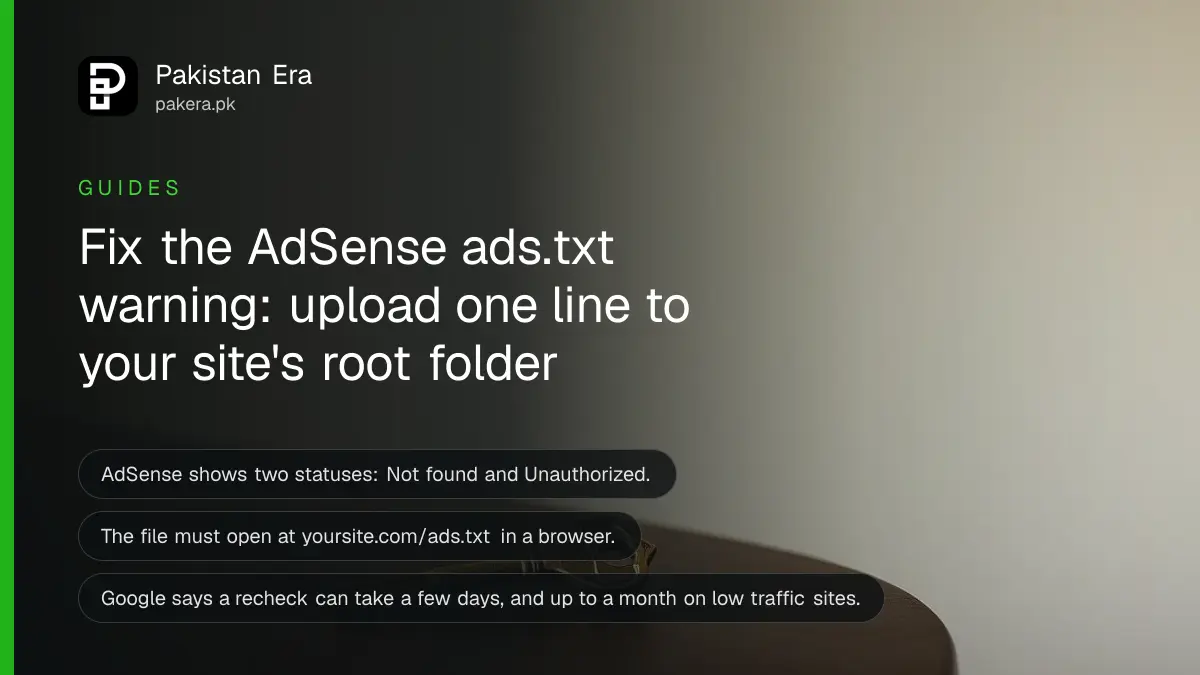
Short answer: Create a plain text file called ads.txt, paste into it the single line AdSense gives you, and upload it to the root of your site so that yoursite.com/ads.txt opens in a browser. The line looks like google.com, pub-0000000000000000, DIRECT, f08c47fec0942fa0, with your own publisher ID. Then click "Check for updates" in AdSense.
A blogger in Multan opens AdSense one morning and sees an alert that his earnings are at risk because of ads.txt. Nothing is broken on his site. Ads still show. But Google is telling him that its systems cannot find a file proving he allows AdSense to sell his space.
We read Google's AdSense Help pages on ads.txt on 12 October 2026. The steps below follow them. We did not test the file on your site, so the final check, opening the address in a browser, is yours to run.
Ads.txt is a short public file that lists who may sell your ad space
Ads.txt stands for Authorized Digital Sellers. It is a text file on your site that names the companies allowed to sell your ad space. Google says it helps make sure your ad inventory is sold only through sellers you have named, such as AdSense.
Google also says using ads.txt is not mandatory, but is highly recommended. In practice, AdSense shows a warning when the file is missing or does not name your account, and your earnings can be flagged as at risk until you fix it.
The file is public. Anyone can open it, so never put passwords or private details in it. It only holds ad seller lines.
The AdSense warning names one of two problems
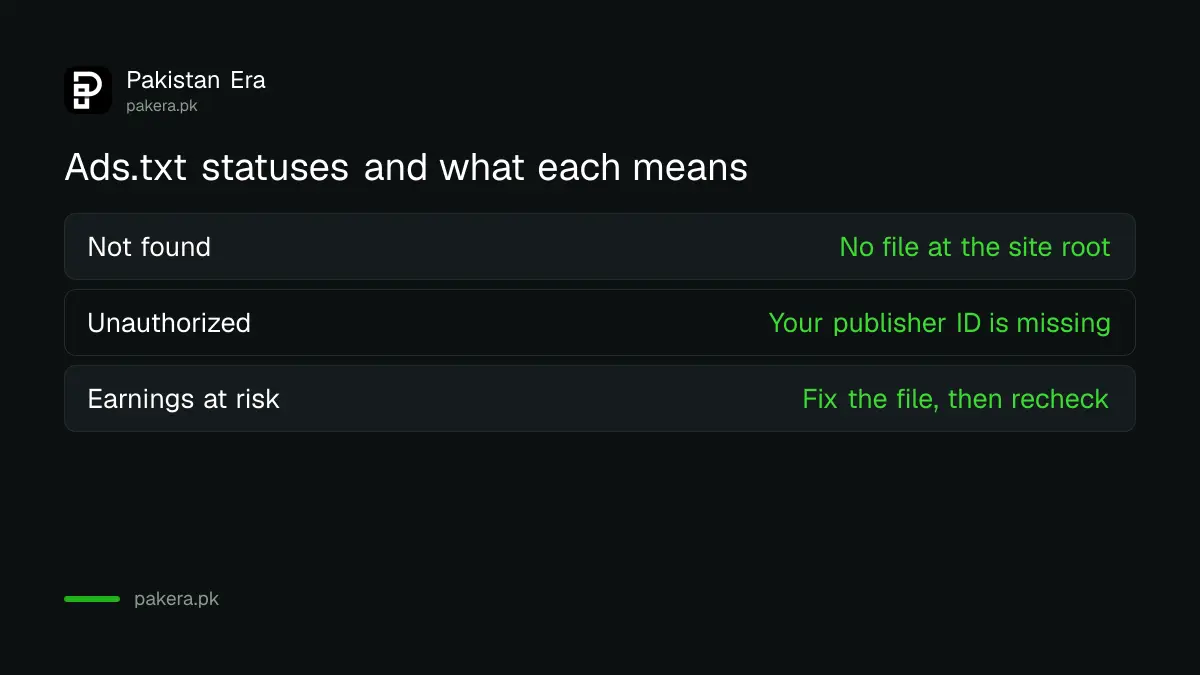
Google lists two statuses. "Not found" means your site has no ads.txt file at all. "Unauthorized" means a file exists but your own publisher ID is missing from it. Each has a different fix, so read the status first.
| Status in AdSense | What it means | What to do |
|---|---|---|
| Not found | No ads.txt file at the site root | Create the file and upload it |
| Unauthorized | File exists, publisher ID missing | Add the AdSense line to the file |
| Earnings at risk | One of the above is blocking full earnings | Fix the file, then recheck |
Create and upload the file in six steps
You need your AdSense publisher ID, a text editor and access to the folder where your site lives. A WordPress site on shared hosting is the common case in Pakistan. Most hosting panels have a File Manager where you can upload the file.
- Sign in to AdSense and copy the ads.txt snippet from the alert or the Sites section.
- Open Notepad and paste the line exactly as given. Nothing else is needed.
- Save the file with the name ads.txt, all lowercase, as plain text.
- Upload it to your site's root folder, the one that holds your homepage files.
- Open yoursite.com/ads.txt in a browser. The line must appear on the screen.
- In AdSense, go to Sites and click "Check for updates".
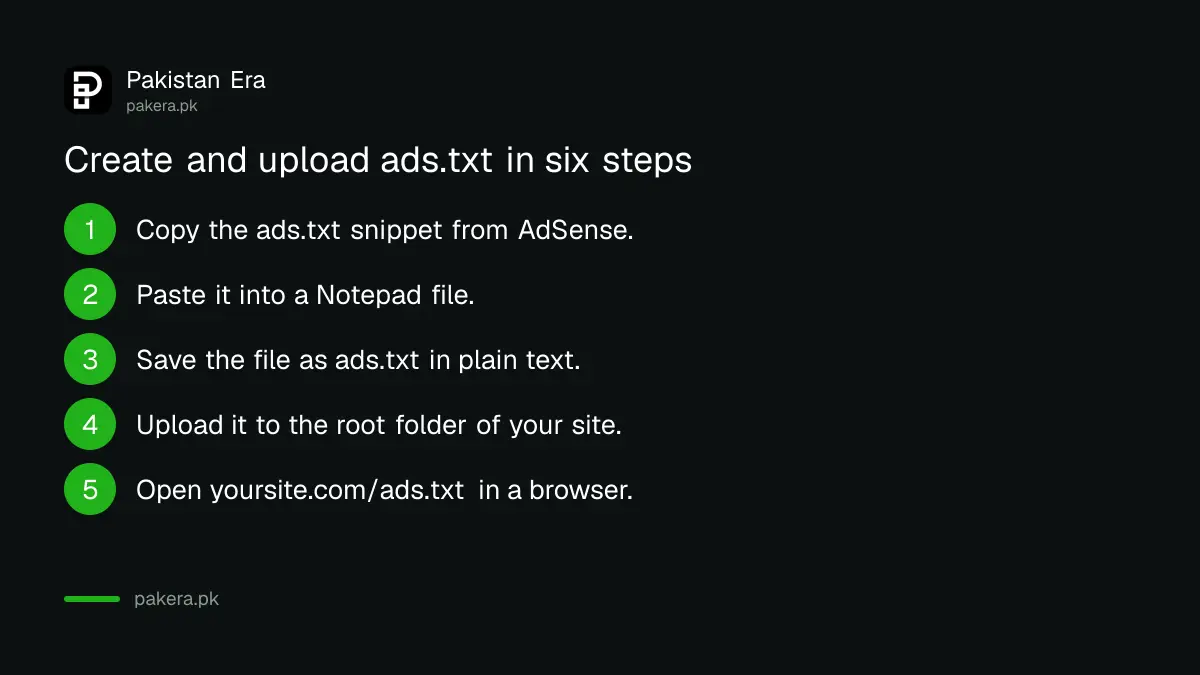
Google explains the logic of step five: if the file shows in your browser, AdSense will likely find it too. If your browser shows a 404 error or a login page, AdSense cannot see it either.
The line has four parts and the ID must be your own
Each ads.txt line has four fields separated by commas. The first is Google's domain, the second is your publisher ID starting with "pub-", the third says DIRECT, meaning you own the account, and the fourth is a fixed Google certification code. Only the second changes from site to site.
| Field | Example | Who sets it |
|---|---|---|
| Seller domain | google.com | Fixed |
| Publisher ID | pub-0000000000000000 | Your AdSense account |
| Relationship | DIRECT | Fixed |
| Certification ID | f08c47fec0942fa0 | Fixed |
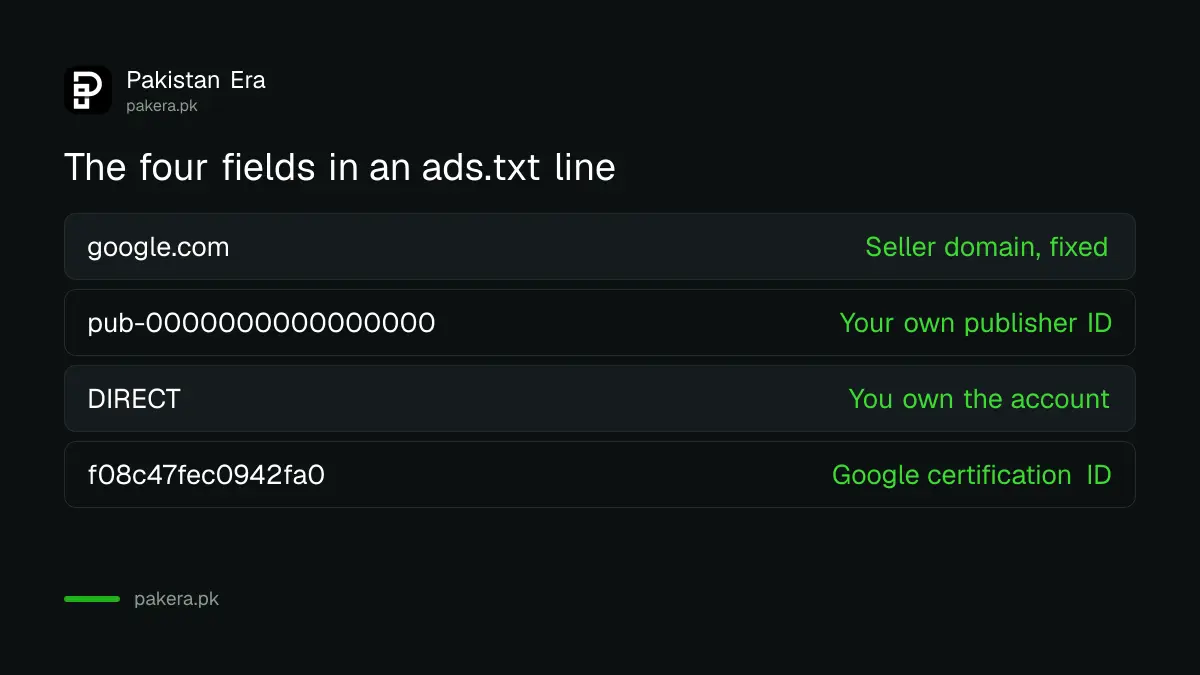
Copy the line from your own AdSense account rather than from a website or video. A wrong ID, or an ID copied from someone else, is the likeliest reason for "Unauthorized". If you already use another ad network, keep its lines and add the Google line below them. Do not delete a working network's line.
Wait for the recheck, and fix the usual faults if it does not clear
Google says changes may take a few days to show in AdSense, and up to a month if your site makes few ad requests. The "Check for updates" button asks for a manual recheck so you do not have to wait for the crawl.
- The file sits in a sub-folder, not the root. It must be at the main address.
- The file name is "ads.txt.txt" because Windows hid the extension. Rename it.
- The file is in a word processor format, not plain text.
- The site redirects to another address, so the file is looked for on the wrong domain.
- The publisher ID has a typo or a missing character.
If your account is not approved yet, ads.txt is not your first task. Read the AdSense eligibility check for Pakistani websites first. Once earnings arrive, how AdSense pays in Pakistan explains the payment steps.
A slow site also costs you ad revenue. Ad slots without reserved space make a page jump as ads load, which we cover in the Core Web Vitals check.
Common questions
Is ads.txt required for AdSense?
Google says it is not mandatory but is highly recommended. AdSense still shows an "Earnings at risk" alert when the file is missing or wrong, so treat it as required.
Where do I put the ads.txt file?
Put it in the root directory of your site, so it opens at yoursite.com/ads.txt. A file in a sub-folder will not be found.
How long does AdSense take to see my file?
Google says a few days, and up to a month for sites with few ad requests. Click "Check for updates" in the Sites section to ask for a manual recheck.
What does DIRECT mean in the line?
DIRECT says you own and manage the AdSense account yourself. It is a fixed part of the line Google gives you.
Can I keep other ad networks in the file?
Yes. ads.txt can hold many lines. Add the Google line and keep the lines of networks you still use.
How do I test that the file works?
Type your ads.txt address into a browser. Google says that if the file displays there, AdSense will likely find it.
How we verified this
What we checked, where we read it, and what we could not confirm.
We read Google's AdSense Help pages on creating an ads.txt file and fixing ads.txt issues on 12 October 2026. The status names, the line format, the root directory rule and the recheck timing come from those pages. AdSense wording can change, so match what your own account shows.
About the author

Senior Writer, Public Services and Technology
Shahid joined us in 2024 as an author. He is a senior contributor to Pakistan's leading technology websites. He writes detailed articles, mostly covering his expertise in the latest tech, mobiles, apps, gadgets, and step-by-step guides. His ideology is to help people understand the latest trends and explain complex methods through very easy-to-understand guides.