BISE Rawalpindi Online Services: Migration NOC, Duplicate, Corrections and Every Portal Link
Every BISE Rawalpindi portal in one list: migration NOC, verification, duplicates, corrections, slips, results and tracking. See the 8 step online migration.
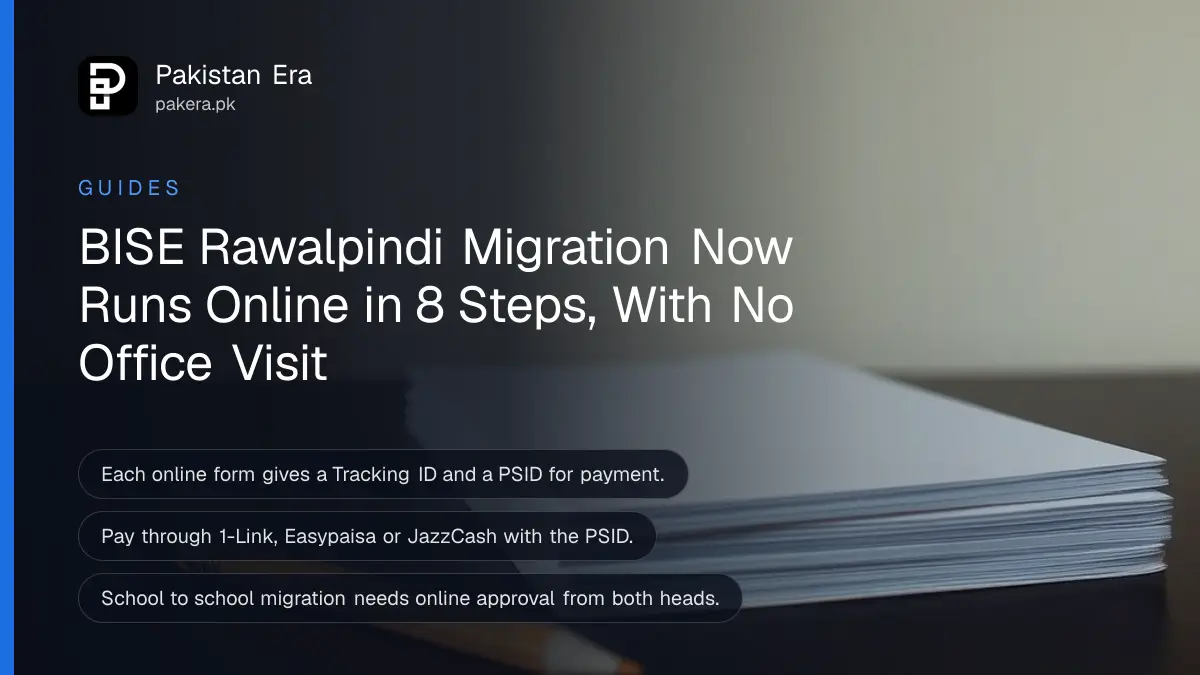
BISE Rawalpindi runs almost every student service online at eservices.biserawalpindi.edu.pk: migration and NOC, verification, duplicate certificates, name and date of birth corrections, rechecking, roll number slips, results and tracking. For a migration certificate, you fill the online form, pay through the PSID on it by 1-Link, Easypaisa or JazzCash, and download the document with your Tracking ID. No hard copy and no office visit are needed.
The board's services are spread across a dozen web addresses, and students often land on the wrong one. We read the e-services directory and the board's migration instructions on 2 November 2026. Below is every portal with what it does, the full migration process, how tracking works and who to call when a step fails.
BISE Rawalpindi has a separate portal for each service
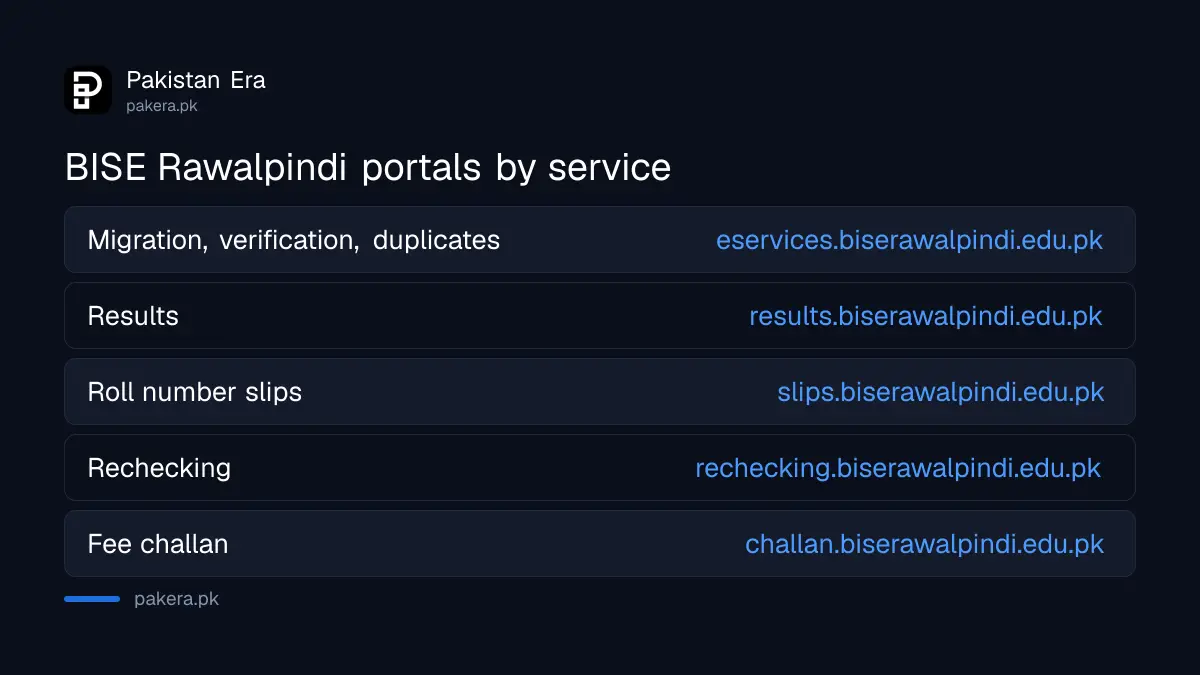
The e-services page links certificate services on one side and exam services on the other. Migration, verification, duplicates, corrections and the Original Before Time Certificate sit on eservices.biserawalpindi.edu.pk itself. Results, roll number slips, rechecking and admissions have their own sub-sites.
| What you need | Where to go |
|---|---|
| Migration certificate or NOC | eservices.biserawalpindi.edu.pk, Online Migration / NOC |
| Verification of result card or certificate | eservices.biserawalpindi.edu.pk, Verification (Individuals) |
| Duplicate or triplicate certificate | eservices.biserawalpindi.edu.pk, Duplicate/Triplicate Certificate |
| Correction of name, father's name or date of birth | eservices.biserawalpindi.edu.pk, Corrections (account login) |
| Fee challan for other services | challan.biserawalpindi.edu.pk |
| Roll number slips | slips.biserawalpindi.edu.pk |
| Results | results.biserawalpindi.edu.pk |
| 9th class result cards | resultcard.biserawalpindi.edu.pk |
| Rechecking | rechecking.biserawalpindi.edu.pk |
| Track any application | eservices.biserawalpindi.edu.pk/Tracking |
Registration and admissions have their own sites too: sscreg and hsscreg for 9th and 11th registration, and sscadm and hsscadm, each with separate regular and private sections, for exam admissions. Schools and colleges use the affiliation portal.
A migration certificate takes eight online steps and no office visit
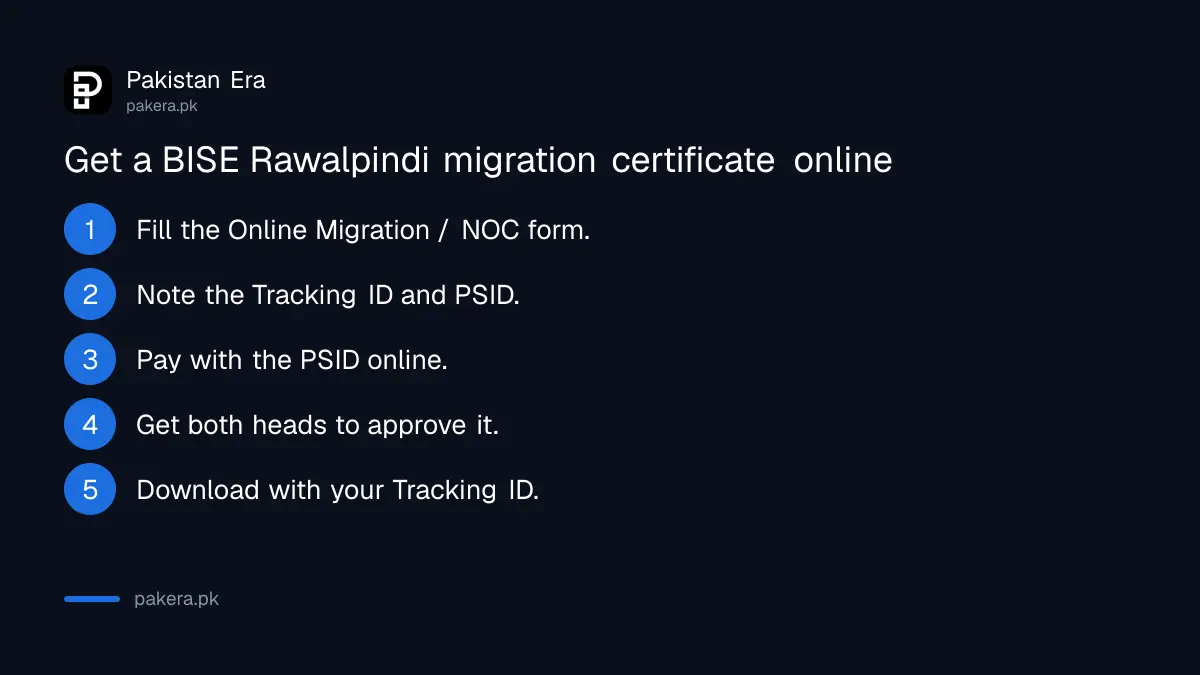
The board's instruction sheet for online NOC and school-to-school or college-to-college migration gives eight steps. You fill the form, get a Tracking ID and PSID, pay online, wait for approvals where needed, and download the document after an SMS.
- Open eservices.biserawalpindi.edu.pk and choose Online Migration / NOC.
- Enter your correct roll number, year and exam, and a mobile number for SMS.
- Submit. The form shows your Tracking ID and a PSID for payment.
- Pay the fee online with the PSID through 1-Link, Easypaisa, JazzCash or another online method.
- For school-to-school or college-to-college migration, both heads of institution approve it on their registration portal using your Tracking ID.
- Do not send a hard copy or visit the office. Check status at the Tracking page.
- When the document is issued, you get an SMS with your Tracking ID.
- Enter the Tracking ID to download your document.
Step five catches many students. A transfer inside the board needs online approval from the head of your current institution and of the new one. If either school has not approved, your application waits. Ask both offices to clear it on their portal.
The PSID on your form is how you pay every online fee
BISE Rawalpindi does not ask you to visit a bank branch for these services. Each online form generates a PSID, a payment slip ID that 1-Link banking apps, Easypaisa and JazzCash accept. The verification instructions describe it as a 19-digit number.
The board's pages do not print the migration fee. It appears on your PSID when you submit the form, so check the amount before you pay. If you have never paid by PSID, the method is the same one used for other government fees in paying government fees by PSID.
Migration out of Rawalpindi to another board follows the same online route. The fee each board charges for board-to-board migration is compared in migration certificate fees for every BISE, which could not list Rawalpindi's amount.
Track any application with your Tracking ID
The Tracking page at eservices.biserawalpindi.edu.pk/Tracking shows where your request stands. Keep the Tracking ID from the form and from the SMS, because you need it both to track and to download the final document.
If the SMS never comes, the problem is usually the mobile number you typed. The board's instructions stress that the number must be correct, because every update goes to it. Use a number that is in your own name and switched on.
Call 051-5450929 when the online route fails
The board's e-services page lists 051-5450929 as its contact number. Its verification instructions name the same number for special requests, such as having a verification emailed to an institution. Call during office hours and have your roll number, year and Tracking ID ready.
For an inter supplementary exam this season, the slips route is in inter 2nd annual roll number slips for Punjab boards. For BISE Rawalpindi verification of a result card or certificate, the board charges Rs 5,000 per document and lets you print the verified copy at home.
Common questions
How do I get a migration certificate from BISE Rawalpindi?
Apply on eservices.biserawalpindi.edu.pk under Online Migration / NOC, pay with the PSID on the form, then download the document with your Tracking ID.
Do I need to visit the BISE Rawalpindi office for migration?
No. The board's instructions say not to send a hard copy or come to the office in person.
Why is my BISE Rawalpindi migration stuck?
For school-to-school or college-to-college migration, both institution heads must approve it online. Ask both offices to clear it.
Where do I check BISE Rawalpindi results?
At results.biserawalpindi.edu.pk. 9th class result cards are at resultcard.biserawalpindi.edu.pk.
How do I pay BISE Rawalpindi fees online?
Use the PSID on your form through 1-Link banking apps, Easypaisa or JazzCash.
What is the BISE Rawalpindi helpline?
051-5450929, listed on the board's e-services page.
How we verified this
What we checked, where we read it, and what we could not confirm.
Last checked 2 November 2026. We read the BISE Rawalpindi e-services directory, the board's Urdu instruction sheet for online NOC and migration, its verification instructions, and the BISE Rawalpindi website. We did not submit a form, so we did not see the migration fee on a PSID or the processing time. The board's rechecking instruction sheet we found is dated 2022, so we did not rely on it.
About the author

Public Services and Education Journalist
Fajr Riaz is a journalist and content writer at Pakistan Era, based in Lahore. She covers the questions people meet in everyday life in Pakistan: how a public service works, what a change in the rules means, and where to find a reliable answer.