How to Check Remaining Telenor MBs, Minutes and SMS in Pakistan
Telenor lists *999# for MBs, *222# for minutes and *111# for SMS at Rs 0.24 each. The My Telenor app shows the same for free. Checked at source.
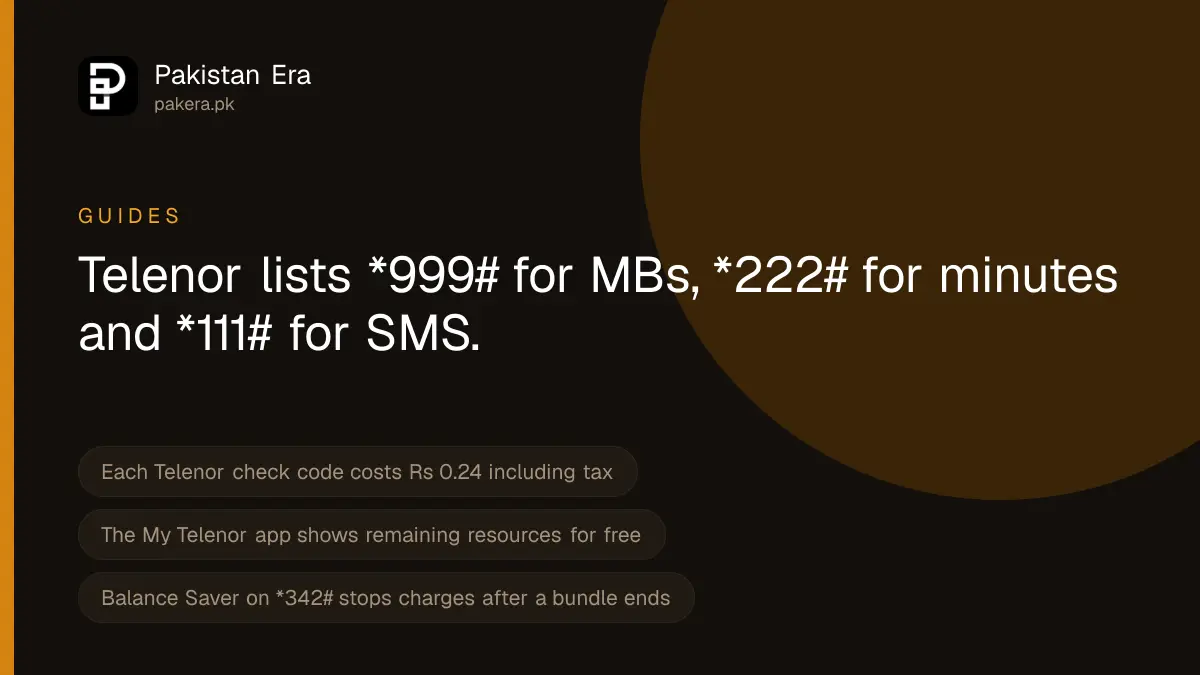
To check what is left on your Telenor package, dial *999# for internet MBs, *222# for minutes and *111# for SMS. Telenor charges Rs 0.24 including tax for each check. The My Telenor app shows the same figures for free. Dial *444# if you want your rupee balance instead.
We read these codes and their price on Telenor Pakistan's own Balance Inquiry page on 22 September 2026. We cannot dial a USSD code ourselves, so what follows is what Telenor lists, not a test on a handset.
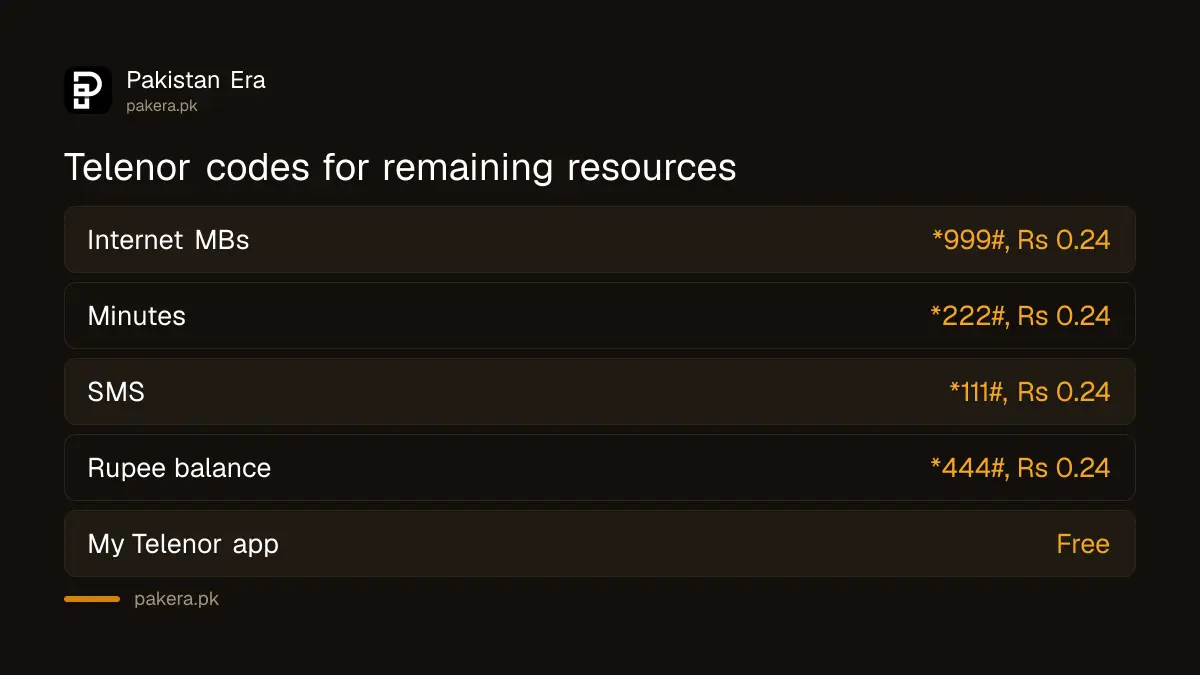
The codes Telenor lists for remaining resources
Telenor calls this service Balance Inquiry. It works for prepaid and postpaid numbers. Each code shows one type of resource from the bundles or offers you have subscribed to.
| What you want to see | Dial | Charge per check |
|---|---|---|
| Remaining internet MBs | *999# | Rs 0.24 incl. tax |
| Remaining minutes | *222# | Rs 0.24 incl. tax |
| Remaining SMS | *111# | Rs 0.24 incl. tax |
| Rupee balance (prepaid) or bill (postpaid) | *444# | Rs 0.24 incl. tax |
| All free resources together | *123# | Listed only on an older Telenor Business page |
Telenor's own FAQ gives the price as Rs 0.20 plus tax, which is the same charge before tax. The *123# code for all resources at once appears on a Telenor Business help page dated 2022, but not on the current consumer Balance Inquiry page. Treat it as older and use the four main codes first.
Some bundles also carry their own check. For example, Telenor's Monthly WhatsApp Package FAQ says to dial *999# to see the remaining WhatsApp volume and its validity. So *999# covers social and app bundles as well as general internet.
How to check for free in the My Telenor app
Telenor says the app lets you check your balance details for free and view call, SMS and data usage history for up to 30 days. Its Google Play listing, updated on 6 July 2026 and showing more than 50 million downloads, says the app keeps you updated with remaining internet MBs, minutes and SMS.
- Install My Telenor from Google Play or the App Store. The Android package is com.telenor.pakistan.mytelenor, which is the link Telenor's own website uses.
- Open the app and sign in with your Telenor number.
- Look at the home screen. It shows your remaining MBs, minutes and SMS for your active offers.
- Open usage history if you want to see where your MBs went over the last 30 days.
The app needs an internet connection. If your MBs are finished and you have no Wi-Fi, use *999# instead.
Checking data on a Telenor 4G device or wingle
Telenor sells mobile broadband devices, which it describes as a wingle, dongle or MiFi. Telenor's SIM purchase guidelines say the number on such a device is activated within 8 working hours of purchase. These devices have no dial pad, so you cannot type *999# on them directly.
- Move the SIM into a phone. Put the device's SIM into any phone and dial *999#. This is the method that uses Telenor's own listed code.
- Use My Telenor. Try signing in with the device's number. We could not confirm whether the app accepts every data-only number, so if it refuses, use the first method.
- Use the device's own page. Most routers show data use on a web page. The address and password are printed on the label of the device. Many devices use 192.168.8.1, but check your label rather than guessing, because it differs by model.
The device's own counter measures what passed through it. Telenor's billing system is what decides your remaining MBs, so if the two disagree, the *999# figure is the one Telenor will use.
Why your MBs can run out while the check shows data left
Telenor's own terms, printed on its monthly offer pages, explain a problem many readers face. The billing system reserves a part of your MBs each time you open an app or website. If many apps are open, the reserved amounts can use up the whole bundle. You may then be charged the standard rate on your balance, even while a check still shows some MBs unused.
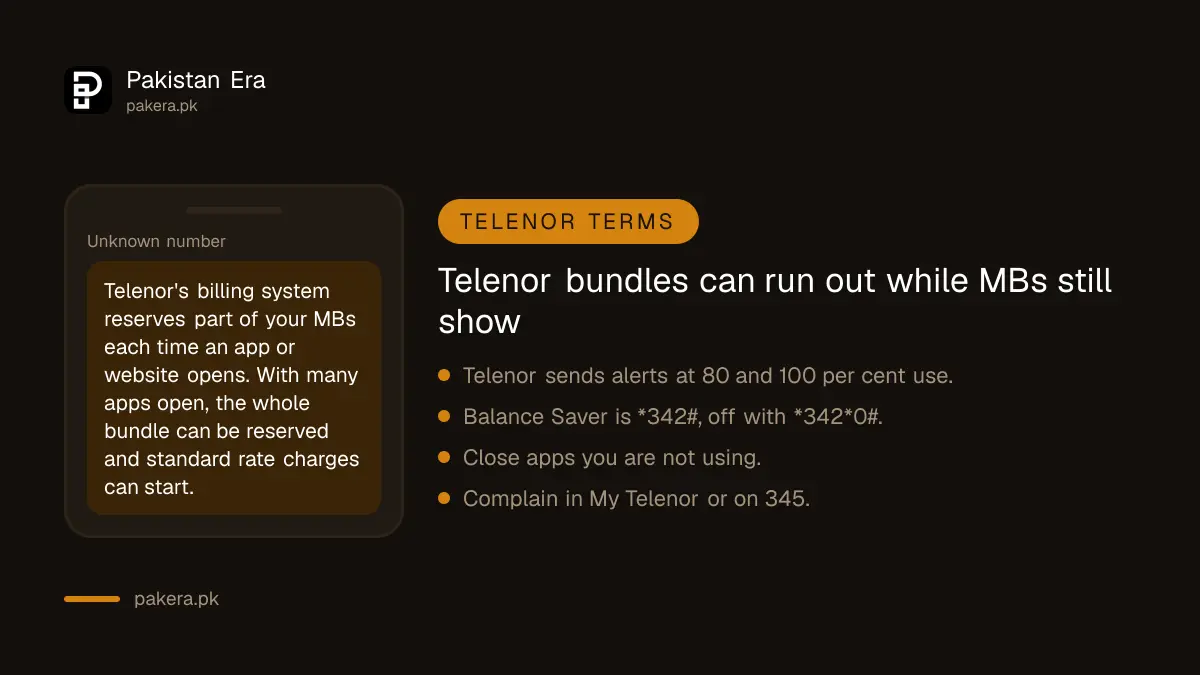
Telenor says it sends an SMS when you have used 80 per cent and 100 per cent of a bundle. When standard rate charging starts, it sends another notice. Do not ignore these messages.
To stop internet eating your balance once a bundle ends, Telenor offers Balance Saver. Dial *342# to turn it on and *342*0# to turn it off. The same code, *342#, is on PTA's list of balance save codes. One thing does not match: the Balance Saver page says the service is free, while Telenor's FAQ says it costs Rs 10. Expect up to Rs 10 until Telenor fixes one of them.
When the check does not work
- Nothing happens after dialling. Check that the SIM in use is the Telenor SIM. On dual SIM phones, the dialler may pick the other network.
- No balance for the check. Each code costs Rs 0.24. With zero balance, use the app on Wi-Fi.
- MBs show but internet does not work. Telenor says to type "Internet" and send it to 131 to get settings.
- Balance deducted, offer not active. Telenor's FAQ says to lodge a complaint in the My Telenor app or call 345.
A safety warning about codes
Only dial codes you typed yourself from a trusted source. A code that contains a phone number and an amount can move money. On Telenor, *1*1* followed by a number and an amount is the balance share code, so a stranger who asks you to dial it is asking for your balance.
Where to complain
Telenor's contact page lists the helpline 345 from a Telenor number and 042-111-345-100 from other phones. It says a call connected to an agent costs Rs 2.69 including tax. Telenor's website also links a WhatsApp chat at 051-111-345-100. Complaints can be lodged in the My Telenor app, and Telenor says you get a complaint number. If Telenor does not fix a wrong deduction, take it to PTA.
Telenor Pakistan has been merged into Pak Telecom Mobile Limited, the company that runs Ufone. News reports say it stopped being a separate company on 1 July 2026. The Telenor name, website and codes were still working on 22 September 2026.
Common questions
What is the code to check remaining Telenor MBs?
Dial *999#. Telenor lists it at Rs 0.24 including tax per check.
How do I check remaining Telenor minutes and SMS?
Dial *222# for minutes and *111# for SMS. Each check costs Rs 0.24 including tax.
Can I check remaining Telenor MBs for free?
Yes. Telenor says the My Telenor app shows balance details for free. You need Wi-Fi or some data to open it.
How do I check data on a Telenor wingle or 4G device?
Put the SIM into a phone and dial *999#, or try the My Telenor app with the device number. The device's own web page also shows usage.
Why does Telenor charge my balance when I still have MBs?
Telenor's terms say open apps can each reserve part of your bundle. When the reserved parts use it all, standard rate charges can start. Balance Saver on *342# stops internet use outside a bundle.
Does the Telenor remaining MBs code work on postpaid?
Yes. Telenor says Balance Inquiry is for both prepaid and postpaid customers. On postpaid, *444# shows billing information instead of a balance.
How we verified this
What we checked, where we read it, and what we could not confirm.
Last checked 22 September 2026. The codes *444#, *111#, *222# and *999# and the Rs 0.24 charge are from Telenor Pakistan's Balance Inquiry page at telenor.com.pk/value-added-services/balance-inquiry, and the Rs 0.20 plus tax figure is from its Bundles Balance FAQ. The *123# code is from a 2022 Telenor Business help page. App features are from telenor.com.pk/my-telenor-app and the My Telenor listing on Google Play. The data reservation terms and the 80 and 100 per cent alerts are from Telenor's Monthly YouTube and Social offer page. Balance Saver codes and the Rs 10 conflict are from Telenor's Balance Saver page and FAQ. The 8 working hour activation of broadband devices is from Telenor's guidelines for buying a SIM on a passport. Helpline numbers and the Rs 2.69 call charge are from Telenor's contact page. The merger date is reported by Developing Telecoms on 2 July 2026; we did not read a PTML filing. We did not dial any code.
About the author

Tax, Bills and Technology Writer
Ali Akhtar is a young and curious voice here at Pakistan Era. He is currently pursuing his A-Levels and has a growing interest in Pakistan’s changing industrial landscape and educational trends. Ali likes to write in a way that helps him explain and explore the world around him. His writing reflects the perspective of the new generation navigating the evolving trends of Pakistan where technology, youth innovation, and shifting opportunities are reshaping the country’s future.