How to Reload Telenor Balance With a Scratch Card in Pakistan
Load a Telenor scratch card in the My Telenor app, as Telenor lists, or with the widely reported *555* code. Checks, fixes and a safety warning.
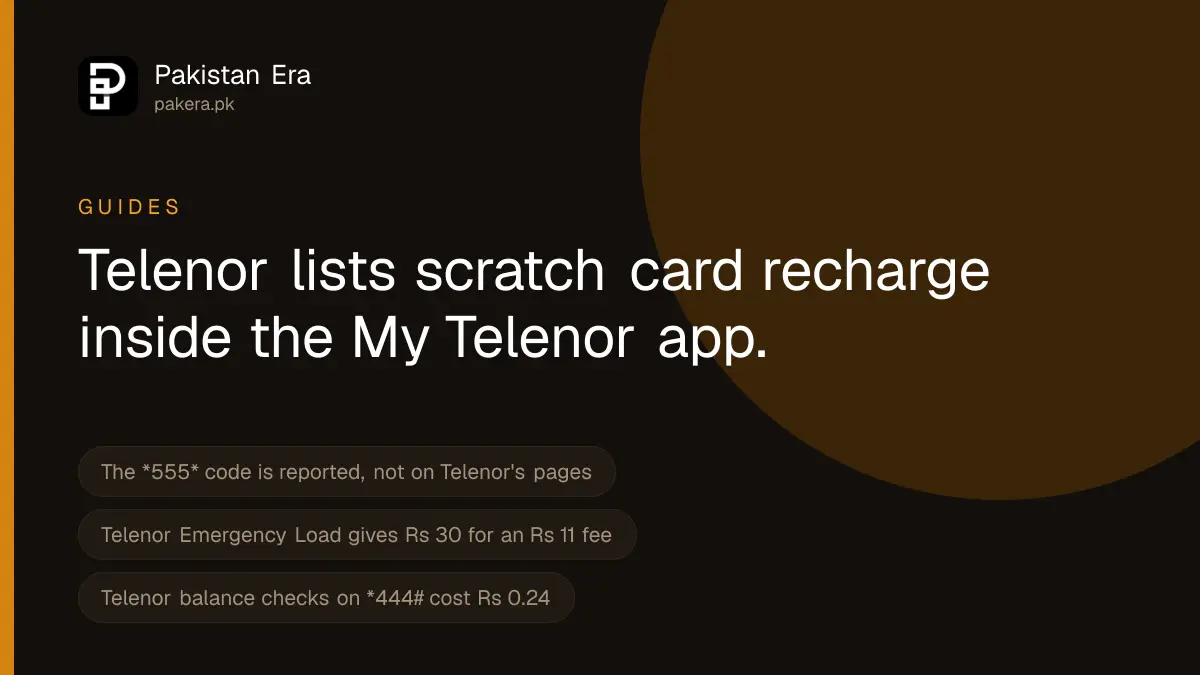
The code widely published for loading a Telenor scratch card is *555*, then the card number, then #. Telenor's own website, which we read on 22 September 2026, does not state this code on any page we could reach. What Telenor does state is that the My Telenor app can recharge your prepaid account by scratch card, so the app is the route we can confirm at source.
We cannot dial a USSD code ourselves, so we have not tested *555*. We report it because many Pakistani sites list it and because Telenor's own recharge pages are silent on it. If it fails, use the app or a digital recharge instead.
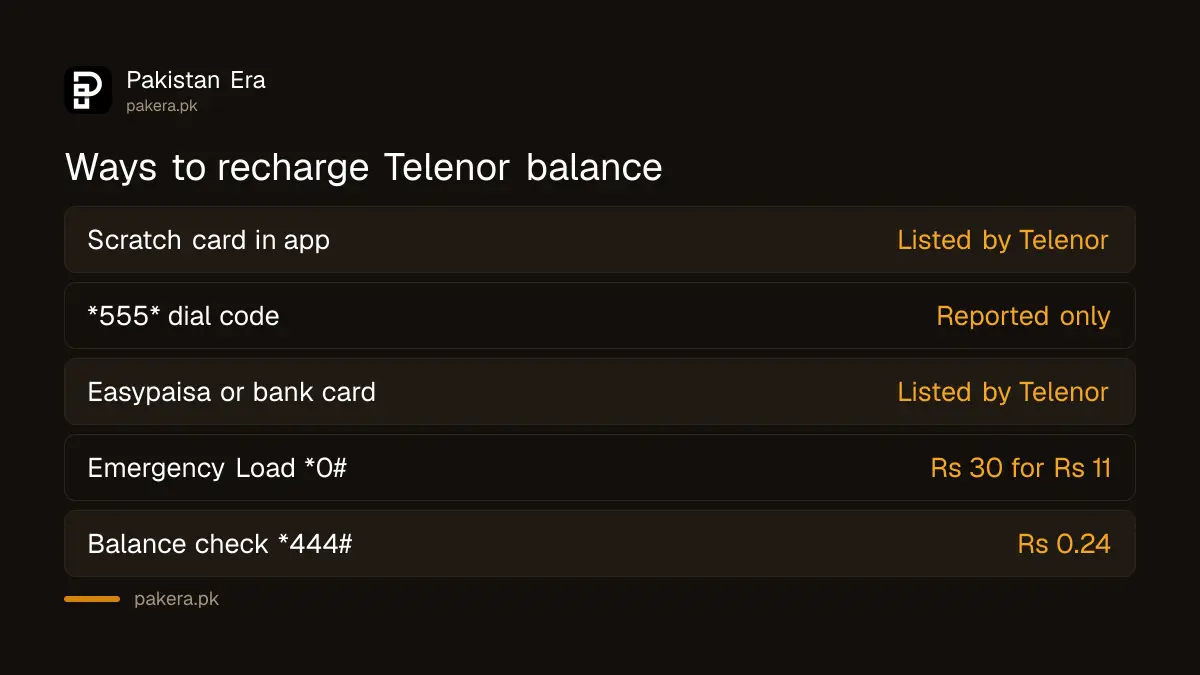
Ways to recharge Telenor balance
| Method | How | Where the method comes from |
|---|---|---|
| Scratch card in the app | My Telenor, recharge, scratch card | Telenor's My Telenor app page |
| Scratch card by code | *555*card number# | Reported by third-party sites, not on Telenor's pages |
| Easypaisa or bank card | My Telenor, recharge | My Telenor Google Play listing |
| Shop easyload | Give the shopkeeper your number | Common practice at any retailer |
| Emergency Load | *0#, Rs 30 advance, Rs 11 fee | Telenor's Emergency Load page |
How to load a scratch card in the My Telenor app
Telenor's app page says you can recharge your prepaid account through scratch card, Easypaisa or credit card inside the app.
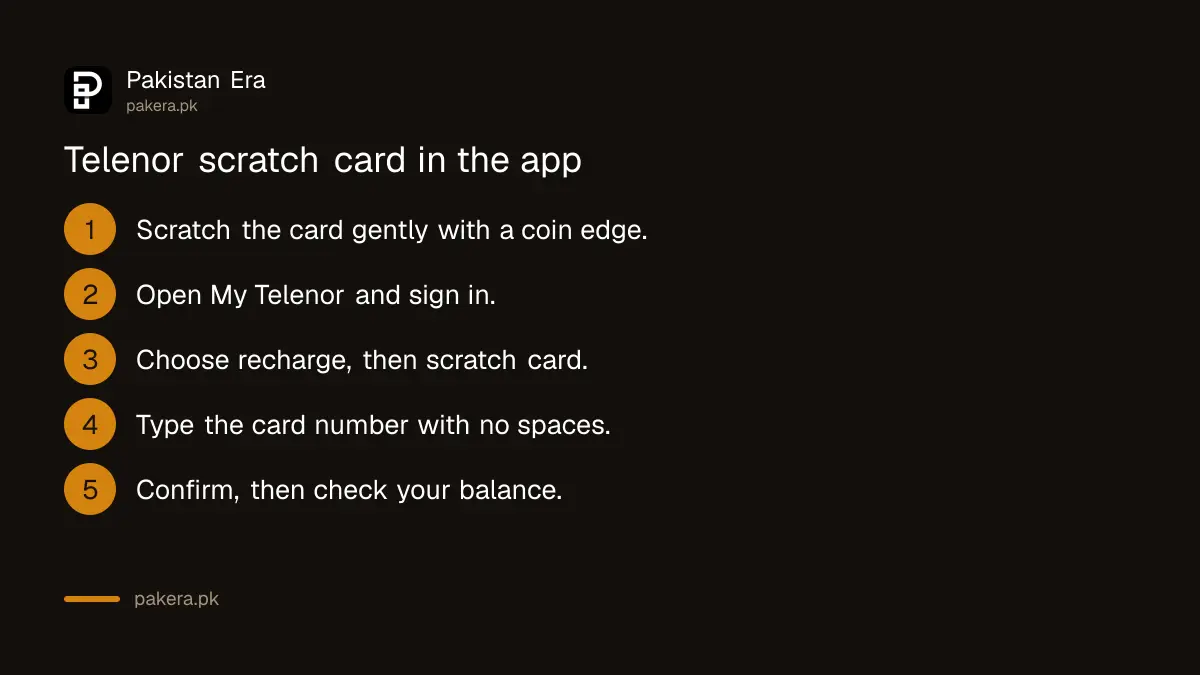
- Scratch the card gently to show the hidden number. Scratch with a coin edge, not a nail, so the digits are not damaged.
- Open My Telenor and sign in with the number you want to recharge.
- Choose recharge and pick the scratch card option.
- Type the card number exactly as printed, with no spaces.
- Confirm, then check the new balance on the app home screen or with *444#.
The app needs internet. If you have none, try the *555* code on the dial pad, or ask a shop to do an easyload instead.
How to load a scratch card by dial code, as reported
- Open the phone dial pad on the phone with your Telenor SIM.
- Type *555*, then the full card number, then #.
- Press call.
- Wait for the confirmation message, then dial *444# to check.
The card is reported as having 14 digits. We could not confirm that on a Telenor page either, so if your card shows a different number of digits, type exactly what is printed. Some websites also say you can call 220 to load a card by voice. That number is not on Telenor's pages we read, so treat it as unconfirmed.
How to confirm the balance arrived
Dial *444#. Telenor's Balance Inquiry page lists it at Rs 0.24 including tax per check. The My Telenor app shows the balance for free, according to Telenor.
Expect less than the card's face value if tax is taken on the recharge. Telenor's own offer pages show this gap: a package priced at Rs 1,739 including tax lists a "load price" of Rs 2,000. So when you buy a card for a package, buy the load price shown on the package page, not the package price.
Your balance should also last. PTA has reportedly told operators that recharged balance must stay valid for at least 180 days.
When a scratch card will not load
- A digit is wrong. Check 0 against 8 and 1 against 7, which are easy to misread after scratching.
- The card was used already. Keep the card and the shop's name. Only the seller can help with a used card.
- The code does nothing. Use the app route above, which Telenor lists.
- The SIM is not Telenor. On a dual SIM phone, make sure the dial pad is using the Telenor SIM.
- Balance loaded, then vanished. A weekly service may be charging you until you unsubscribe from it.
Safety warning
Never read a scratch card number out to a caller, even one who says they are from Telenor. Anyone with the number can load it onto their own SIM. Do not send a photo of the scratched card on WhatsApp. And never dial a code a stranger gives you that contains a phone number and an amount, because that is the Telenor balance share code.
Where to complain
If a valid card did not load, call Telenor's helpline on 345, or 042-111-345-100 from another phone, with the card number ready. Telenor's contact page says a call connected to an agent costs Rs 2.69 including tax. You can also complain in the My Telenor app. If it is not fixed, take it to PTA.
Common questions
What is the Telenor scratch card code?
The code widely reported is *555*card number#. Telenor does not state it on the pages we could read, but it does list scratch card recharge in the My Telenor app.
How many digits are on a Telenor scratch card?
It is reported as 14. Type exactly what is printed on your card.
Can I load a Telenor scratch card without internet?
Yes, by dialling the reported *555* code. The app route needs internet.
Can I recharge Telenor with Easypaisa?
Yes. The My Telenor Google Play listing says you can recharge through a mobile wallet such as Easypaisa or a bank card.
What if I have no balance and no card?
Telenor's Emergency Load on *0# gives Rs 30 of advance balance for a fee of Rs 11, taken at your next recharge.
How we verified this
What we checked, where we read it, and what we could not confirm.
Last checked 22 September 2026. Scratch card, Easypaisa and credit card recharge in the app are from telenor.com.pk/my-telenor-app, and wallet and bank card recharge from the My Telenor listing on Google Play, updated 6 July 2026. Emergency Load terms are from telenor.com.pk/value-added-services/emergency-load. The *444# price is from Telenor's Balance Inquiry page, and the Rs 1,739 package with a Rs 2,000 load price from its Monthly Extreme Pro Max page. We searched telenor.com.pk for "scratch" and "recharge" on 22 September 2026 and found no page stating the *555* code, the 14 digit card length or a 220 recharge line. Those are reported, not verified.
About the author

Tax, Bills and Technology Writer
Ali Akhtar is a young and curious voice here at Pakistan Era. He is currently pursuing his A-Levels and has a growing interest in Pakistan’s changing industrial landscape and educational trends. Ali likes to write in a way that helps him explain and explore the world around him. His writing reflects the perspective of the new generation navigating the evolving trends of Pakistan where technology, youth innovation, and shifting opportunities are reshaping the country’s future.