How to Check Telenor Internet Speed in Pakistan
Test Telenor internet speed with Wi-Fi off, three times a day. Telenor 4G uses 850 MHz and sends settings when you text Internet to 131.
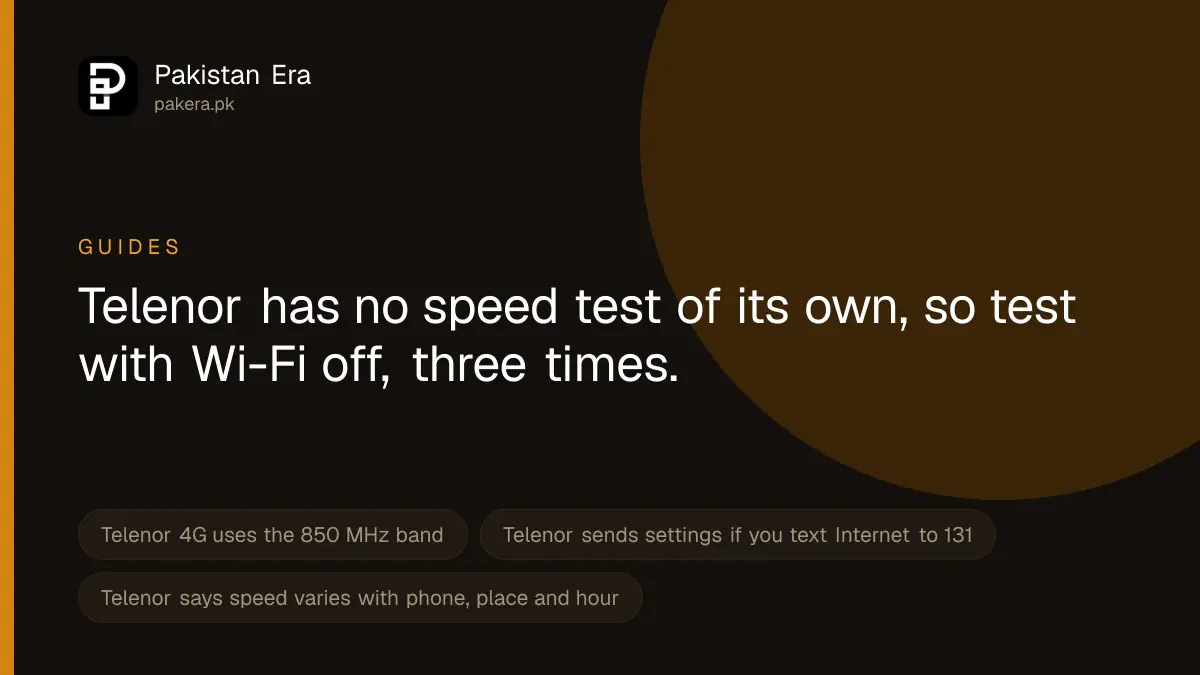
To check your Telenor internet speed, turn off Wi-Fi, keep mobile data on, and run a free test at fast.com or in the Speedtest by Ookla app. Test three times at different hours and write the results down. Telenor has no speed test of its own on telenor.com.pk, but it does publish the things that decide your speed: its 4G uses the 850 MHz band, and it sends internet settings by SMS if you text "Internet" to 131.
We went through Telenor Pakistan's website and sitemap on 22 September 2026 looking for an official speed test. There is a coverage map, a 4G device check and an internet settings page, but no speed tool. So the test itself has to come from an independent site, and the fixes come from Telenor's own pages.
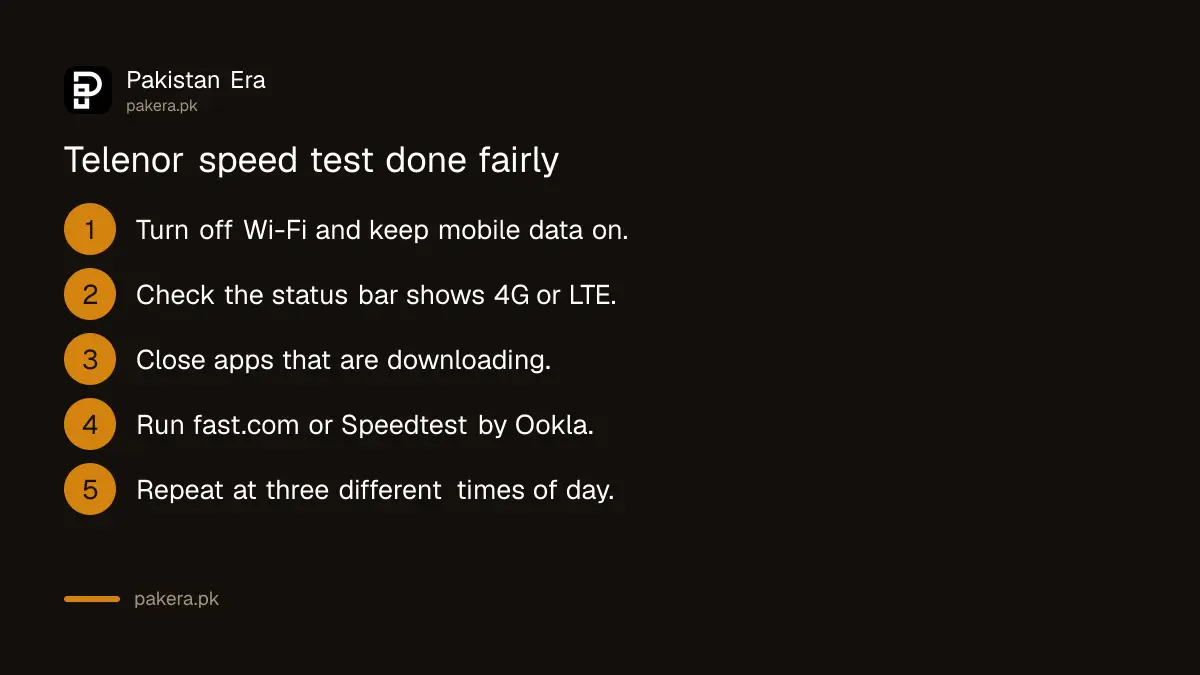
How to run a fair Telenor speed test
- Turn off Wi-Fi. Otherwise you are testing your home line, not Telenor.
- Check the phone is on 4G. Look for 4G or LTE next to the signal bars. If it shows 3G or H+, your speed will be lower.
- Close other apps. Downloads and video in the background use part of the speed.
- Open fast.com in your browser, or install Speedtest by Ookla. Both are free. Fast.com loaded for us on 22 September 2026.
- Run the test and note three numbers: download speed, upload speed and ping.
- Repeat twice more, for example in the morning, the evening and late at night, in the same place.
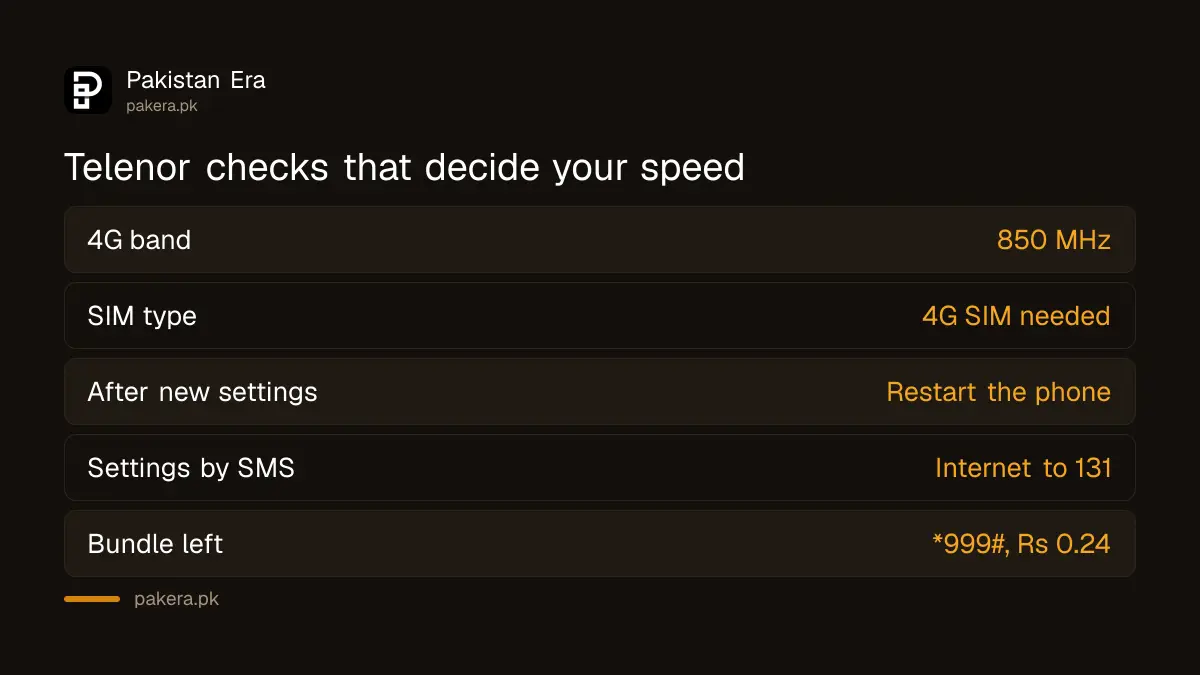
A speed test uses data. Run it with a bundle active, and check what you have left afterwards with *999#, which Telenor lists at Rs 0.24 including tax.
What the numbers mean
| Result | What it measures | What it affects |
|---|---|---|
| Download (Mbps) | How fast data reaches your phone | Video, browsing, app downloads |
| Upload (Mbps) | How fast your phone sends data | Sending photos, video calls, backups |
| Ping (ms) | How long a signal takes to go and come back | Games, calls, anything live |
| Signal type | 4G, 3G or 2G on your status bar | The ceiling on all of the above |
Higher download and upload are better. Lower ping is better. One slow result means little. Three slow results at different times in the same place tell you there is a real problem.
What Telenor says affects your speed
Telenor's own offer terms say data speed will vary depending on many factors, such as the phone, the type of sites you open, busy hours, the network and your location. So Telenor does not promise a set speed. Four things you can check yourself:
- Your phone must support 850 MHz. Telenor's 4G Device Check page says Telenor 4G runs on the 850 MHz band and lets you search your phone model. A phone without that band may never show 4G on Telenor.
- Your SIM must be a 4G SIM. An old 3G SIM may hold you back. Telenor has a 4G SIM check on its website, and a franchise can replace the SIM.
- Your settings must be right. Telenor's FAQ says to type "Internet" and send it to 131 to receive settings. Its internet settings page also offers personal settings if you log in. The manual table on that page is for MMS, so do not copy it into your internet settings.
- Your bundle must be active. If a bundle has run out, the problem may be data, not speed. Check with *999#.
How to fix slow Telenor internet
- Restart the phone or turn airplane mode on and off. This makes the phone look for the best tower again.
- Set the network mode to 4G, LTE or automatic in your phone's mobile network settings.
- Get fresh settings by sending "Internet" to 131, then restart the phone.
- Move closer to a window or step outside. Thick walls and basements cut the signal.
- Test at another time. If it is only slow in the evening, the tower is busy at that hour.
- Try the SIM in another phone. Telenor's SIM error FAQ says to try another handset first, then visit a franchise.
Safety warning
Do not install "speed booster" apps or VPNs that promise faster Telenor internet. They cannot change the tower you connect to, and some collect your data or show adverts that subscribe you to paid services. Stick to fast.com, Speedtest by Ookla or the speed shown in your phone's own settings. Never give an app your SIM PIN or a one time code to "boost" your connection.
Where to complain about slow speed
Take your three test results to Telenor. Call 345 from your Telenor number or 042-111-345-100 from another phone, or file a complaint in the My Telenor app. Telenor's contact page says a call connected to an agent costs Rs 2.69 including tax. Give the place, the times and the speeds you measured, and ask for a complaint number. If Telenor does not fix it, you can complain to PTA about poor service.
Telenor Pakistan has been merged into the company that runs Ufone, with news reports putting the legal merger on 1 July 2026. Telenor says nothing on its site about network changes from the merger, so we do not claim any.
Common questions
How can I check my Telenor internet speed?
Turn off Wi-Fi, keep mobile data on, and run a test at fast.com or in Speedtest by Ookla. Repeat it at three different times.
Does Telenor have its own speed test?
We found none on telenor.com.pk on 22 September 2026. Telenor has a coverage map and a 4G device check, but no speed tool.
Which band does Telenor 4G use?
Telenor's 4G Device Check page says 850 MHz.
How do I get Telenor internet settings?
Telenor's FAQ says to type "Internet" and send it to 131. Telenor then sends the settings to your phone.
Does a speed test use my Telenor MBs?
Yes. Each test downloads and uploads data, so run it with a bundle active.
How we verified this
What we checked, where we read it, and what we could not confirm.
Last checked 22 September 2026. The 850 MHz band is from telenor.com.pk/4g-device-check. The SMS to 131 is from Telenor's Prepaid General Query FAQ. The manual settings table on telenor.com.pk/internet-settings covers MMS only, and we could not read an internet APN from it, so we give none. The statement that speed varies by phone, site, busy hours, network and location is from the terms on Telenor's Monthly YouTube and Social offer page. The try another handset advice is from Telenor's Sim Errors FAQ, the *999# price from its Balance Inquiry page and helpline charges from its contact page. We searched Telenor's sitemap for a speed test and found none. Fast.com answered our request on 22 September 2026. We did not run a speed test on a Telenor SIM, so we give no Telenor speed figures.
About the author

Tax, Bills and Technology Writer
Ali Akhtar is a young and curious voice here at Pakistan Era. He is currently pursuing his A-Levels and has a growing interest in Pakistan’s changing industrial landscape and educational trends. Ali likes to write in a way that helps him explain and explore the world around him. His writing reflects the perspective of the new generation navigating the evolving trends of Pakistan where technology, youth innovation, and shifting opportunities are reshaping the country’s future.