Copilot on Windows 11 in Pakistan: Every Shortcut, Urdu Voice and How to Uninstall
Open Copilot on Windows 11 with Windows key + C or the Copilot key, use Urdu voice chats, or uninstall it from Settings. Every step for Pakistani PC users.
To open Copilot on Windows 11, press the Copilot key or Windows key + C, click the Copilot icon on the taskbar, or say "Hey, Copilot" once you switch the wake word on. If Copilot is missing, install it free from the Microsoft Store; if you do not want it, uninstall it from Settings, Apps, Installed apps, like any other app.
Microsoft Copilot is the AI assistant built into new Windows PCs. We read Microsoft's support pages on Copilot for Windows, its supported languages, and app removal on 1 November 2026. Below is every way to open it, what a Microsoft account unlocks, the Urdu voice detail most Pakistani users miss, and how to remove it.
Five shortcuts open Copilot on a Windows PC
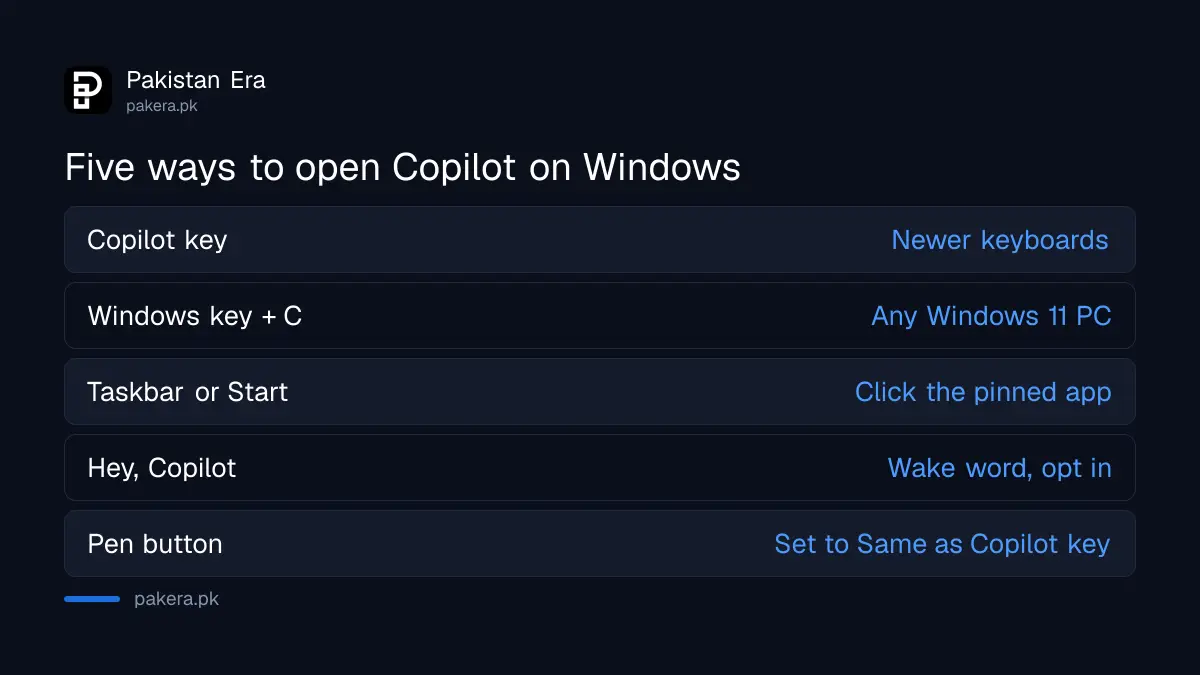
Microsoft lists five ways in: the Copilot key on newer keyboards, Windows key + C, the pinned taskbar or Start menu icon, the opt-in "Hey, Copilot" wake word, and the pen button on supported touch laptops. The keyboard shortcut is the fastest on most Pakistani laptops.
| Method | How |
|---|---|
| Copilot key | Press the dedicated Copilot key on newer keyboards |
| Keyboard shortcut | Windows key + C |
| Taskbar or Start | Click the pinned Copilot app |
| Wake word | Say "Hey, Copilot" after turning it on |
| Pen button | Settings, Bluetooth and devices, Pen and Windows Ink, set to Same as Copilot key |
You can choose what the shortcut opens. In the Copilot app, go to Account, Settings, Copilot Keyboard Shortcuts, and pick the full app or a smaller quick view. The quick view is handy for a one-line question while you work in Excel or Word.
Copilot is free from the Microsoft Store if your PC does not have it
New Windows 11 PCs usually come with the Copilot app pinned to the taskbar or Start menu. If yours does not, get the free Microsoft Copilot app from the Microsoft Store. Signing in with a personal Microsoft account unlocks chat history, image creation, voice and longer chats.
Microsoft's page says you can sign in with a personal Microsoft account or a work or school account. Microsoft ties the extras listed above to a signed-in personal account, so sign in before you judge what Copilot can do. A free Outlook or Hotmail address counts as a personal Microsoft account.
Older PCs running Windows 10 lose free security updates on their own schedule, and Copilot does not change that; our explainer on Windows 10 free security updates covers the timeline. On a PC that may not meet Windows 11's rules, run the PC Health Check for Windows 11 before planning an upgrade around Copilot.
Urdu works for Copilot voice chats, not officially for typed chats
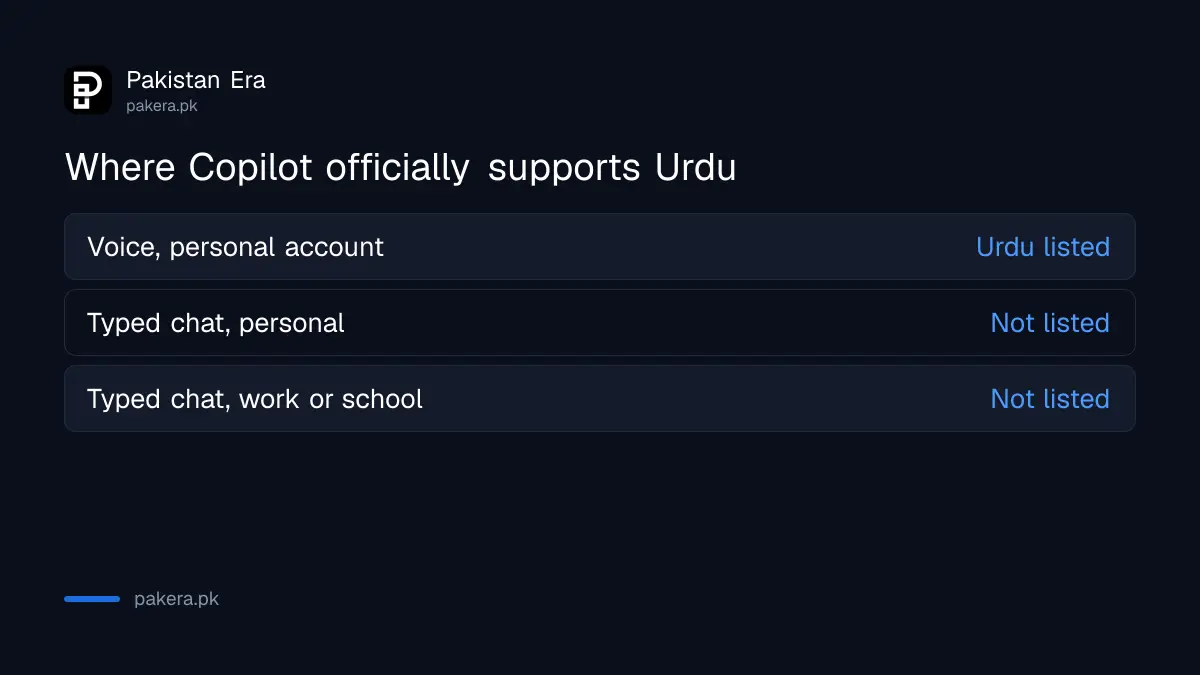
Microsoft's language page lists Urdu, Pashto and Punjabi as supported spoken languages for Copilot voice with a personal account. Urdu is not on the supported list for typed prompts and replies, though Hindi is. So voice is the official route for Urdu speakers.
| Copilot mode | Urdu listed? | Other Pakistani languages |
|---|---|---|
| Voice, personal account | Yes | Pashto and Punjabi also listed |
| Typed chat, personal account | No | Hindi and Arabic listed |
| Typed chat, work or school | No | Arabic listed |
Not listed does not mean it refuses to reply in Urdu script. It means Microsoft does not promise quality there. For long Urdu writing, compare assistants first; our test of the best AI for Urdu shows which ones handle the script well.
Microsoft says Copilot is available in more than 170 markets. The only exceptions it names are mainland China and embargoed markets, and Pakistan is not among them.
Copilot can read your files and see your screen if you allow it
Copilot on Windows can search and answer questions about files such as Word, Excel, PowerPoint, PDF and text files, take screenshots, and use Copilot Vision to look at an open app or browser window and guide you step by step. You control file access in its settings.
- File search: works with .docx, .xlsx, .pptx, .txt, .pdf and .json files. Turn it on or off under Account, Settings, File Search and File Read.
- Screenshots: select the + button in the message box, then Take a Screenshot.
- Copilot Vision: lets Copilot see an open window and help with what is on it.
- Links: open in a side pane, and Copilot uses your tabs only with your permission.
Be careful with Vision on a shared office PC. If a bank portal or salary sheet is open, Copilot can see it. Close sensitive windows before you ask it to look.
You can uninstall Copilot like any other Windows app
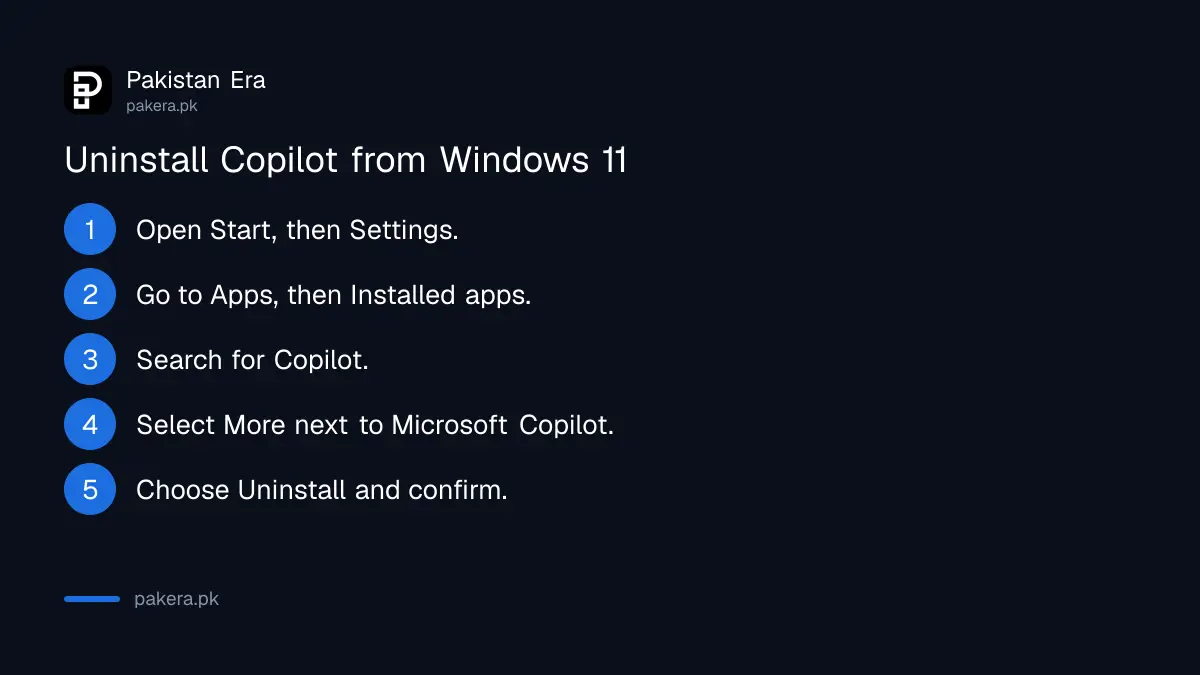
Microsoft's app removal steps work for Copilot: open Start, Settings, Apps, Installed apps, find Microsoft Copilot, select the More button (three dots) and choose Uninstall. You can also right-click Copilot in the Start menu's All apps list and select Uninstall.
- Open Start and select Settings.
- Go to Apps, then Installed apps.
- Type Copilot in the search box.
- Select the More button (three dots) next to Microsoft Copilot.
- Choose Uninstall and confirm.
If you change your mind, the Microsoft Store has it again for free. On office PCs managed by an IT team, the option may be greyed out, and the admin decides. Removing the app does not affect other Windows features, and if your laptop then feels slow for other reasons, the fixes to speed up a slow Windows PC are a better place to start.
Common questions
Is Copilot free on Windows 11 in Pakistan?
Yes, the Microsoft Copilot app is a free download from the Microsoft Store, and Microsoft does not name Pakistan as an excluded market.
What is the shortcut for Copilot?
Windows key + C, or the Copilot key on newer keyboards. You can set the shortcut to open the full app or a quick view.
Can I talk to Copilot in Urdu?
Yes, for voice. Microsoft lists Urdu as a supported spoken language for Copilot voice with a personal Microsoft account.
Do I need a Microsoft account for Copilot?
You can sign in with a personal or a work or school account, and a personal Microsoft account unlocks chat history, image creation, voice and longer conversations.
Does uninstalling Copilot harm Windows?
No. It is removed like any other app and can be installed again from the Microsoft Store.
How we verified this
What we checked, where we read it, and what we could not confirm.
We read Microsoft's Copilot on Windows support page on 1 November 2026 for the shortcuts, account features, file search and Vision, the Copilot supported languages page for the Urdu voice entry and the 170 market statement, and Microsoft's page on uninstalling Windows apps for the removal steps. Microsoft's Copilot page does not give hardware minimums or a price for its paid tier, and we did not test Urdu voice ourselves.
About the author

Technology Journalist & Multimedia Producer
Ahmad Ali is a technology journalist and multimedia producer at Pakistan Era, joining the team in October 2026. He covers consumer technology and digital life for Pakistani readers, combining research with hands-on product testing.