How to Find a Company's Announcements, Notices and Payouts on the PSX Data Portal
Find a listed company's announcements, CDC, SECP and PSX notices and payouts on the PSX data portal. We went through its menus and forms on 22 October 2026.
Short answer: Open dps.psx.com.pk and go to the Announcements menu. Choose a type (Companies Announcements, CDC, SECP, NCCPL or PSX notices), type the company symbol, pick a month and year, and press Search. For dividends, use the separate Payouts page and search the symbol there.
A share you own drops 5 per cent and nobody tells you why. Or a dividend you expected has not reached your account. The company has usually told the exchange already, and the notice sits on the Pakistan Stock Exchange (PSX) data portal. We went through the portal's menus and search forms on 22 October 2026. This is what each part is for.
The Announcements menu holds five notice types in one search form
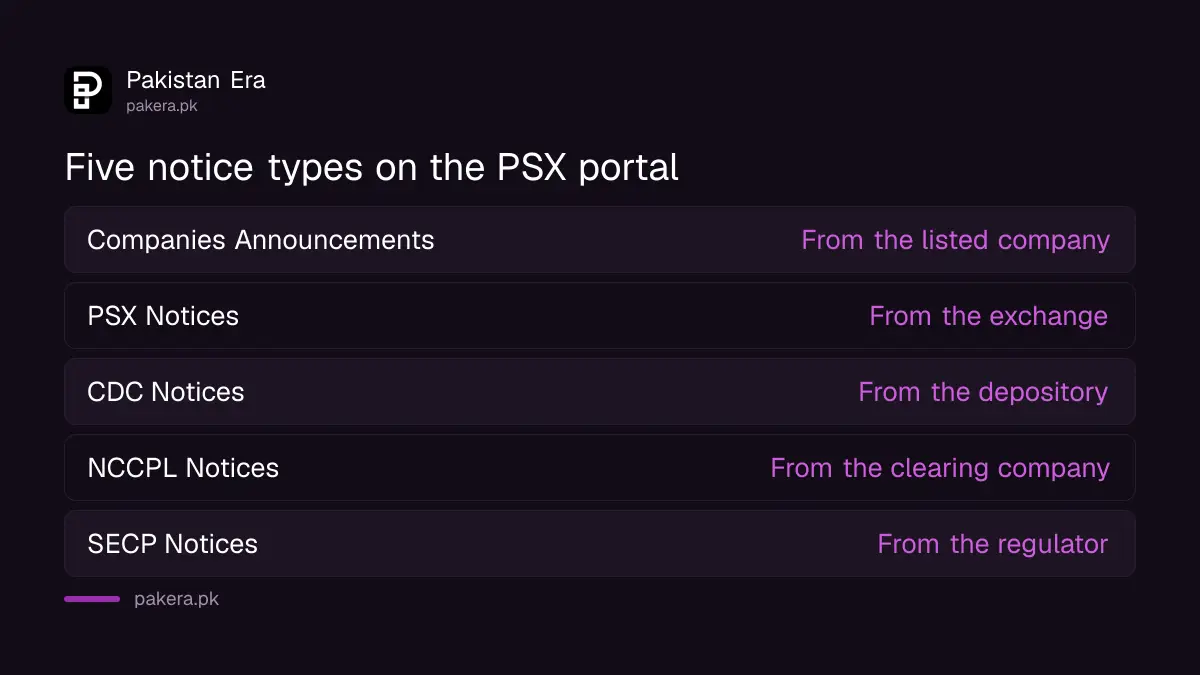
The Announcements page has a type dropdown with five options: CDC Notices, SECP Notices, Companies Announcements, NCCPL Notices and PSX Notices. Companies Announcements is the default. Below it are boxes for a keyword, a company symbol, a month and a year, with Search and Clear buttons.
| Type in the dropdown | Who issues it | Use it to find |
|---|---|---|
| Companies Announcements | The listed company | Results, dividends, board meetings, changes in directors |
| PSX Notices | The exchange | Trading rules, holidays, changes to the system |
| CDC Notices | Central Depository Company | Notices about share accounts and deposits |
| NCCPL Notices | National Clearing Company of Pakistan | Notices about settlement of trades |
| SECP Notices | Securities and Exchange Commission of Pakistan | Notices from the regulator |
The "Use it to find" column is our plain description of each issuer's job, not a list taken from the portal. The page itself shows only the type names and the search boxes.
Search by company symbol and month to cut the noise
Companies announce often, so an open search is long. Type the company symbol, such as UBL or HUBC, choose the month and year, and press Search. The portal's own script asks for 50 results at a time. Use the keyword box for a word such as "dividend" or "board".
The results load on the page after you press Search. When we read the page without a browser, the results area showed only a loading spinner, so we could not read live announcements, and this guide does not quote any. Open the page in a normal browser to see them.
Payouts has its own page with a company search
The Announcements menu also lists Payouts. Its page has a company symbol box with Search and Clear buttons. Use it when you want to know what a company paid or plans to pay, and the dates that matter for it. If your dividend has not arrived, start here.
The steps for a missing payment are in the guide to claiming a dividend you did not receive. To see which of the big dividend payers carry an XD tag on a given day, read the list of PSX Dividend 20 companies.
The menu also has a calendar, briefing sessions and reports
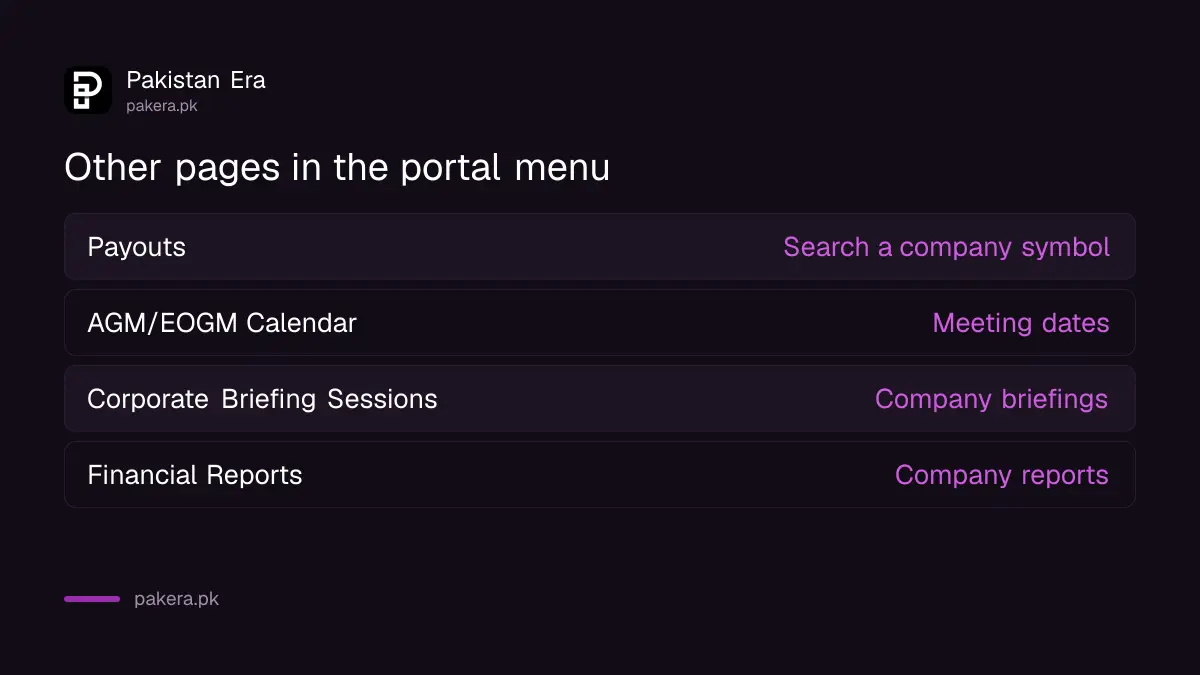
Under Announcements the portal also lists Corporate Briefing Sessions (CBS), AGM/EOGM Calendar and GIS Auction Results. Under Reports it lists Downloads, Financial Reports, Analysis Reports and ND Verification. The AGM/EOGM calendar covers annual and extraordinary general meetings. Financial Reports is the page for company reports.
We found that some of these pages did not open at the web address we guessed. Our attempts at the Historical Data, Listing Status and AGM/EOGM calendar addresses returned a "Not Found" page. Use the menu links instead of typing an address, because the portal changes its paths.
A notice is a fact from the company, not advice
An announcement tells you what the company or body says. It does not tell you what the price will do. Read the notice itself, check its date and symbol, and compare it with what your broker or a friend tells you. A company's own notice beats a message you were forwarded.
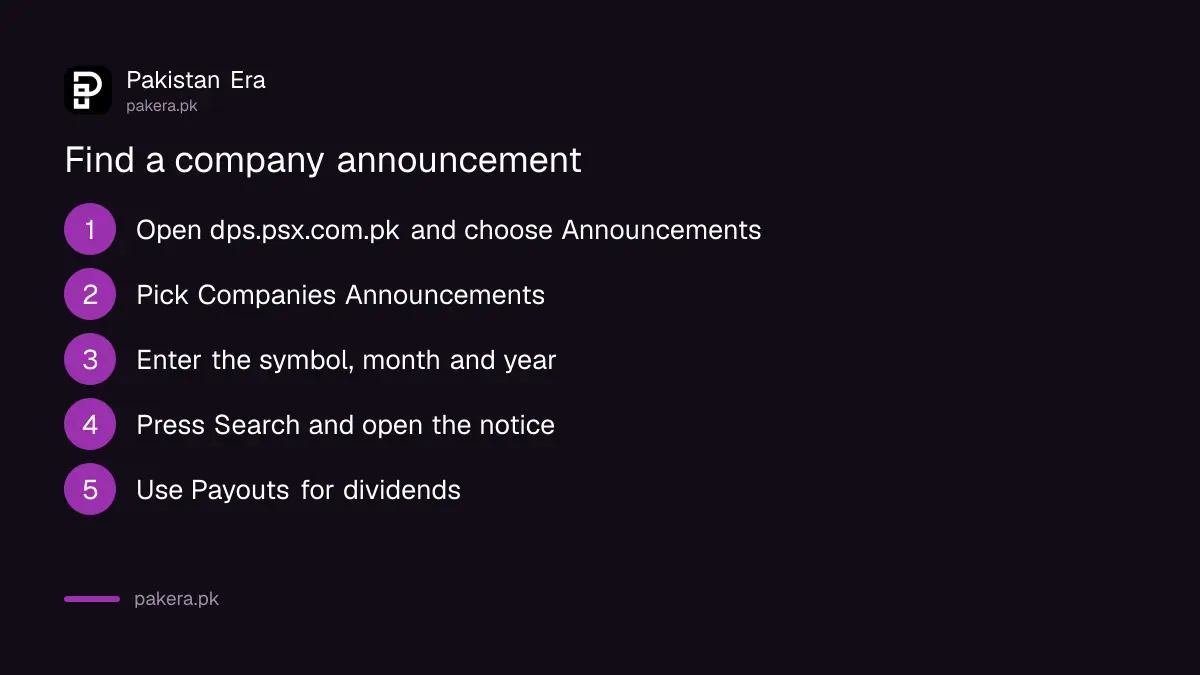
- Open dps.psx.com.pk and choose Announcements from the menu.
- Pick Companies Announcements, or another type from the dropdown.
- Enter the company symbol and choose a month and year.
- Press Search and open the notice that matches your question.
- For dividends, repeat the search on the Payouts page.
Also confirm your broker is licensed before you act on any notice. See how to check a stockbroker's PSX licence.
Common questions about PSX announcements
Where do I find a company's announcements on PSX?
On dps.psx.com.pk, under the Announcements menu. Choose Companies Announcements and enter the symbol.
What are the five notice types?
CDC Notices, SECP Notices, Companies Announcements, NCCPL Notices and PSX Notices.
Where do I check a dividend?
Use the Payouts page in the same menu and search the company symbol.
Is the PSX data portal free?
Yes. We opened the pages without a login.
Why does the results area show a spinner?
The results load by script after you press Search. A plain page fetch shows only the spinner, but a normal browser shows the list.
Can I find the AGM calendar?
Yes, the menu lists an AGM/EOGM Calendar. Use the menu link, not a typed address.
How we verified this
What we checked, where we read it, and what we could not confirm.
Last checked 22 October 2026. The menu names, the five notice types, the search boxes and the 50 results per request come from the Announcements page of the PSX data portal and the portal's page script, which we read on 22 October 2026. We could not load the results lists without a browser, so we did not read any announcement. The issuer descriptions in the table are ours. This is not investment advice.
About the author

Senior Writer, Public Services and Technology
Shahid joined us in 2024 as an author. He is a senior contributor to Pakistan's leading technology websites. He writes detailed articles, mostly covering his expertise in the latest tech, mobiles, apps, gadgets, and step-by-step guides. His ideology is to help people understand the latest trends and explain complex methods through very easy-to-understand guides.