How to Generate KP E-Stamp Challan 32-A Online in Khyber Pakhtunkhwa: 10 Steps, Then Pay at the Bank
Generate e-stamp Challan 32-A online in Khyber Pakhtunkhwa: applicant, deed, seller, purchaser and valuation steps, the Rs 1,001 rule and how to fix mistakes.
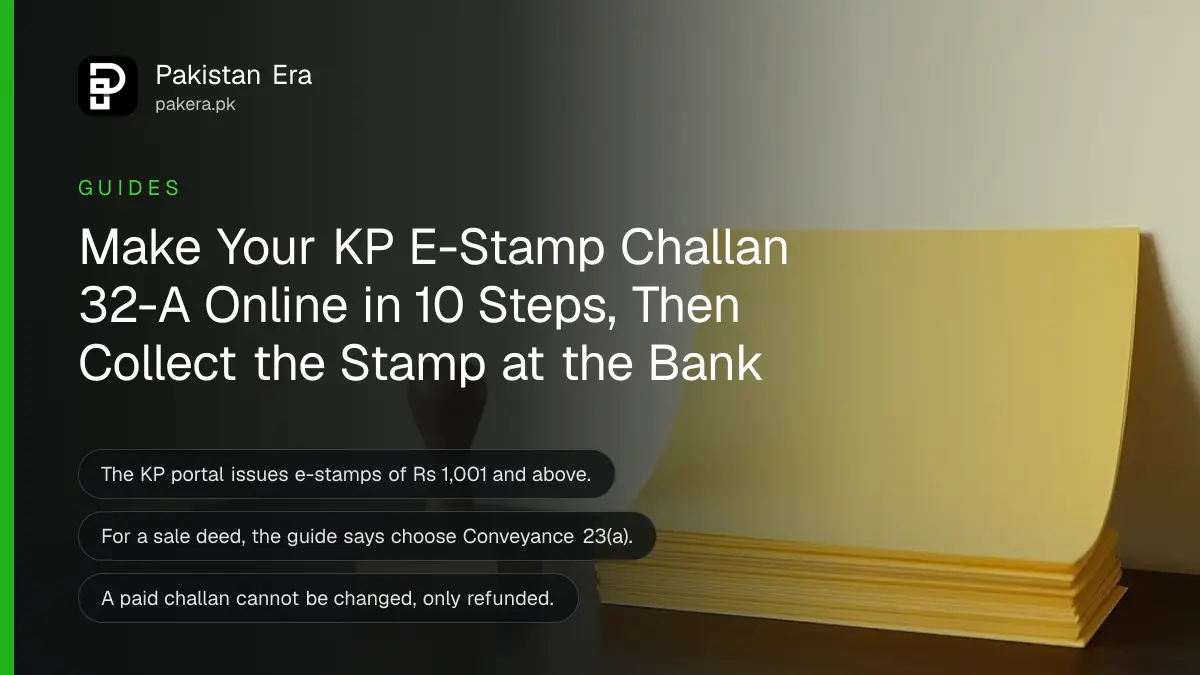
To get an e-stamp paper in Khyber Pakhtunkhwa, generate Challan Form 32-A on estamping.kp.gov.pk: enter your district, name, CNIC and phone, pick the tehsil, stamp type and deed, add the seller and purchaser, enter the property value, let the portal check it against the valuation rate, then print the challan and pay it at a designated bank branch. The bank prints the e-stamp certificate on the spot. The portal handles stamps of Rs 1,001 and above.
The steps below follow the Board of Revenue's non-judicial e-stamping user guide and the live portal, both read on 15 November 2026. Keep the 16 digit challan number the portal gives you; you need it for every later step.
The KP e-stamp portal is for stamps of Rs 1,001 and above
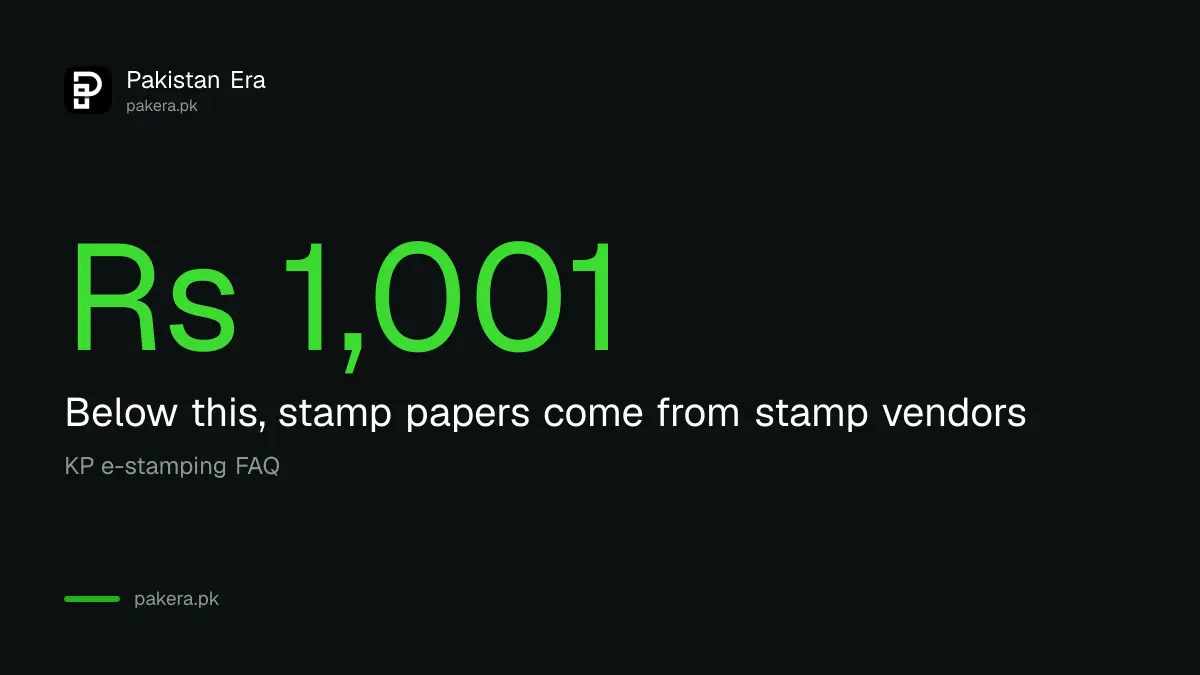
The portal's FAQ says e-stamping covers non-judicial and judicial stamps of Rs 1,001 and above. Stamp papers below Rs 1,001 are not issued through the system; you buy those from stamp vendors.
| Stamp value | Where you get it |
|---|---|
| Rs 1,001 and above, non-judicial (sale deed, gift, lease, agreement) | Challan 32-A on estamping.kp.gov.pk, paid at a designated bank branch |
| Rs 1,001 and above, judicial (court fee and court papers) | The same portal, choosing Judicial as the stamp type |
| Below Rs 1,001 | Stamp vendors, not the e-stamping system |
The e-stamp is printed on a legal size yellow security paper. Once a Sub-Registrar or another office uses it, the database marks it with a red strike so the same stamp cannot be used again.
How to generate KP Challan 32-A online, step by step
The form moves through five sections: basic information, deed details, property valuation, structure value and confirmation. A progress bar at the top shows which ones are done. Have every party's CNIC and the property details ready before you start.
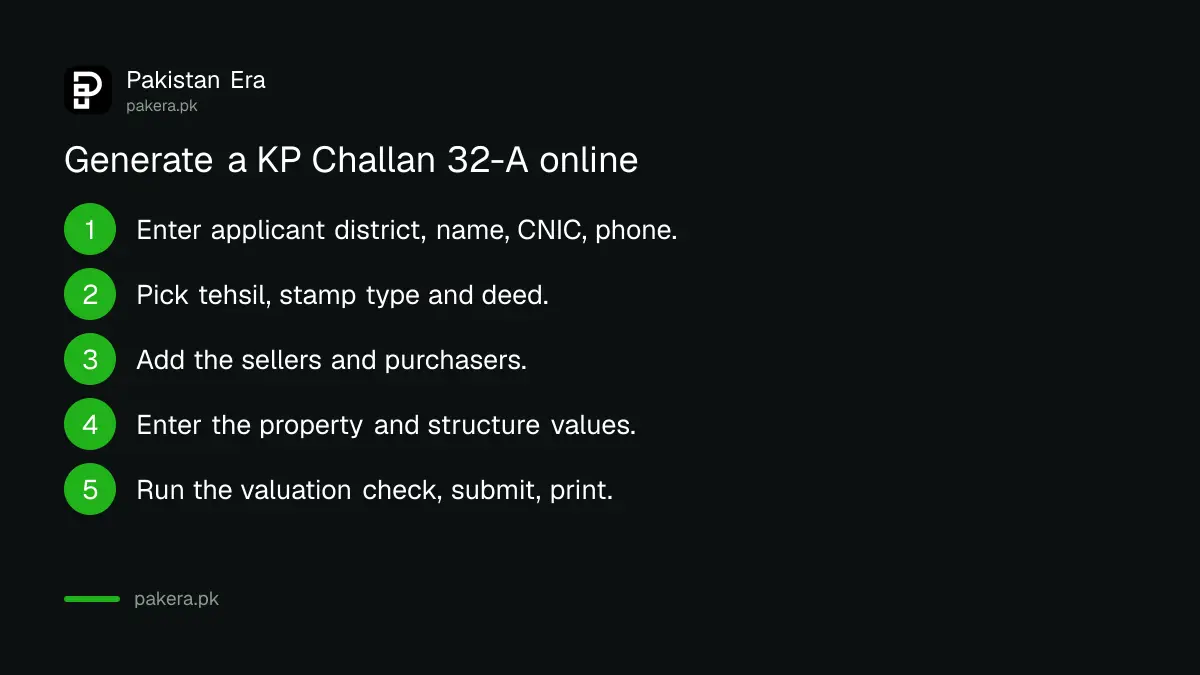
- Open estamping.kp.gov.pk and tap Challan Form No. 32-A.
- Enter the applicant's district, name, CNIC and contact number. If there is no separate applicant, enter your own details.
- Accept the disclaimer that the details match the CNICs.
- Select the tehsil, the stamp paper type (judicial or non-judicial) and the deed name. For a sale deed, choose Conveyance 23(a).
- Choose who pays the challan: the seller or the purchaser.
- Add each seller: name, CNIC, phone, email, relation (son of, wife of and so on) and address. Tick the one whose name should print on the challan, and tick the power of attorney box if that seller acts under one.
- Add each purchaser the same way.
- Enter the property address, the land value and the value of any construction. The portal adds them up.
- Fill in the valuation section: urban or rural, district, tehsil, town, revenue circle, land classification, location and land area. Tap Calculate.
- Review the summary and tap Submit. Print the challan.
For a company as seller or purchaser, the form asks for the company name, NTN and address instead of a CNIC. Any number of sellers or purchasers can be added; only the ticked one prints, and the portal adds "and others" for the rest.
The portal checks your price against the DC rate
The valuation step compares the value you typed with the DC valuation rate built into the system. If your value is lower, the portal shows a confirmation message, and the guide says the duty is then worked out on what it calls the floating rate. You can stop there or continue.
If the portal finds no valuation record for the area you chose, the Next button stays disabled and the challan cannot be made for that row. Recheck urban or rural and the revenue names. You can test an area first on the portal's Valuation Calculator. Federal taxes on a sale use a separate list, explained in DC rate versus FBR value.
- Book icon: on the challan screen it shows how stamp duty is worked out for each deed type.
- Deed help: a pop-up list helps you pick the correct deed name.
- Continuation sheets: for long deeds, the Additional Continuation Sheets tile makes a challan for extra sheets.
Print, pay and collect the KP e-stamp
The printed challan has two copies, one for the bank and one for you, each with a QR code holding the 16 digit challan number. Take it to a designated bank branch, pay the duty, and the branch prints the e-stamp certificate there and then.
The challan number is unique and in hexadecimal, so it mixes digits and letters. Note it carefully. The Re-Print Challan tile finds it again, but it reprints only unpaid challans, and an expired challan cannot be reprinted.
The portal lists 114 Bank of Khyber branches under Help; ask at the counter that the branch issues e-stamps. A property sale then moves on to the registry at the Sub-Registrar, and the mutation in KP land record.
Mistakes on a KP challan and how to fix them
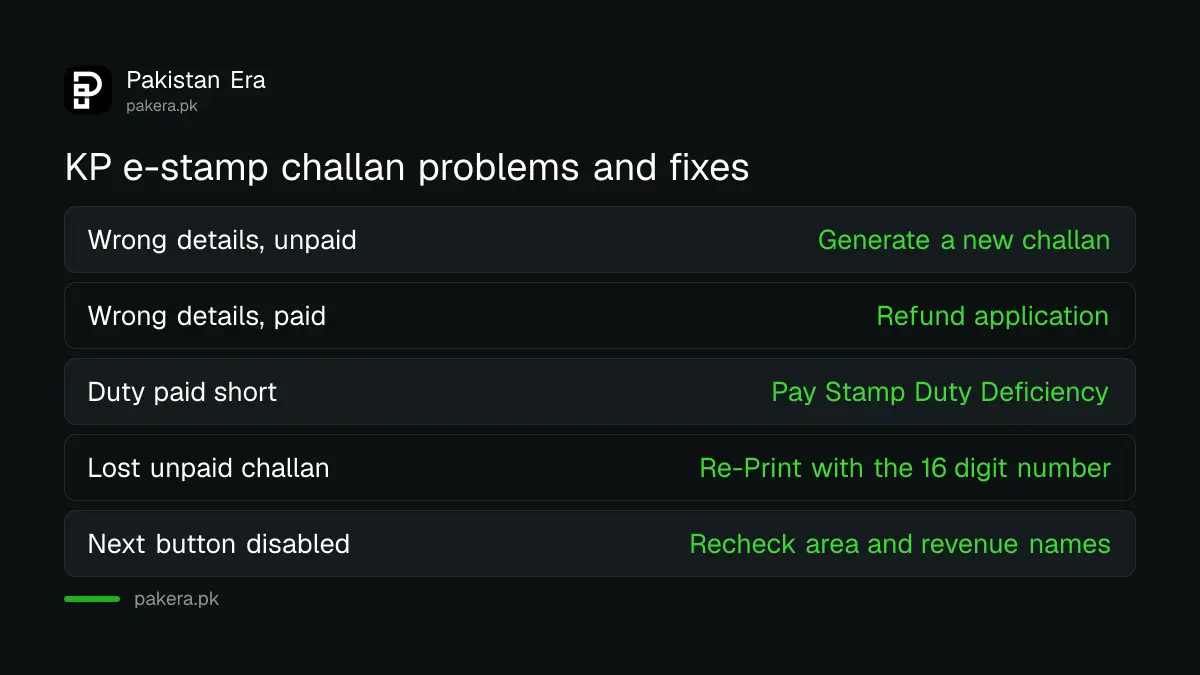
An unpaid challan can be replaced: just generate a new one with the right details. Once a challan is paid, nothing on it can be changed. The FAQ says you then apply for a refund under the Stamp Act 1899 and the Stamp Rules.
| Problem | Fix |
|---|---|
| Wrong name or CNIC, challan unpaid | Generate a new challan |
| Wrong details, challan paid | Refund application under the Stamp Act and Stamp Rules, through Generate Refund Application |
| Stamp duty paid short | Pay Stamp Duty Deficiency with the stamp number |
| Lost the challan, unpaid | Re-Print Challan with the 16 digit number |
| No rate found, Next disabled | Recheck urban or rural, tehsil and revenue circle |
Deficiency can also be paid on old paper stamp papers and old registries, not only on e-stamps, the FAQ says. Only the applicant information can be updated in that case.
Taxes on the sale itself, separate from stamp duty, are covered in property tax on sale and purchase; how Punjab handles the same form is in checking a Punjab e-stamp.
Common questions
What is Challan Form 32-A in KP?
The form used to pay stamp duty in Khyber Pakhtunkhwa. You generate it online on estamping.kp.gov.pk and pay it at a designated bank branch.
Can I get an e-stamp below Rs 1,001 in KP?
Not through the e-stamping system. The FAQ says stamp papers below Rs 1,001 come from stamp vendors.
Which deed do I choose for a property sale?
Conveyance 23(a). The user guide says to use conveyance for a sale deed.
Can I change a challan after paying it?
No. A paid challan cannot be changed; you apply for a refund under the Stamp Act 1899 and the Stamp Rules.
Why will the portal not let me go past the valuation step?
No valuation record was found for the area you chose. Check urban or rural, the tehsil, town and revenue circle.
How do I check the e-stamp after the bank prints it?
Use E-Verify on the portal with the stamp number, or send eStampKP followed by the 16 digit number to 8100.
How we verified this
What we checked and where we read it.
We read the KP e-stamping portal on 15 November 2026: the home page tiles, the applicant form and disclaimer, and the FAQ page (Rs 1,001 threshold, stamp vendors below it, deficiency on old stamp papers and registries, refund for paid challans, multiple parties and "and others", SMS check to 8100). We also read the Board of Revenue's non-judicial e-stamping user guide, version 1.0, for the challan sections, Conveyance 23(a), the company option, the floating rate message, the disabled Next button, the 16 digit hexadecimal challan number and the reprint rules, and the portal's About page for the yellow security paper and red strike. The user guide still gives the old address estamp.kp.gov.pk; the live portal is estamping.kp.gov.pk.
About the author

Senior Writer, Public Services and Technology
Shahid joined us in 2024 as an author. He is a senior contributor to Pakistan's leading technology websites. He writes detailed articles, mostly covering his expertise in the latest tech, mobiles, apps, gadgets, and step-by-step guides. His ideology is to help people understand the latest trends and explain complex methods through very easy-to-understand guides.