Gmail Not Receiving Emails in Pakistan: 8 Fixes, From Full Storage to Filters and Forwarding
Gmail not receiving emails? Check full storage, Spam and Trash, filters and forwarding, then fix Android app sync. All 8 fixes, and the sign of a hacked inbox.
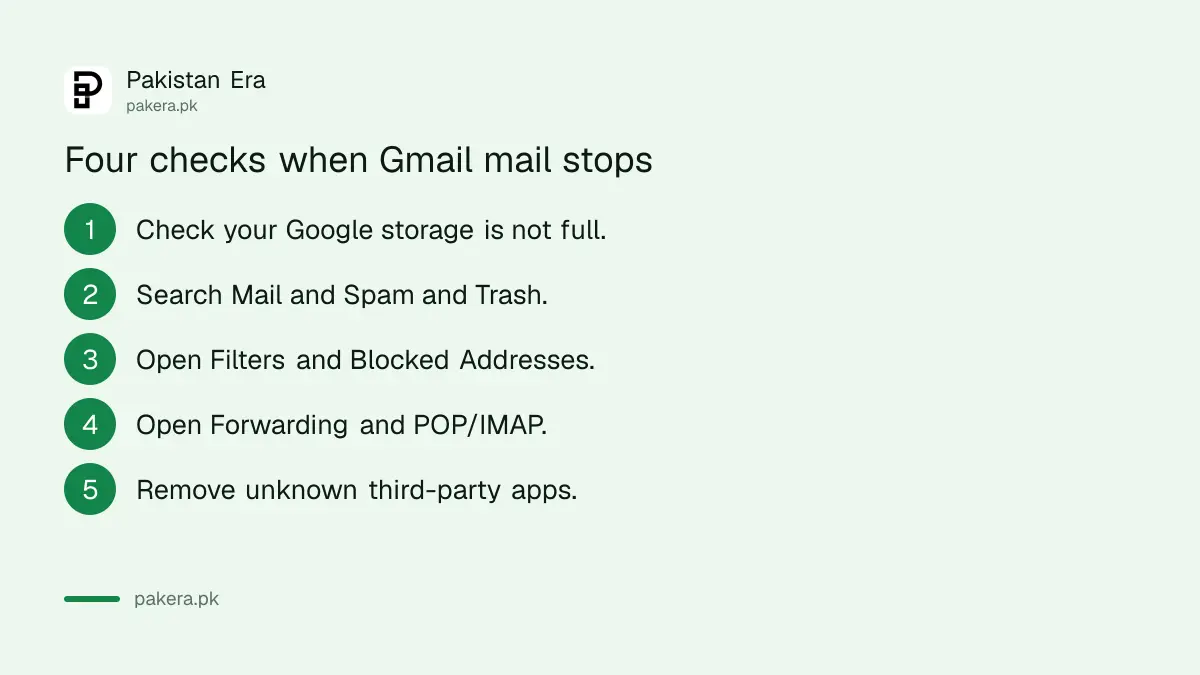
If Gmail is not receiving emails, check your Google storage first: Google says a full account may stop sending or receiving mail. Then search Mail and Spam and Trash, check Filters and Blocked Addresses, and check Forwarding in settings. Those four checks find most missing emails. Below are all eight fixes, including the Android app sync steps and the forwarding rule that can mean your account was hacked.
The email you are waiting for is usually urgent: a bank OTP, a university admission form, a visa appointment slip or a client's payment notice. We read Google's Gmail help pages on missing messages and on Gmail app sync errors on 2 November 2026, and put the fixes in the order that saves the most time.
A full Google storage can stop new emails from arriving
Gmail shares one storage pool with Google Drive and Google Photos. Google's help page says that when this storage is full, your account may not send or receive email. Check it first, because no other fix works until there is space.
Phone photo backups fill this shared space faster than most people expect. Open Gmail on a computer and look at the storage line at the bottom of the inbox, or check it in your Google Account. If it is near 100 per cent, delete large attachments and empty Trash and Spam.
The steps to free up Google Account storage show which files take the most space. If you would rather pay for more, Google One storage prices in Pakistan are listed plan by plan.
Search all of Gmail, including Spam and Trash
The email may have arrived and gone straight to Spam, Trash or a label. Google says to use the search options, choose Mail and Spam and Trash, and search for the sender or a word you remember. Mark a wrongly filtered email as Not spam.
- Open Gmail on a computer.
- Click Show search options in the search bar.
- Next to Search, change All Mail to Mail and Spam and Trash.
- Type the sender's name, address or a word from the subject.
- Click Search. If you find it in Spam, mark it Not spam.
Google deletes messages in Trash and Spam after 30 days. Marking a sender as not spam teaches Gmail to keep their next email in your inbox, which matters for banks and universities that send from automatic addresses.
A filter or blocked address can hide emails without telling you
A filter can delete emails or skip the inbox, and a blocked address sends mail straight to Spam. Google says to open Settings, See all settings, then the Filters and Blocked Addresses tab, and edit or delete anything that looks wrong.
People often create a filter months ago to clean up promotions, and it quietly catches the email they need today. Look for filters marked "Delete it" or "Skip the Inbox". If you blocked a sender by mistake, unblock them on the same tab. The steps to block a sender in Gmail show what blocking does.
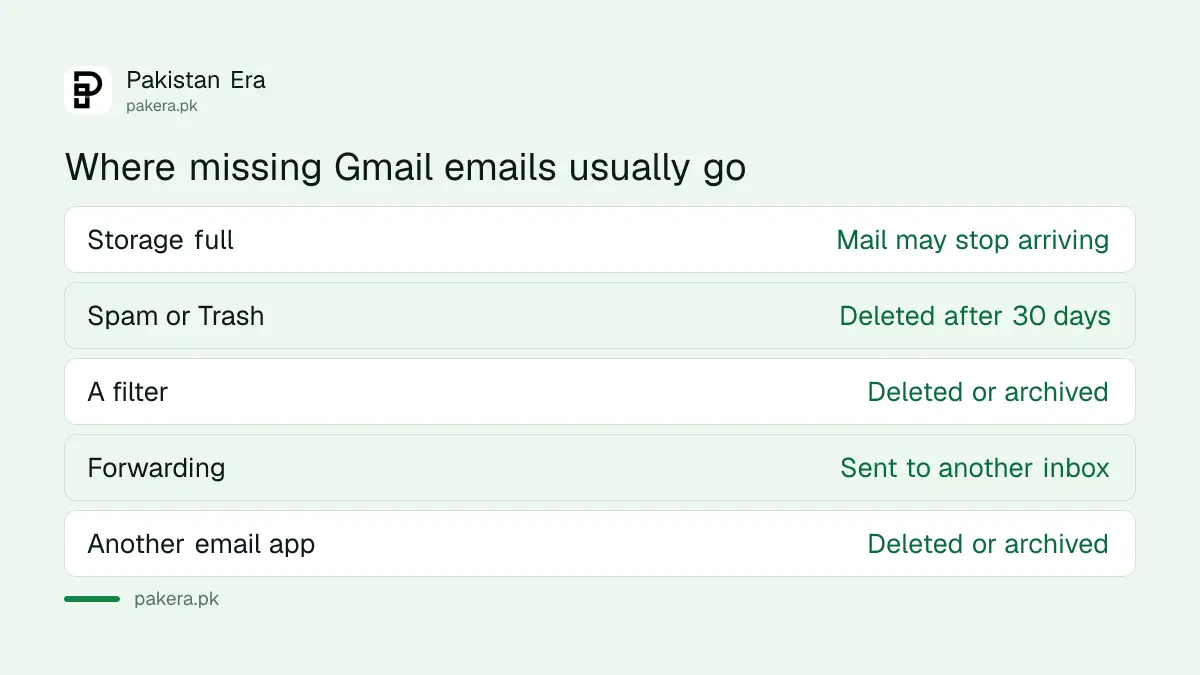
| Where to look | What can go wrong | Fix |
|---|---|---|
| Google storage | Account full, mail stops | Delete large files, empty Trash |
| Spam and Trash | Email filtered away | Search all, mark Not spam |
| Filters and Blocked Addresses | Filter deletes or archives | Edit or delete the filter |
| Forwarding and POP/IMAP | Mail sent elsewhere | Keep Gmail's copy, disable unknown forwarding |
| Third-party apps | Another app deletes mail | Remove unknown apps |
Forwarding to an address you do not know means someone else may be in
Open Settings, See all settings, then Forwarding and POP/IMAP. Google says that if mail is being forwarded to an address you do not recognise, your account may be compromised. Select Disable forwarding and save, then secure the account straight away.
This is the most serious finding on this page. A hacker who adds a forwarding address can read every email you get, including password reset links and bank alerts, even after you change your password. Disable it, change the password, and run Google's security check. The Gmail hacked check walks through each step.
If you use forwarding on purpose, Google says to choose Keep Gmail's copy in the Inbox or Mark Gmail's copy as read. For POP, avoid Delete Gmail's copy and Archive Gmail's copy if you want to see mail in Gmail too. Also look at your Google Account's Third-party apps and services page, and remove any email app you do not use.
On Android, the Gmail app may just not be syncing
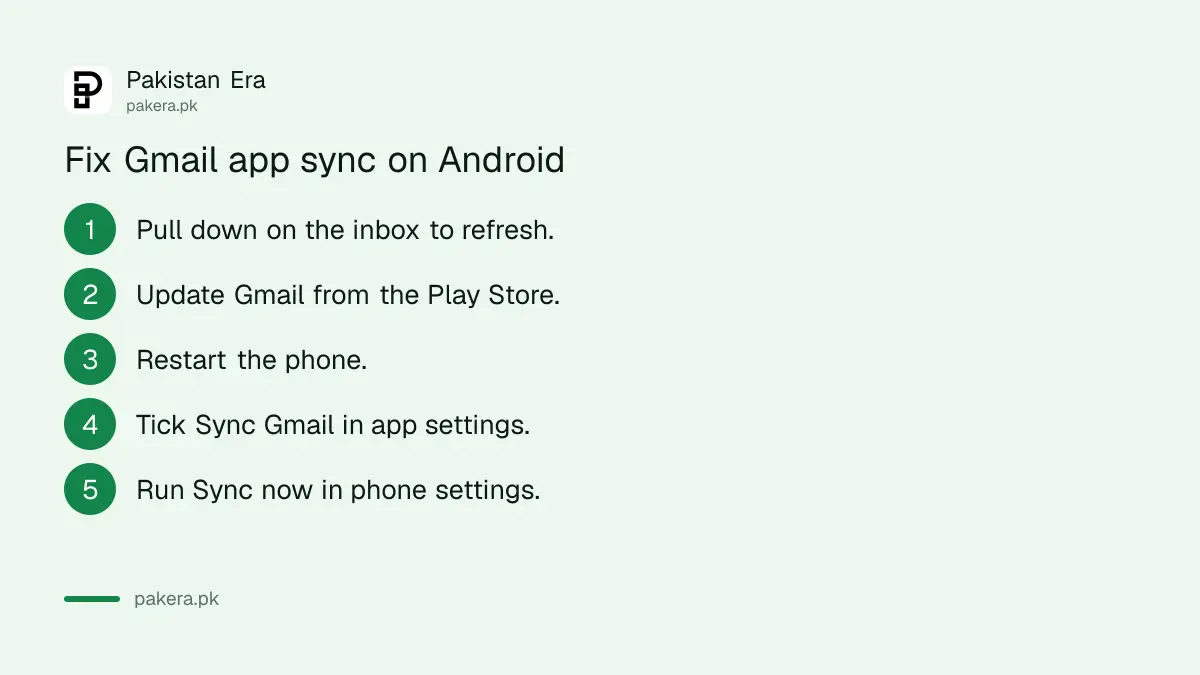
If emails show on a computer but not on your phone, the problem is the app. Google's list starts with pulling down on the inbox to refresh, updating the app, restarting the phone and checking that the Sync Gmail box is ticked in the app's settings.
- Pull down from the top of the inbox and wait for the refresh.
- Update Gmail from the Play Store.
- Restart the phone and check the internet works in Chrome.
- In Gmail, open Menu, Settings, your account, and tick Sync Gmail.
- In phone Settings, open your Google Account, Account sync, then Sync now.
- As a last step, clear Gmail's storage in the phone's app settings and restart.
Google warns that clearing Gmail's storage erases drafts, signatures and ringtones saved in the app, so leave it for last. Low phone storage can also block sync, so free some space if the phone is nearly full.
Sometimes the sender is the problem
If everything above is fine, the email may never have left the sender, or it bounced. Google notes that unauthenticated email may go to Spam. Ask the sender to check for a bounce message and to confirm the exact address they used.
Typing mistakes are common: a missing dot, gmail.co instead of gmail.com, or an old address. For OTP emails from a bank or a government portal, request the code again after five minutes rather than five times in a row, because some systems may block repeated requests.
Common questions
Why am I not receiving emails on Gmail?
The most common reasons are full Google storage, emails going to Spam, a filter that deletes or archives mail, or forwarding to another address. Check those four first.
Can full storage stop Gmail from receiving emails?
Yes. Google says Gmail shares storage with Drive and Photos, and a full account may not send or receive email until you free space.
Why do emails show on my laptop but not in the Gmail app?
The app is not syncing. Refresh the inbox, update the app, restart the phone and make sure Sync Gmail is ticked in the app's account settings.
What does it mean if my Gmail forwards to an unknown address?
Google says your account may be compromised. Disable forwarding, change your password and check your recent security activity at once.
How long do emails stay in Gmail Spam?
Google deletes messages in Spam and Trash after 30 days, or sooner if you empty the folder.
How we verified this
What we checked, where we read it, and what we could not confirm.
On 2 November 2026 we read Google's Gmail help pages Gmail messages are missing and Fix sync errors with the Gmail app. Menu names and warnings above come from those pages. The page we read covered Android sync steps only, so we have not listed iPhone app steps. The advice on OTP retries is our own.
About the author

Technology Journalist & Multimedia Producer
Ahmad Ali is a technology journalist and multimedia producer at Pakistan Era, joining the team in October 2026. He covers consumer technology and digital life for Pakistani readers, combining research with hands-on product testing.