How to Free Up Gmail and Google Account Storage When It Is Full in Pakistan
Gmail storage full in Pakistan? Empty Trash and Spam, find large attachments, clear Drive files and trim WhatsApp backups. See the exact steps and try them now.
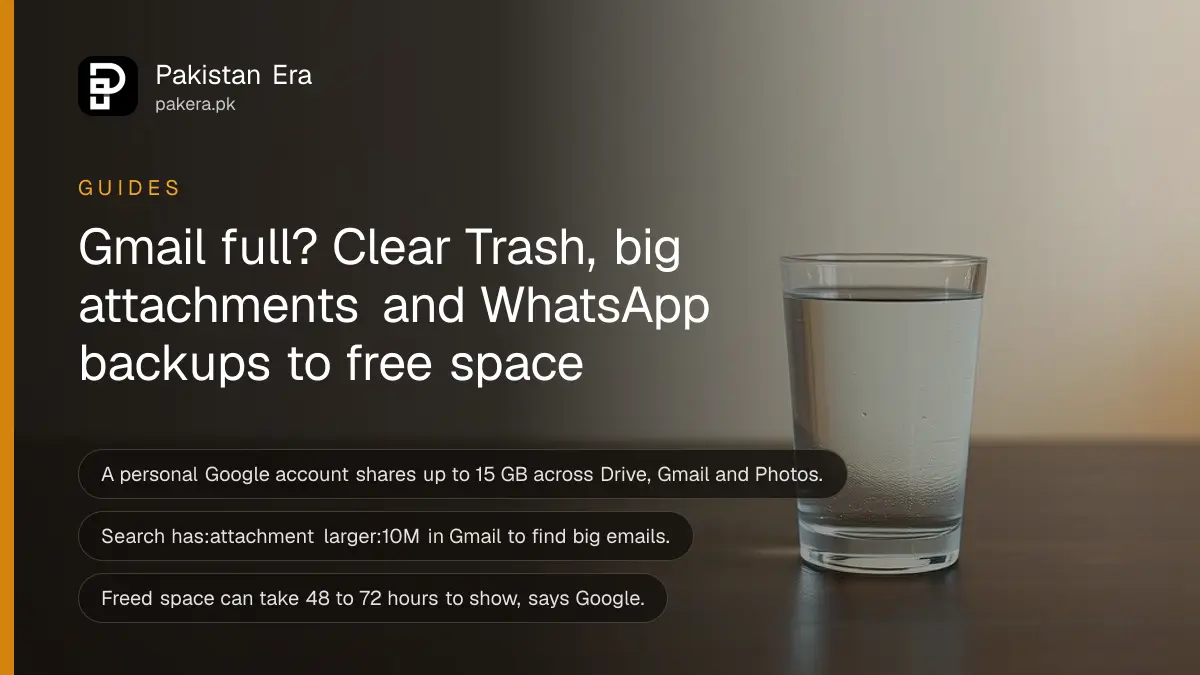
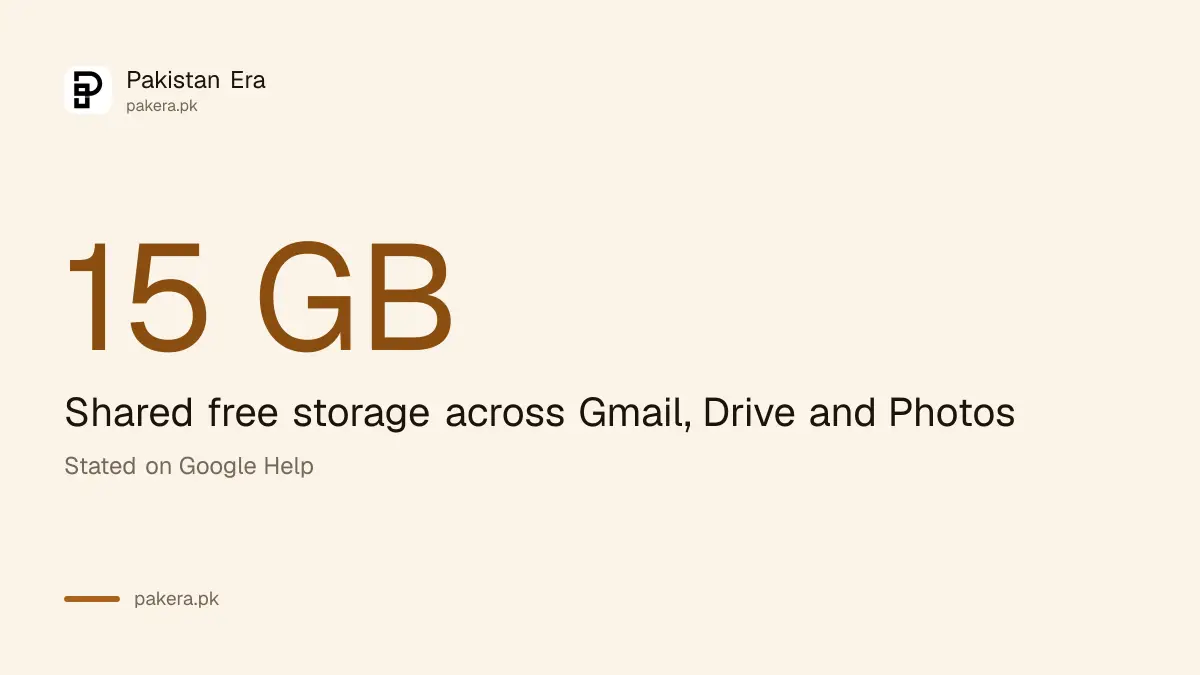
Short answer: Empty Trash and Spam in Gmail, Drive and Photos, then search Gmail for has:attachment larger:10M and delete big emails you no longer need. Google says a personal account gets up to 15 GB shared across Drive, Gmail and Photos, and a full account cannot send or receive email.
The warning arrives at a bad time: a job application, a university form, an OTP that needs to reach you. Gmail says your storage is full, and new mail stops coming in. It does not have to cost money to fix.
We read Google's help page on freeing up storage on 14 October 2026. Google's own page does not say how many days Trash or Spam keep items, so we do not state a number for that.
One 15 GB limit covers Gmail, Drive and Photos
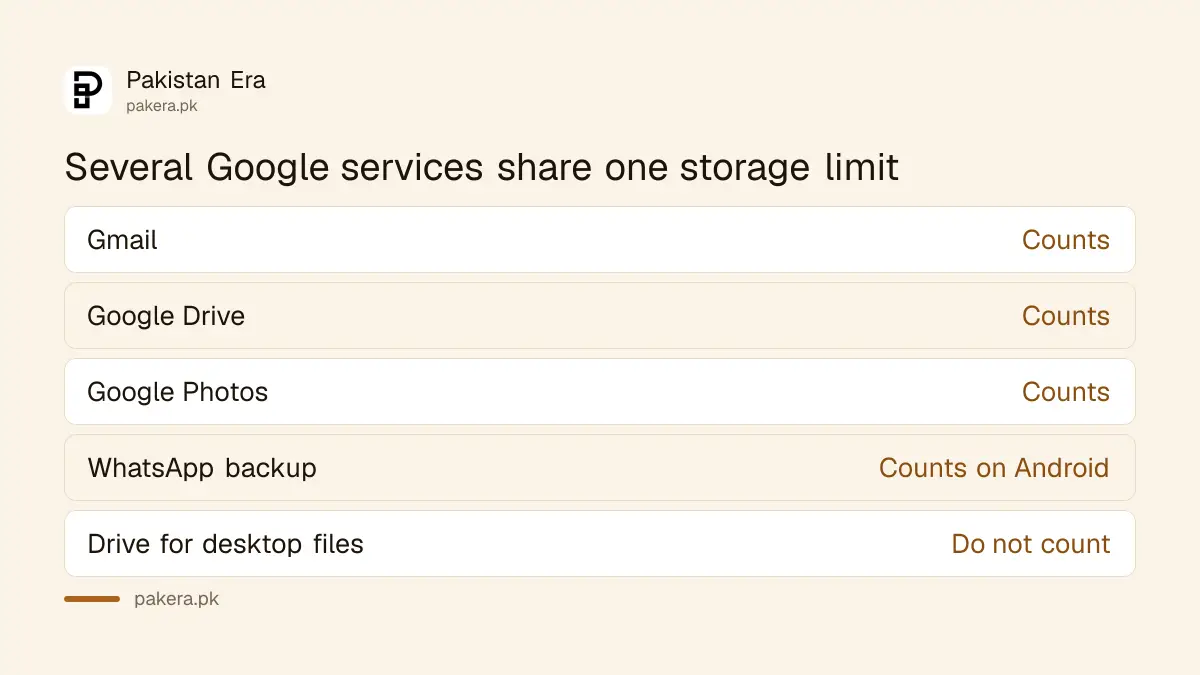
Google says a personal account gets up to 15 GB shared across Drive, Gmail and Photos. When you reach it, you cannot upload to Drive, send or receive email, or back up to Photos. Files you own in Google count. Files that only sync to your PC do not.
Google adds that WhatsApp backups on Android also count toward this limit. Many people hit the wall because of videos in a chat backup, not because of email.
Check the total first at one.google.com/storage, then clean the biggest item. Cleaning small things first wastes your evening.
Five steps clear space without paying
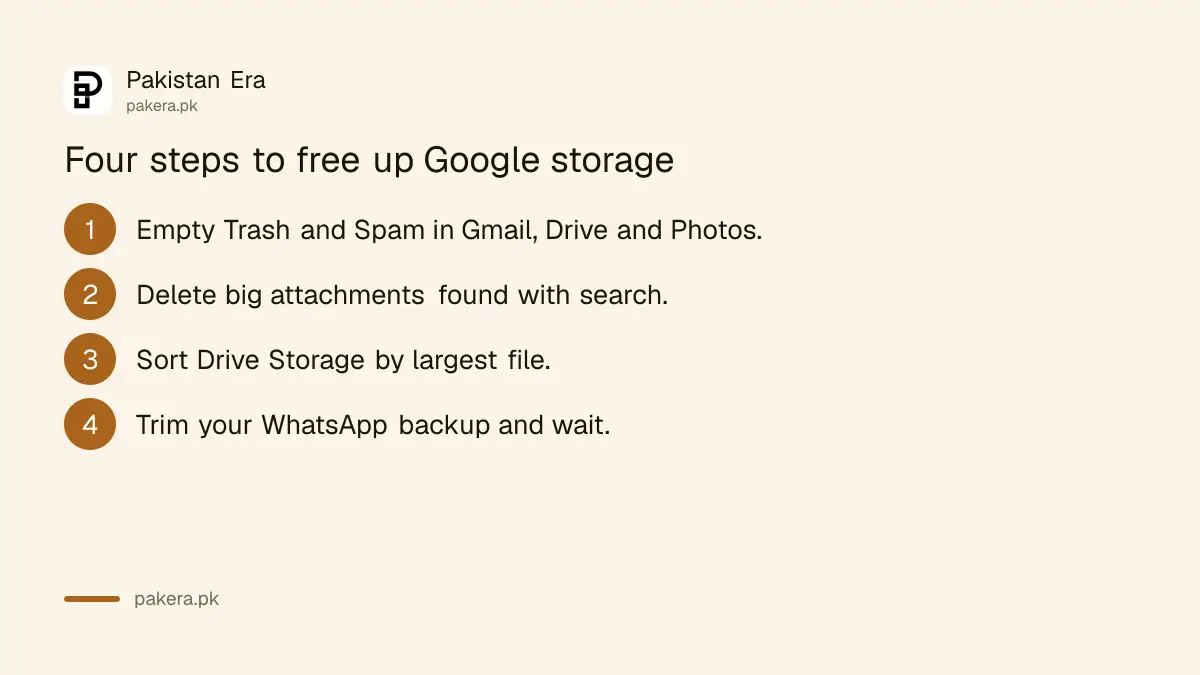
Empty Trash and Spam, delete large attachments, find big files in Drive, trim your WhatsApp backup and wait for the number to update. Google says freed space can take 48 to 72 hours to show, and items in Trash and Spam still count until you clear them.
- Empty the Trash and Spam folders in Gmail, Drive and Photos. Items count against your limit until you permanently clear them.
- In Gmail, select emails with large attachments you no longer need and click Delete. Then empty Trash again.
- Open Storage in the left menu of Drive. Files are listed from largest to smallest.
- Turn off video in your WhatsApp backup, tap Back up now, then delete old backups at one.google.com/storage/management.
- Wait. If you are still full after about 30 minutes, Google points you to its advanced cleanup.
Deleting a WhatsApp backup is permanent. Google warns you will lose chat history if you change phones or reinstall before making a new backup. Read how to back up and restore WhatsApp chats first.
Gmail search finds the biggest emails
Type has:attachment larger:10M in the Gmail search bar to list large attachments. Google also gives filename:.pdf larger:5M for big PDFs and older_than:2y has:attachment for old attachments. Select the ones you do not need and delete them.
| What you want to find | Type in Gmail search |
|---|---|
| Large attachments | has:attachment larger:10M |
| Large PDFs | filename:.pdf larger:5M |
| Old attachments | older_than:2y has:attachment |
Look before you delete. Offer letters, degree scans and tax papers often sit in old attachments. Save those to a folder first. A deleted email is gone once Trash is emptied.
Spam also piles up. Unsubscribing helps stop new junk, as explained in how to report spam and unsubscribe in Gmail.
Drive has no automatic duplicate finder
Google says Drive has no automatic duplicate finder. Sort files by name and look for copies ending in "(1)" or starting with "Copy of". Open Storage in Drive to see the biggest files first. Hidden app data is under Drive settings, Manage apps.
Photos is the other big eater. Backing up in full quality fills 15 GB fast. See the guide to Google Photos backup and free storage. If your phone itself is full, not your account, use the phone storage fix.
Do not use a random "cleaner" app. You do not need to give a stranger's app access to your mail to delete a file.
Buying more space is the last step
If you still need room after cleaning, Google One plans add storage across Drive, Gmail and Photos. Prices change, so check the current price on Google's own page before you pay. Google also warns that content may be deleted if you stay over quota for two years.
See the Google One storage price in Pakistan for our price note. Remember too that WhatsApp backups not updated in five months may be deleted automatically, according to Google's page.
For most students and freelancers, a monthly clean-up of Trash, Spam and big attachments is enough to stay under 15 GB.
Common questions
How much free storage does a Google account have?
Google says a personal account gets up to 15 GB, shared across Drive, Gmail and Photos. Business and school accounts can differ.
What happens when Gmail is full?
You cannot send or receive email, upload to Drive or back up to Photos until you free space or buy more.
Why did my storage not drop after I deleted files?
Items in Trash and Spam still count until you clear them. Google also says freed space can take 48 to 72 hours to show.
Do WhatsApp backups use my Google storage?
Yes, on Android. Google says WhatsApp backups count toward the limit. Turn off video in the backup to shrink it.
Does Drive for desktop use Google storage?
Files synced to your computer use your computer's disk. Only files you own in Google count toward the limit.
How we verified this
What we checked, where we read it, and what we could not confirm.
Last checked on 14 October 2026, Pakistan time. We read Google's help page on freeing up storage. We did not delete anything from a live account, and Google's page gives no number of days for Trash or Spam auto-delete, so we state none. Plan prices were not checked here.
About the author

Technology Journalist & Multimedia Producer
Ahmad Ali is a technology journalist and multimedia producer at Pakistan Era, joining the team in October 2026. He covers consumer technology and digital life for Pakistani readers, combining research with hands-on product testing.