Google Analytics 4 Insights for Pakistani Websites: 50 Free Custom Alerts and AI Overviews
Google Analytics 4 gives free AI insights: up to 50 custom email alerts, AI overviews and plain English search. Set them up for your Pakistani business site.
Google Analytics 4 gives every website owner free AI insights: automated alerts for unusual changes, up to 50 custom insights per property with optional email alerts, AI overviews on the Home page, and a search box that answers plain English questions. To set a custom alert, open View all insights on the Home page, click Create, pick a metric and a condition, and add your email.
Most Pakistani shop and service websites install GA4 once and never open it again. That is a waste, because the alerts can tell you when sales traffic drops on a Friday or a campaign suddenly spikes. We read Google's Analytics Insights, AI overviews and search box help pages on 1 November 2026. Here is how to put each one to work.
GA4 has four built-in AI features, and all of them are free
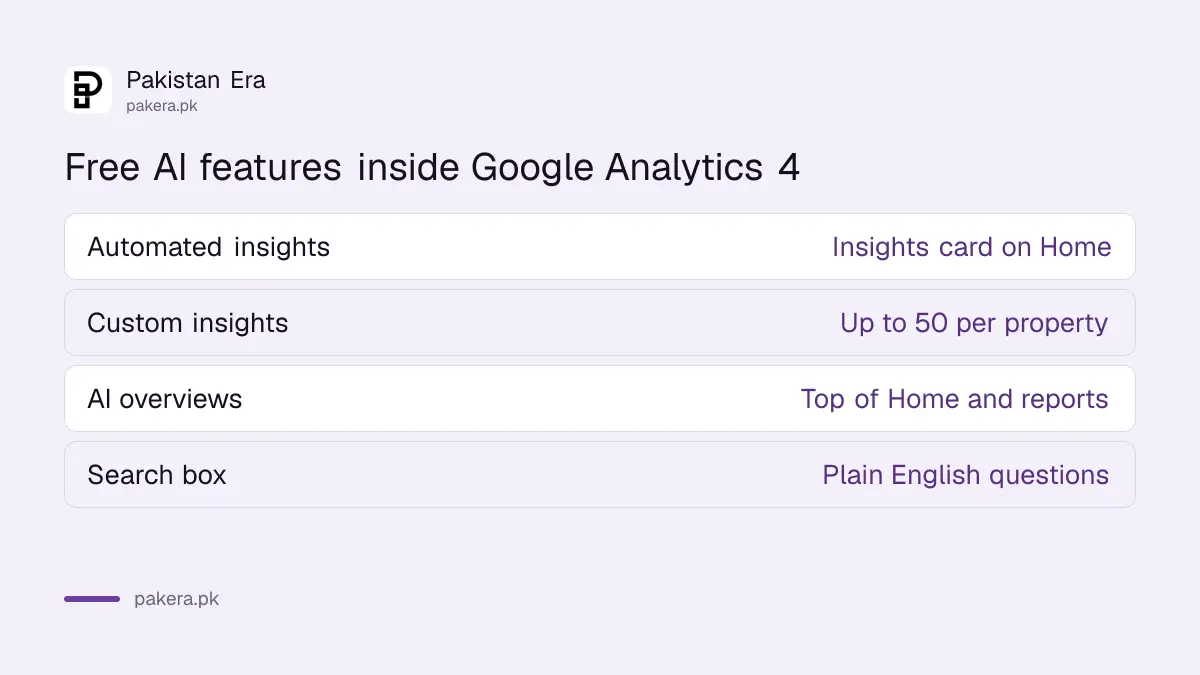
Google Analytics Intelligence covers automated insights, custom insights, AI overviews and natural language search. They come with the standard GA4 property at no cost. You need the Editor or Administrator role to create insights, while every property user sees triggered ones.
| Feature | What it does | Where you find it |
|---|---|---|
| Automated insights | Flags unusual changes and new trends on its own | Insights card on Home |
| Custom insights | Alerts you when a condition you set is met | View all insights, Create |
| AI overviews | Summarises key changes since your last visit | Top of Home and detail reports |
| Search box | Answers plain English questions about your data | Top of every Analytics page |
None of this replaces knowing your numbers. But for a one-person business in Lahore or Karachi without an analyst, it is the closest thing to someone watching the dashboard for you. If GA4 is not set up yet, start with our GA4 setup steps for a small business website.
Eight steps create a custom insight with an email alert
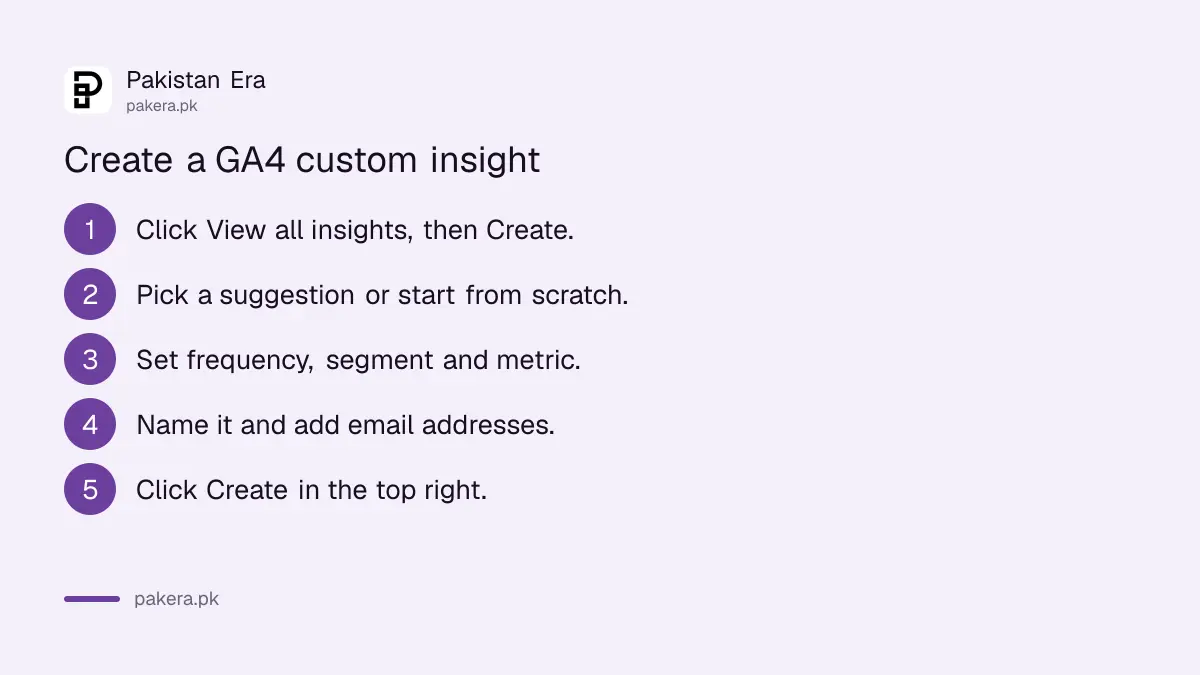
On the Insights card, click View all insights, then Create. Pick a suggested insight or start from scratch, choose how often it checks, pick a segment, set the metric and condition, name it, add email addresses, and click Create. Google allows up to 50 per property.
- On the Analytics Home page, find the Insights card and click View all insights.
- Click Create, then choose a suggested insight or Create new.
- Pick how often it is checked: hourly, daily, weekly or monthly.
- Choose a segment. All Users is the default.
- Set the metric, condition and value, for example active users decreasing by more than 20%.
- Give the insight a clear name, such as "Checkout traffic drop".
- Add the email addresses that should get alerts.
- Click Create in the top right corner.
Hourly checks are available only for web data, not app events, because app events often arrive late. For most Pakistani shops, a daily check is the right balance: fast enough to catch a broken checkout, slow enough to avoid noise.
Five custom alerts worth setting on a Pakistani business website
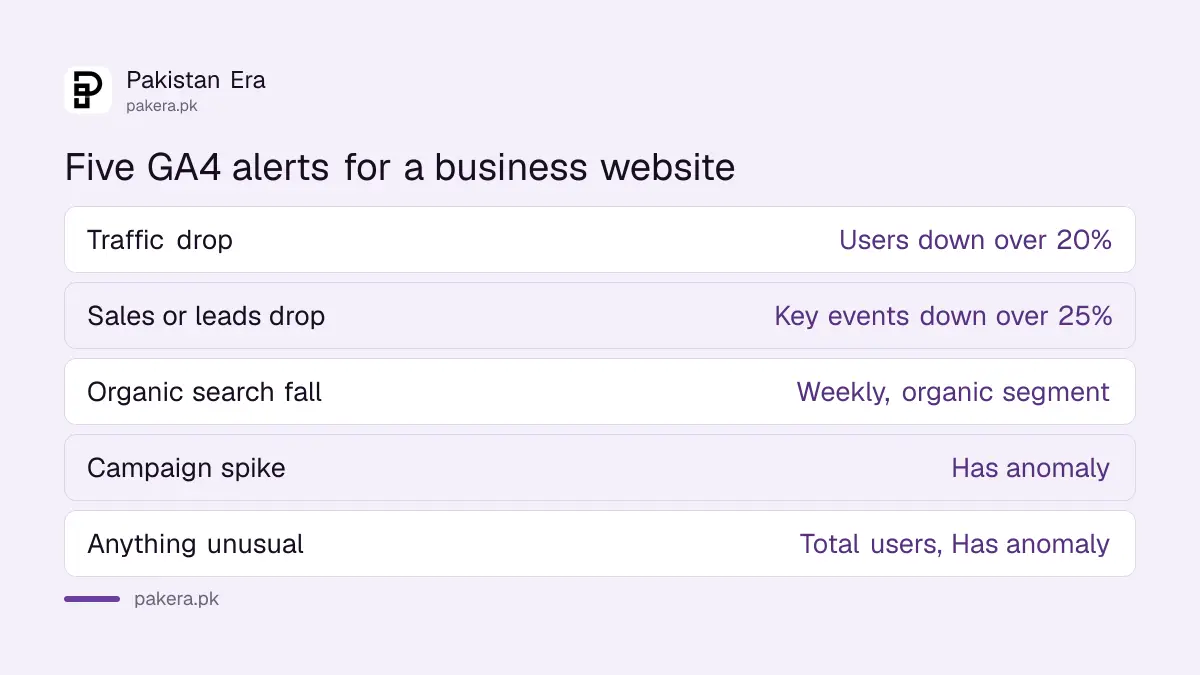
Start with alerts that protect revenue: a drop in total users, a drop in purchases or form leads, a spike from one source, a fall in organic search traffic, and the Has anomaly condition, which lets Analytics decide what counts as unusual without you entering a value.
| Alert | Metric and condition | Why it matters |
|---|---|---|
| Traffic drop | Active users down by more than 20%, daily | Catches a site outage or a hosting problem |
| Sales or leads drop | Key events down by more than 25%, daily | Spots a broken checkout or WhatsApp button |
| Organic search fall | Users from organic search, segment, weekly | Early warning after a Google update |
| Campaign spike | Sessions from paid social, Has anomaly | Shows when an ad or influencer post lands |
| Anything unusual | Total users, Has anomaly | A safety net for things you did not predict |
The percentages above are our suggested starting points, not Google rules. Adjust them after two or three weeks once you see how much your traffic naturally moves around Eid, salary week and sale days.
For the organic search alert, pair it with Search Console. The branded versus non-branded query split tells you whether a drop came from your name or from generic searches, and the AI Overviews and AI Mode report shows if Google's AI answers changed your clicks.
AI overviews summarise what changed since your last visit
The AI overview on the GA4 Home page gives a short, AI-written summary of the most important changes since you last logged in, such as a traffic anomaly, a seasonal shift or a newly linked Google Ads or Search Console account. Each item has a button to open the report.
Overviews now also appear at the top of detail reports, sometimes with a button that changes the report to match the insight. Use the thumbs up or thumbs down in the corner to rate each one; Google says this feedback shapes future overviews.
Treat them as a pointer, not a conclusion. Google's page does not describe accuracy limits, and an AI summary can describe a change without knowing why it happened. A traffic jump on 14 August is Independence Day sales, not a sudden SEO win.
The search box answers questions in plain English
Type a question into the search box at the top of Analytics, such as "mobile users during the last week" or "new users last month compared to last year", and GA4 returns an instant answer, a matching report, or a help article. Be specific about the metric, dimension and dates.
Google says search works in every language Google Analytics supports. Starting a query with "how to" or "set up" returns help content instead of data, which is handy when you forget where a setting lives.
A few questions that work well for a local business: "users from Pakistan last 30 days", "key events last week by source", and "mobile users compared to desktop last month". Editors can delete the property's search history if several people share one account.
Common questions
Are Google Analytics 4 insights free?
Yes. Automated insights, custom insights, AI overviews and the search box all come with a standard GA4 property at no cost.
How many custom insights can I create in GA4?
Google allows up to 50 custom insights per property.
Who can create custom insights?
Users with the Editor or Administrator role. All property users can see insights once they trigger.
Can GA4 send alerts by email?
Yes. Add email addresses when you create a custom insight, and switch notifications on or off later under Manage.
How long does GA4 keep insights?
Google says insights are retained for one year after they are generated.
How we verified this
What we checked, where we read it, and what we could not confirm.
We read Google's Analytics Insights help page on 1 November 2026 for the 50 insight limit, the creation steps, hourly rules, roles and one year retention, its AI overviews page for where overviews appear and how feedback works, and its search box page for the plain English questions and language note. The alert thresholds in our table are suggestions, and Google publishes no accuracy figures for AI overviews.
About the author

Founder and Editor
Umer Kureshi founded Pakistan Era in July 2024 and runs it as administrator, SEO lead and writer, overseeing website operations, search growth, content strategy and coverage of technology and current affairs.