How to Check Branded and Non-Branded Queries in Search Console for Your Pakistani Website
Search Console can now split your Google clicks into branded and non-branded queries. See the five steps, why the filter may be missing, and how to read it.
Search Console can now split your Google clicks into branded and non-branded queries. Open the Performance report for Search results and apply the branded queries filter. A branded query is a search that includes your brand name, a typo of it, or one of your own products. Google says the filter works only on top level properties with enough query volume.
For a Pakistani shop or news site, this answers a simple question: do people find you because they already know your name, or because your pages match what they need? We read Google's own announcement for this guide. We did not open a Search Console account to test the filter, so the screen labels below follow Google's wording.
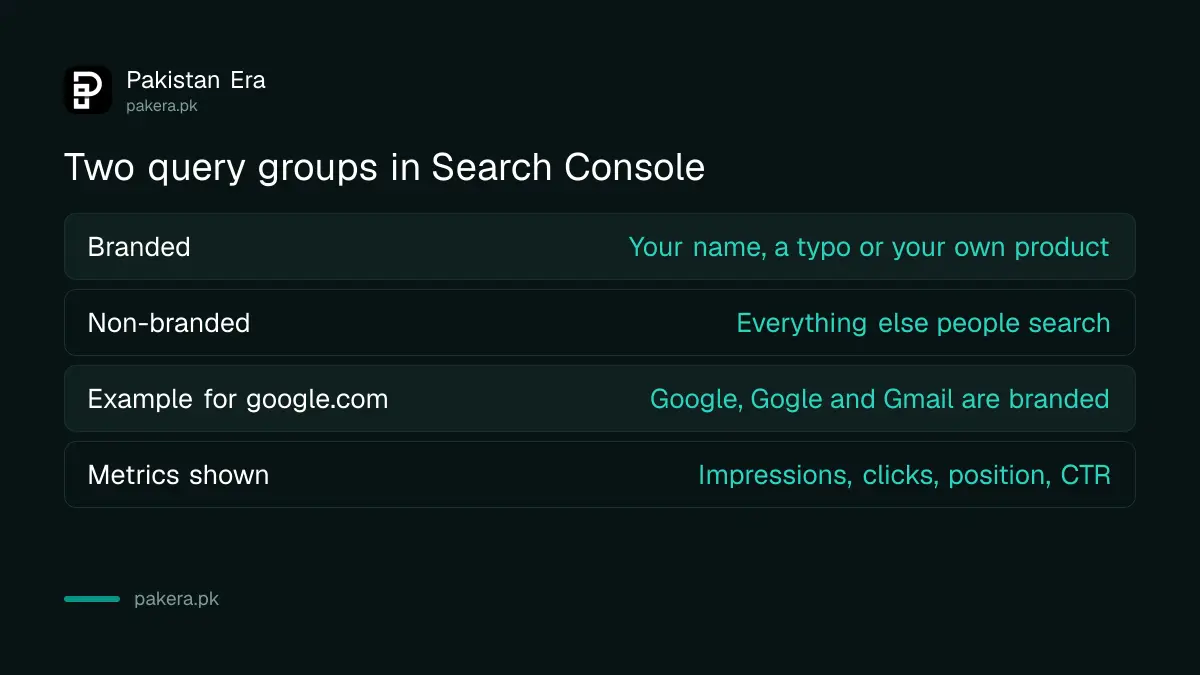
Branded queries are searches that contain your brand
A branded query includes your brand name, a variation or misspelling of it, or a product or service that belongs only to your site. Google's example: for google.com, "Google", "Gogle" and "Gmail" all count as branded.
Everything else is non-branded. A person who types "best budget laptop in Lahore" and lands on your shop page did not search for you by name. Those visits show that your content can win new readers, which is why the two groups should not be mixed in one number.
The filter splits one report into two views
The filter lives in the Search results Performance report. It lets you see branded queries alone or non-branded queries alone, across web, image, video and news search. Impressions, clicks, average position and click-through rate (CTR) are limited to the group you pick.
Google also added a card to the Insights report. It shows how total clicks divide between branded and non-branded traffic. That card is the quickest way to see your brand recognition at a glance.
One detail matters for trust. Google says the split is not a keyword list or a regular expression. An internal, AI-assisted system decides it, and it can include your brand name in all languages, typos, and queries that name a unique product of your site without using the brand word. Google adds that some queries may be misidentified. The filter has no effect on how ranking works.
Open the filter in five steps
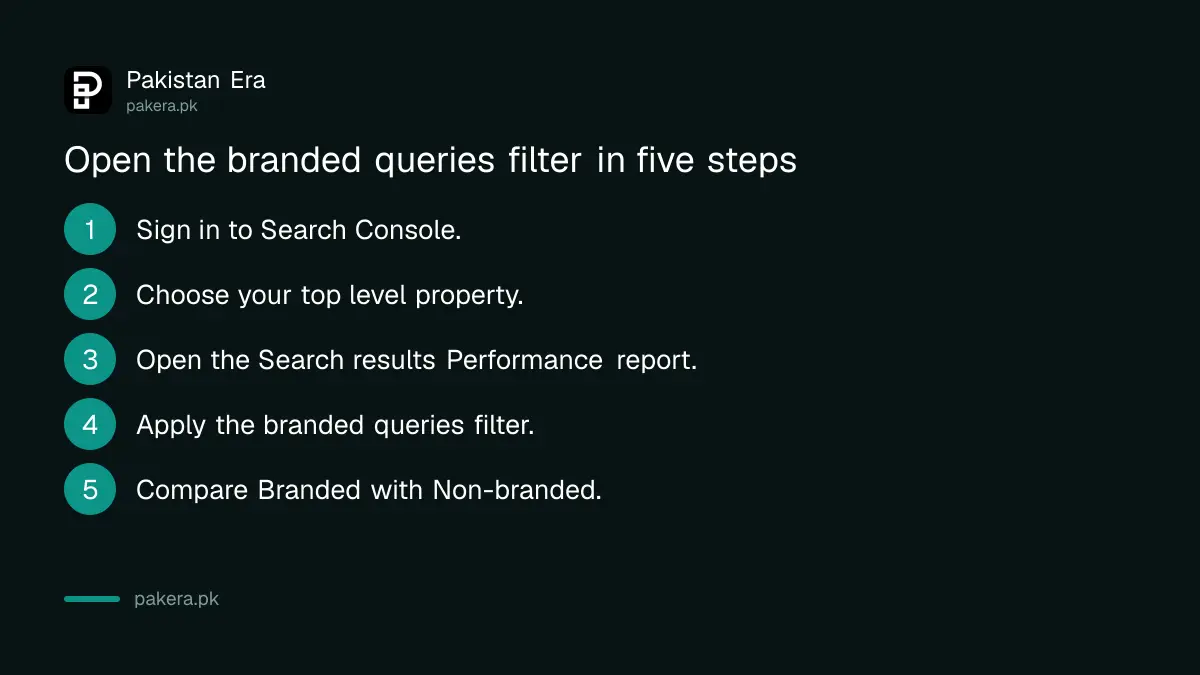
Sign in to Search Console, choose your top level property, open the Search results Performance report and apply the branded queries filter. Then compare clicks, position and CTR for each group.
- Sign in to Search Console with the account that owns your site.
- Choose your top level property, for example the whole domain, not one folder.
- Open the Performance report for Search results.
- Apply the branded queries filter and pick Branded.
- Switch the filter to Non-branded and note clicks, impressions, position and CTR.
Set the date range to at least 28 days before you compare, so one busy day does not fool you. If your account has no access yet, the owner can add you as a user in Search Console.
If the filter is missing, check three things
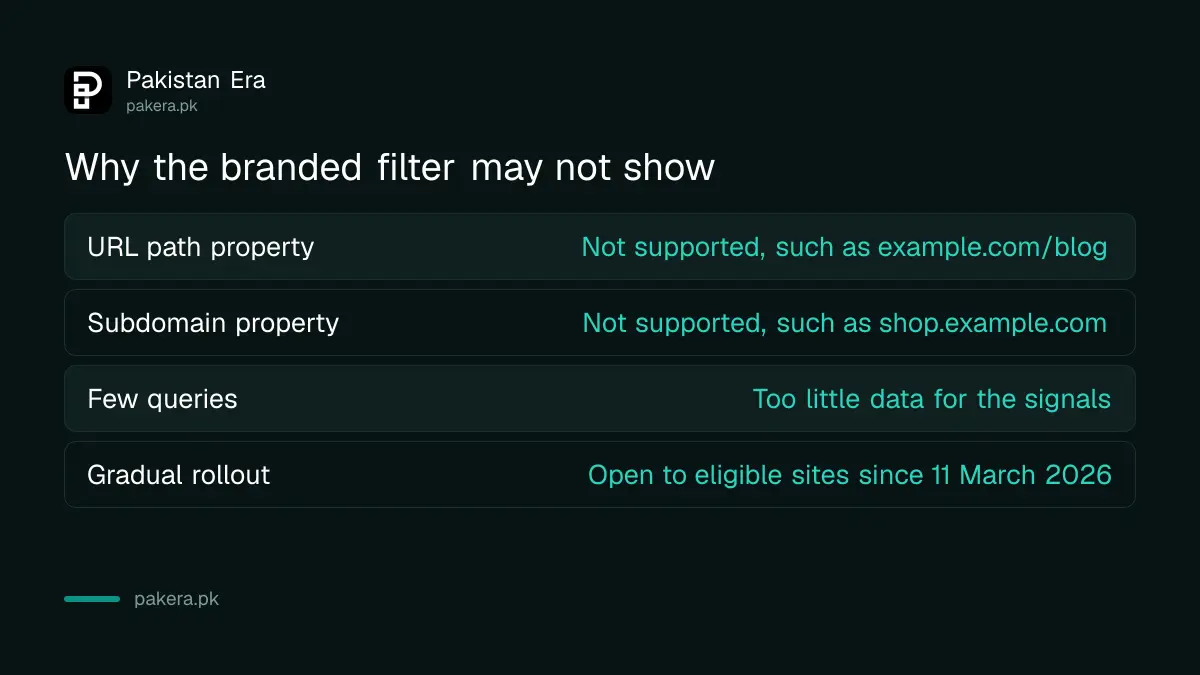
The filter may be hidden for three reasons that Google lists: your property is a URL path or subdomain property, your site has too few queries and impressions, or the gradual rollout has not reached you. Google's note of 11 March 2026 says it is now open to all eligible sites.
The first reason is the one site owners can fix. Google says the filter is not available for URL path properties such as example.com/blog, nor for subdomain properties such as shop.example.com. If you only verified a folder or a subdomain, add the main site as its own property.
The second reason cannot be fixed by settings. A new site with a few hundred impressions a month may simply not have enough data. Keep publishing and check again later. If your pages are not showing up at all, start with the steps to fix pages that Google has not indexed.
Read the two groups differently
Branded traffic tells you how well people already know you. Non-branded traffic tells you how well your pages answer new questions. Google says branded queries usually bring higher rankings and click-through rates, so the two groups should be judged separately.
| View | What it shows | What to do with it (our reading) |
|---|---|---|
| Branded | People who already know your name or products | Watch it for brand strength after an ad, a sale or a news mention |
| Non-branded | People who found you without searching your name | Treat it as your real growth number and write for the questions behind it |
| Insights card | Share of total clicks, branded against non-branded | Check it monthly and note the trend |
The last column is our own advice, not Google's. A site that is almost all branded clicks has a thin spread of pages. A site that is almost all non-branded clicks may be strong in content but weak in name recognition. Neither is wrong. The point is to know which you are.
If you also want to see AI answer data, the report for AI Overviews and AI Mode citations sits in the same tool.
Common questions about the branded queries filter
What is a branded query in Search Console?
It is a search that includes your brand name, a misspelling of it, or a product or service unique to your site. Google decides this with an internal AI-assisted system, not a keyword list you control.
Does the branded filter change my Google ranking?
No. Google says the filter exists to help you segment and read your data and has no effect on how Google Search ranking works.
Why can I not see the branded queries filter?
Your property may be a URL path or subdomain property, or your site may not have enough queries and impressions. Google also rolled it out gradually. Check that you chose the top level property.
Does the filter work for image, video and news search?
Yes. Google says you can apply it across all search types in the Search results Performance report: web, image, video and news.
Is the filter perfect?
No. Google warns that brand classification is dynamic and some queries may be misidentified. Use the split to see trends, not to count every single click.
How we verified this
What we checked, where we read it, and what we could not confirm.
Last checked 14 October 2026. The filter description, the Insights card, the property limits and the 11 March 2026 availability note come from Google's Search Central Blog post "Introducing the branded queries filter in Search Console", read on 14 October 2026. See also Google's announcement and the Search Console Performance report help page. We have not tested the filter in a live account, and the Pakistani examples and the advice column are ours.
About the author

Founder and Editor
Umer Kureshi founded Pakistan Era in July 2024 and runs it as administrator, SEO lead and writer, overseeing website operations, search growth, content strategy and coverage of technology and current affairs.