Google Wallet in Pakistan: Supported Banks and How to Pay
Google Wallet tap to pay works in Pakistan. Google lists cards from 12 banks and wallets, Visa and Mastercard only. Needs Android 9 and NFC.
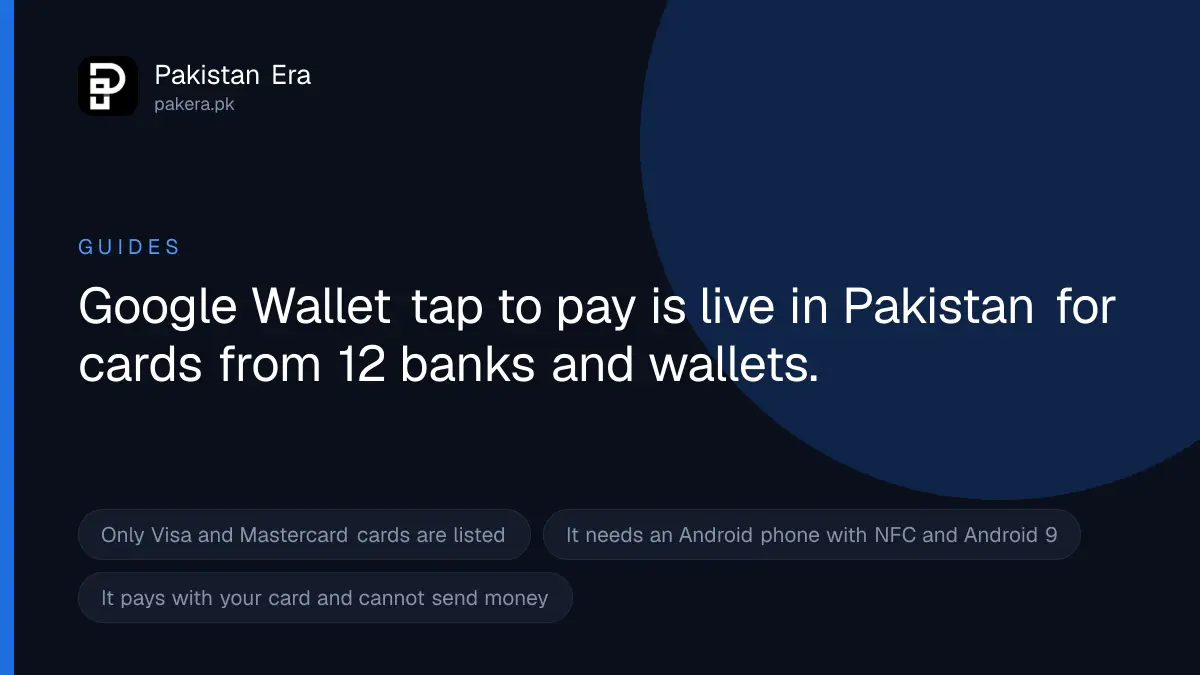
Yes, Google Wallet works in Pakistan. On 22 September 2026, Google's own help page, with Pakistan selected, listed three things as available: the Google Wallet app, tap to pay on phones, Wear OS smartwatches and Fitbit devices, and the Google Wallet website. Google lists cards from 12 Pakistani banks and wallets as supported, including HBL, Meezan, UBL, Bank Alfalah, JazzCash and Easypaisa. You need an Android phone with NFC running Android 9 or higher.
We read Google's Wallet help pages for Pakistan on 22 September 2026: the supported countries page, the supported payment methods page, the tap to pay page and the troubleshooting page. We loaded the Pakistan view and, as a check, the Afghanistan view. Afghanistan showed the app and website but no tap to pay, so the Pakistan listing is not a default that every country gets.
Which Pakistani cards work with Google Wallet
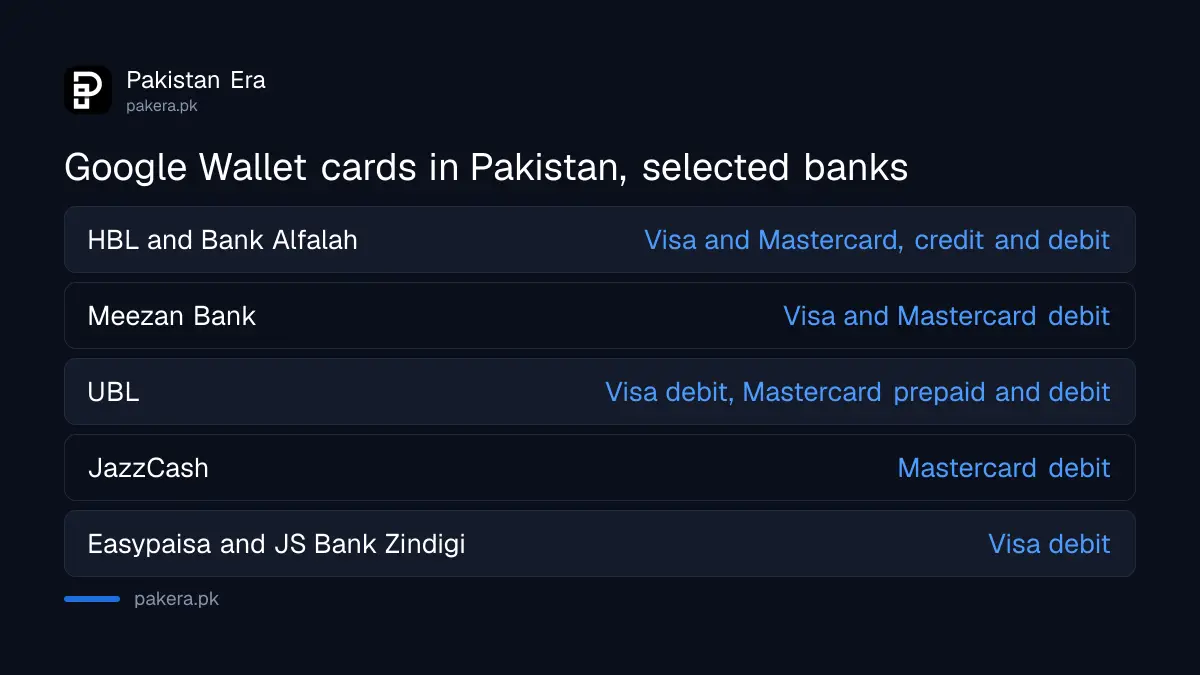
Google says your bank decides whether its cards work with Google Wallet. This is the list Google showed for Pakistan on 22 September 2026:
| Bank or wallet | Supported cards |
|---|---|
| Allied Bank | Visa debit |
| Askari Bank | Visa debit |
| Bank Alfalah | Visa credit and debit, Mastercard credit and debit |
| Easypaisa Digital Bank | Visa debit |
| Faysal Bank | Mastercard credit and debit |
| Habib Bank (HBL) | Visa credit and debit, Mastercard credit and debit |
| Habib Metropolitan Bank | Visa debit |
| JazzCash | Mastercard debit |
| JS Bank (Zindigi) | Visa debit |
| Meezan Bank | Visa debit, Mastercard debit |
| The Bank of Punjab | Mastercard credit |
| United Bank (UBL) | Visa debit, Mastercard prepaid and debit |
Three things stand out. First, only Visa and Mastercard appear. No PayPak or UnionPay card is on the list. Second, several large banks, such as MCB and National Bank, were not on the list that day. Third, the card type matters. A Bank of Punjab debit card, for example, is not listed, only its Mastercard credit card.
If your bank is missing, Google says to call the number on the back of your card and ask.
What Google Wallet does in Pakistan, and what it does not
What it does:
- Pays in shops by tap to pay. You hold the phone near a contactless card machine instead of using your card.
- Works on Wear OS smartwatches and Fitbit devices too, according to Google's Pakistan page.
- Stores passes such as tickets, retail cards and access cards. Google says some passes work only in some countries or with some partners.
- Lets you manage cards and see transactions on the Google Wallet website.
What it does not do:
- It does not hold money. It pays with a bank or wallet card you already have.
- It does not send money to people. Google's Pakistan page lists no such feature. For that, use your bank app, a mobile wallet, or Raast.
- It does not work on iPhone. Google says Google Wallet needs Android 9 or higher.
- It does not work on a rooted or modified phone. Google says it does not run on these for security reasons.
How to set up Google Wallet for tap to pay
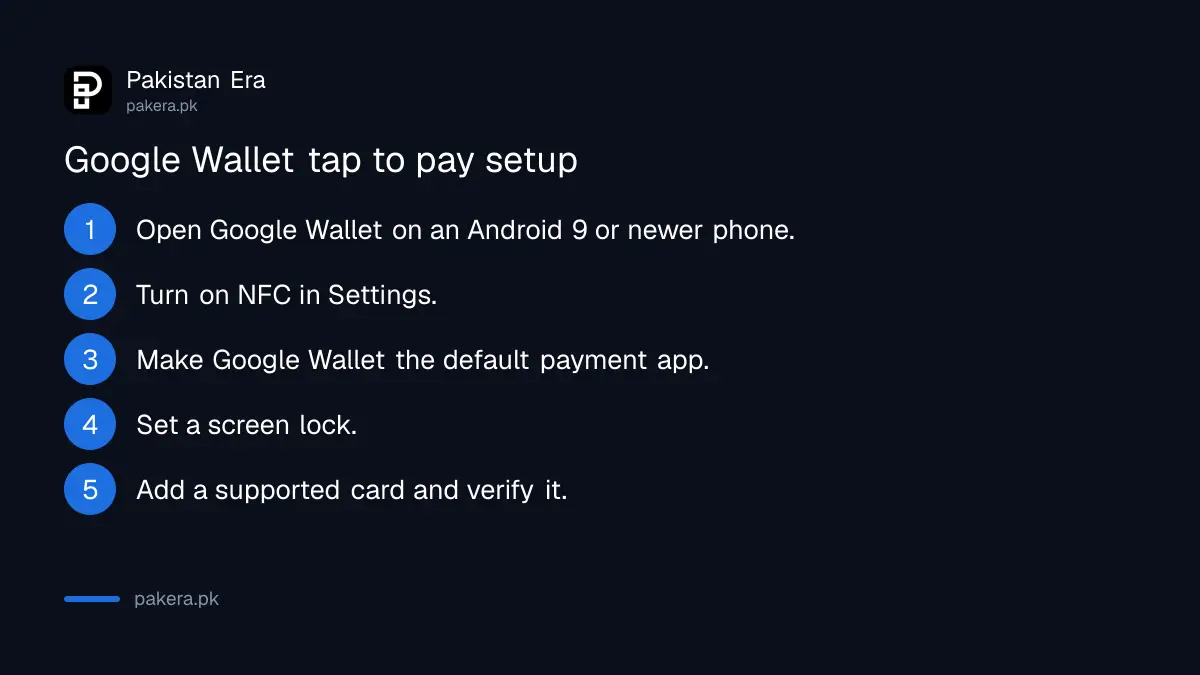
These steps are from Google's tap to pay help page.
- Install or open the Google Wallet app on your Android phone.
- Turn on NFC in your phone's Settings app. On many phones it is under Connected devices, then Connection preferences, then NFC.
- Set Google Wallet as your default payment app.
- Set a screen lock, such as a PIN, pattern or fingerprint.
- In the app, tap your profile picture, then Payment setup, and add a supported card.
- Verify the card when asked. Your bank will usually send an OTP by SMS. Type it into the app only.
- Look at the message above your card. If there is no message, the card is ready.
If the message says "Card not set up", tap Finish setup and follow the steps. If it says "Card suspended", Google says to contact your bank.
How to pay in a shop
- Look for the contactless symbol or the Google Pay symbol on the card machine.
- Unlock your phone. You do not need to open the app.
- Hold the back of the phone near the machine for a few seconds.
- If asked, verify with your screen lock.
- Wait for the blue check mark on your screen.
To return something, Google says to hold the phone to the machine again. Some shops ask for the last 4 digits of your virtual card, shown in the app under the card you used.
When Google Wallet does not work
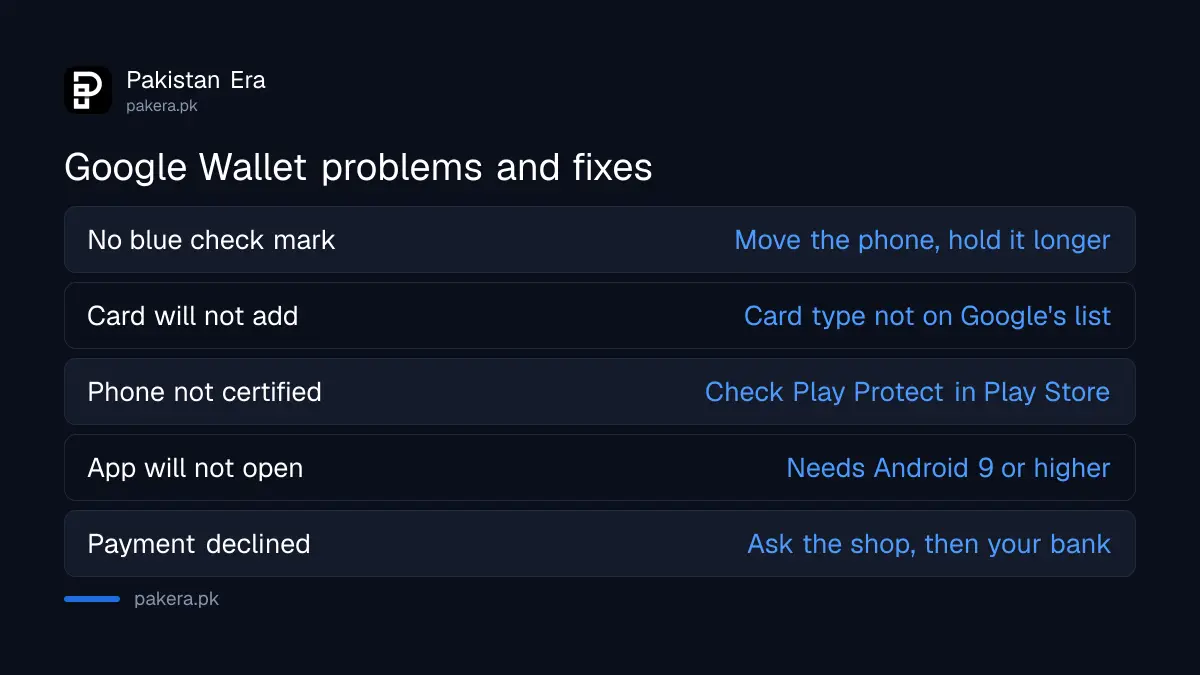
- No blue check mark: Google says to hold the phone a different way, since the NFC antenna may be at the top or bottom, and hold it closer for a few extra seconds.
- Payment declined: check that the shop takes contactless payments, then contact your bank. Google says you are not charged for a declined payment.
- Card will not add: check the bank table above. If your card type is not listed, it will not work.
- "Phone not certified": open the Play Store, tap your profile, Settings, About, and check that the phone is Play Protect certified.
- App will not open: check your Android version. Google Wallet needs Android 9 or higher.
- NFC missing: some cheaper phones have no NFC chip. Then tap to pay is not possible.
Keep your card safe
The OTP your bank sends when you add a card is the key to that card. Anyone who has it can add your card to their own phone. Never read it out on a call, even to someone who says they are from Google or your bank. Treat any caller who asks for it as a scammer.
If you lose the phone, call your bank at once and block the card. If a payment appears that you did not make, report it to your bank the same day.
How Google Wallet fits with local payments
Google Wallet is a way to use a card, not a new kind of account. Most digital payments in Pakistan still run through bank apps, mobile wallets and Raast. Some banks, such as Bank Alfalah, also offer tap to pay in their own apps.
Google Wallet was reported to have launched in Pakistan in March 2025, at an event with Visa. We did not find Google's own launch announcement, so we give that date as reported.
Common questions
Is Google Wallet available in Pakistan?
Yes. Google's help page for Pakistan lists the Google Wallet app, tap to pay and the Google Wallet website as available.
Which banks support Google Wallet in Pakistan?
Google lists 12: Allied Bank, Askari Bank, Bank Alfalah, Easypaisa Digital Bank, Faysal Bank, HBL, Habib Metropolitan Bank, JazzCash, JS Bank (Zindigi), Meezan Bank, The Bank of Punjab and UBL, each for certain cards only.
Can I use a PayPak card in Google Wallet?
No PayPak card was on Google's list for Pakistan on 22 September 2026. Only Visa and Mastercard cards were listed.
Does Google Wallet work on iPhone?
No. Google says Google Wallet needs an Android phone running Android 9 or higher.
Can I send money to someone with Google Wallet in Pakistan?
No. It pays at card machines with your existing card. To send money to a person, use your bank app, a mobile wallet or Raast.
Do I need internet to pay with Google Wallet?
Google's tap to pay page does not say. It does say NFC must be on, the phone must be unlocked, and a supported card must be set up.
How we verified this
What we checked, where we read it, and what we could not confirm.
Last checked 22 September 2026. Availability of the Google Wallet app, tap to pay on phones, Wear OS watches and Fitbit, and the Google Wallet website in Pakistan is from Google's help page "Supported countries for Google Wallet and tap to pay" (support.google.com/wallet/answer/12060037) with Pakistan selected. The list of 12 banks and wallets and their card types is from "Find supported payment methods" (support.google.com/wallet/answer/12059326) with Pakistan selected. The setup steps, NFC, default app, screen lock, card messages, paying in a shop and returns are from "Tap to pay with your phone" (support.google.com/wallet/answer/12060043). The Android 9 rule, Play Protect check and the rooted phone rule are from "Fix problems with tap to pay transactions" (support.google.com/wallet/answer/12200245). The March 2025 launch is reported, not confirmed by a Google announcement we could find. Bank lists change, so check the Google page for your own card before you rely on this table.
About the author

Senior Writer, Public Services and Technology
Shahid joined us in 2024 as an author. He is a senior contributor to Pakistan's leading technology websites. He writes detailed articles, mostly covering his expertise in the latest tech, mobiles, apps, gadgets, and step-by-step guides. His ideology is to help people understand the latest trends and explain complex methods through very easy-to-understand guides.