GPT-6 Intelligent UI Prompts: Get Tables, Charts and Calculators in ChatGPT in Pakistan
Copy GPT-6 prompts that return tables, charts, calculators and visual explanations in ChatGPT. Free users get GPT-6 Luna with Intelligent UI. See the limits.
To get tables, charts and small tools from GPT-6, ask for the visual by name: "compare these in a table", "draw a bar chart of this data" or "build a calculator for this". Intelligent UI then answers with visuals in the Chat tab. Free users get it on GPT-6 Luna, and Plus on GPT-6 Sol.
OpenAI's release notes say GPT-6 with Intelligent UI launched in Chat on 7 October 2026 for paid plans, and on 8 October for Free and Go. The model chooses the format, but you can steer it with a clear request. Here are seven prompts for Pakistani readers.
We read OpenAI's release notes on 22 October 2026. We did not test the prompts on a Pakistani account, so whether a table or a chart appears on yours depends on the rollout. For what free users get, see GPT-6 for free ChatGPT users with Intelligent UI.
Ask for a table when you compare two or more things
Comparisons are where tables help most. Tell GPT-6 the things, the columns you want and the decision you face. Give your own numbers, because the model does not know today's Pakistani prices.
Compare these two options in a table with columns: monthly cost, upfront cost, speed, and one risk. Then tell me which suits a family of 5 in Karachi and why.

Option A: [details you paste]
Option B: [details you paste]
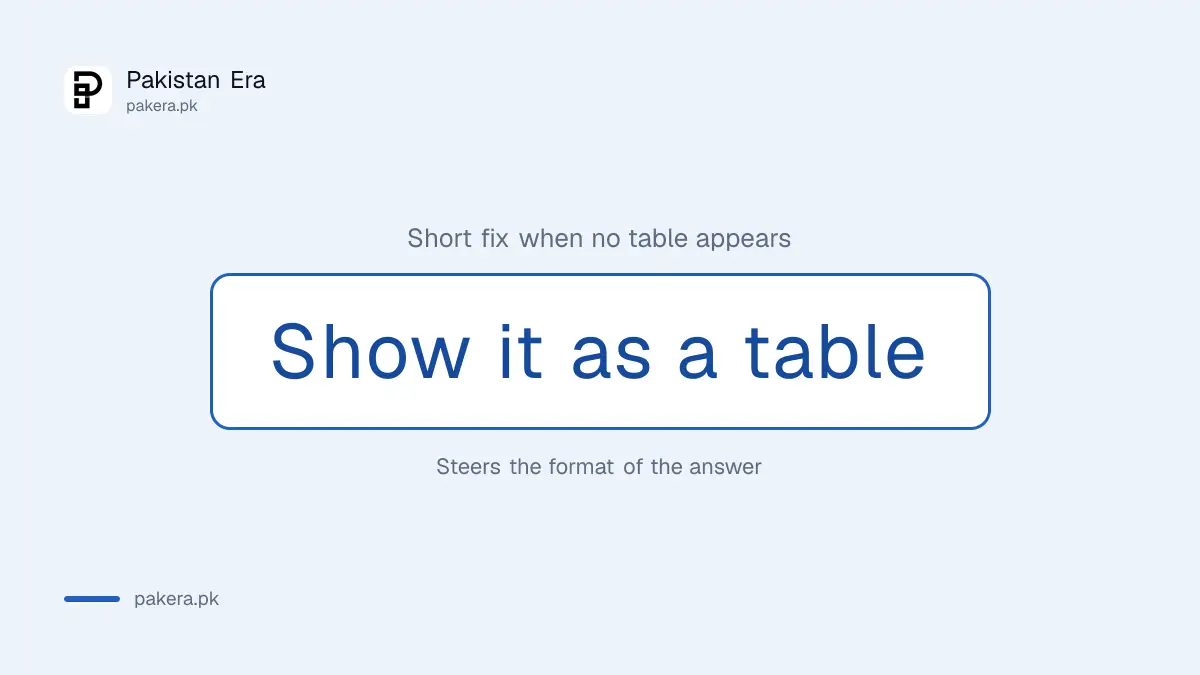
It fails when you leave the facts out. A table of invented prices looks neat and is wrong. If a table does not appear, add "show it as a table" to the prompt.
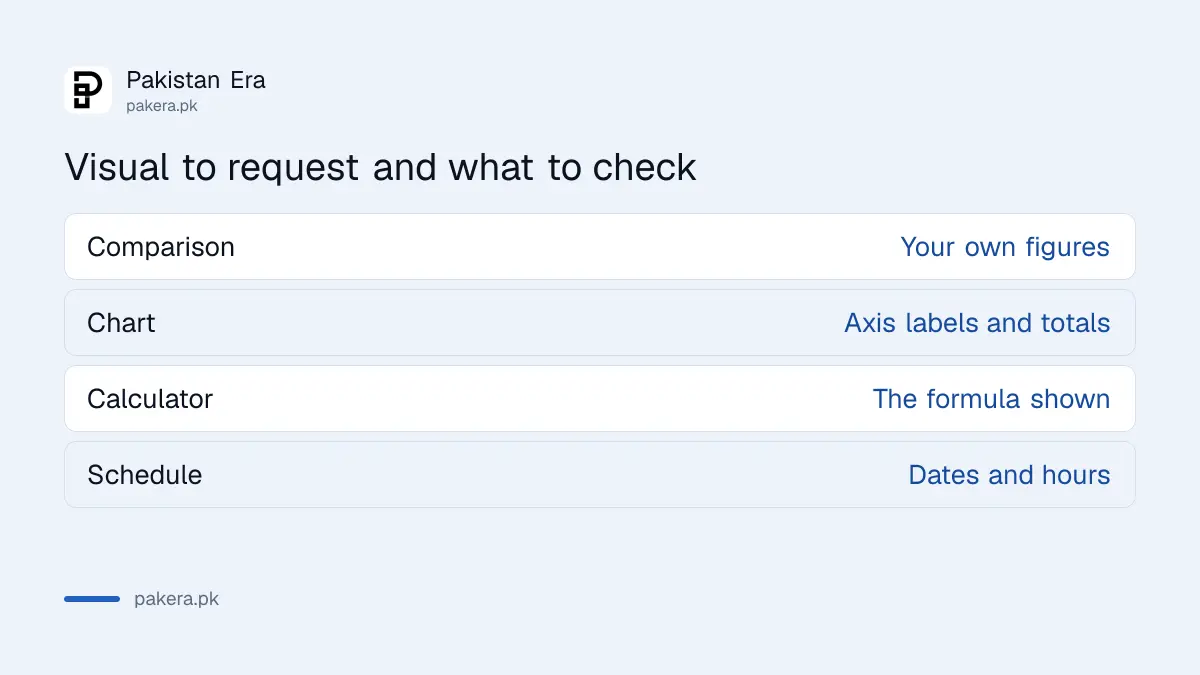
| You want | Say in the prompt | Check |
|---|---|---|
| Comparison | "Show a table with columns..." | Your own figures |
| Chart | "Draw a bar chart of this data" | Axis labels and totals |
| Calculator | "Build a calculator for..." | The formula it shows |
| Plan | "Show a weekly schedule" | Dates and hours |
Paste your data and ask for a chart
A chart prompt needs the data in the message. Paste rows of numbers, say which kind of chart you want, and ask for a one line takeaway. Then compare the chart's numbers with your source.
Here are my monthly electricity units for six months: Apr 310, May 420, Jun 560, Jul 610, Aug 590, Sep 480. Draw a bar chart. Tell me the highest month and the average. Show how you calculated the average.Those units are sample numbers. The average of the six is 495, and you should confirm that on a calculator, not trust the chart. Bill tariffs change, so read your distribution company's own bill, not a chat answer.
Build a small calculator or splitter without writing code
OpenAI's examples include a savings calculator and a bill splitter. You describe the inputs and the result, and GPT-6 builds the tool in the chat. You can then change the numbers and see the answer move.
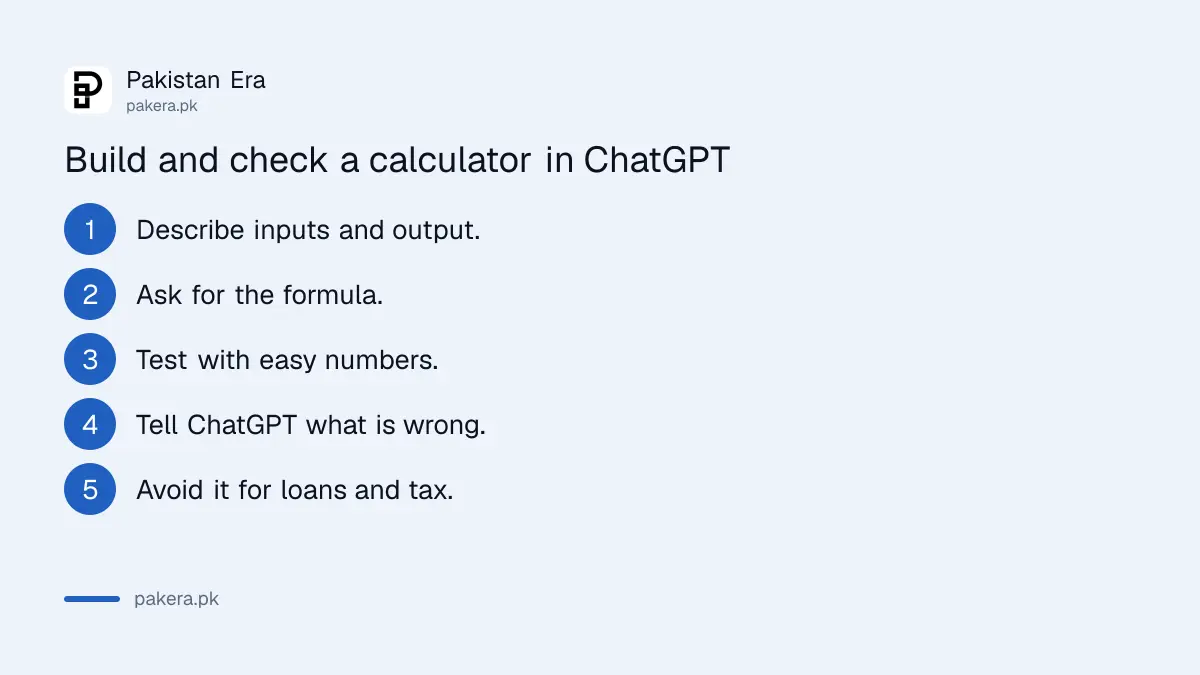
Build a simple calculator: I enter the monthly rent, electricity and gas bill, and the number of flatmates. It shows each person's share and the total. Add a field for unequal rooms.- Describe the inputs and the output.
- Ask for the formula to be shown.
- Test it with numbers you can add up in your head.
- Fix anything wrong by telling ChatGPT.
- Do not use it for loans or tax unless you check the maths.
This is helpful for a quick bill split, and unsafe for a home loan. For anything with fees or tax, use the bank's or authority's own calculator.
Use visual explanations for study, with a limit
OpenAI says an explanation can come as a diagram where you change one input and watch the result. That suits maths and science. Ask for a topic and an input to change, and check the idea against your textbook.
Explain how the angle of a ramp changes the force needed to push a box up it. Make it interactive so I can change the angle and see the force.Students will also find Study Mode useful for guided questions. And the model can still get a formula wrong, so verify.
Know the limits of Intelligent UI
The release notes say Intelligent UI works from Instant through Extra High reasoning, but not with the Pro reasoning option, which uses GPT-6 Astra. It applies to Chat, and the models in Work and Codex did not change. Enterprise accounts depend on the admin.
Nobody outside OpenAI has published a Pakistan test of it. A visual can look more trustworthy than it is, so treat each chart as a draft. Do not paste CNICs, bank statements or private records into a chat to chart them.
Common questions
Is Intelligent UI free in Pakistan?
OpenAI says it is rolling out to Free and Go from 8 October 2026, on GPT-6 Luna.
Why do I only get text and no table?
The rollout is gradual, or the model judged text enough. Ask "show it as a table".
Can I save the chart?
We did not test saving or exporting charts, so we cannot say. Take a screenshot as a fallback.
Does it work in Urdu?
You can ask in Urdu, but labels in charts may need checking. See the Urdu comparison in best AI for Urdu.
Is the calculator accurate?
Only if the formula is right. Ask it to show the formula and test with simple numbers.
How we verified this
What we checked, where we read it, and what we could not confirm.
Last checked 22 October 2026. Rollout dates, plan models and limits come from OpenAI's ChatGPT release notes. The examples of a savings calculator and bill splitter are from OpenAI's announcement as summarised in our earlier piece. The prompts are our own, the data in them is made up, and we did not test them on a Pakistani account.
About the author

Tax, Bills and Technology Writer
Ali Akhtar is a young and curious voice here at Pakistan Era. He is currently pursuing his A-Levels and has a growing interest in Pakistan’s changing industrial landscape and educational trends. Ali likes to write in a way that helps him explain and explore the world around him. His writing reflects the perspective of the new generation navigating the evolving trends of Pakistan where technology, youth innovation, and shifting opportunities are reshaping the country’s future.