How to Use ChatGPT Study Mode to Prepare for Exams in Pakistan
Use ChatGPT study mode for exams in Pakistan: type @study or tap + then Study, add your level and topic, upload notes and get quizzed. Learn how in minutes.
Short answer: On the ChatGPT website, type @study in the message box and choose Study, or open chatgpt.com/studymode. On the iOS or Android app, tap + and pick Study. OpenAI says study mode is available across ChatGPT plans on web, iOS and Android.
Exam week brings a bad habit: paste the question, copy the answer, learn nothing. Study mode in ChatGPT tries to stop that. It asks you questions, explains in steps and checks what you understood, like a tutor sitting next to you.
We read OpenAI's help page on study mode on 14 October 2026. Menu layouts can change with the app version. We did not test it on a Pakistani school or university syllabus, and school rules on AI use are for you to follow.
Study mode teaches instead of only answering
OpenAI describes study mode as a learning experience that helps you build a deeper understanding. ChatGPT can ask questions, guide your thinking, explain ideas step by step and check your understanding as you go, instead of only giving a final answer.
It can start simple and add detail when you are ready. You can ask it to slow down, use simpler language, give an analogy or go deeper. That helps students whose English is a second language.
OpenAI is blunt about one point. For graded work, follow the AI-use rules of your school, instructor or organisation. Study mode is designed to help you learn the material, not to finish your assignment.
Turn on study mode on web and phone
On the web, type @study in the message box and select Study, or select + and search for study. You can also go to chatgpt.com/studymode. On iOS and Android, select + to open tools, then select Study. It must be a regular conversation.
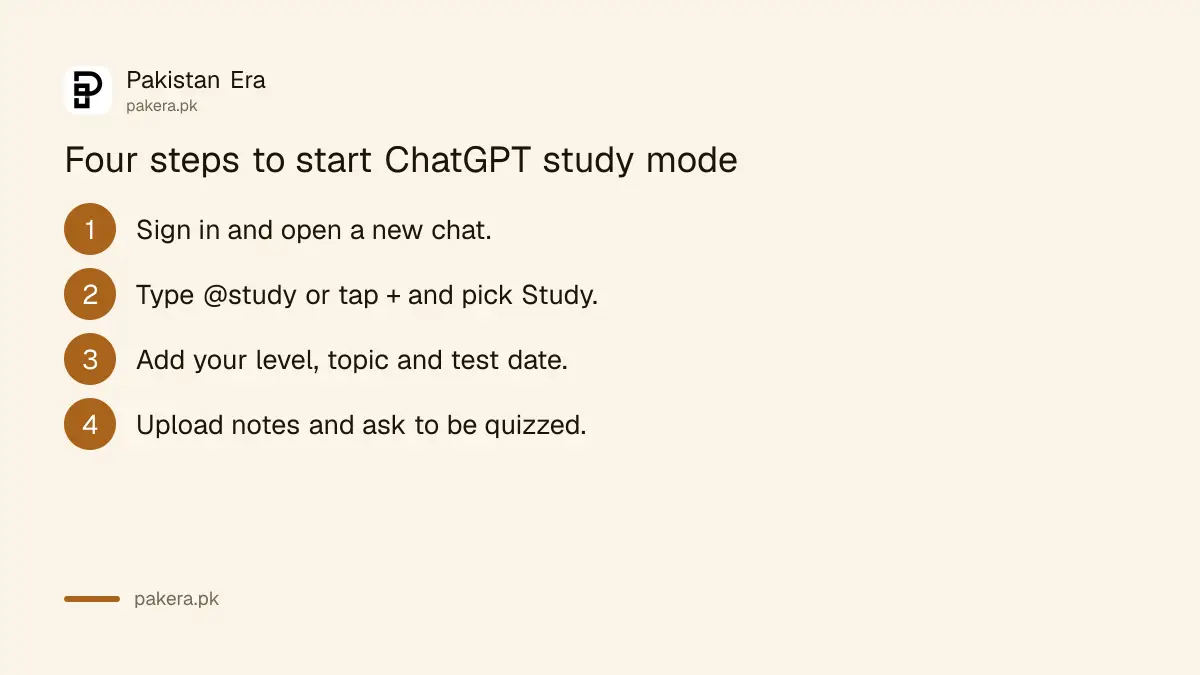
- Sign in to ChatGPT and start a new chat.
- On the web, type @study and choose Study. Or select + and search for study.
- On a phone, tap + to open tools and tap Study. Search if it does not show.
- Send your first message with your subject and level.
OpenAI says the Study option is not available in Temporary Chats, GPTs or Projects. To turn it off, remove the Study icon from the message box. On the desktop web, put the cursor next to the Study token and press Backspace or Delete.
Give it your level, topic and deadline
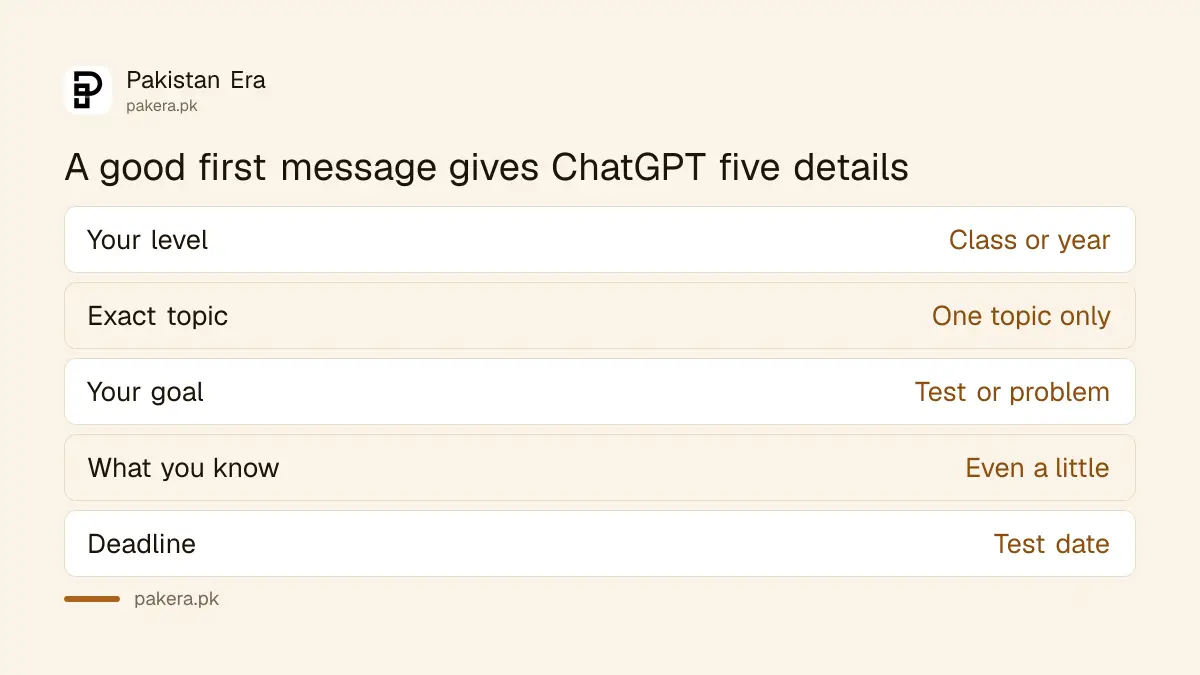
OpenAI says you get better help if your first message includes your level, the subject and exact topic, your goal, what you already understand, any deadline or test date, and any course material. Upload notes, a syllabus, slides, a PDF or a photo of a problem.
A good first message is specific. For example: "I am in first year FSc, studying chemical bonding. My test is on Friday. Quiz me one question at a time and explain anything I miss." That tells it who you are and what to do.
| Include in your first message | Example |
|---|---|
| Your level | Class 10, first year, BS Computer Science |
| Exact topic | Factoring quadratics |
| Your goal | Prepare for a test, solve a problem |
| What you know | I understand the formula, not the steps |
| Deadline | Exam on Friday |
If it misses something in an uploaded image, OpenAI suggests uploading a clearer version, pasting the text or naming the page or question. For turning notes into practice, see making flashcards and quizzes from notes, and for photographing handwritten pages, scanning notes into a PDF with ChatGPT.
Memory and privacy choices still apply
If memory is on, ChatGPT may use saved memories or past chats to personalise study mode, such as your learning goals. OpenAI says study mode still works with Memory off, though replies may be less personal. Review it in Settings, then Personalization.
Students often share notes with names, roll numbers or school details. Think before you upload them. You can control what is saved. See how to manage and delete ChatGPT memories and how to turn off training and use Temporary Chat.
Remember that Temporary Chat does not offer Study, per OpenAI. You choose between privacy and study mode for that session.
Check answers and keep your own work honest
OpenAI warns that study mode can make mistakes. Double check important information, especially for homework, exams, health, legal or financial topics. Use your textbook and teacher as the final word, and keep your own working so you can explain it in class.
It uses the same plan, model and rate limits as regular chats, according to OpenAI. On a free plan you may reach limits during a long session. Other free tools also help, as in Gemini for students in Pakistan and the comparison of ChatGPT and Gemini free plans.
Finally, use AI safely at work and school. The advice in using AI chatbots safely applies to students too.
Common questions
Is study mode free?
OpenAI says it is available across ChatGPT plans. It follows the same plan, model and rate limits as regular chats, so free users may hit limits sooner.
How do I start it on my phone?
Tap + to open tools, then tap Study. If Study does not appear, search for it in the menu.
Can I use it in a Project or Temporary Chat?
No. OpenAI says the Study option is not available in Temporary Chats, GPTs or Projects. Use a regular conversation.
Will it just give me the answer?
It can guide you with questions first. You can also ask it to explain why an answer is right or wrong without repeating the answer.
Can I upload my notes?
Yes. OpenAI lists notes, a syllabus, a worksheet, slides, a textbook excerpt or a photo of a problem.
How we verified this
What we checked, where we read it, and what we could not confirm.
Last checked on 14 October 2026, Pakistan time. We read OpenAI's help page on using study mode in ChatGPT. We did not run it against a Pakistani syllabus, and we do not state plan prices or limits, which OpenAI does not give on that page.
About the author

Technology Journalist & Multimedia Producer
Ahmad Ali is a technology journalist and multimedia producer at Pakistan Era, joining the team in October 2026. He covers consumer technology and digital life for Pakistani readers, combining research with hands-on product testing.