How to Stop ChatGPT Training on Your Chats in Pakistan: Data Controls and Temporary Chat
Turn off ChatGPT model training in Settings, Data controls, and use Temporary chat for private questions. Steps for web and app, and what stays on record.
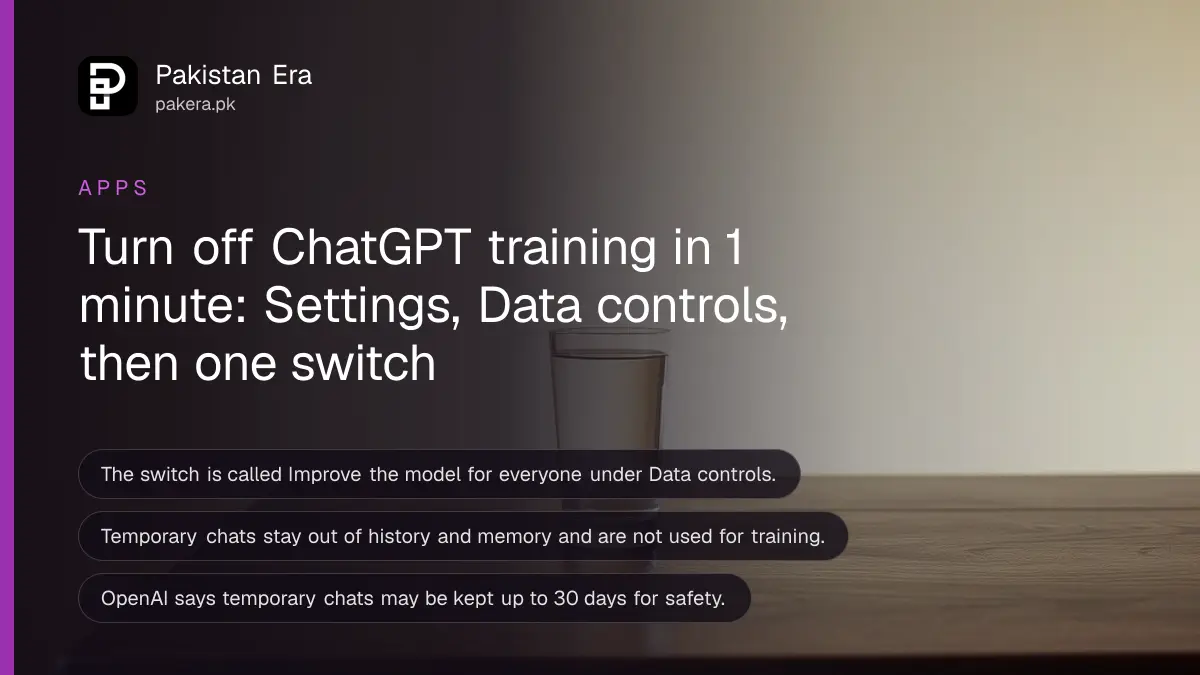
Short answer: In ChatGPT, open Settings, tap Data controls and turn off "Improve the model for everyone". New chats will then not be used to train OpenAI models. Your saved chats stay in your history. For one private chat, start a Temporary chat instead.
People paste a lot into ChatGPT: a salary slip, a legal notice, a medical report, a child's school problem. Many never open the settings page afterwards. By default, your conversations can help train the model. You can say no in under a minute, and you do not need a paid plan to do it.
We read OpenAI's Help Center page "Data controls in ChatGPT", which the page showed as updated 13 days before we read it on 11 October 2026. We did not change a live account for this article, so check your own menu names against the steps.
One switch decides whether your chats train the model
The setting is called "Improve the model for everyone", under Settings, Data controls. When it is off, your new conversations will not be used to train OpenAI models. They still appear in your chat history, so you do not lose anything.
| Option | In your history? | Used to train models? |
|---|---|---|
| Normal chat, setting on | Yes | Can be |
| Normal chat, setting off | Yes | No, for new chats |
| Temporary chat | No | No |
| Chat with thumbs up or down feedback | Yes | The whole chat may be used, per OpenAI |
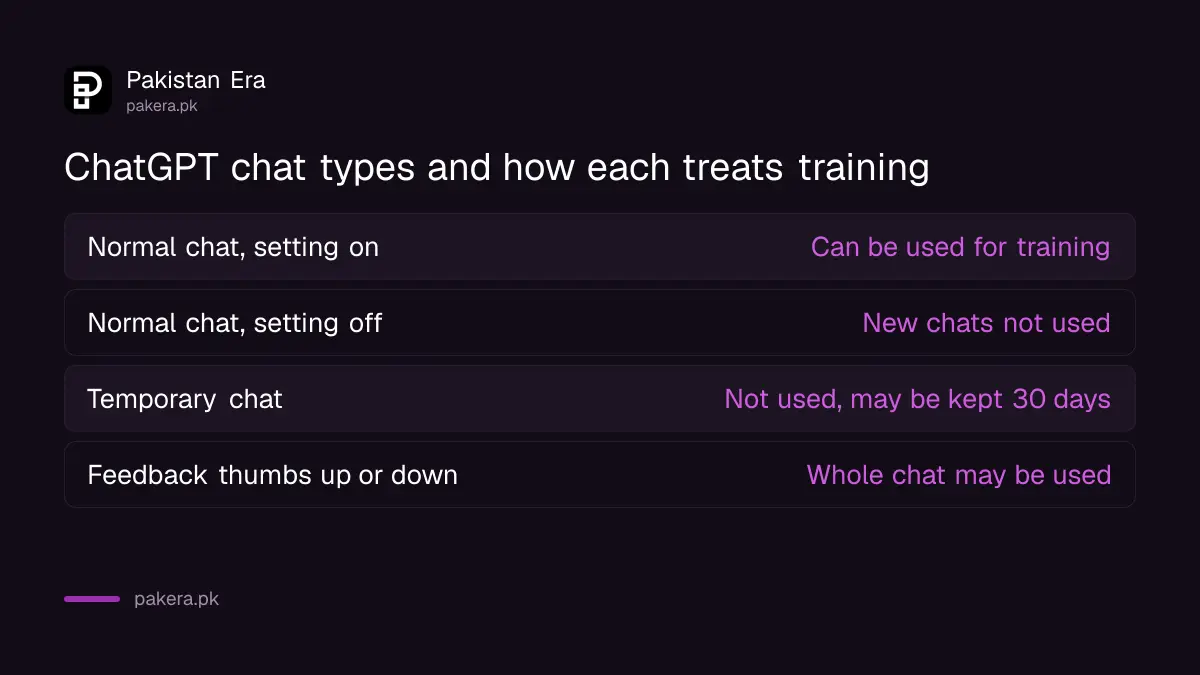
The setting applies to your account across devices when you are signed in. If you use ChatGPT without signing in, the choice is saved in that browser only. Turning it off does not delete or hide anything you already saved, and archiving a chat does not change whether it can be used.
How to turn off training on the web and the phone app
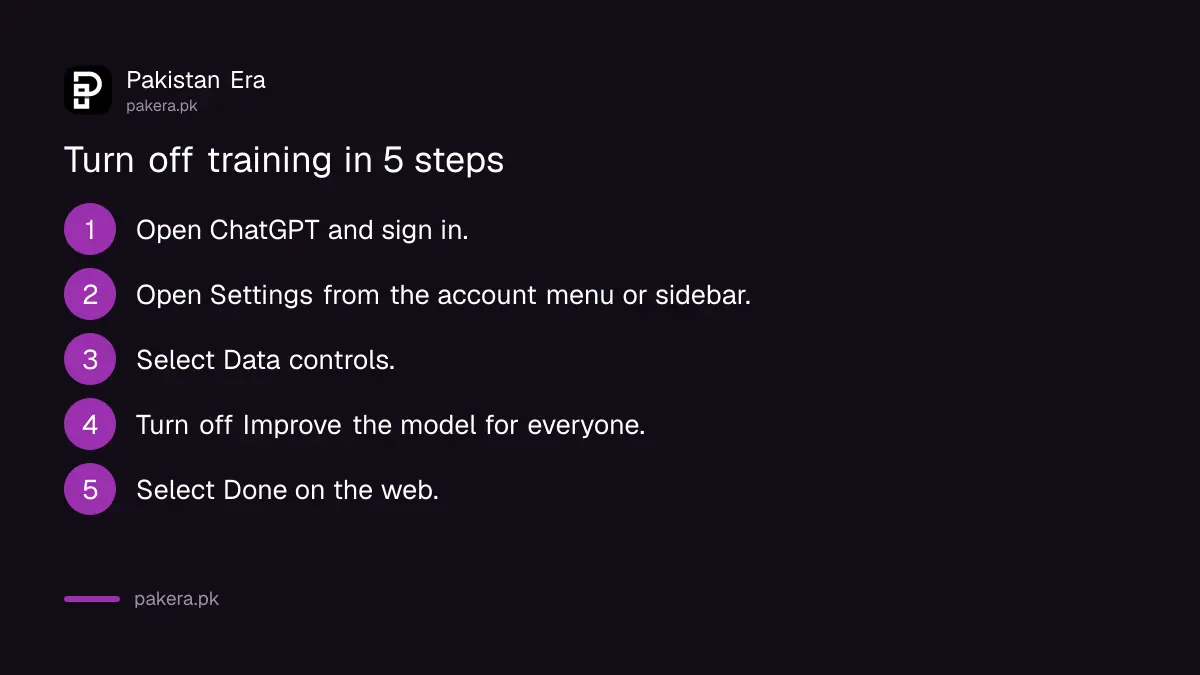
Open your account menu on the web, or the sidebar in the app, then Settings and Data controls. Turn off Improve the model for everyone and tap Done on the web. The change affects new conversations from that point.
- Open ChatGPT and sign in.
- On the web, open your account menu and select Settings. In the app, open the sidebar and tap your profile icon.
- Select Data controls.
- Turn off "Improve the model for everyone".
- On the web, select Done.
OpenAI's page says parent or guardian settings and workspace controls can limit whether you can change the setting. If you cannot find it, that may be why. Where the setting is available to your account, you can change it.
Use Temporary chat for one-off private questions
A Temporary chat does not appear in your history, does not create or update memories and is not used to improve OpenAI models. OpenAI says it may keep the chat for up to 30 days for safety purposes. Use it for sensitive one-time questions.
Before the conversation begins, you choose whether the temporary chat is personalized. A personalized one can use your existing memories and custom instructions. You can turn personalization off when you start it. If you save a temporary chat, it becomes a regular chat and follows your normal settings.
Memory and training are separate settings. Turning off memory does not stop training, and turning off training does not clear memory. Check both if privacy is the goal.
What turning it off does not do
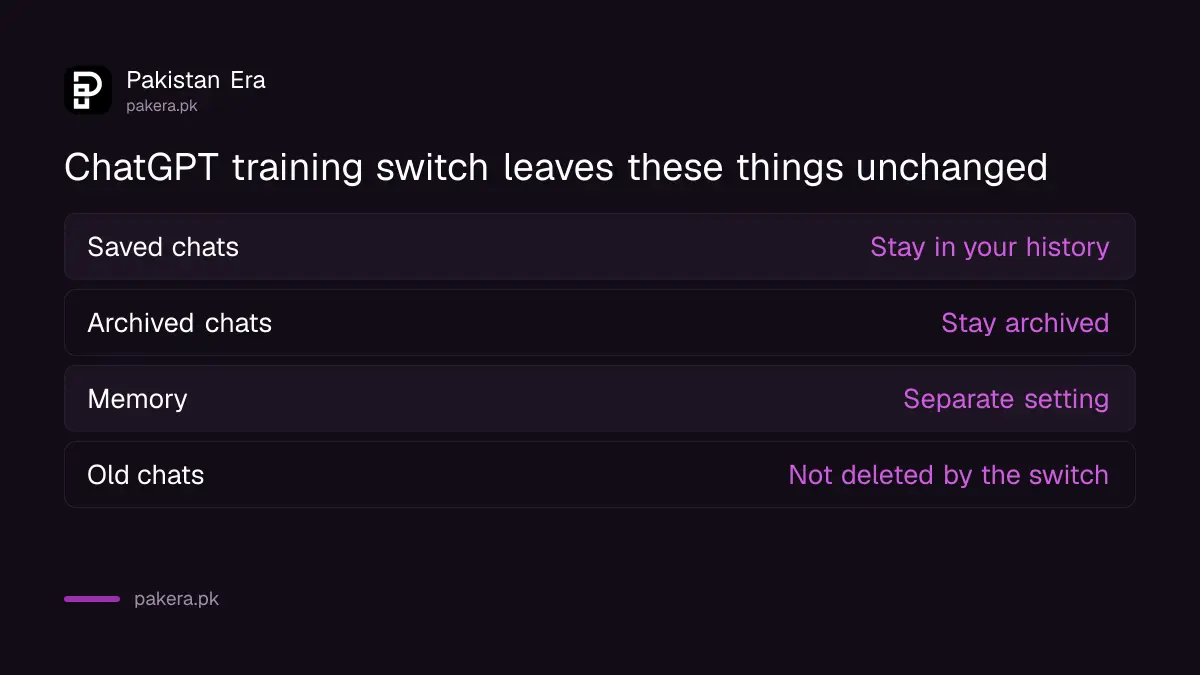
Turning off training does not delete your old chats, and it does not make a chat secret from OpenAI. Chats can still be kept for safety checks. Thumbs up or down feedback can send the whole chat for use in training.
Do not put a CNIC number, bank card number, OTP or password into any chatbot, whatever your settings say. A settings switch is not a reason to share what you would not hand a stranger. The rules for using AI chatbots safely at work list what not to paste.
To remove content, delete the chat itself or your account. OpenAI says signed-in Free, Go, Plus and Pro users can export a copy of their data from settings and can delete their account there. Deleting the account is permanent and affects subscriptions, so export first.
Secure the account itself as well
Privacy settings do not help if someone else is logged in as you. Check your active sessions and turn on two-step verification. A hijacked account lets a stranger read every saved chat, whatever the training switch says.
We explain the session check in checking who is logged in to your ChatGPT account. You can also clear your Google AI history with deleting Gemini chats and turning off activity, and Meta's chatbot history with deleting Meta AI chats in WhatsApp.
Common questions
Does ChatGPT train on my chats by default?
OpenAI's page says Data controls let you choose whether your conversations help train its models. If "Improve the model for everyone" is on, new chats can be used. Check it in Settings.
Will I lose my chat history if I turn it off?
No. OpenAI says turning off the setting does not delete or hide saved chats. Regular, archived and project chats stay where they are.
Is a Temporary chat fully private?
No. It stays out of your history and memories and is not used for training, but OpenAI says it may keep it for up to 30 days for safety purposes.
Does thumbs up feedback override my setting?
It can. OpenAI says if you give feedback, the entire conversation tied to it may be used to train models, even after you opted out.
Can I download my ChatGPT data?
Yes. Signed-in Free, Go, Plus and Pro users can request a copy from settings or through the OpenAI Privacy Portal. Business and Enterprise workspaces go through the workspace owner.
Do work accounts train the model?
OpenAI says by default it does not use content from Business, Enterprise, Edu or healthcare workspaces to train its models. Your organisation's own rules still apply.
How we verified this
What we checked, where we read it, and what we could not confirm.
Last checked on 11 October 2026. We read OpenAI's Help Center page Data controls in ChatGPT. The page does not give Pakistan specific rules, and available controls depend on your plan and workspace. We did not open the linked Temporary chat or Memory pages.
About the author

Technology Journalist & Multimedia Producer
Ahmad Ali is a technology journalist and multimedia producer at Pakistan Era, joining the team in October 2026. He covers consumer technology and digital life for Pakistani readers, combining research with hands-on product testing.