Delete Your Gemini Chats and Turn Off Activity Saving in Pakistan
Gemini keeps your chats by default if you are 18 or over. See how to delete them, turn off Keep Activity and use temporary chats, plus what stays for 3 years.
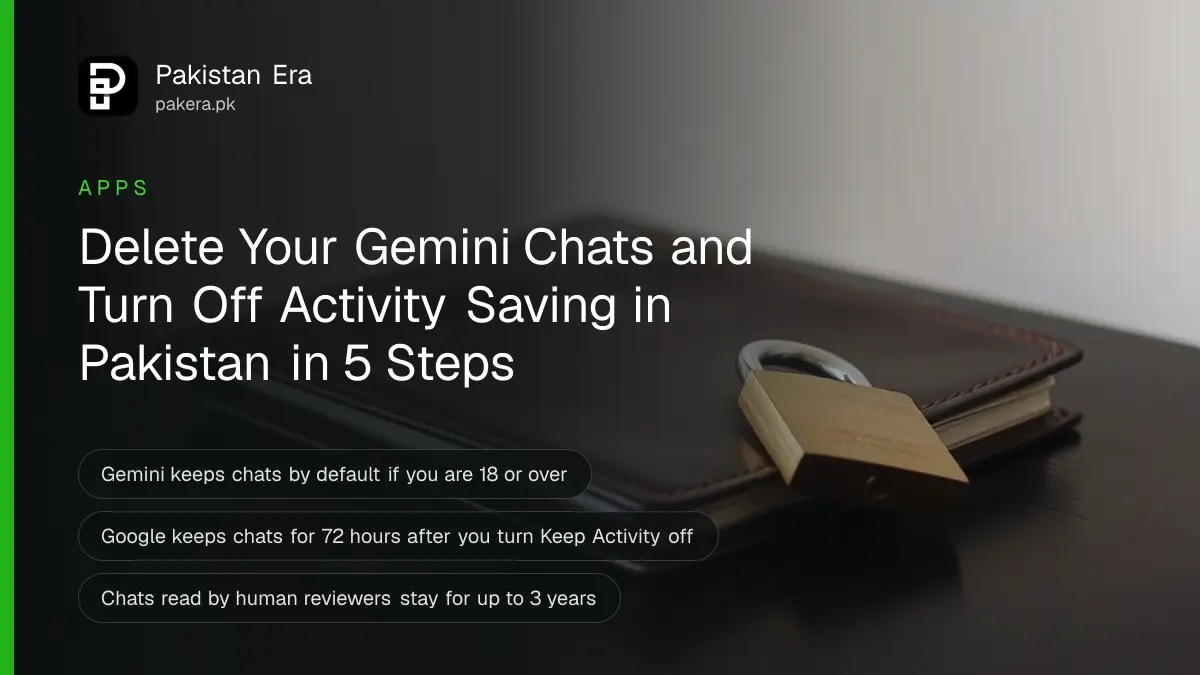
To delete your Gemini chats, open the Gemini app, tap your profile picture, then "Gemini Apps Activity". Tap Delete and choose All time. To stop Google keeping future chats, tap the On switch near the top and choose Turn off. Both steps are free.
Gemini ships on many Android phones, and many people in Pakistan have typed private things into it. Salary questions. Medical worries. A draft of a message to a landlord. Google keeps that history in your account by default if you are 18 or older.
We read Google's Gemini Apps Help pages on 11 October 2026. Below are the exact steps, what "off" really means, and the one kind of chat that deleting does not remove.
Gemini keeps your chats until you change the setting
If you are 18 or over, a setting called Keep Activity is on by default. While it is on, Google stores your Gemini prompts in your Google Account. It deletes activity older than 18 months automatically, unless you pick a different period.
Gemini Live chats are included. Google's help page says that with Keep Activity on, Live transcripts, audio, files, images and any video or screen sharing you choose to share are saved in your activity.
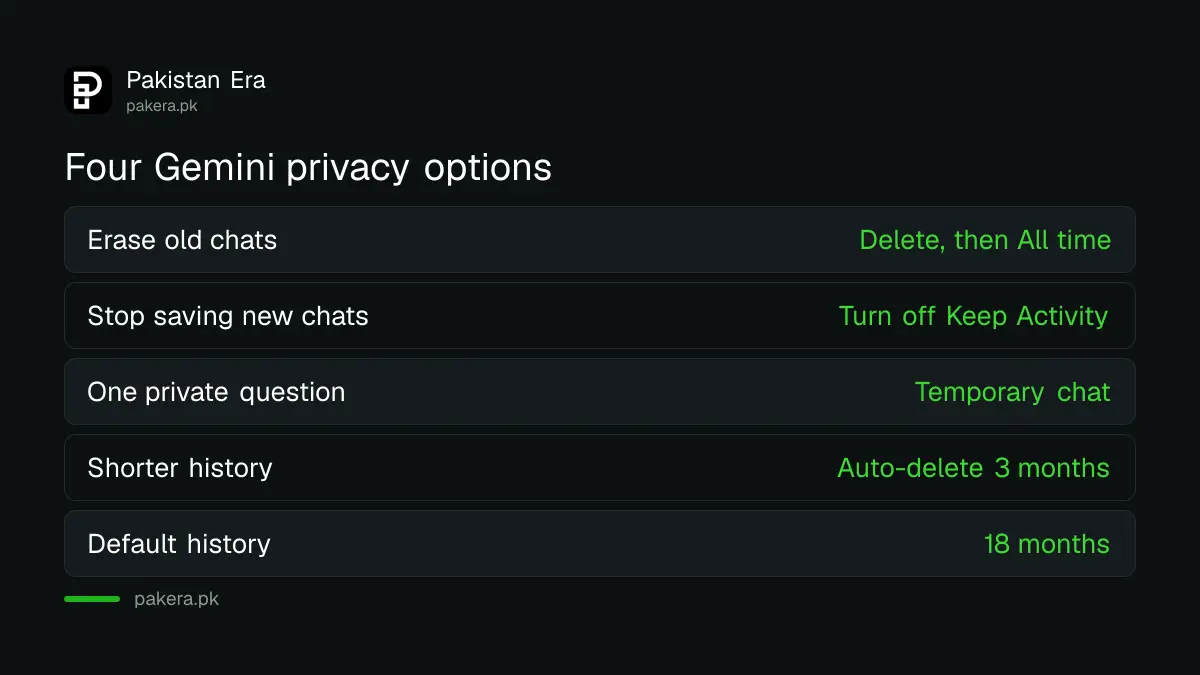
| What you want | Setting to use | Effect |
|---|---|---|
| Erase old chats | Delete, then All time | Removes the activity you choose |
| Stop saving new chats | Turn off Keep Activity | New chats are not added to your activity |
| One private question | Temporary chat | Not used to train Google's AI models |
| Shorter memory | Auto-delete | Choose 3, 18 or 36 months, or none |
Delete your Gemini chats in five steps
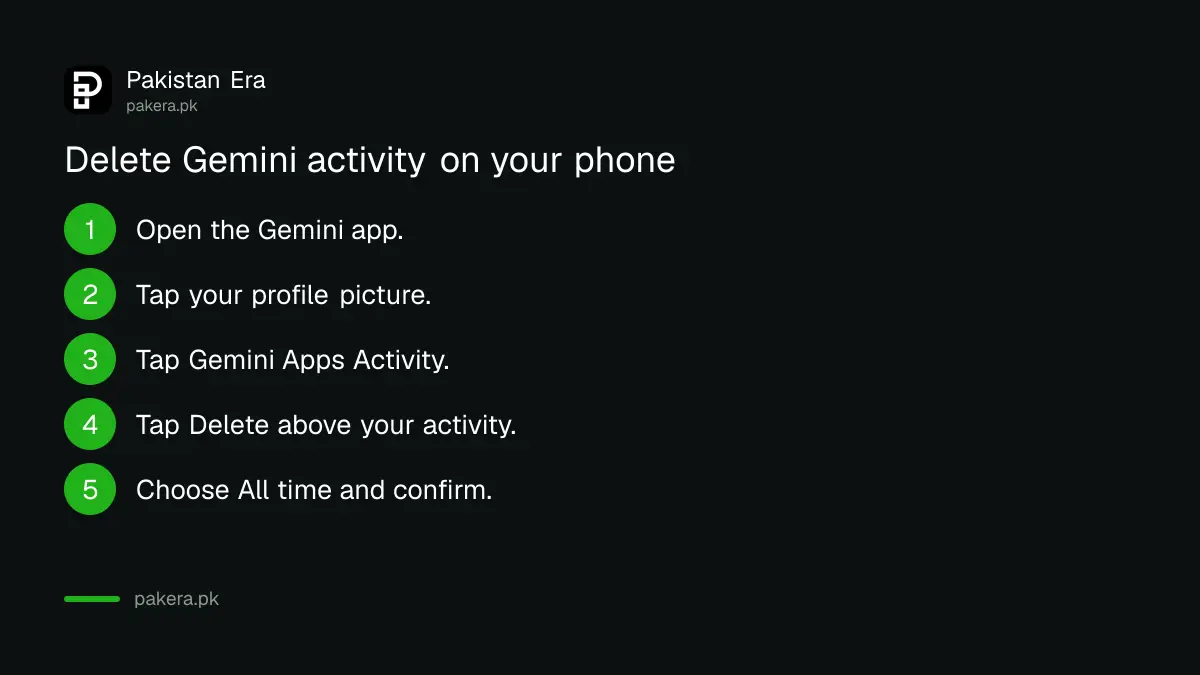
Open the Gemini app, tap your profile picture, then Gemini Apps Activity. Tap Delete above your activity and pick All time, Last hour, Last day or a custom range. You can also delete one day or one single item.
- Open the Gemini app on your phone.
- Tap your profile picture or initial at the left of the menu.
- Tap Gemini Apps Activity.
- Tap Delete above your activity.
- Choose All time, or a shorter period, and confirm.
On a computer, or in a phone browser, go to gemini.google.com, tap Settings and help, then Activity. You can also open myactivity.google.com/product/gemini directly.
Deleting one item is enough when you only typed a single sensitive prompt. Tap Delete activity item next to it.
Turning Keep Activity off does not make chats vanish instantly
When you switch Keep Activity off, new chats stop appearing in your activity. Google still keeps them with your account for up to 72 hours so the service works and so it can process any feedback you send. After that they are not kept in your activity.
On your phone, tap the On switch near the top of Gemini Apps Activity, then choose Turn off or Turn off and delete activity. The second option also clears what is stored.
There is a trade-off. Google's page says that with Keep Activity off, only a short list of connected apps stay available: Device assistance, Gemini Notebook, Messages, Phone and WhatsApp. Other connected apps stop working. If you rely on Gemini inside other Google apps, test it after you switch.
Our view: turn it off if you use Gemini for personal matters. Leave it on only if you want Gemini to refer back to old chats.
Know what deleting cannot remove
Google says some chats are read by human reviewers to improve its services. Those reviewed chats, and related data such as language and device type, are not deleted when you delete your activity. Google keeps them for up to three years. The way to stop future chats being reviewed is to turn Keep Activity off.
That is why the page tells you not to enter confidential data you would not want a reviewer to see. Treat that as a plain rule. Never paste a CNIC number, a bank PIN or a one-time code into any chatbot. PKCERT's rules for using ChatGPT and AI chatbots safely at work say the same.
A work or school account is different. For those, your administrator controls the activity settings, and you may not be able to change retention yourself.
Use a temporary chat and auto-delete for everyday privacy
A temporary chat is kept with your account for 72 hours and is not used to train Google's AI models, according to Google's Privacy Hub. For a one-off sensitive question it is the quickest option. For everything else, shorten the auto-delete period.
- On your phone, tap the auto-delete line near the top of Gemini Apps Activity.
- Choose 3, 18 or 36 months, or "Don't auto-delete activity".
- Pick 3 months if you want the shortest history.
A separate setting lets Google use your audio and Gemini Live video and screen shares to improve its services. Google's page says it is off by default, and you can only turn it on if Keep Activity is on. Check that the box is clear.
If you are deciding which free chatbot to use at all, the ChatGPT, Gemini and Claude free plans in Pakistan differ in what they give you. Free Gemini also changed recently: free users now get only Flash-Lite.
Common questions
Does deleting Gemini Apps Activity delete my Google Account?
No. The setting removes Gemini activity only. Your Google Account stays open.
Is Keep Activity on by default in Pakistan?
Google's page says Keep Activity is on by default if you are 18 or over. We found no Pakistan-specific exception.
How long does Google keep chats after I turn Keep Activity off?
Up to 72 hours, to run the service and process feedback. They do not appear in your Gemini Apps Activity.
Can I delete just one chat?
Yes. In Gemini Apps Activity, tap Delete activity item next to it, or delete all activity from a single day.
Can I turn Keep Activity back on later?
Yes. Open Gemini Apps Activity and review the notice before you turn it on. Google's page says you can change the setting at any time.
How we verified this
What we checked, where we read it, and what we could not confirm.
We last checked these official pages on 11 October 2026:
- Gemini Apps Help, "Manage and delete your activity in Gemini Apps" (Android version), for the steps, the 18 month default, the 72 hour rule and the connected apps list.
- Gemini Apps Privacy Hub, for temporary chats, human review and the three year retention of reviewed chats.
Menu names can change between app versions. We did not test every step on a Pakistani account. If a label differs on your phone, open myactivity.google.com/product/gemini and look for the same options there.
About the author

Technology Journalist & Multimedia Producer
Ahmad Ali is a technology journalist and multimedia producer at Pakistan Era, joining the team in October 2026. He covers consumer technology and digital life for Pakistani readers, combining research with hands-on product testing.