How to Link a Bank Account With Zindigi and Add Money
Send money to Zindigi by IBFT using your mobile number, link your debit card, or add a Raast ID. Transfers out are free up to Rs 25,000 a month.
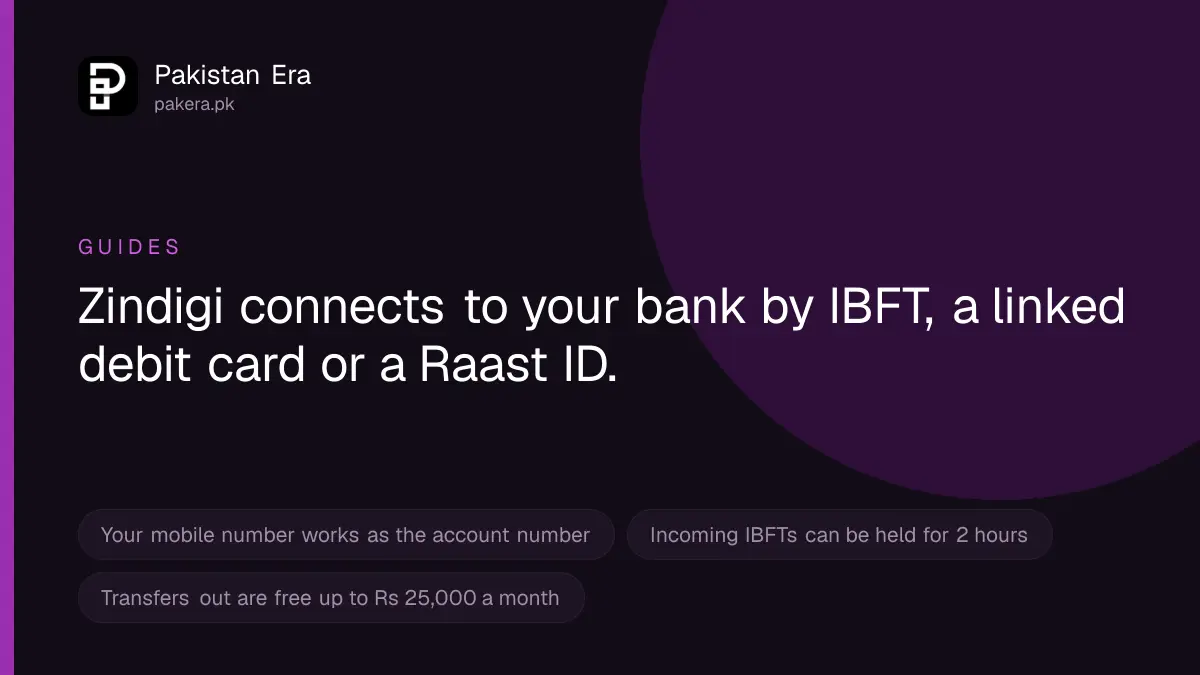
Zindigi does not "link" a bank account the way some apps do. There are three ways to connect your bank to it. First, send money from your bank app by interbank transfer: pick "Zindigi Wallet" as the bank and type your Zindigi mobile number as the account number. Second, link your bank debit card inside the Zindigi app and pull money in. Third, register your mobile number as a Raast ID, which is free. Money you send out from Zindigi to a bank is free up to Rs 25,000 a month.
We read Zindigi's help, send money, account, security and contact pages, and its schedule of charges for 1 July to 30 September 2026, on 22 September 2026. Zindigi is the digital banking app of JS Bank Limited. Every step and fee below comes from those pages.
Three ways to connect your bank to Zindigi
| Method | Direction | What Zindigi says |
|---|---|---|
| Interbank transfer (IBFT) from your bank | Bank to Zindigi | Choose Zindigi Wallet, enter your mobile number as the account number |
| Link your debit card | Bank card to Zindigi | "Link your debit card to pull funds in your Zindigi app" |
| Raast ID | Both ways | Link your mobile number as a Raast ID; Raast transfers are free |
| Bank transfer from Zindigi | Zindigi to bank | Any bank in Pakistan, by account number or IBAN |
Method 1: send money from your bank by IBFT
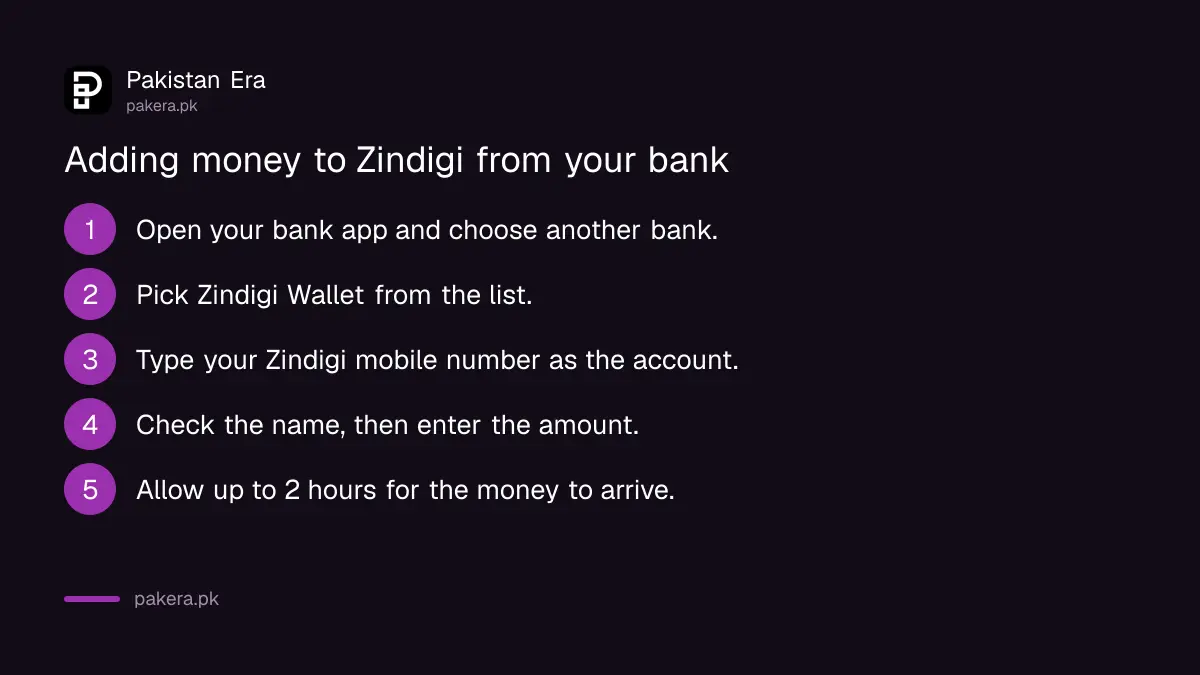
IBFT means interbank funds transfer. It is the normal "send to another bank" option in your bank's app or internet banking. You do not need to set anything up in Zindigi first.
- Open your bank's mobile app or internet banking.
- Choose the option to send money to another bank.
- In the bank list, pick Zindigi Wallet. Zindigi's help page gives this name.
- In the account number box, type your Zindigi mobile number.
- Check that the title shown matches your own name, then enter the amount.
- Confirm with your bank's PIN or OTP.
Your Zindigi account also has its own IBAN. Zindigi says the IBAN is created automatically and is shown in the app's settings menu. Some bank apps ask for an IBAN rather than a mobile number, and this works too.
Allow up to 2 hours. Zindigi's security page says all incoming IBFTs for customers who are not yet trusted go through a 2 hour cooling off period. So if the money has left your bank but has not reached Zindigi, wait 2 hours before you complain.
Method 2: link your bank debit card inside Zindigi
Zindigi's help page says you can link your debit card to pull funds into the Zindigi app. It does not publish the screen by screen steps. In most card linking flows you enter the card number, expiry date and the 3-digit CVV code on the back, and confirm with an OTP your bank sends. Look for the option to add money or manage cards in the app.
Two safety rules apply to this method:
- Type your card details only inside the official Zindigi app, never on a website link sent to you by SMS or WhatsApp.
- The OTP from your bank is for you to type. Never read it out to anybody on the phone.
Method 3: register your number as a Raast ID
Raast is the State Bank's instant payment system. A Raast ID lets anyone send money to your mobile number from any bank. Zindigi says Raast transfers are free and arrive instantly.
- In the Zindigi app, tap Transfer Money.
- Tap Raast, then ID Management.
- Choose to link your account with Raast.
One number can be a Raast ID at only one bank. Zindigi says to make sure your mobile number is not linked with Raast at another bank before you link it with Zindigi. If it is, remove it there first.
Sending money from Zindigi to your bank
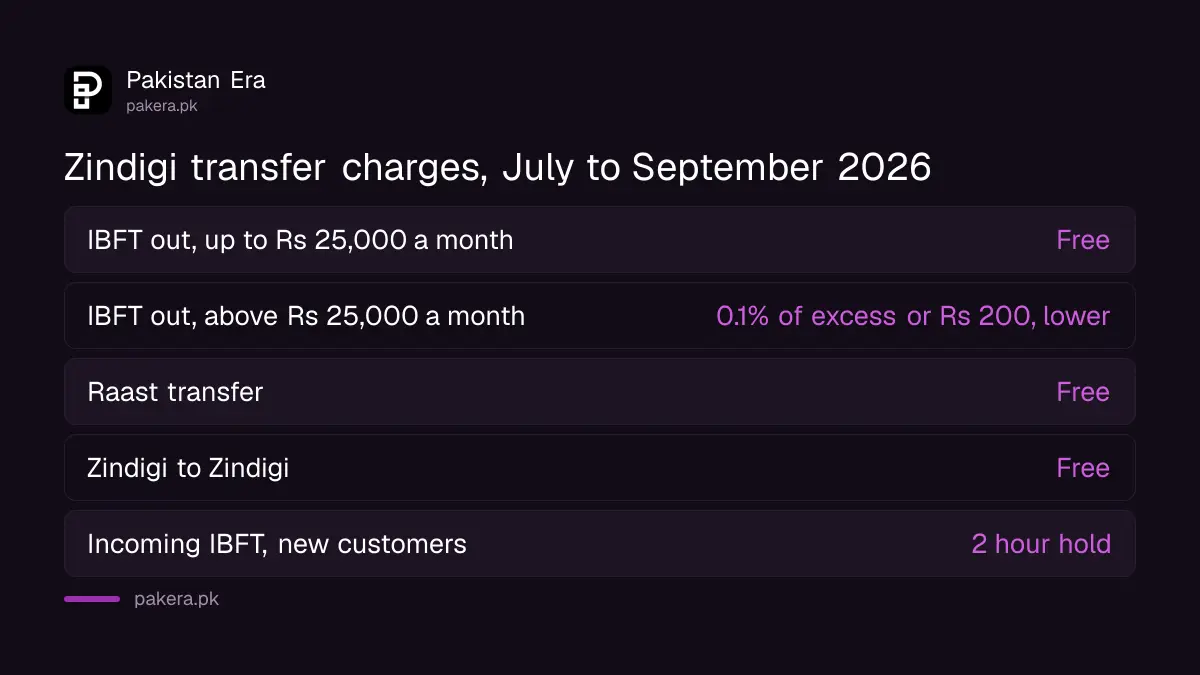
Zindigi's send money page says you can send money to all banks in Pakistan, by account number or IBAN. In the app, tap Transfer Money, then Bank Transfer, and enter the details.
These charges are from Zindigi's schedule of charges, effective 1 July 2026 to 30 September 2026, and its send money page:
- IBFT up to Rs 25,000 a month: free.
- IBFT above Rs 25,000 a month: 0.1 per cent of the amount over Rs 25,000, or Rs 200, whichever is lower. Zindigi says this fee is charged by 1Link, the interbank network.
- Raast transfer: free.
- Zindigi to Zindigi: free.
When the money does not arrive
- IBFT sent but not received: wait for the 2 hour cooling off period first.
- Zindigi Wallet not in your bank's list: use your Zindigi IBAN from the app settings instead.
- Transfer rejected for a limit: a basic account has limits of Rs 25,000 a day and Rs 50,000 a month.
- Raast link fails: your number is probably still a Raast ID at another bank.
- Money missing from your bank: ask your bank for the transaction reference. For a dispute, Zindigi says to call its helpline.
Keep your card and account safe
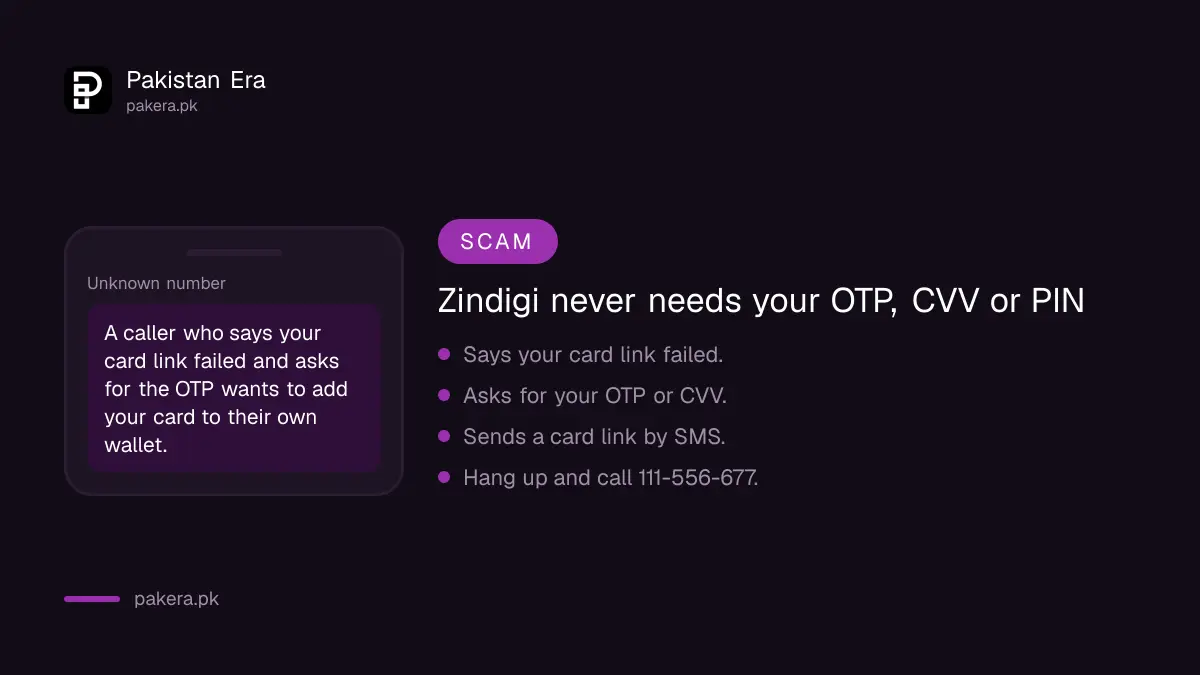
Linking a card means typing card details, so this is where scammers aim. A caller says your card link has failed and asks for the OTP to "fix" it. That OTP lets them add your card to their own wallet. Zindigi and JS Bank never need your OTP, CVV or PIN over the phone.
Zindigi builds in some delays to stop account takeovers. Its security page says a new device, a PIN reset, a PIN change or a new email each needs a 2 hour cooling off period, and a new device or email also needs biometric verification. These delays protect you, so do not let a caller rush you past them. If money leaves without your permission, report it to Zindigi at once.
Where to get help
- Call Zindigi on UAN 111-556-677, with the 021 or 051 code. Zindigi says its team is available 24/7.
- Use the in-app chat after logging in.
- Email support@zindigi.pk.
- For a card block, a dispute or a fraud report, Zindigi says it can act only after it confirms who you are.
- If Zindigi does not solve it, Zindigi's own help page points to the State Bank's Sunwai portal at sunwai.sbp.org.pk and the Banking Mohtasib.
Common questions
What do I enter as the account number to send money to Zindigi?
Your Zindigi mobile number. Choose Zindigi Wallet as the bank in your bank's app.
Where do I find my Zindigi IBAN?
In the settings menu of the Zindigi app. Zindigi says it is created automatically.
Why has my IBFT not reached Zindigi?
Zindigi holds incoming IBFTs for customers who are not yet trusted for 2 hours. Wait for that period before you complain.
Is it free to send money from Zindigi to a bank?
Yes, up to Rs 25,000 a month. Above that, 1Link's fee of 0.1 per cent of the amount over Rs 25,000, or Rs 200, whichever is lower, applies.
Can I link my Zindigi number to Raast?
Yes, through Transfer Money, Raast, ID Management. The number must not be a Raast ID at another bank.
What is the Zindigi helpline?
UAN 111-556-677. You can also email support@zindigi.pk.
How we verified this
What we checked, where we read it, and what we could not confirm.
Last checked 22 September 2026. The deposit channels, the Zindigi Wallet bank name, the mobile number as account number, the debit card linking statement and the forgot PIN route are from zindigi.pk/help. The bank transfer options, the IBAN in settings, the Raast steps and the one bank rule, and the 1Link fee wording are from zindigi.pk/features/send-money. The 2 hour cooling off periods are from zindigi.pk/security. The IBFT, Raast and wallet transfer charges are from Zindigi's Schedule of Bank Charges effective 1 July 2026 to 30 September 2026, linked from zindigi.pk/schedule-of-charges. The basic account limits are from zindigi.pk/zindigi-account. Contact details are from zindigi.pk/contact-us and zindigi.pk/help. Zindigi does not publish the card linking screens.
About the author

Tax, Bills and Technology Writer
Ali Akhtar is a young and curious voice here at Pakistan Era. He is currently pursuing his A-Levels and has a growing interest in Pakistan’s changing industrial landscape and educational trends. Ali likes to write in a way that helps him explain and explore the world around him. His writing reflects the perspective of the new generation navigating the evolving trends of Pakistan where technology, youth innovation, and shifting opportunities are reshaping the country’s future.