Add Products and Services to Google Business Profile in Pakistan: Free Steps
Add products and services to your Google Business Profile in Pakistan: the product editor, Edit services, prices, and the mistakes that get products removed.
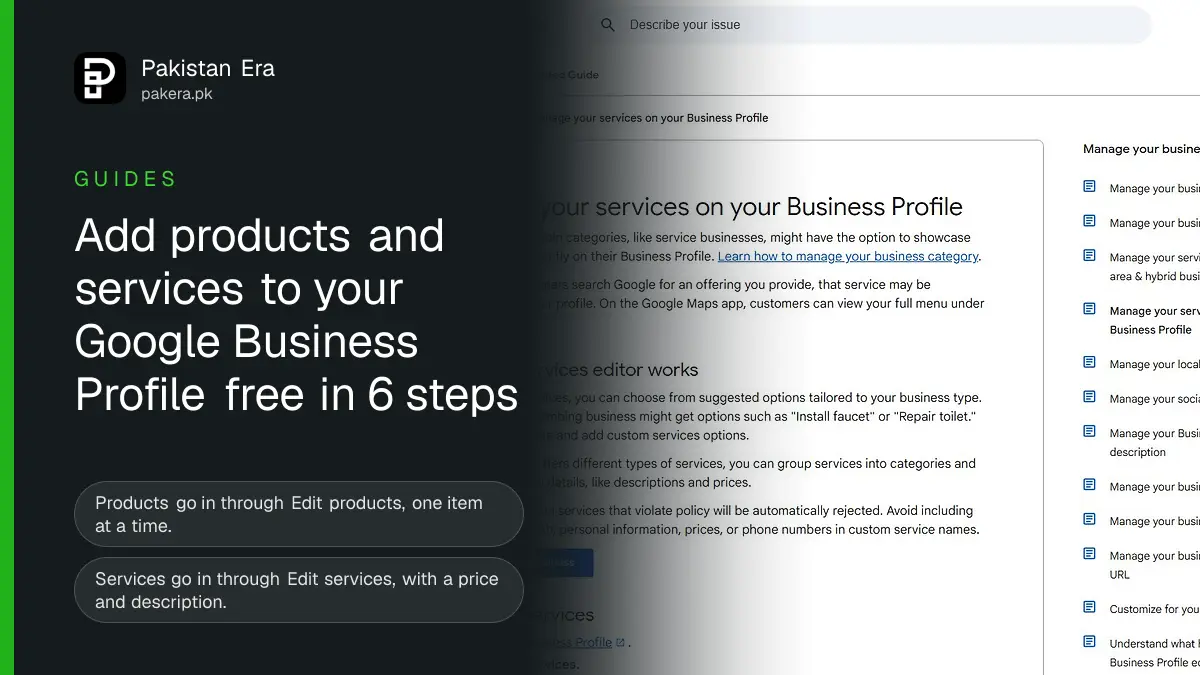
You can add products and services to your Google Business Profile from Pakistan for free. Products go in through the product editor: open your profile at business.google.com, click Edit products, fill in the form and click Publish. Services go in through Edit services, where you pick from Google's suggestions or add a custom service with a price and description.
Both lists show on your profile in Google Search, and services also appear under "Services" in the Google Maps app. This guide covers which one fits your business, the steps for each, and the mistakes that get items rejected or the whole product list removed.
Products or services: which one your business should use
Google built the two editors for different kinds of business. Many shops can use both: a mobile phone shop in Saddar can list handsets as products and "screen replacement" as a service.
| Point | Products | Services |
|---|---|---|
| Best for | Local shops selling physical goods | Service businesses, such as salons, tutors, plumbers, clinics |
| Where to click | Edit products | Edit services |
| Where it shows | Your profile on Google Search | Your profile on Search, and "Services" in Google Maps |
| Rules | Google's Shopping ads policy | Custom service names checked automatically |
| Risk | Breaking policy can remove all your products | A custom service that breaks policy is rejected |
Google says the product editor suits you if you run a local store and you have no website where customers buy online, your products have no barcodes, or you do not keep live stock data. That describes most small shops in Pakistan.
The option to add services depends on your business category. Google says businesses "in certain categories, like service businesses, might have the option". If you do not see Edit services, check that your main category is right; our guide to editing your Business Profile details shows where to change it.
How to add a product to your Business Profile
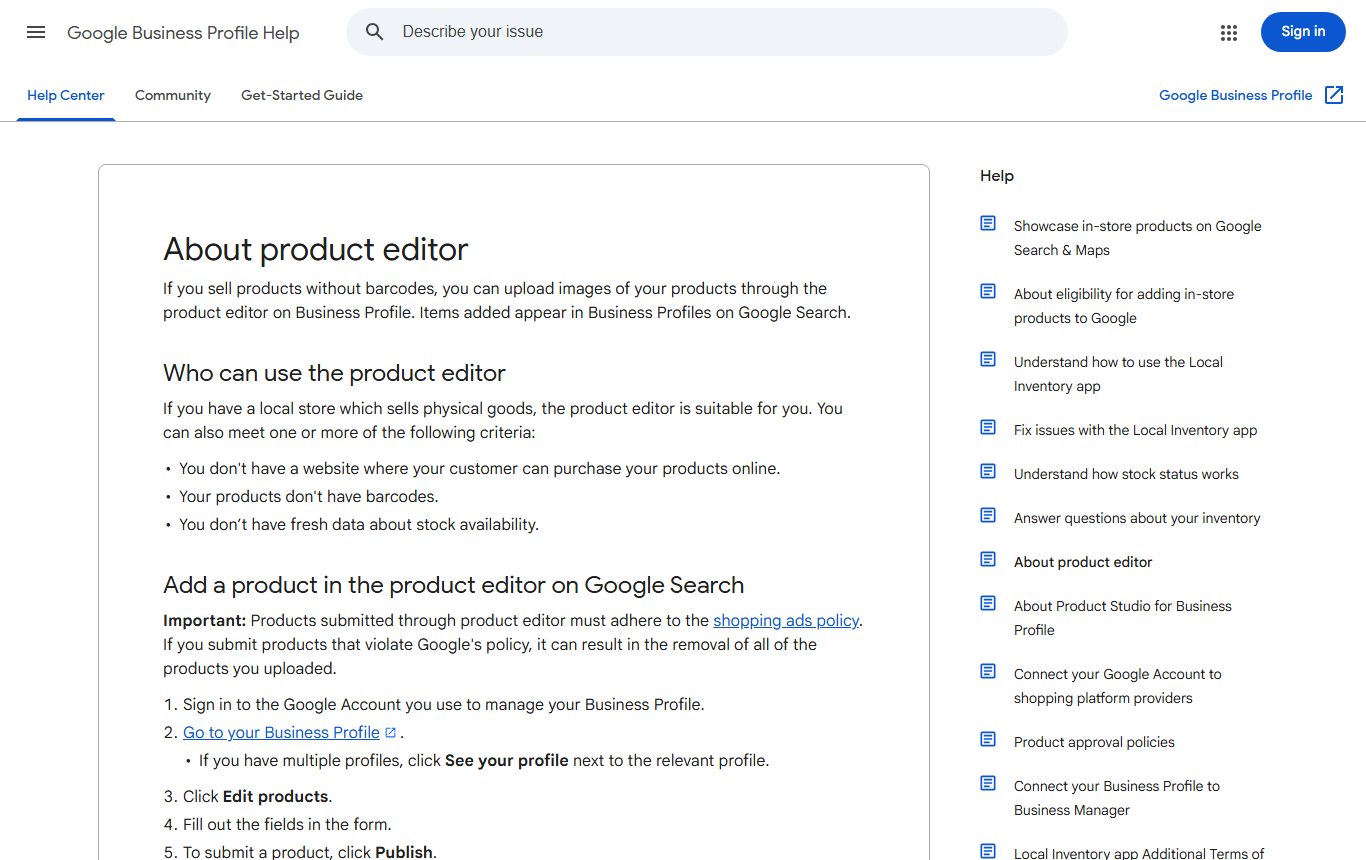
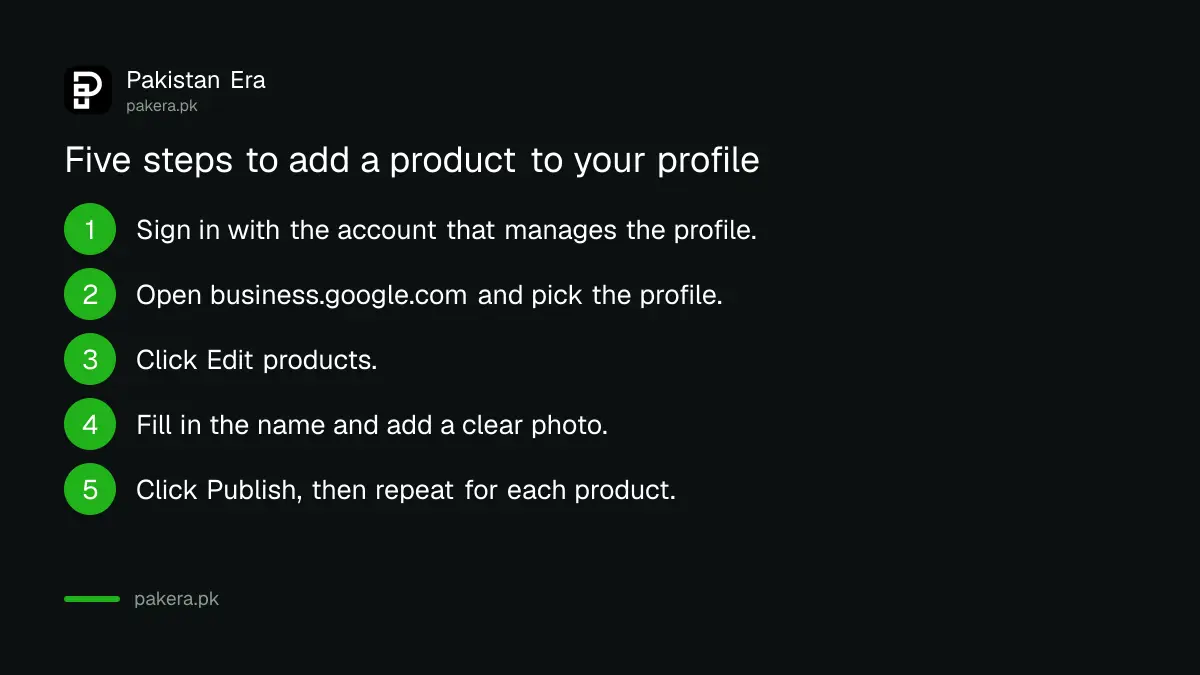
- Sign in to the Google account that manages your Business Profile.
- Go to business.google.com. If you manage more than one profile, click See your profile next to the right one.
- Click Edit products.
- Fill out the fields in the form, starting with the product name and a clear photo of the item.
- Click Publish.
- Repeat for each product. The editor adds them one at a time.
To change a product later, go back to Edit products, select it, change the fields and click Publish. To remove it, select the product, open the Menu and choose Delete.
If a Google Merchant Center account is already linked to your profile, Edit products offers to manage your products in Merchant Center instead. Our Merchant Center free listings guide explains that route, which suits shops with a website.
How to add services, prices and descriptions
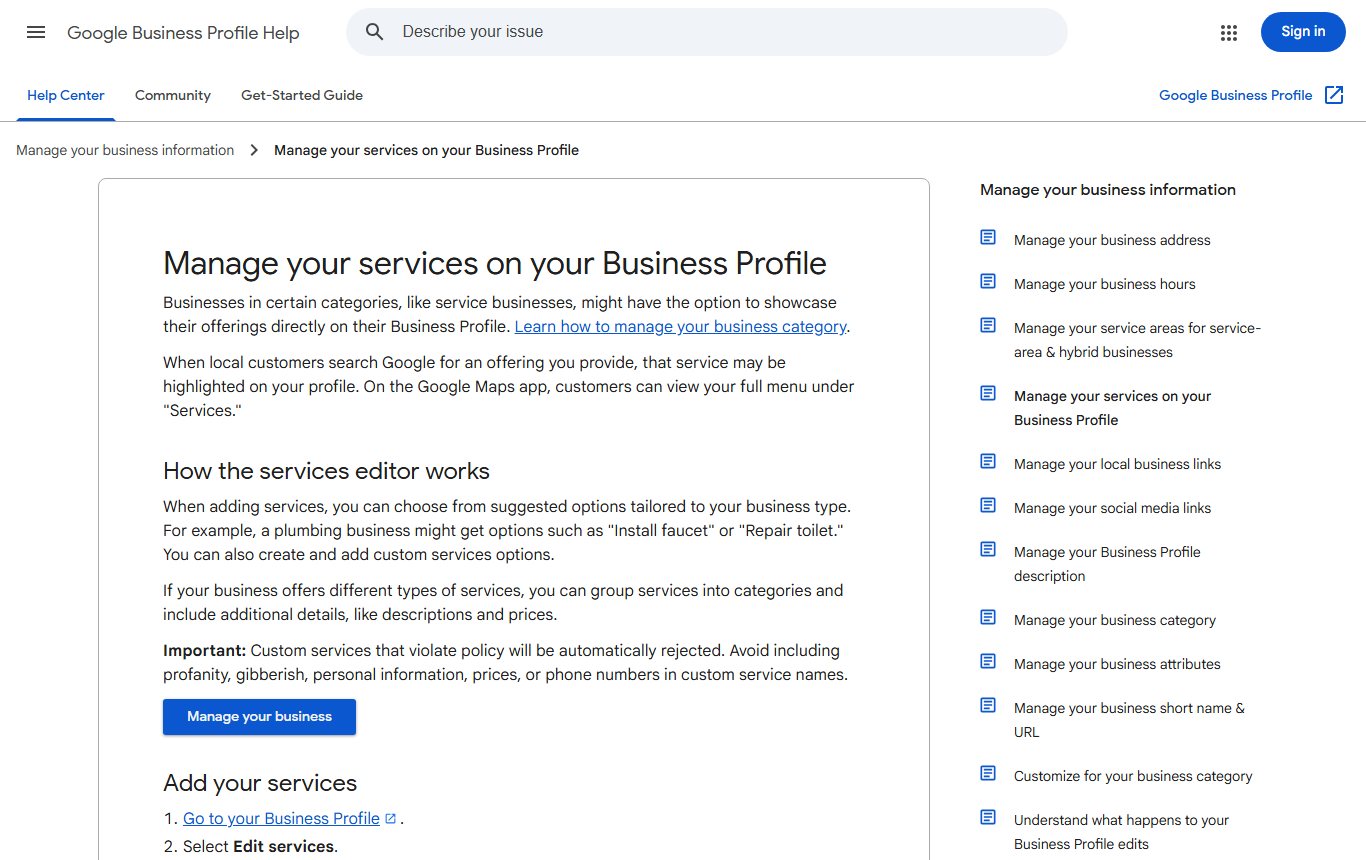
- Go to your Business Profile at business.google.com.
- Select Edit services.
- Tick the suggested services you offer. Google suggests options for your business type; a plumber might see "Install faucet" or "Repair toilet".
- To add one that is not listed, select Add more services, then Add custom service.
- Select a service to add details such as its price and a description.
- Select Save.
If you offer different kinds of work, group them. Select Edit services, then Add a new business category, choose the category and add the services under it. A beauty salon could keep hair, skin and bridal services in separate groups.
To remove a service, open it in Edit services and select Delete service.
Mistakes that get items rejected or removed
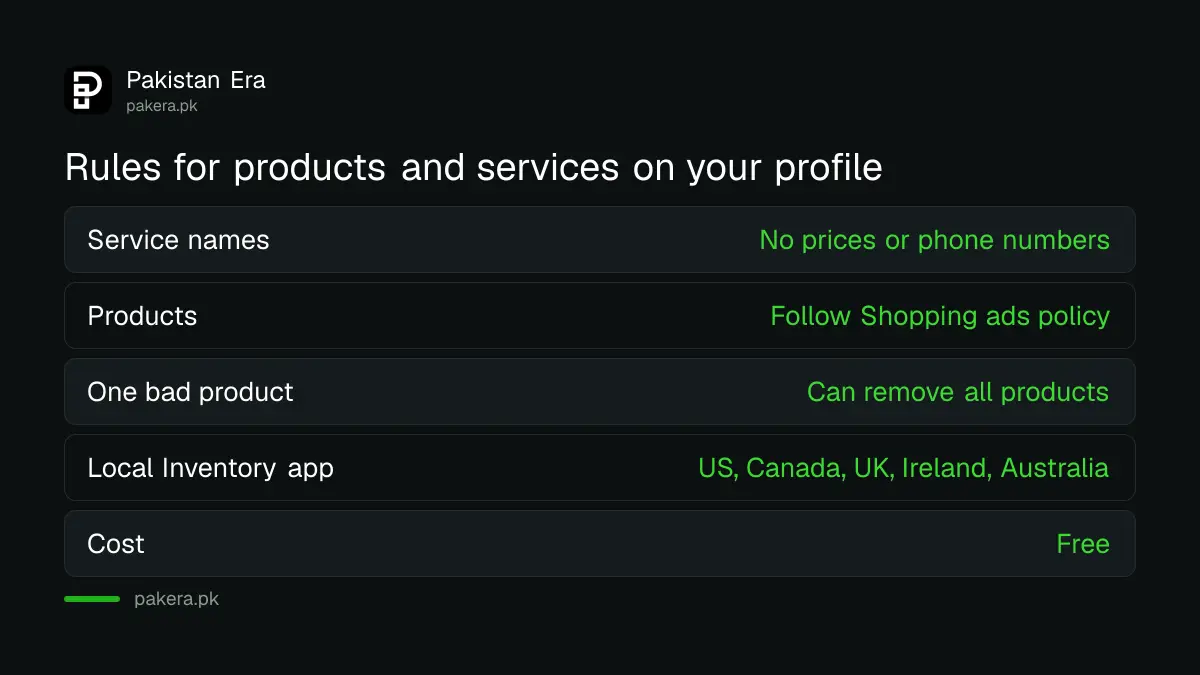
- Price or phone number in a custom service name. Google says to avoid profanity, gibberish, personal information, prices or phone numbers in custom service names. Put the price in the price field, never in the name.
- Restricted products. Products must follow Google's Shopping ads policy. Google warns that submitting products that break it "can result in the removal of all of the products you uploaded", not just the one item.
- Old prices. Update the price when it changes. A wrong price brings angry calls and bad reviews. Our guide to the promotions and prices rule covers how Google treats offers.
- Poor photos. Use a clear photo of the actual item on a plain background. The size rules are in our guide to adding photos and videos to your profile.
- Unverified profile. Edits on a profile that is not verified may not show. Finish verification first.
Google's automatic stock tools, the Local Inventory app (once called Pointy) and point-of-sale links, are listed only for stores in the US, Canada, UK, Ireland and Australia. Pakistani shops use the manual product editor or Merchant Center.
What to add first if you are short of time
Start with your five best sellers or your five most asked-for services, with prices. These are what people search for. A Karachi tailor might add "gents shalwar kameez stitching" and "bridal dress alteration" as services before anything else. Then add the rest over a week. If you are setting up your listing for the first time, our guide to putting your shop on Google Maps comes first.
Common questions
Is it free to add products to Google Business Profile in Pakistan?
Yes. The product editor and the services editor are part of your free Business Profile. You do not need to buy ads.
Why can't I see Edit services on my profile?
Services are offered only to certain business categories. Check that your main category describes a service business, then look again.
Can I put the price in the service name?
No. Google says custom service names must not contain prices or phone numbers. Use the separate price field.
How do I delete a product from my Business Profile?
Go to Edit products, select the product, open the Menu and choose Delete.
Can Pakistani shops use the Local Inventory app?
Not at present. Google lists it for stores in the US, Canada, UK, Ireland and Australia. Use the product editor instead.
What happens if one product breaks Google's rules?
Google says a product that breaks its policy can lead to the removal of all the products you uploaded. Check each item before you publish.
How we verified this
What we checked and where we read it.
Last checked 14 November 2026. Sources: Google Business Profile Help articles About product editor, Manage your services on your Business Profile and Showcase in-store products on Google Search and Maps.
About the author

Founder and Editor
Umer Kureshi founded Pakistan Era in July 2024 and runs it as administrator, SEO lead and writer, overseeing website operations, search growth, content strategy and coverage of technology and current affairs.