Check Your Google Business Profile for Prices and Promotions Google Now Bans in Pakistan
Google bars time-bound promotions, prices and direct calls to action in a Business Profile listing. See what to remove, what Posts may carry and how to check.
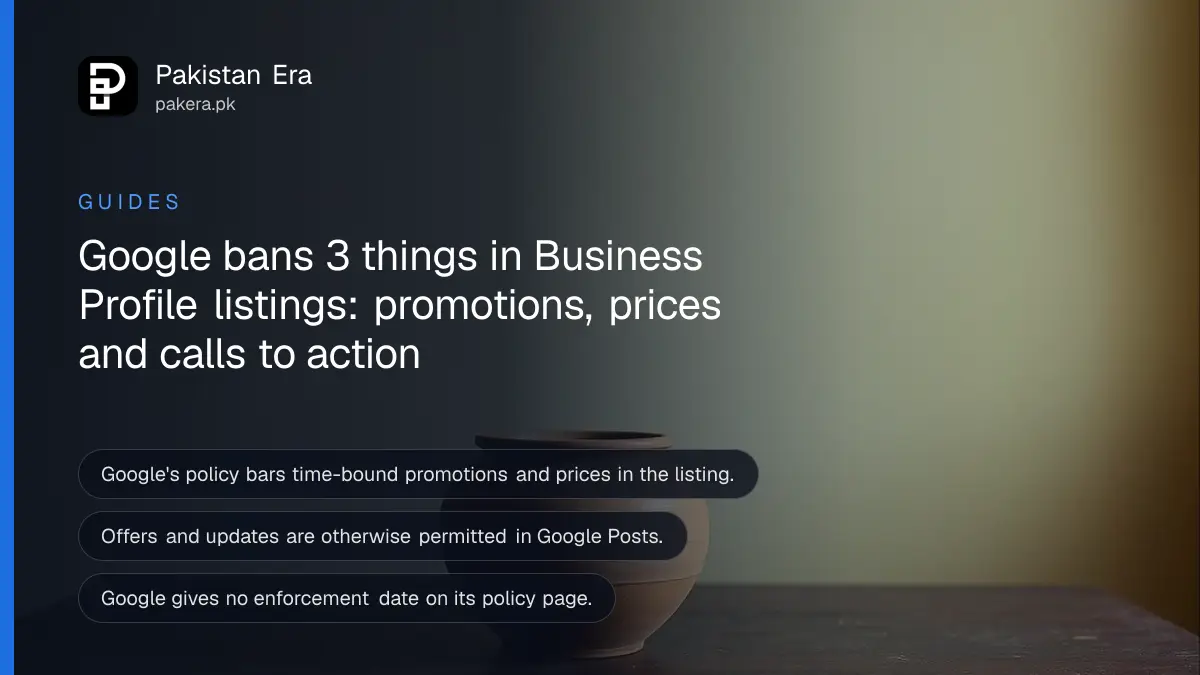
Short answer: Google's Business Profile policy now says a listing may not carry time-bound promotions, prices or direct calls to action. Posts may still carry offers and updates. Open your profile, read the description and other text fields, and remove any "50% off this week" or "Call now" lines. Move them into Posts.
A shop owner in Lahore writes "Eid sale, 30% off, call 0300 now" in the description of his Google Business Profile. That line looked harmless for years. Under the current policy text, it is the exact kind of content Google lists as not allowed in the listing itself.
We read Google's "Prohibited and restricted content" page for Business Profile on 12 October 2026. We also read the general guidelines page for representing your business. We did not log in to any profile. Google gives no enforcement date on either page, so we cannot tell you when listings will be changed or removed.
Google bans time-bound promotions, prices and calls to action in the listing
Under "Advertising and solicitation", Google says merchants may not put promotional or commercial content in the listing if it contains time-bound promotions, pricing or direct calls to action. The same page lists what stays allowed in Posts.
The listing is the main profile: the business description and its fixed details. Posts are the short updates you publish from the profile later. Google treats the two differently. A line that is fine in a Post can break the rule when it sits in the listing.
The guidelines page gives two examples of description text that is not allowed: "Everything on sale, -50%" and "Best bagels in town for $5!". Both show a discount or a price in a place that should describe the business, not advertise a deal.
| Where | Time-bound promotion | Price | Direct call to action |
|---|---|---|---|
| Listing (description and fixed fields) | Not allowed | Not allowed | Not allowed |
| Posts | Offers and updates allowed | Offers and updates allowed | Allowed, but no unrelated links or contact details |
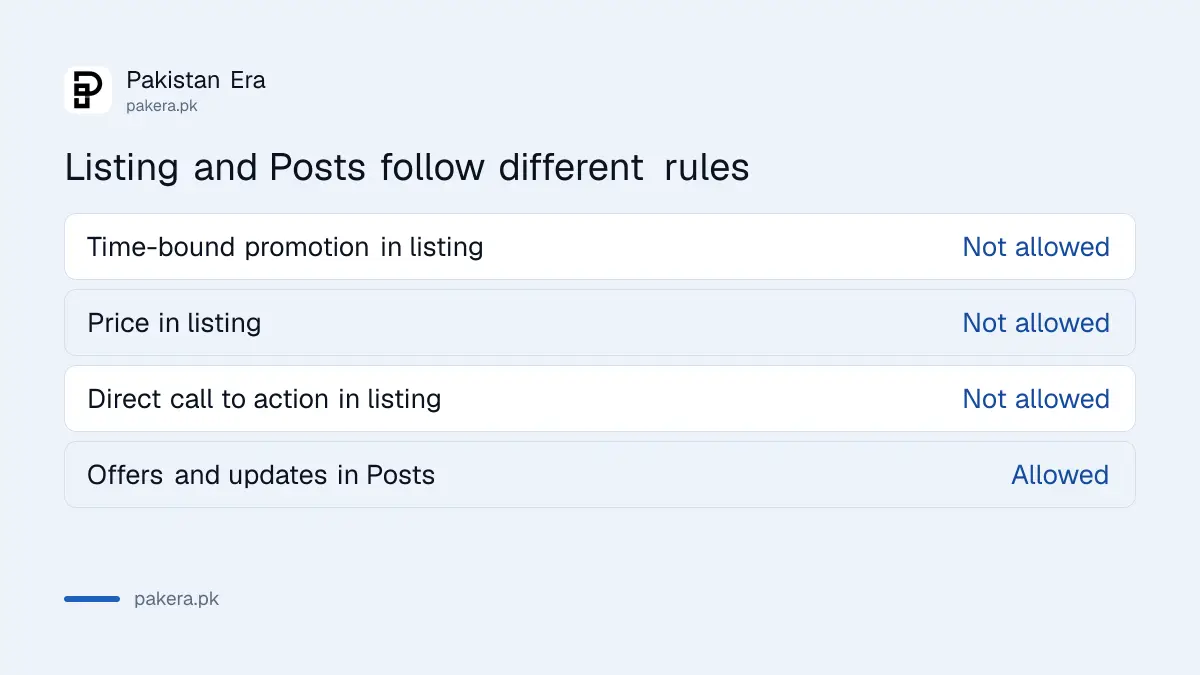
Posts can still carry offers, but with limits on links and contact details
Google says offers and updates that may look promotional are otherwise permitted in Posts. What it does not allow in Posts are email addresses, phone numbers, social media links or links to other websites that are not related to your business.
This means a Post can say "Winter shoe sale this week" without trouble. A Post that adds an email address, a WhatsApp link for a different company or a link to an unrelated website is the problem. The wording on the policy page is about links "not related to your business", so a link to your own website is not what the rule targets. We could not find a clearer definition on the page, so keep links to your own site and your own profile.
The page also tells users not to post email addresses, phone numbers, social links or other website links in their reviews. That rule is for customers, but it matters when you ask for reviews. Do not ask customers to paste your number.
How to check and clean your listing in 10 minutes
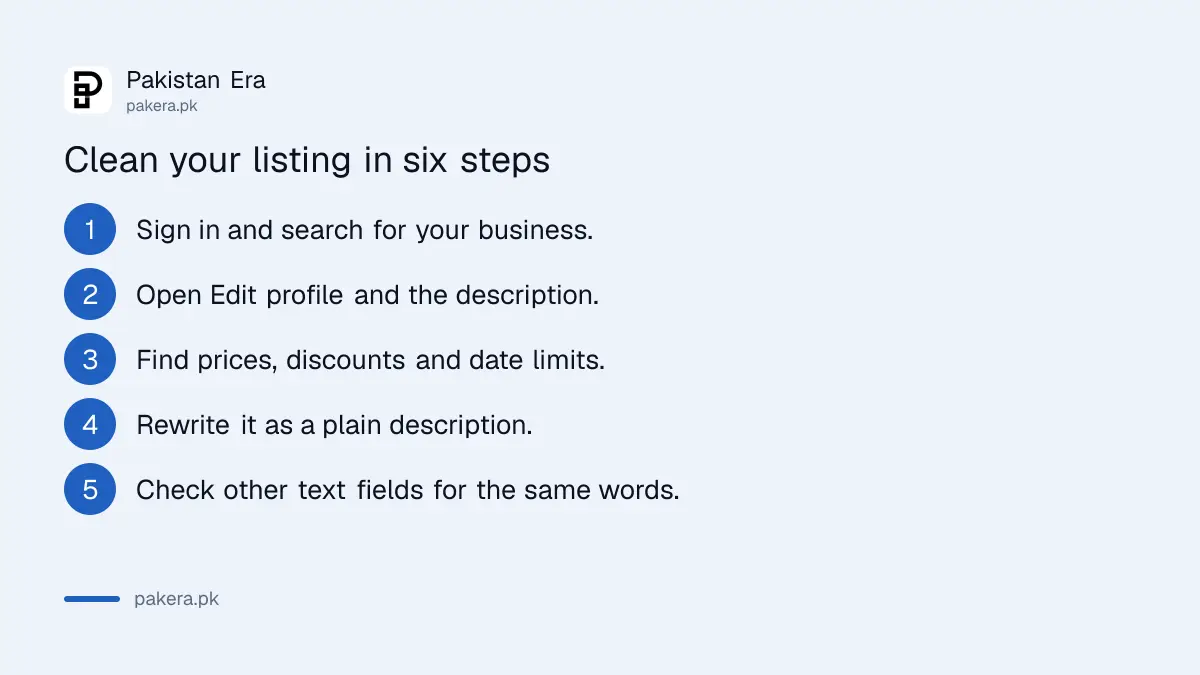
Search for your business name on Google while signed in, open the profile and read every text field. Look for a price, a percentage, a date limit or a phrase that tells people to act now. Remove it from the listing and rewrite the sentence as a plain description.
- Sign in to the Google account that manages the profile and search for your business name.
- Select Edit profile, then open Business description.
- Read it for prices, discounts, dates such as "until Sunday", and phrases such as "Call now" or "Order today".
- Rewrite it to say what you sell, where you are and who you serve.
- Check the other text fields on the profile for the same words.
- Save, then create a Post for any offer you still want customers to see.
Our guide on putting your shop on Google Maps covers how to claim and verify the profile first.
What to write instead of a sale line in the description
A good description names the shop, the products, the area and the strengths that do not expire. It reads the same next month. Prices and deals go in Posts, where Google says offers are allowed.
| Likely to be removed | Safer in the listing |
|---|---|
| Eid sale, 30% off all suits | Ready to wear and stitched suits for women in Gulberg, Lahore |
| Call now for Rs 500 delivery | Home delivery across Lahore |
| Best haircut in town for Rs 800 | Men's salon with walk in and booked appointments |
| Free consultation until 31 October | Tax and accounts advice for small businesses |
The right column says what the business is. The left column says what it charges or when a deal ends. Keep the left column for Posts and your own website.
What is not confirmed about enforcement
Google has not published an enforcement date, a count of affected listings, or a statement that old content will be removed automatically. A suspension is a possible result of breaking content policy, but we found no page that ties this rule to a specific penalty.
If a listing is suspended, the steps are in our guide on fixing a suspended Business Profile. Clean the text first, then appeal. Do not wait for a notice. Cleaning takes minutes and removes the risk.
For reviews, a shop that gets unfair ones can follow our guide to replying to Google reviews. A calm public reply is allowed and does not break this rule.
Common questions
Can I still show my prices on Google Business Profile?
Not inside the listing, per the policy page. Google says the listing may not carry pricing as promotional content. You can mention an offer in a Post, and you can show your full price list on your own website.
Are offers in Google Posts allowed?
Yes. Google says offers and updates that may look promotional are otherwise permitted in Posts. The limits are on email addresses, phone numbers, social links and links to unrelated websites.
Can I put my phone number in a Post?
The policy lists phone numbers among items not allowed in Posts when they are not related to your business. Your own number already sits in the profile contact field, so use that instead of repeating it in a Post.
Is a "Call now" button different from "Call now" text?
The policy names direct calls to action as content, meaning text you write. We did not read anything about the buttons Google itself adds. The safe step is to remove the phrase from your description.
Will Google remove my listing for a sale line?
We cannot say. Google gave no enforcement date and did not say whether old content will be removed. Treat it as a rule that is in the policy now and clean the text.
Does this rule apply in Pakistan?
The policy page is not limited to one country. Google's own wording applies to Business Profile listings in general, so a Pakistani shop should follow it.
How we verified this
What we checked, where we read it, and what we could not confirm.
We read the Google Business Profile Help pages Prohibited and restricted content and Guidelines for representing your business on Google on 12 October 2026. Neither page shows a revision date. This guide is based on the text as it stood on that day, and Google can change it without notice.
About the author

Founder and Editor
Umer Kureshi founded Pakistan Era in July 2024 and runs it as administrator, SEO lead and writer, overseeing website operations, search growth, content strategy and coverage of technology and current affairs.