How to Record Phone Calls on Android and iPhone in Pakistan, and What the Law Says
How to record calls on Android and iPhone in Pakistan, what Google and Apple say, and what PECA 2016 section 19 covers, so you record a call the safe way.
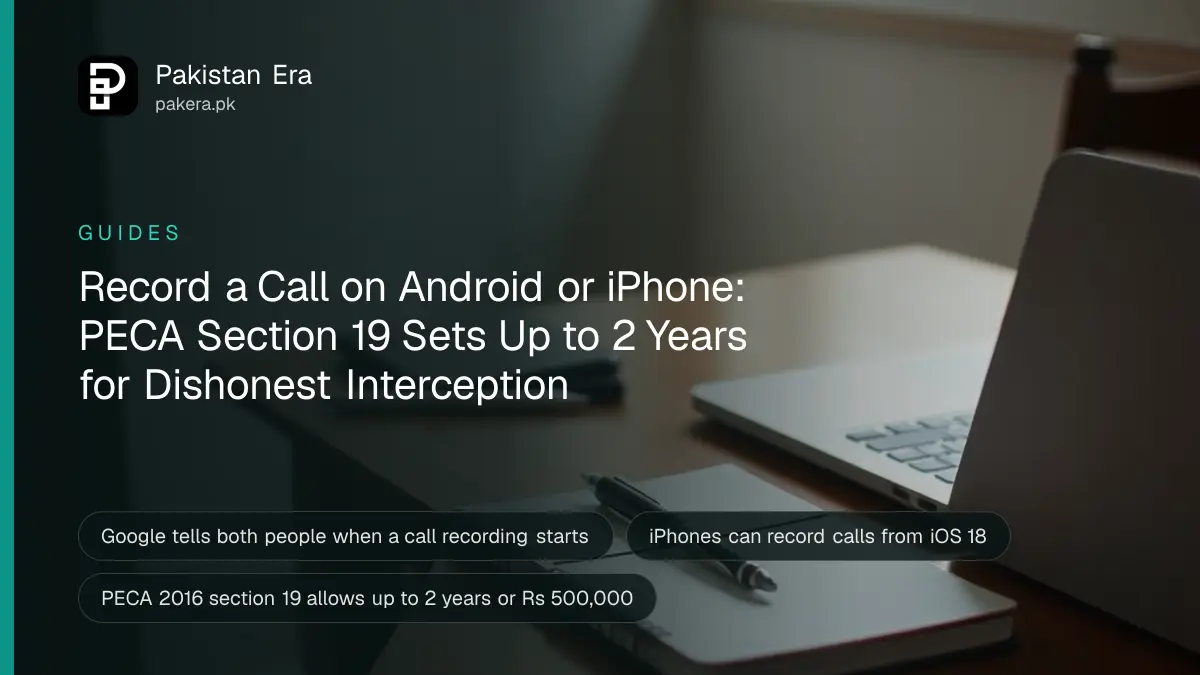
On most Android phones, open the Phone app during a call and tap Record. On a Pixel, tap Call Assist, then Call Recording. iPhones can record calls from iOS 18. Google says both people hear a notice, and warns that many places need everyone's consent. We found no Pakistani law that settles it either way, so tell the other person.
People record calls in Pakistan for ordinary reasons. A bank agent promises a fee waiver. A landlord agrees a date. A caller threatens you over a loan app. Later nobody remembers what was said, and a recording looks like the cure.
Two questions follow. How do you record, and is it legal? We read Google's call recording help page, Apple's support page and the text of the Prevention of Electronic Crimes Act, 2016, known as PECA, on 7 October 2026. We are not lawyers. This guide gives what the sources say, and what they leave open.
On Android, recording is built into the Phone app
Use Google's Phone app. Google says non-Pixel phones need Android 9 or later, and Pixel phones need a Pixel 6 or newer on Android 14 or later. Recording only works in a country where Google supports it, and Google says it is not in every country.
The steps differ a little by phone. On a Pixel, the button sits under Call Assist. Elsewhere, there is a Record button on the call screen.
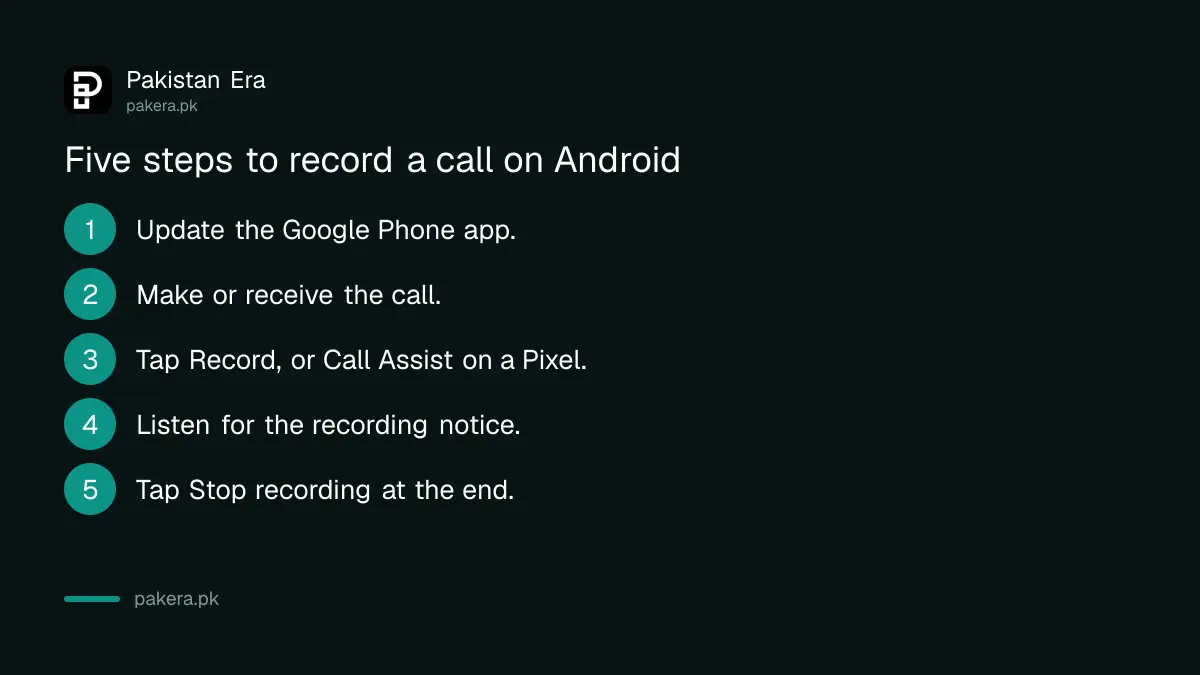
- Update the Phone app. Google says you need the latest version.
- Make or receive the call. Open the call screen.
- Start recording. On other Android phones, tap Record. On a Pixel, tap Call Assist, then Call Recording.
- Listen for the notice. Google says both people are told the call is being recorded.
- Stop recording. Tap Stop recording, or Call Assist and then Stop on a Pixel.
Google says recordings are stored on your device and are not saved or backed up off it. If you need one kept, copy it somewhere safe yourself.
We have not tested whether this option shows up on phones sold in Pakistan. Google's page says only some devices and carriers support it. If you do not see the button, your phone or network may not support it.
On iPhone, recording starts with iOS 18
Apple's support page says you can record a phone call or FaceTime audio call on an iPhone starting in iOS 18. The part of the page that lists steps, notices and country availability did not load for us, so we cannot quote it.
Check Apple's own call recording page for your iPhone model before you rely on it. We could not confirm from Apple's page that the feature is switched on in Pakistan.
| Phone | What the maker says | What we could not confirm |
|---|---|---|
| Android, not Pixel | Android 9 or later, tap Record in the Phone app | Whether your Pakistani phone and network support it |
| Google Pixel | Pixel 6 or newer on Android 14 or later, Call Assist then Call Recording | Availability in Pakistan |
| iPhone | Calls can be recorded from iOS 18 | Steps, notice and Pakistan availability on Apple's page |
Pakistani law does not say plainly if you may record your own call
We searched the full text of PECA 2016 on Pakistan Code for the words record, intercept, consent, conversation and voice. We found no section that says whether you can record a call you are part of. That is different from saying it is allowed.
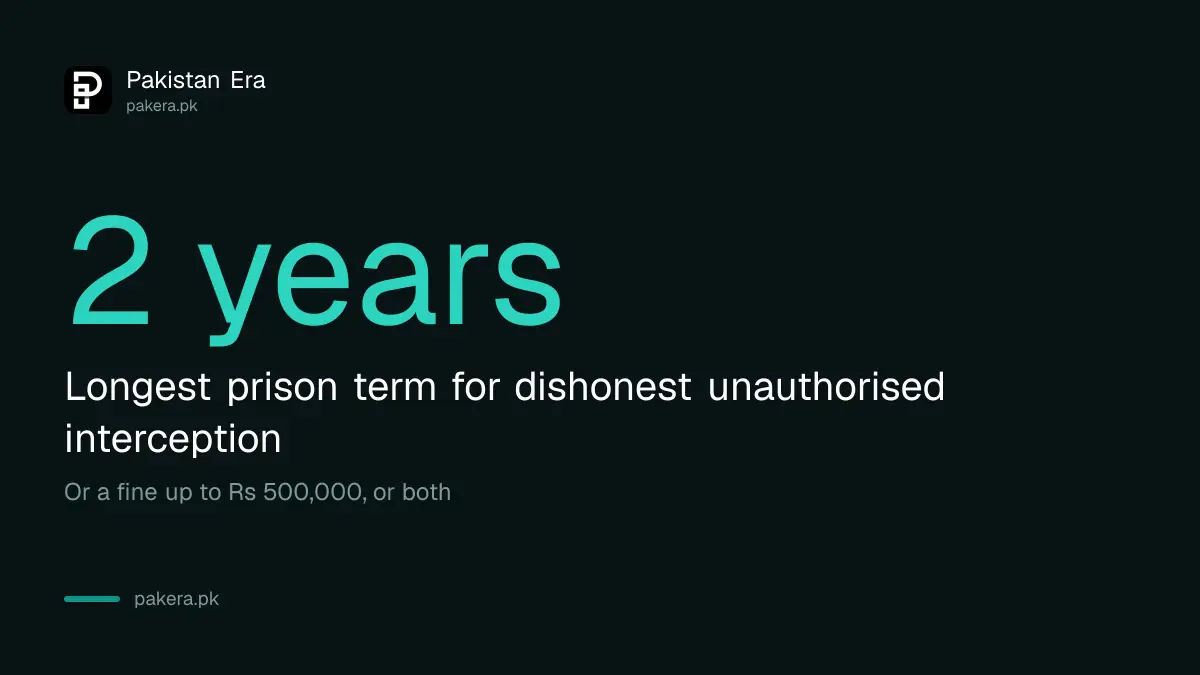
The nearest rule is section 19, "Unauthorized interception". It punishes anyone who, "with dishonest intention", commits unauthorised interception by technical means of a transmission not open to the public. The punishment is up to two years in prison, or a fine up to Rs 500,000, or both.
The Act defines unauthorised interception only as "any interception without authorization". Whether recording a call you are on counts is a question for a lawyer. We did not find a court ruling on it, so we will not guess.
Two other sections matter once you hold a recording. Section 24, cyber stalking, covers using electronic communication with intent to coerce, intimidate or harass, and includes monitoring a person's use of electronic communication. Section 39 lets a court order real time recording for a criminal investigation, for no more than seven days. That is a power of the state, not a right for private people.
Our copy of the Act carries amendment notes from 2023. It may have been changed since, so check the current text before you rely on any section.
How to record a call more safely
Say at the start that you are recording, and keep the recording for your own records. Do not post it online or share it to shame someone. A recording used to threaten or harass can create a problem for you, not them.
- Tell the other person. Google's page says many jurisdictions require everyone on the call to consent, and the feature itself announces the recording.
- Keep it private. Google stores it on your device only.
- Write notes too. Note the date, time, number and what was agreed, straight after the call.
- Use it with the right office. If a lender or caller is harassing you, take the recording to the authority handling the complaint. Our guides on reporting loan app harassment and reporting online blackmail list where to go.
If the number calling you is unknown, you can also check which SIMs are registered on your CNIC with our guide to checking SIMs on your CNIC, and report a SIM you do not recognise through reporting an unknown SIM.
Common questions
Is it legal to record a phone call in Pakistan?
We could not find a section of PECA 2016 that says yes or no for a call you are part of. Section 19 punishes dishonest unauthorised interception, so ask a lawyer, and tell the other person.
How do I record a call on Android?
Open the Phone app during the call and tap Record. On a Pixel, tap Call Assist, then Call Recording. Your phone and network must support it.
Can an iPhone record calls?
Yes, from iOS 18, according to Apple. We could not confirm the steps or Pakistan availability from Apple's page.
Does the other person know the call is being recorded?
On Google's Phone app, yes. Google says both people are notified when recording starts.
Where are call recordings saved?
Google says they are stored on your device and are not backed up off it. Copy important ones yourself.
Can I share a recorded call on social media?
It is risky. We found no rule that allows it, and sections of PECA punish harassment and stalking. Keep it private and give it to the proper authority instead.
How we verified this
What we checked, where we read it, and what we could not confirm.
Last checked on 7 October 2026. Android steps, the version needs, the notice to both people, local storage and the consent warning were read on Google's help page on recording calls in the Phone app. The iOS 18 start was read on Apple's support page on recording a call on iPhone, whose steps did not load. PECA 2016 sections 19, 24 and 39 were read in the text on Pakistan Code, which shows amendments from 2023. We did not test recording on a phone in Pakistan, and we are not giving legal advice.
About the author

Technology Journalist & Multimedia Producer
Ahmad Ali is a technology journalist and multimedia producer at Pakistan Era, joining the team in October 2026. He covers consumer technology and digital life for Pakistani readers, combining research with hands-on product testing.