How to Set Up Microsoft Clarity on a Pakistani Website: Free Heatmaps and Session Recordings
Set up Microsoft Clarity on a Pakistani website for free heatmaps and session recordings: sign up, add the code on WordPress or Shopify, and the privacy rules.
Microsoft Clarity is a free tool that records how visitors use your website and draws heatmaps of where they click and scroll. Sign up at clarity.microsoft.com, add a project with your site's name and URL, and paste the tracking code into your site's head section, or use the WordPress, Shopify or Google Tag Manager option. Microsoft says Clarity is free forever, with no traffic limits.
For a Pakistani shop or blog, Google Analytics tells you how many people came. Clarity shows what they did once they arrived: where they tapped on a phone, how far they scrolled, and where they gave up on a checkout form. That second view is often where the easy fixes are.
Clarity records sessions and builds heatmaps, at no cost
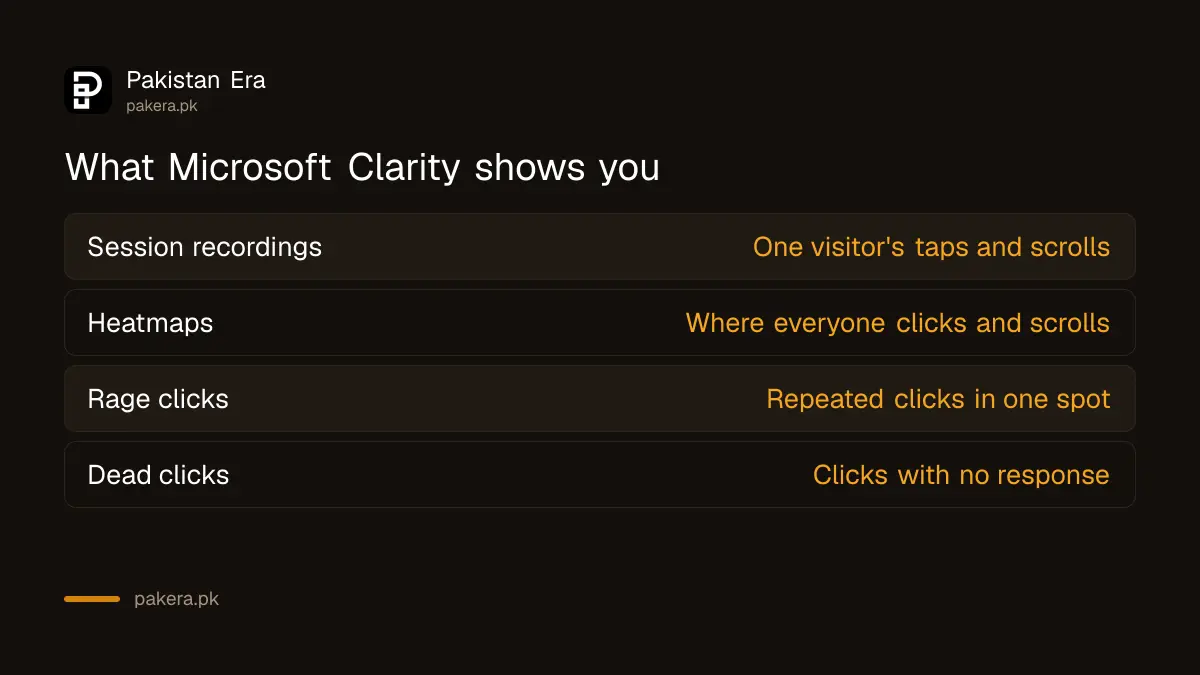
Clarity offers session recordings, heatmaps and automatic insights such as rage clicks and dead clicks. Microsoft says it is free forever, never forces an upgrade and has no traffic limits. You can add an unlimited number of projects, one per website.
| Feature | What it shows | Useful for |
|---|---|---|
| Session recordings | A replay of one visitor's taps, scrolls and clicks | Finding where a checkout or form breaks |
| Heatmaps | Where all visitors click and how far they scroll | Moving the order button or WhatsApp link higher |
| Rage clicks | Repeated clicks in one spot in a short time | Spotting buttons that look clickable but are slow |
| Dead clicks | Clicks that got no response | Finding images or text people expect to be links |
Clarity sits well next to analytics. If you have not set that up yet, Google Analytics 4 for a small business website covers the visitor numbers, and Clarity can link to it later.
Sign up and add your first project
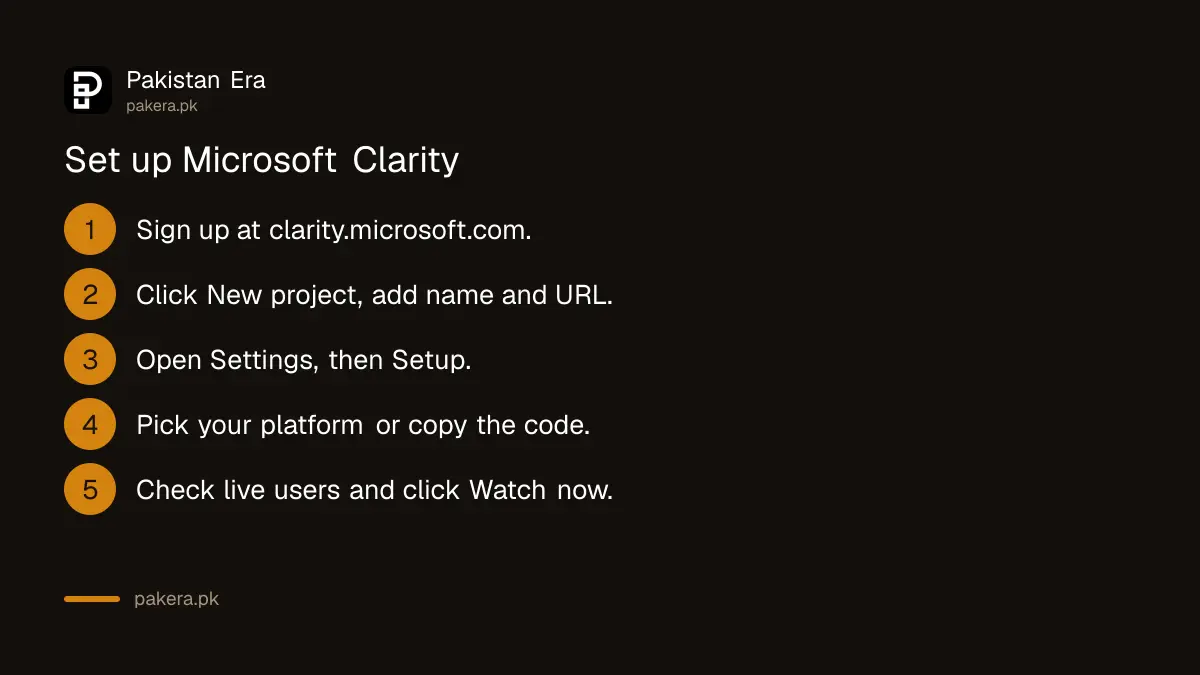
Go to clarity.microsoft.com and click Sign up, then pick a sign-in method. On the Projects page, click New project, enter a name and your website address, and click Add new project. Clarity then opens the setup page with your tracking code.
- Go to clarity.microsoft.com and click Sign up.
- Choose a sign-up method and follow the steps on screen.
- On the Projects page, click New project.
- Enter the project Name and your Website address.
- Click Add new project. Clarity takes you to the setup screen.
Each project gets its own tracking code. You become the project Admin and can invite your developer or team from Settings later.
Install the tracking code on WordPress, Shopify or by hand
Clarity gives three install routes: a third-party platform such as WordPress, Shopify, Wix or Squarespace; pasting the code manually into your site's head; or an NPM package for developers. Pick the one that matches how your site is built.
On WordPress, Shopify or another platform
- In your Clarity project, go to Settings, then Setup.
- Click View all platforms and pick yours.
- Follow the steps Clarity shows for that platform.
By hand, for any website
- In Settings, Setup, click Get tracking code.
- Copy the code.
- Paste it into the
<head>section of every page, usually in your theme's header file.
If you use Google Tag Manager, Clarity detects it and offers a Finish setup button. Choose your GTM account and container, then click Create and publish. A developer can also get the code by email through the Share code option, without needing your login.
Check that Clarity is working
Once the code is live, open your Clarity project. Microsoft says you can see real time data with the number of live users straight away, while full dashboard numbers take a few hours. You can also look for requests to clarity.ms in the browser.
- Open your site in one tab and your Clarity project in another.
- Look for the live users count and click Watch now.
- For a second check, right-click your site, choose Inspect, open Network and look for a collect request.
Clarity loads its script asynchronously. Microsoft says visitors notice no change in site speed. Still, check your scores after any new script, using the Core Web Vitals report in Search Console.
Know the privacy rules before you switch it on
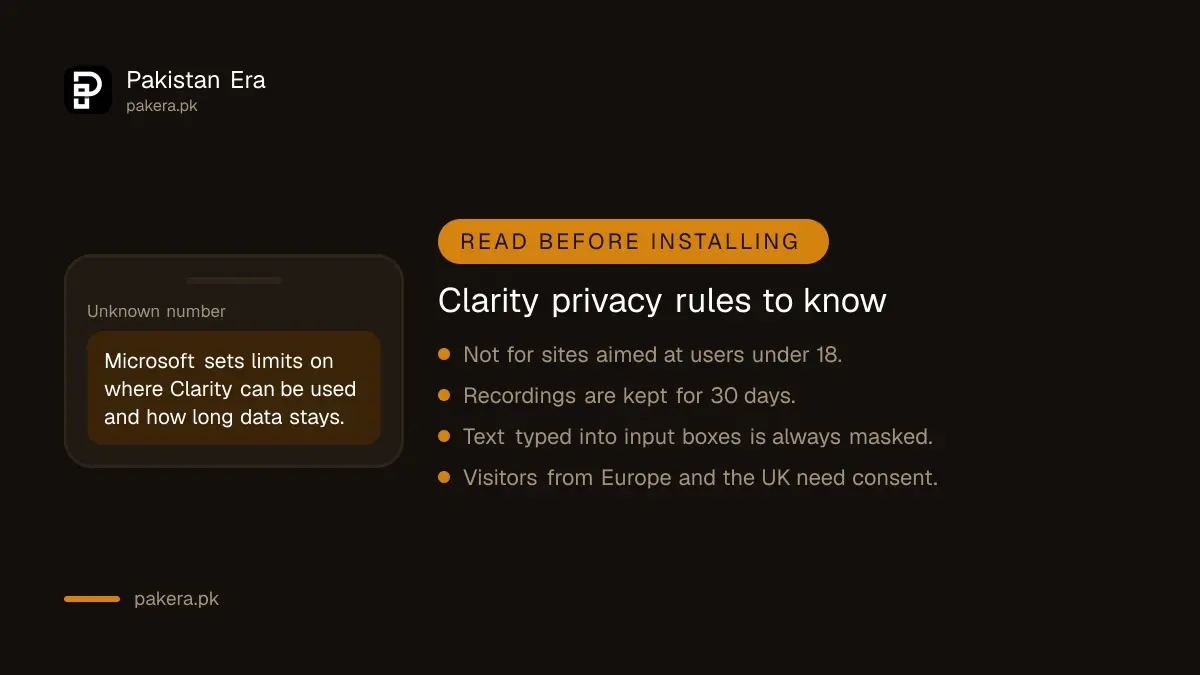
Microsoft says Clarity should not be used on sites aimed at users under 18. It masks sensitive content by default, and text typed into input boxes is always masked. Recordings are kept for 30 days, except favourites and a random sample, kept up to 9 months.
- School, tuition and kids' sites: do not install Clarity on a site that targets children.
- Masking: leave the default on. Phone numbers, CNIC numbers and addresses typed into forms are masked.
- Retention: mark important recordings as favourites before the 30 days run out.
- Visitors from Europe and the UK: Clarity needs explicit consent for them. With no consent, sessions break into pieces but page views still count.
- Deleting data: removing one visitor's data means deleting the whole project.
Add a line about Clarity to your site's privacy policy, next to any analytics you already mention. If you sell online, the same page is a good place for the shipping and returns policy that Google also checks.
Common questions about Microsoft Clarity in Pakistan
Is Microsoft Clarity really free?
Yes. Microsoft says Clarity is free forever, with no traffic limits and no paid version you are pushed to buy.
How long until Clarity shows data?
Live visitors show as soon as the code is added. Microsoft says full dashboard data takes a few hours.
Does Clarity slow down my website?
Microsoft says no. Its script is asynchronous and does not change how quickly your pages load for visitors.
How long does Clarity keep recordings?
30 days from the time of recording. Favourite recordings and a random sample are kept for up to 9 months.
Can I use one Clarity account for several websites?
Yes. Create a separate project for each domain. Microsoft allows an unlimited number of projects.
How we verified this
What we checked and where we read it.
Last checked 15 November 2026. We read Microsoft Learn's Clarity pages Getting started, How to set up Clarity manually and the Clarity FAQ, updated 20 October 2026. Prices, limits and retention periods are from the FAQ.
About the author

Founder and Editor
Umer Kureshi founded Pakistan Era in July 2024 and runs it as administrator, SEO lead and writer, overseeing website operations, search growth, content strategy and coverage of technology and current affairs.