If you have subscribed to a package or offer from Ufone and no longer want to continue using it, the company provides simple ways to unsubscribe. Whether you are a prepaid or postpaid customer, you can deactivate active subscriptions through USSD codes, SMS, or the Ufone mobile app.
Many users subscribe to internet bundles, call packages, or promotional offers and later need a quick way to stop recurring charges. Fortunately, Ufone makes the process straightforward, allowing customers to manage their subscriptions both offline and online.
Offline Methods to Unsubscribe from Ufone Packages
For users who prefer not to use the mobile app, Ufone offers easy offline methods to deactivate packages and offers.
Unsubscribe Using a USSD Code
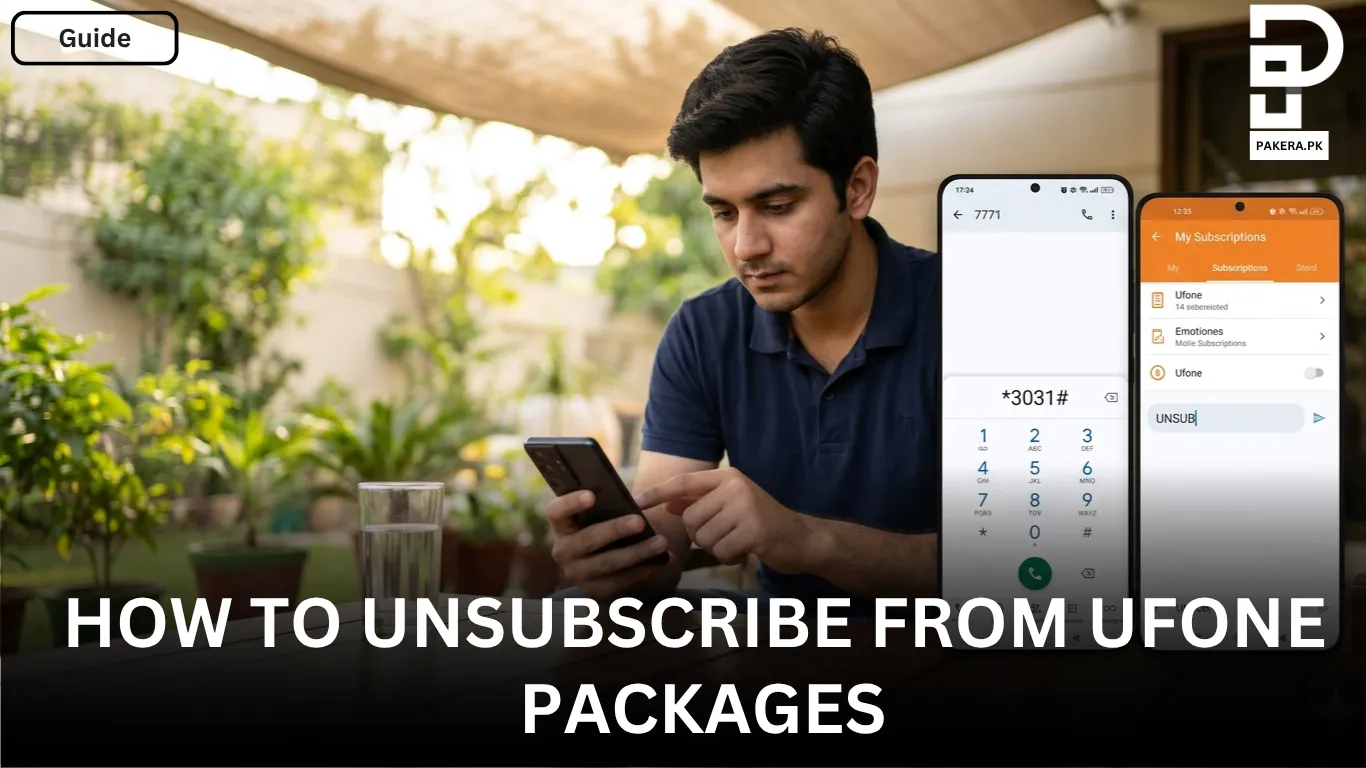
One of the quickest ways to unsubscribe from active Ufone packages is by dialing the USSD code:
*3031#
After dialing the code, follow the on-screen instructions to view and deactivate the packages you have subscribed to. This method works for customers who want to discontinue their active prepaid or postpaid package subscriptions.
Unsubscribe Through SMS
Another simple option is to send an SMS.
Type:
UNSUB
and send it to:
7771
Once the request is processed, your subscribed package or offer will be deactivated according to Ufone’s system instructions.
Online Method to Unsubscribe from Ufone Packages
If you use the Ufone mobile application, you can manage all your subscriptions directly from your smartphone.
Deactivate Packages Through the Ufone App
Start by opening the Ufone App and logging into your account. If you do not already have an account, you can sign up within the app.
After logging in, go to the Account section available on the app portal. From there, select My Subscription to view all active packages and offers linked to your number.
You can then choose the package or offer you want to deactivate and complete the unsubscribe process directly through the app.
Why You May Want to Unsubscribe from a Ufone Package
There are several reasons why customers decide to unsubscribe from active packages:
- The package is no longer needed.
- A better offer has become available.
- Recurring charges are reducing the available balance.
- The customer wants to switch to a different package.
Managing subscriptions regularly helps ensure you only pay for the services you actively use.
Frequently Asked Questions
You can unsubscribe by dialing *3031#, sending UNSUB to 7771, or deactivating the package through the Ufone App under My Subscription.
Yes, prepaid users can unsubscribe from their active packages using the USSD code, SMS method, or the Ufone App.
Yes, postpaid customers can also use *3031# or the Ufone App to manage and deactivate subscribed packages.
No, the Ufone App is not required. You can unsubscribe using the offline methods, including the USSD code and SMS option.
If the package remains active after submitting an unsubscribe request, contact Ufone customer support for assistance and confirmation of the package status.
Conclusion
Unsubscribing from Ufone packages is a simple process that can be completed either offline or online. Whether you choose to dial *3031#, send UNSUB to 7771, or use the Ufone App, you can quickly deactivate unwanted packages and manage your subscriptions more effectively. Regularly reviewing your active subscriptions can help you avoid unnecessary charges and keep better control over your mobile expenses.

Ali Akhtar is a young and curious voice here at Pakistan Era. He is currently pursuing his A-Levels and has a growing interest in Pakistan’s changing industrial landscape and educational trends. Ali likes to write in a way that helps him explain and explore the world around him. His writing reflects the perspective of the new generation navigating the evolving trends of Pakistan where technology, youth innovation, and shifting opportunities are reshaping the country’s future.