InPage to Unicode Urdu Converter: Free Ways That Work in Pakistan
Convert InPage Urdu to Unicode for web, Word and phones: InPage export, the free CLE converter we tested, font fixes for Jameel Noori and how to check results.
To turn old InPage Urdu into Unicode, use InPage's own export if you have InPage 3 or later, or the free InPage to Unicode Converter from the Center for Language Engineering (CLE) at UET Lahore for older files. We tested the CLE converter on 29 September 2026, and it turned garbled InPage text back into correct Urdu.
Anyone who has pasted from an old InPage file into Word or WhatsApp has seen the mess. Instead of Urdu you get symbols like ƒœ’„. That is not a font problem. It is an encoding problem, and fixing the font will not help.
InPage is the Urdu page-making program used by newspapers, printers and schools across Pakistan. Older versions store each letter with their own private codes. Web pages, Word and phones only read Unicode, the world standard that gives every letter one fixed number. So the text has to be converted, not just restyled.
Why InPage Urdu turns into symbols
Old InPage files store each Urdu letter as a private two-byte code, not as a Unicode letter. Any program that does not know InPage reads those bytes as Western symbols. The fix is a converter that swaps each InPage code for its Unicode letter.
We saw this ourselves. In the CLE converter's own table, InPage writes the letter alif as byte 04 followed by 81, and pe as 04 then 83. Unicode writes alif as U+0627 and pe as U+067E. Read as ordinary Western text, "پاکستان زندہ باد" in InPage codes shows up as a string like ƒœ’„ with gaps.
The InPage maker, Concept Software, says its newer versions work differently. Its feature list for InPage Professional 3 includes "Direct Unicode Support with other software", "Export Urdu text in RTF format" and "Direct Save As HTML". So the real trouble is old files made in InPage 2 and in pirated copies.
That matters, because many offices still run pirated copies. The InPage site itself lists "InPage 2004, 2009, 2012, 2014, 2015" up to "2020" as pirated versions. Files from those copies often need a converter.
Ways to convert InPage to Unicode in Pakistan
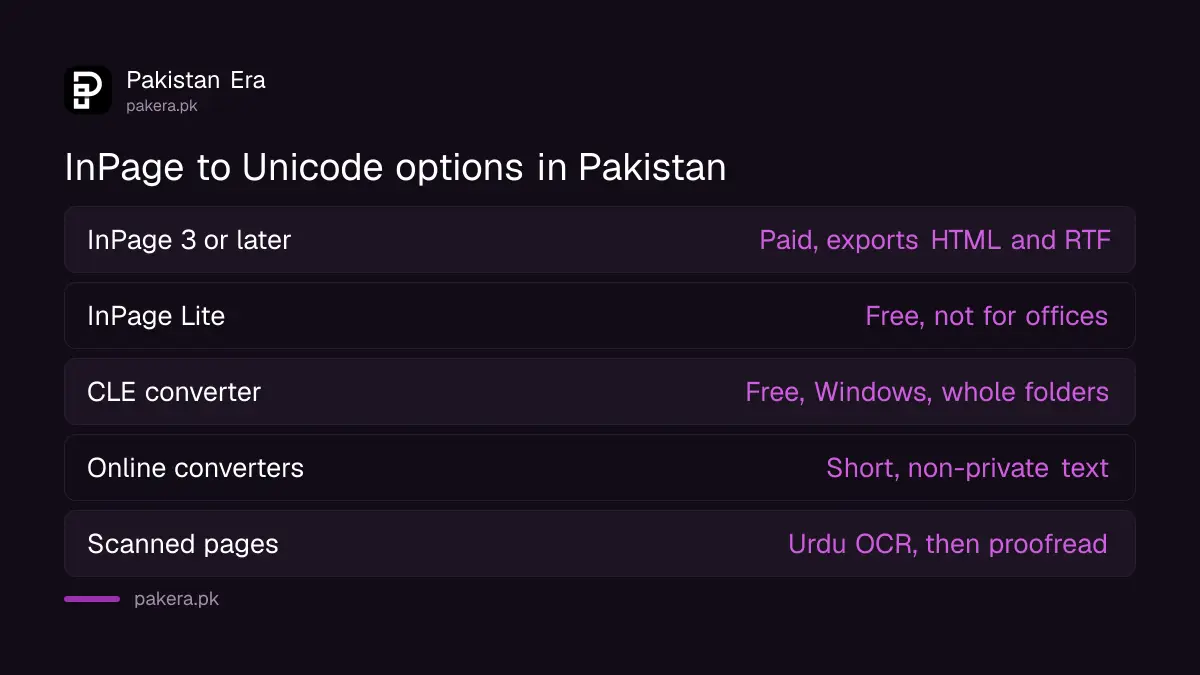
You have three routes. Export from a genuine InPage 3 or later, including the free InPage Lite. Use the free CLE converter for old files and copied text. Or use an online InPage to Unicode converter, which is quick but needs care with private text.
| Option | Cost | Works on | Best for |
|---|---|---|---|
| InPage 3 or later: Save As HTML, RTF export, copy and paste | Paid licence | Windows, Mac | Files you still edit in InPage |
| InPage Lite | Free, not for offices | Desktop, link sent by email | Students and writers; has Save As HTML |
| CLE InPage to Unicode Converter v1.0 | Free | Windows | Old files and copied text |
| Online InPage converter websites | Usually free | Any browser | Short, non-private text |
| Urdu OCR (InPage OCR, CLE Urdu OCR) | Varies | Windows or web | Scanned pages and PDFs of images |
InPage Lite is the maker's free version. Its feature list includes Save As PDF, Save As HTML and InPage OCR. But read its terms. The download page says government, educational, financial and corporate bodies, newspapers, NGOs and Urdu academies may not use it. It is meant for individual students, writers and professionals.
Online converters are fine for a poem or a paragraph. Do not paste a court document, a medical record or anything with CNIC numbers into a website you do not control. Use a desktop tool for those.
Use the free CLE InPage to Unicode Converter
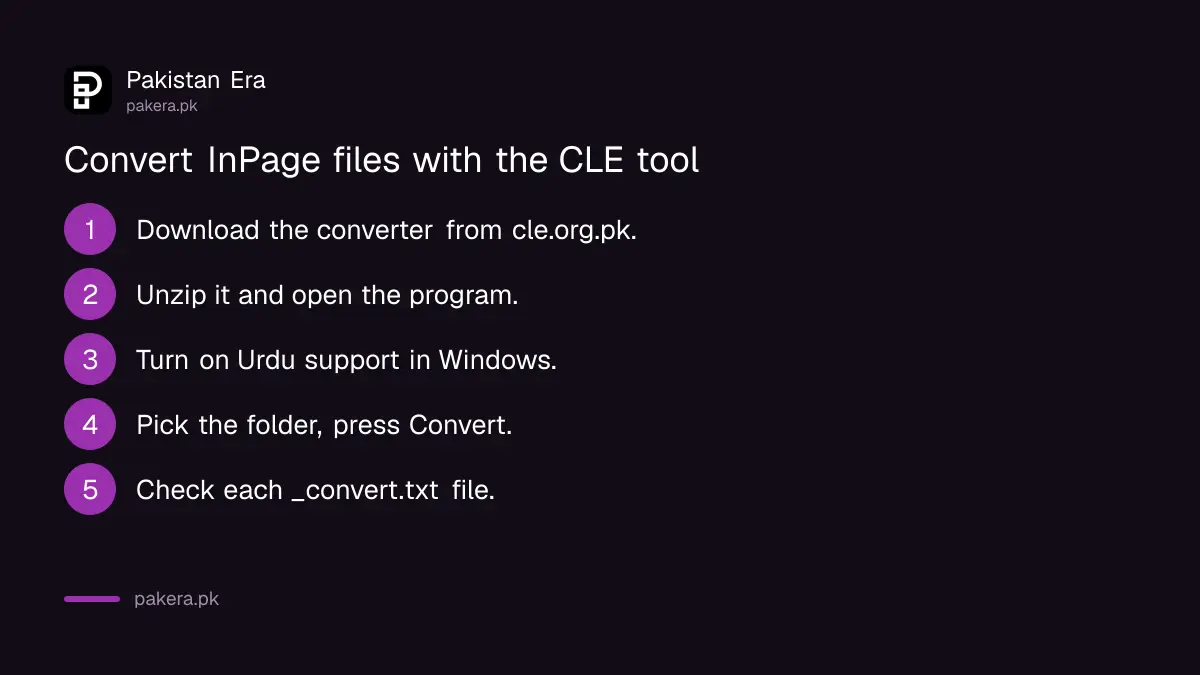
The Center for Language Engineering at UET Lahore offers a free Windows converter. Download it from cle.org.pk, unzip it, and run the program. It converts whole folders of InPage files into Unicode text files, and it can also convert copied text.
- Download "Inpage to Unicode Converter v1.0" from the CLE website, along with its user guide.
- Unzip the file. Inside you get InPagetoUnicodeConverter.exe and a readme.
- Make sure Urdu language support is installed in Windows, as the readme asks.
- Run the program, choose the folder that holds your InPage files and press Convert.
- Open each new file named filename_convert.txt and check the Urdu.
The program dates from July 2012 and was built for Windows XP with .NET framework version 2. It still loaded for us on Windows 11. Its settings include Urdu, Arabic, Sindhi and Pashto modes, and options for kashida (the stretching stroke), digits and quote marks.
What we tested
We took the phrase "پاکستان زندہ باد", wrote it in InPage codes using the converter's own table, and copied it as the garbled text a user would see. Then we ran the CLE program's copy-and-convert routine on it. It returned "پاکستان زندہ باد" with every letter correct, plus one extra space at each end.
We then decoded the same InPage bytes with a second, open-source converter written by a different team. It gave the identical Unicode letters, U+067E to U+062F, all 14 of them. Two separate tools agreeing is a good sign the letter mapping is right.
Our test was short. We did not have a real old .inp file to hand, so we did not test tables, images or long documents. The CLE guide says each file becomes plain text, so formatting is lost.
Fix Jameel Noori Nastaleeq and other font issues
After converting, the text may look plain or oddly spaced. That is a font issue, not an encoding one. Jameel Noori Nastaleeq is a free font many Pakistani users install, but it is not in Microsoft's Windows 11 font list, so readers who have not installed it see a fallback font.
Fonts only change how Unicode letters look. They never fix InPage codes. If you see ƒœ’ symbols, change the text. If you see correct but plain Urdu letters, change the font.
- Windows: Microsoft lists "Urdu Typesetting" in its Arabic Script Supplemental Fonts. Adding Urdu as a language in Settings installs these fonts.
- Websites: Noto Nastaliq Urdu is served free by Google Fonts, so every visitor gets the same Nastaliq look without installing anything.
- Free alternatives: CLE offers Nafees Nastaleeq, a free Unicode Nastaliq font, on its website.
- Jameel Noori Nastaleeq: fine for your own documents and print. For a Word file you will share, embed the font or send a PDF.
In Word, embed fonts under File, Options, Save, "Embed fonts in the file". Otherwise the other person's computer may swap in a Naskh font, and the page layout shifts.
Once the text is proper Unicode, AI tools can work on it too. The best AI for Urdu will only read and correct your text after conversion, never before.
Check that your converted Urdu is real Unicode
Paste the converted text into Notepad and into a Google search. Real Unicode Urdu shows as Urdu letters in both and can be searched. Then check for three common mistakes: Arabic ی and ک look-alikes, wrong ہ forms, and doubled spaces.
| Check | What a good result looks like |
|---|---|
| Paste into Notepad | Urdu letters, right to left, no ƒœ’ symbols |
| Search a word in Word (Ctrl+F) | Word finds it when you type it with an Urdu keyboard |
| Letter ی | Urdu ی (U+06CC), not Arabic ي (U+064A) |
| Letter ک | Urdu ک (U+06A9), not Arabic ك (U+0643) |
| Letter ہ | Urdu ہ (U+06C1) where it should be |
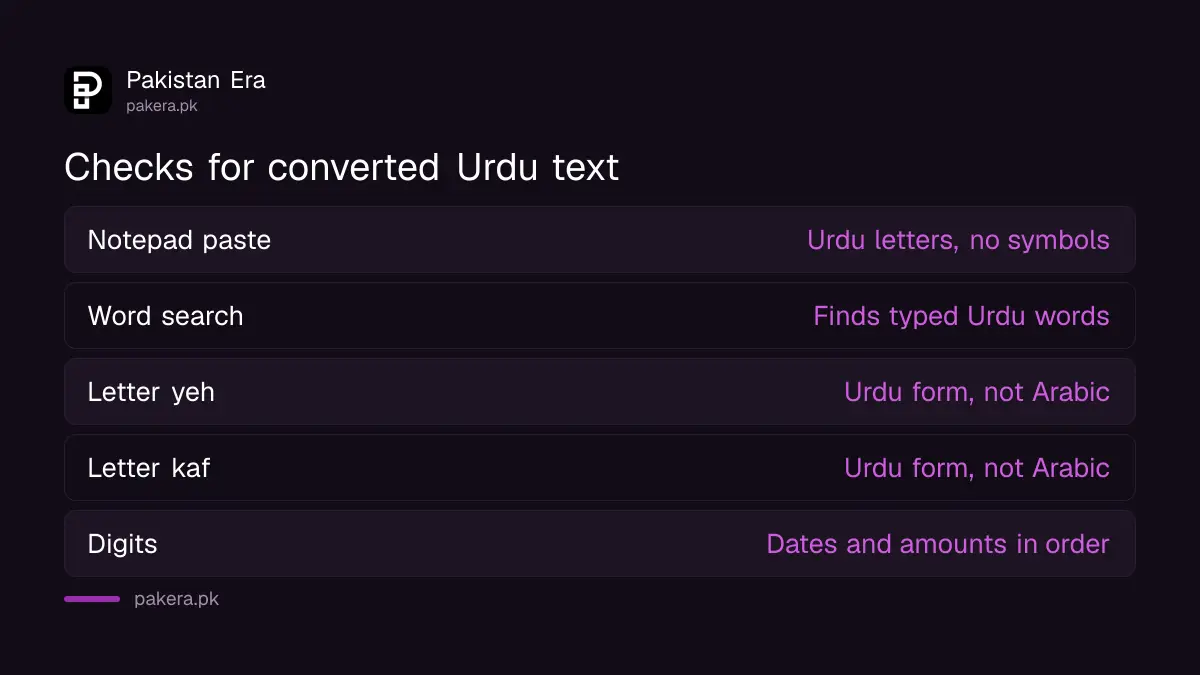
The look-alike letters matter more than they seem. They look the same on screen, but a search for the Urdu form will not match the Arabic one. The CLE table maps one InPage code to Arabic ي, so run a find and replace for ي and ك after converting.
Numbers are the other trap. InPage stores Urdu digits in its own way, and the CLE converter even has an option to reverse digits, a sign that their order can go wrong. Check every date, phone number and amount by eye before you publish.
For long work, such as a book or a stack of old newspaper pages, plan a proofread. Bloggers who move old InPage archives to the web often pair conversion with AI for Urdu content creation, but a human read is still the last step.
Common questions
Is there an official InPage to Unicode converter?
InPage 3 and later can export Urdu as HTML and RTF and copy Unicode text. For old InPage 2 files, the free CLE converter from UET Lahore is the best-known free tool.
Why does my InPage Urdu turn into symbols in Word?
Old InPage uses its own letter codes, not Unicode. Word reads those codes as Western symbols. Convert the text, and changing the font is not needed.
Is InPage Lite free to use?
Yes, for individuals. Its terms bar government, educational, financial and corporate bodies, newspapers, NGOs and Urdu academies from using it.
Does the CLE converter keep tables and pictures?
No. It writes plain text files named filename_convert.txt, so tables, images and layout are lost.
Do I need Jameel Noori Nastaleeq to read Urdu?
No. Any Unicode Urdu font shows the text. Jameel Noori Nastaleeq only changes the look, and readers who lack it see another font.
Can I convert a scanned Urdu page?
Not with a text converter. You need Urdu OCR, such as InPage OCR or the CLE Urdu Nastalique OCR, and then a careful proofread.
Want to type Urdu directly instead of converting it? See how to set up an Urdu keyboard on Android, iPhone and Windows.
How we verified this
What we checked, where we read it, and what we could not confirm.
Last checked on 29 September 2026. The converter details, its July 2012 date, the Windows XP and .NET 2 requirement and the filename_convert.txt output are read on the CLE Inpage to Unicode Converter page, its readme and user guide. InPage 3 export features, InPage Lite features and terms, and the list of pirated versions are read on the official InPage website. The Urdu Typesetting font is listed in Microsoft's Windows 11 font list. We ran the CLE converter and a second open-source converter on a short sample ourselves; we did not test a real .inp file.
About the author

Tax, Bills and Technology Writer
Ali Akhtar is a young and curious voice here at Pakistan Era. He is currently pursuing his A-Levels and has a growing interest in Pakistan’s changing industrial landscape and educational trends. Ali likes to write in a way that helps him explain and explore the world around him. His writing reflects the perspective of the new generation navigating the evolving trends of Pakistan where technology, youth innovation, and shifting opportunities are reshaping the country’s future.