MEPCO New Connection Apply Online: MEPCO Smart App, ENC Portal or Form, and How to Track It (2026)
Apply for a MEPCO new connection online through the MEPCO Smart app or ENC portal, or with the form. See how to track it and MEPCO's rules on shifting and load.
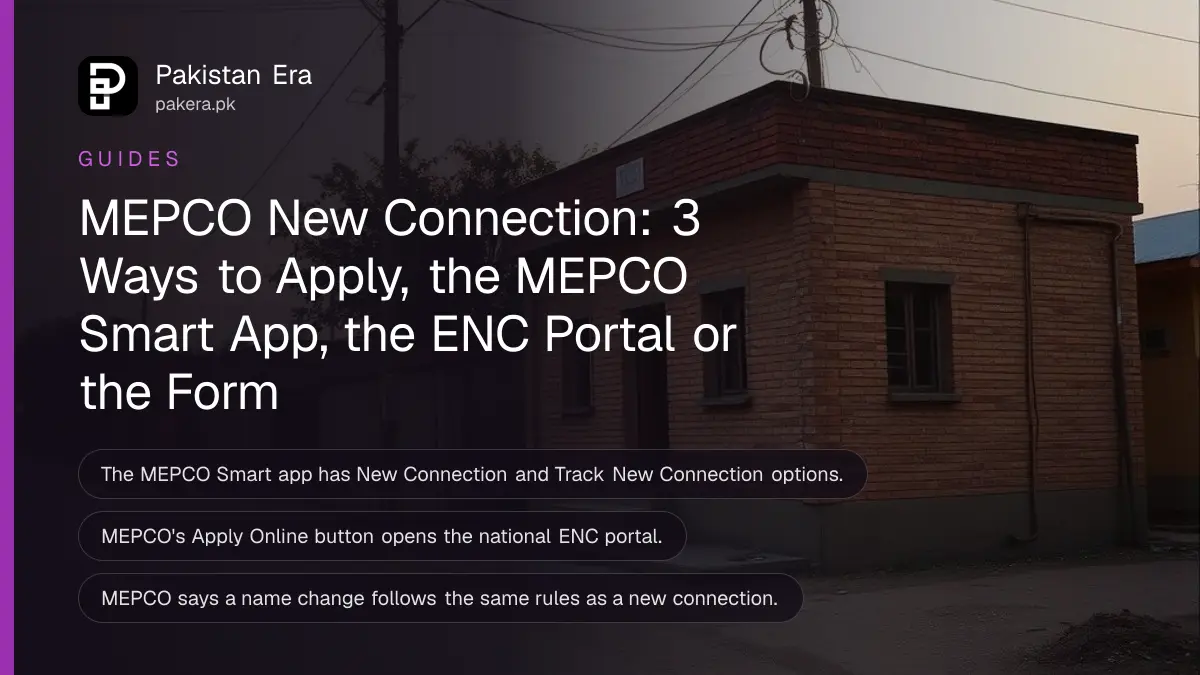
You can apply for a MEPCO new connection online in two ways: the New Connection option in the MEPCO Smart app, or the Apply Online link on MEPCO's New Connection Form page, which opens the national ENC portal. The third way is the printed form, downloaded from mepco.com.pk and submitted at your sub division. The app also has a Track New Connection option.
Which route suits you depends on your phone, your documents and how close you are to the office. We read MEPCO's New Connection Form page, its app page and its FAQ on 27 October 2026. Below is each route, the rules MEPCO applies to name changes, shifting and load, and what to do when the meter does not come.
MEPCO offers three routes to apply
MEPCO's website gives a downloadable application form, an Apply Online link to enc.com.pk, and the MEPCO Smart app with a New Connection service. The app is the only route that also tracks the application in the same place.
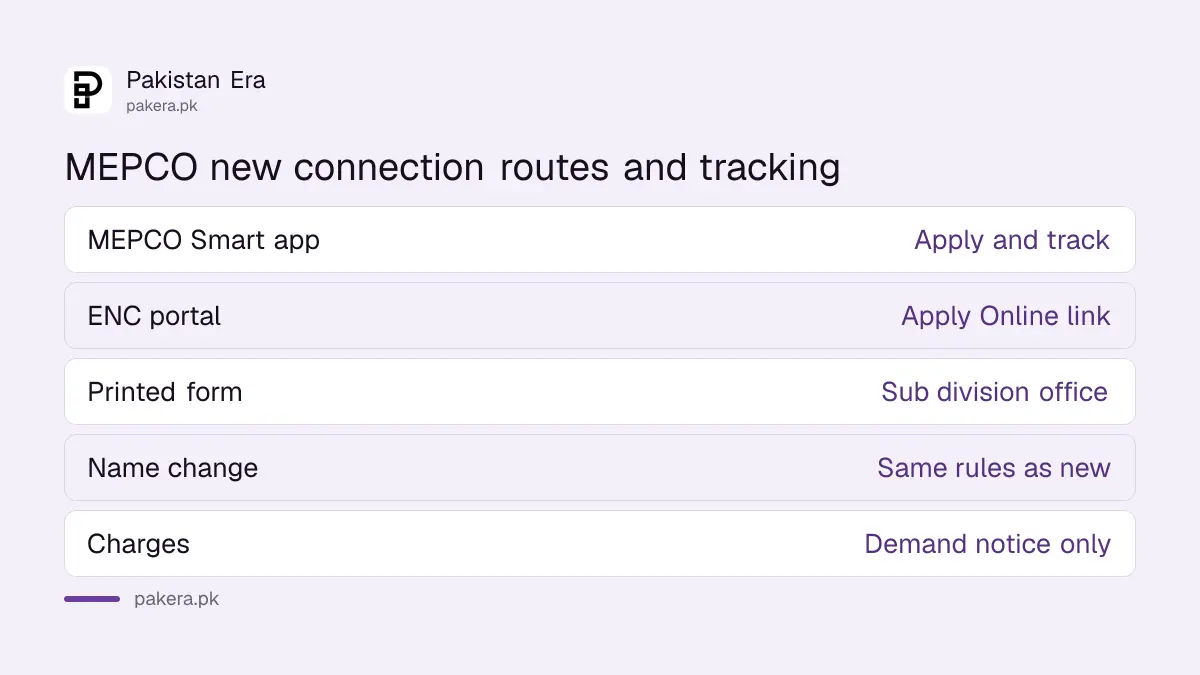
| Route | Where to find it | Tracking |
|---|---|---|
| MEPCO Smart app | Google Play and App Store, listed as MEPCO SMART | Track New Connection in the same app |
| ENC online portal | Apply Online button on mepco.com.pk/new-connection-form | Through the portal, with your application number |
| Printed form | Download Form on the same MEPCO page, or your sub division | Ask the sub division for the application number |
MEPCO describes the form as collecting the applicant's details, the kind of connection needed (domestic, commercial or industrial) and the premises location. It says the form is submitted with the mandatory documents.
The documents NEPRA's rules require for every company, and what a demand notice must show, are listed in new connection documents and the demand notice.
Applying in the MEPCO Smart app takes six steps
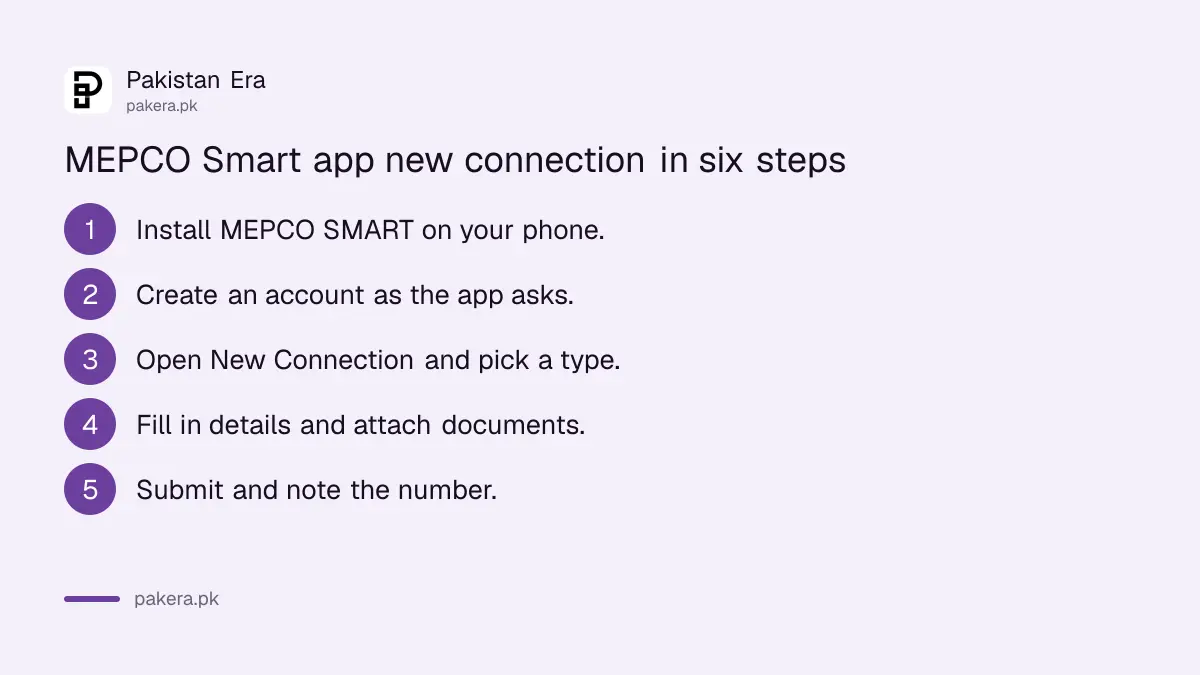
Install MEPCO SMART from Google Play or the App Store, sign up, open New Connection, fill in the form and attach the documents, then submit and use Track New Connection to follow it. Keep the application number the app gives you.
- Install MEPCO SMART from Google Play or the App Store. The links are on mepco.com.pk under Our App.
- Create an account as the app asks.
- Open New Connection and choose the type of connection.
- Fill in your details and the address of the premises, and attach the documents the app asks for.
- Submit and note the application number.
- Open Track New Connection to see its progress until the demand notice is issued.
The same app lists a Meter Change Request, a Request for Change of Attributes for owner name, load or tariff, bill payment and complaint tracking. The due date and instalment services are covered in the MEPCO Smart app due date extension.
A name change follows the new connection rules
MEPCO's FAQ says the rules for changing the name on a connection are the same as for a new connection. So a buyer of a house with the old owner's name on the bill applies with the same kind of documents, and through the same office.
In the app this sits under Request for Change of Attributes. The steps across all companies, and the papers usually needed, are set out in changing the name on an electricity bill.
Shifting, extra load and tariff changes carry their own costs
MEPCO's FAQ allows shifting a connection only to a site in the owner's or legal heir's name, where technically possible, with removal and refitting charges, material costs and an updated security deposit. Extra load and a tariff change each need the security difference and any material cost.
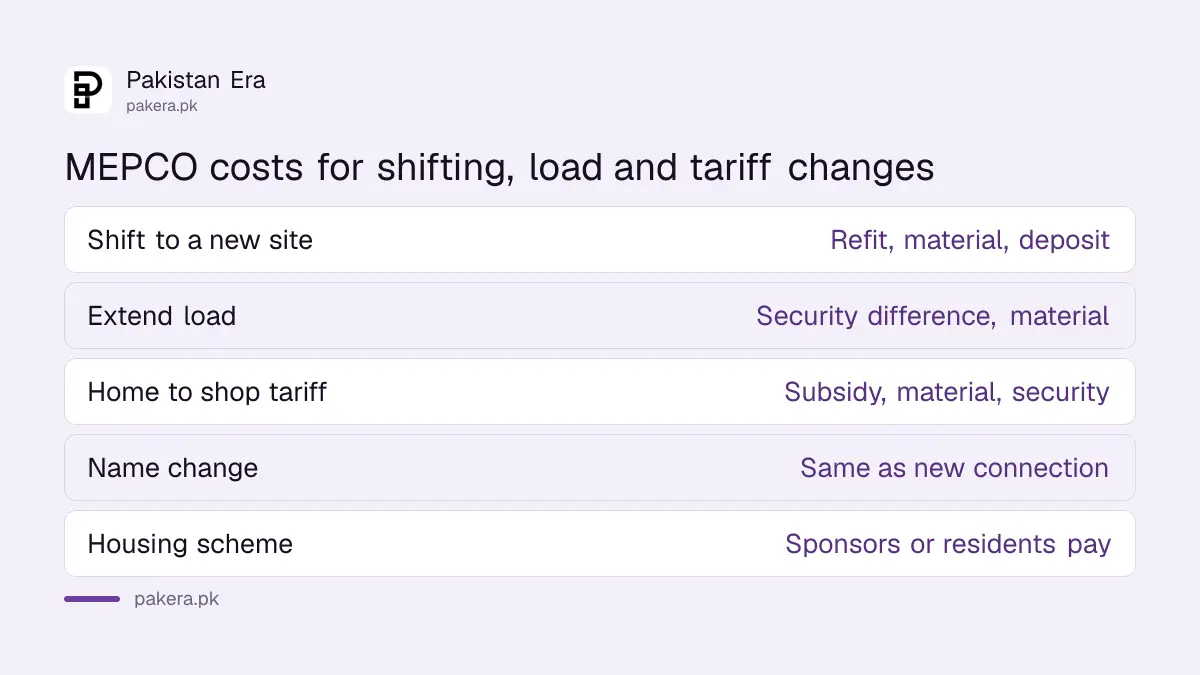
| Request | What MEPCO's FAQ says you pay or need |
|---|---|
| Shift to a new site | Site in the owner's or legal heir's name; removal and refitting charges; material; security deposit updated to current rates |
| Extend load | A and A form; security difference between sanctioned and applied load; material; any earlier subsidy recovered |
| Home to shop tariff | Live connection only, where technically possible; any earlier subsidy; material; security difference |
| Village or area electrification | Funding approved by local or provincial government; MEPCO prepares a feasibility report |
| Housing scheme | Cost borne by the sponsors or residents |
The wider rules on load are in extending electricity load, and on moving a meter in shifting a meter or pole.
When the connection does not arrive
Once you have paid the demand notice, follow up through Track New Connection or your sub division with the paid receipt. If MEPCO does not act, complain on 118 or to the Multan complaint office, and then to NEPRA.
MEPCO does not publish its connection charges on the pages we read, so the demand notice is the only figure to pay. Pay it at a bank and keep the copy. MEPCO lists no fee for "speeding up" a file, so do not pay one.
Long delays are common across the country. NEPRA's count of paid applicants still waiting is in late new electricity connections, and the bill side of MEPCO is in the MEPCO bill check.
Common questions
How can I apply for a MEPCO new connection online?
Through the New Connection option in the MEPCO Smart app, or the Apply Online link on mepco.com.pk/new-connection-form, which opens the ENC portal.
Where can I download the MEPCO new connection form?
On mepco.com.pk, under Customer Care and then New Connection Form. Click Download Form.
How do I track my MEPCO new connection application?
Use Track New Connection in the MEPCO Smart app, or ask your sub division with your application number.
How much does a MEPCO new connection cost?
MEPCO's pages do not list the charges. The amount is set in the demand notice after the site survey, and that is the only figure you should pay.
Can I shift my MEPCO connection to another house?
Yes, if the new site is in the owner's or legal heir's name and it is technically possible. You pay removal and refitting charges, material and an updated security deposit.
How we verified this
What we checked, where we read it, and what we could not confirm.
We read MEPCO's New Connection Form page, its MEPCO app page and its FAQ on 27 October 2026, and downloaded the application form, which is an image without readable text. We could not open the ENC portal from our location and did not install the app, so we could not see its form fields or the tracking screen.
About the author

Senior Writer, Public Services and Technology
Shahid joined us in 2024 as an author. He is a senior contributor to Pakistan's leading technology websites. He writes detailed articles, mostly covering his expertise in the latest tech, mobiles, apps, gadgets, and step-by-step guides. His ideology is to help people understand the latest trends and explain complex methods through very easy-to-understand guides.