NotebookLM Audio Overview in Urdu: Free Steps, Formats and Limits in Pakistan
NotebookLM can turn your notes into a free Audio Overview in Urdu, Pashto, Punjabi or Sindhi. See the five steps, four formats and what stays English only.
Yes, NotebookLM can make an Audio Overview in Urdu for free: open a notebook, add your sources, tap Audio Overview in the Studio panel, and pick Urdu from the language list before you generate it. Google's help page lists Urdu, Pashto, Punjabi and Sindhi among more than 80 languages, so a Pakistani student can turn class notes into a spoken summary in the language they think in.
Google now calls the tool Gemini Notebook, though its help links still carry the old NotebookLM name. We read its Audio Overview, usage limits, mobile app and overview pages on 1 November 2026. Below are the steps, the four formats, what stays English only, and the catch for Android users in Pakistan.
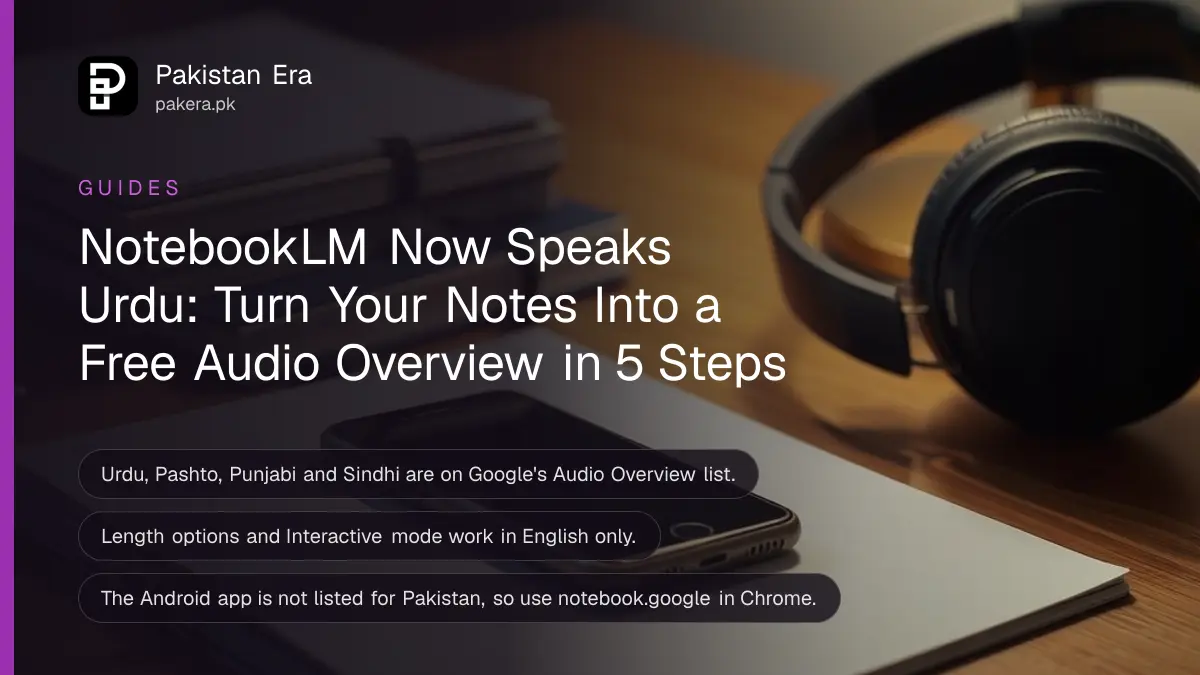
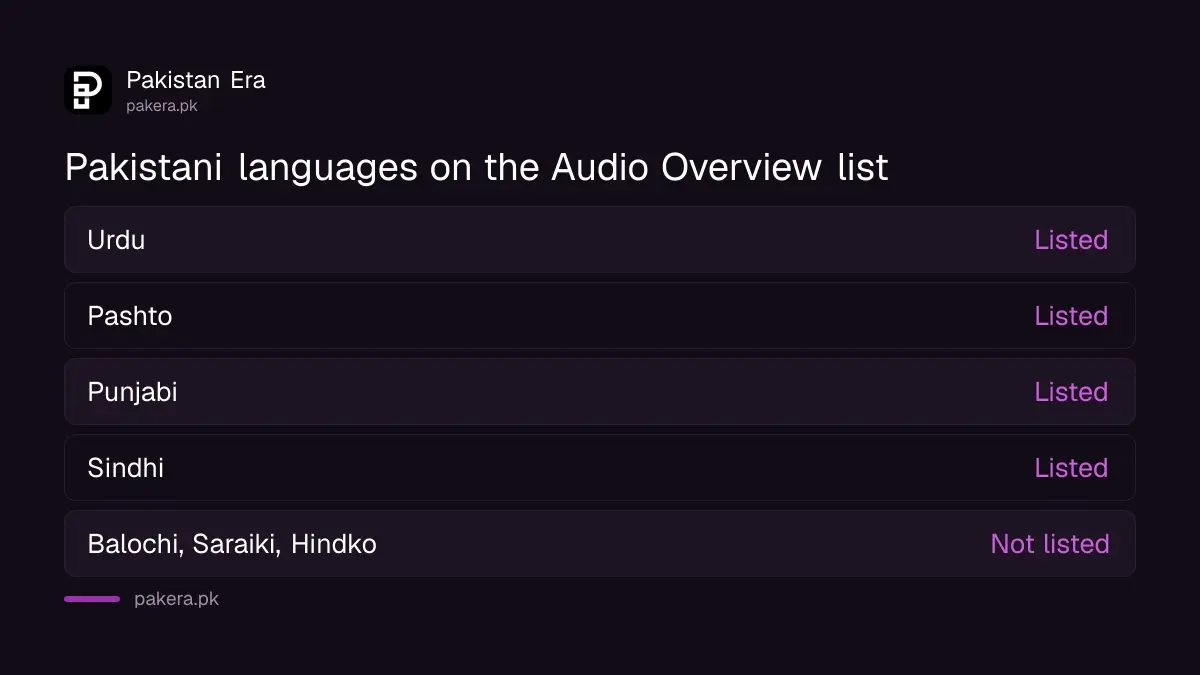
Urdu, Pashto, Punjabi and Sindhi are all on the Audio Overview list
Google's Audio Overview page lists more than 80 output languages, and four Pakistani languages are among them: Urdu, Pashto, Punjabi and Sindhi. Persian, Hindi, Arabic and English are there too, so mixed classrooms have options.
An Audio Overview is a spoken discussion of your sources, made by AI. Think of it as a short radio show about your own notes. You upload the material, and the tool produces a conversation that explains it.
By default, the tool uses the preferred language set in your Google Account. That is why many Pakistani users get English without asking. You change it in the generation panel each time, not in a hidden settings menu.
| Language | On the Audio Overview list? | Who it helps |
|---|---|---|
| Urdu | Yes | Most students and teachers across Pakistan |
| Pashto | Yes | Khyber Pakhtunkhwa and northern Balochistan |
| Punjabi | Yes | Learners in Punjab who prefer spoken Punjabi |
| Sindhi | Yes | Sindh board students and teachers |
| Balochi, Saraiki, Hindko | Not listed | Use Urdu instead |
Five steps make an Urdu Audio Overview from your notes
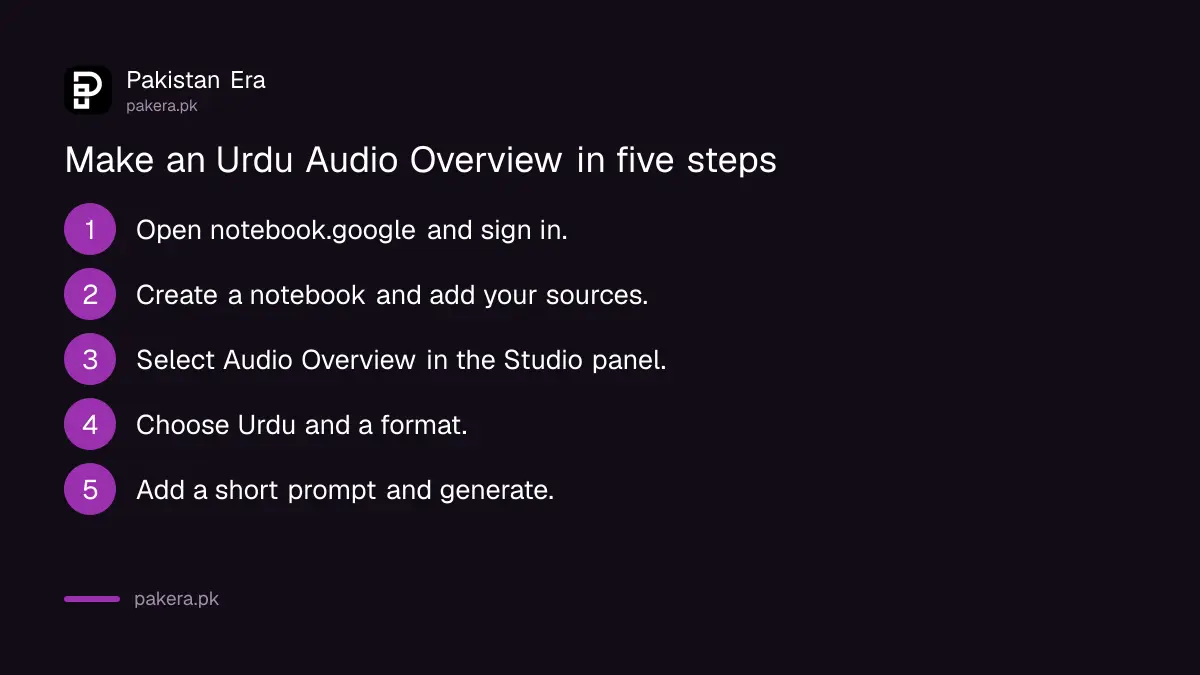
You need a signed-in Google account, a notebook with at least one source, and edit access to that notebook. Then you choose Audio Overview, set the language to Urdu, pick a format, and wait a couple of minutes while it generates.
- Go to notebook.google in a browser and sign in with your Google account.
- Create a notebook and add sources: a PDF, a Google Doc, a website link, a YouTube video or an audio file.
- In the Studio panel, select Audio Overview.
- Open the options, choose Urdu (or Pashto, Punjabi or Sindhi) as the language, and pick a format.
- Add a short prompt if you want, such as "explain this chapter for a class 9 student", then generate.
The audio is made in the background, so you can keep working in the notebook. Google's page says it can take a couple of minutes. A long PDF takes longer than a single page of notes.
If you already use the tool to read PDFs, the walkthrough on studying from your PDFs with Gemini Notebook covers adding sources and asking questions. This page only covers the Urdu audio part.
Four formats change how the Urdu audio sounds
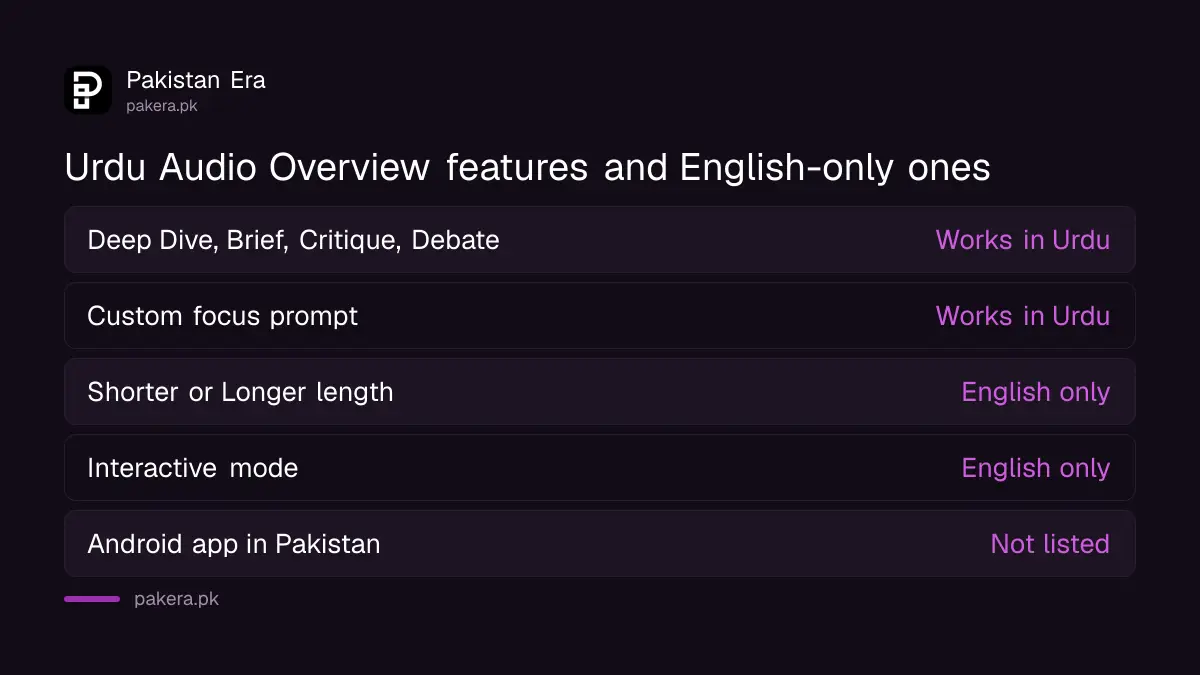
Audio Overview has four formats: Deep Dive, The Brief, The Critique and The Debate. Deep Dive is the default two-host discussion. The Brief is a single speaker and runs under two minutes, which suits quick revision before an exam.
- Deep Dive: the default. Two AI hosts talk through your sources.
- The Brief: one speaker, under two minutes. Good for a last look before a paper.
- The Critique: a constructive review of your material. Useful for a draft essay or thesis chapter.
- The Debate: a formal back and forth. Handy for civics, Pakistan Studies or any topic with two sides.
Our honest view: start with The Brief in Urdu. It is short, so you can judge quickly whether the Urdu sounds natural for your subject before you spend quota on a long Deep Dive.
Length options and Interactive mode stay English only
Two features do not work in Urdu yet. The Shorter, Default and Longer length choices are English only, and so is Interactive mode, where you join the conversation and ask the hosts questions. An Urdu overview uses the default length.
That matters if you want a long Urdu lecture from a 200 page book. You cannot force a longer Urdu version through the length switch. A custom prompt that asks the hosts to focus on certain chapters is the workaround, and you can make separate overviews for each part.
Technical words are the other weak point. Physics, chemistry and law terms are often said in English inside an Urdu sentence anyway, and the AI hosts may do the same. Listen to the first minute before you share the file with a class.
The Android app is not listed for Pakistan, but the iPhone app is
Google's mobile app page lists Pakistan among the countries for iPhone and iPad, but not for Android. So most Pakistani Android users should open notebook.google in Chrome instead. The browser version makes Urdu Audio Overviews the same way.
The Android app needs Android 10 or later where it is offered. On the iPhone app you can download an Audio Overview for offline listening inside the app, but not as a file on your phone. Background playback works, so you can listen with the screen off.
If you would rather have a plain voice read your text aloud than a discussion, a free Urdu text to speech tool is a better fit. Audio Overview rewrites and explains; it does not read your words line by line.
Free accounts get standard limits that refresh every five hours
Google does not publish a fixed number of free Audio Overviews per day. Its limits page says usage is measured by compute, refreshes every five hours until a weekly limit is reached, and is two times higher on AI Plus and four times higher on AI Pro.
| Plan | Gemini Notebook limit |
|---|---|
| No plan (free) | Standard limits |
| Google AI Plus | 2 times standard |
| Google AI Pro | 4 times standard |
| Google AI Ultra | 5 or 20 times AI Pro, by subscription |
Long sources and long chats use more of the quota. If you hit the wall, the general pattern of Gemini limit resets by plan applies here too. Students who qualify for Google's student offer can check free Gemini for Pakistani students before paying.
Under-18 users face stricter content rules, and some features may be limited until they verify their age in their Google Account. School accounts on Google Workspace for Education can use the tool at any age if the admin has switched it on.
Common questions
Is NotebookLM Audio Overview free in Urdu?
Yes. Urdu is on the Audio Overview language list, and accounts without a paid plan get standard limits. Google does not publish a fixed daily number for free users.
Why does my Audio Overview come out in English?
The tool uses your Google Account's preferred language by default. Pick Urdu in the Audio Overview options each time before you generate.
Can I make a Pashto or Sindhi Audio Overview?
Yes. Pashto, Punjabi and Sindhi are all listed among the more than 80 supported languages, alongside Urdu.
Can I make the Urdu audio longer?
Not with the length switch, which is English only. Split a big book into several notebooks or ask for specific chapters in the custom prompt.
Can I download the Urdu audio as an MP3?
The mobile app lets you save it for offline listening inside the app, but Google's page says it cannot be downloaded as a file to your device.
Is NotebookLM the same as Gemini Notebook?
Yes. Google's help centre now uses the name Gemini Notebook, while its links still include the old NotebookLM name.
How we verified this
What we checked, where we read it, and what we could not confirm.
We read Google's Audio Overview help page on 1 November 2026 for the language list, the four formats and the English-only features, and its usage limits page for plan multipliers and the five hour refresh. We also read the mobile app page (Android 10 and up, Pakistan listed for iPhone and iPad but not Android) and the overview page (Pakistan listed as a supported country, 80+ languages, under-18 rules). We did not generate an Urdu overview ourselves, so we cannot judge the quality of the Urdu voices, and Google publishes no fixed daily number for free users.
About the author

Technology Journalist & Multimedia Producer
Ahmad Ali is a technology journalist and multimedia producer at Pakistan Era, joining the team in October 2026. He covers consumer technology and digital life for Pakistani readers, combining research with hands-on product testing.