Check Which Punjab Government Apps Are Official: The 43 on the Government's List
Punjab lists 43 official government apps on its mobile applications page. Check names, owners and store links before you install, as lookalike apps copy them.
Short answer: The Punjab government's own mobile applications page lists 43 official apps. Install only from the links on that page, because fake apps copy the names of real ones. The list covers safety, police, courts, welfare, farming, schools, health, municipal complaints and payments.
A search for "Punjab government app" on a phone brings up copies, lookalikes and apps from private developers. Some ask for your CNIC, your bank details or a fee. The safest habit is to start from the government's list and not from a search result or a message on WhatsApp.
We read the list on the Punjab government's portal on 13 October 2026 and counted 43 store links. We then read the store listing of several apps. We did not install them. A name on this list tells you the government owns the app. It does not tell you the app works well on every phone, and some listings are old.
The list has 43 apps, grouped by job
The portal sorts each app under the department that runs it. The table below groups them by what you want to do. These are the names exactly as the portal gives them.
| You want to | Apps on the official list |
|---|---|
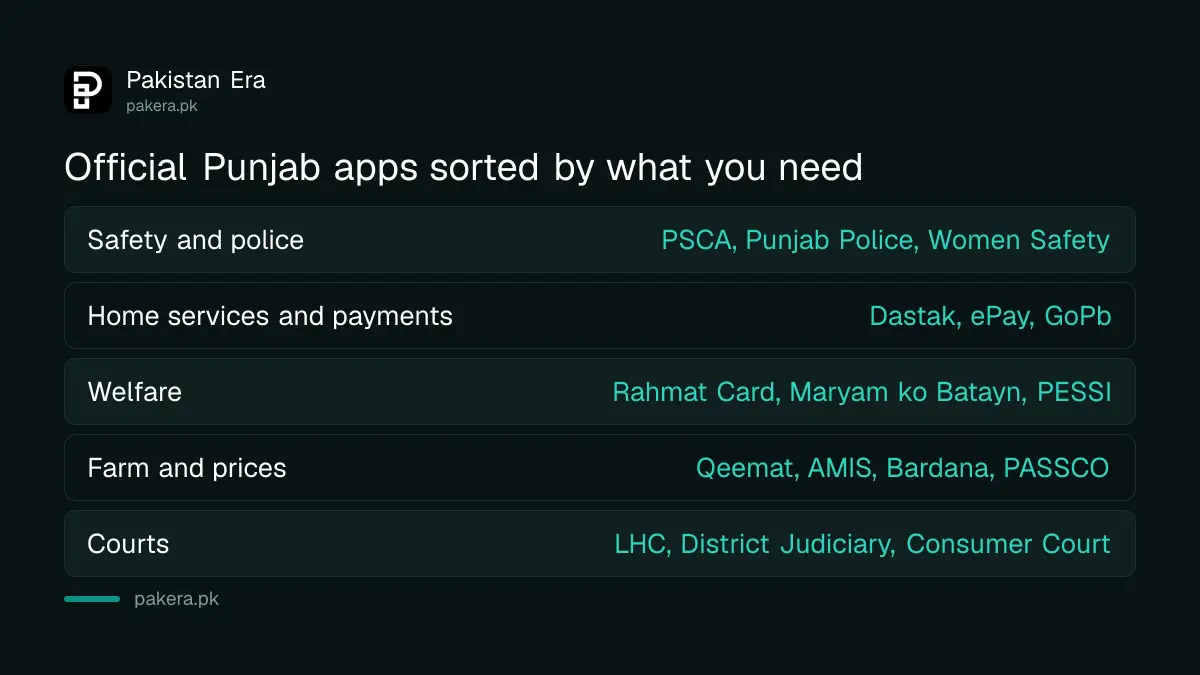
| Stay safe or call the police | PSCA Public Safety, Punjab Police Pakistan, Women Safety App, Meri Awaz, WomenFirst |
| Get a service at home or pay the government | Dastak Doorstep Delivery, ePay Punjab, GoPb, e-Khidmat Markaz, Domicile Management System, E-Auction Punjab |
| Get welfare or worker benefits | CM Punjab Rahmat Card App, Maryam ko Batayn, PESSI Benefits, Domestic Workers Registration |
| Check prices or sell crops | Qeemat Punjab, AMIS Punjab, PASSCO Farmer Registration, Bardana, eAbiana, eFisheries Punjab |
| Study or teach | eLearn, e-Library, School Information System, HED Punjab eTransfer, Special Education Department |
| Handle a court or consumer case | Lahore High Court, District Judiciary Punjab, Consumer Court Services |
| Learn life saving or volunteer | Pak Life Saver, Rescue Scout, Dengue Virus Report |
| Fix a local problem or travel | Aap Ki Baldia, Baldia Online, Rasta, Transit Punjab, Overseas Pakistani's Complaint |
Start from the portal, not from a search result
The portal gives a store link for each app. Tap that link, and check three things before you install. The developer name should match a government body such as PITB, the Punjab Information Technology Board, or the department itself. The app name should match the portal. The permissions it asks for should fit the job.
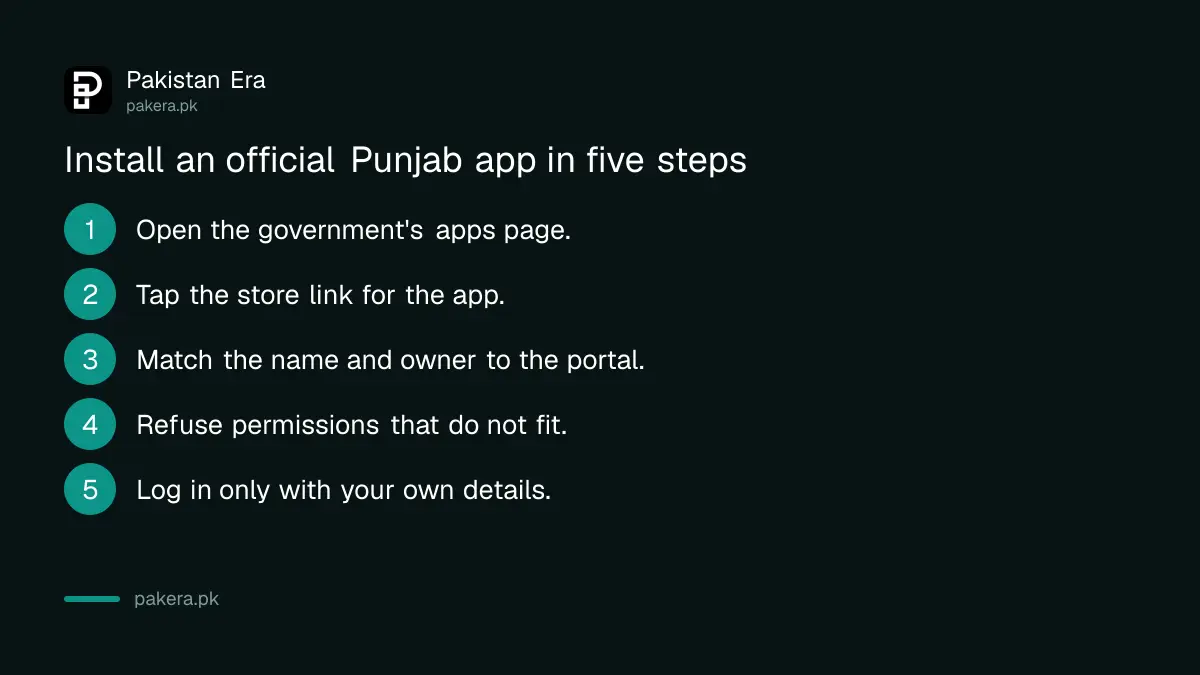
- Open the Punjab government's mobile applications page in your browser.
- Find the app by name and tap its store link.
- Check that the name and the owner match the portal.
- Read what permissions it requests, and refuse any that do not fit.
- Install it, then log in only with your own details.
Never pay through a link sent by message, even if it looks official. Payments to the government should go through the channel the department names. The ePay Punjab app guide explains the official payment route.
Some apps have clear guides on our site
Several of the listed apps already have step by step pages here. The doorstep delivery app is covered in the Dastak app guide. The price app is used in the steps to report overcharging in Punjab. Crop prices are in the guide to checking mandi rates on AMIS.
The welfare apps have their own pages too. See the guide to the Maryam Ko Batayn helpline and the status steps for the CM Punjab Rahmat Card. For worker benefits, see how to get a PESSI social security card.
Old listings and lookalikes are the main risks
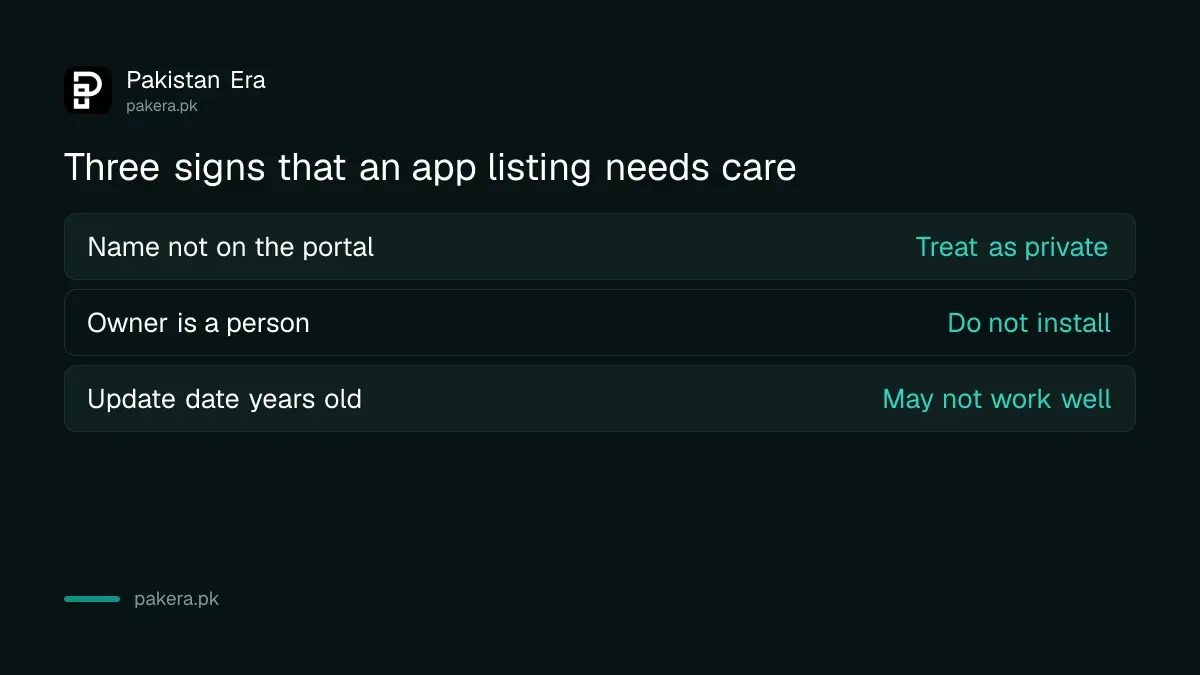
The list is large, and the age of the listings varies. We saw that the Meri Awaz listing was last updated in March 2023, the Overseas Pakistani's Complaint listing in November 2021 and the Consumer Court Services listing in November 2022. An old update date does not mean the app is fake. It means it may not work well on a new phone.
The Pak Hajj app on the list is described as a 2025 Hajj companion, so it is out of date for any new season. The portal itself shows which year it was built for.
Lookalike apps often use the same logo and a name with one extra word. If a name on the store is not on the portal, treat it as private until you can prove otherwise.
Common questions
How many official apps does the Punjab government list?
The mobile applications page listed 43 apps when we read it on 13 October 2026. The number may change.
Is the GoPb app an official Punjab app?
Yes, the portal lists GoPb and describes it as an app that brings together citizen apps and e-services of the Government of Punjab.
Where is the safest place to find the real link?
Use the Punjab government's own mobile applications page. It gives a direct store link for each app.
Do all these apps work on iPhone?
We could not verify that. The links we read point to Google Play, and one points to a store search. Check the store on your phone.
Should I pay a fee inside a Punjab government app?
Only if the department names that route officially. If an app asks for money you were not expecting, stop and call the department's helpline.
How we verified this
What we checked, where we read it, and what we could not confirm.
Last checked on 13 October 2026, Pakistan time. We read the Punjab government's mobile applications page and the store listings of several apps on it. We did not install the apps. We could not verify which apps work on iPhone, how current each app is, or whether the page lists every app the government runs.
About the author

Senior Writer, Public Services and Technology
Shahid joined us in 2024 as an author. He is a senior contributor to Pakistan's leading technology websites. He writes detailed articles, mostly covering his expertise in the latest tech, mobiles, apps, gadgets, and step-by-step guides. His ideology is to help people understand the latest trends and explain complex methods through very easy-to-understand guides.