Onic Helpline Number in Pakistan: 051-111-339-111, Email, Live Chat and How to Leave Onic (2026)
The Onic helpline is 051-111-339-111. See the support email, 24/7 live chat, five fixes for no signal, how to check usage, and how to port your 0339 number out.
The Onic helpline number is 051-111-339-111. Onic also answers by email at happiness@onic.pk, usually within one working day, and through a 24/7 live chat with its OnicAI assistant in the Onic app and on onic.pk. Facebook Messenger and Instagram direct messages are the other two routes Onic lists.
Onic is unusual because it runs almost entirely from an app: you order, pay and manage the SIM on your phone, and there are no Onic franchises in the usual sense. That makes the support channels matter more when something breaks. We read Onic's FAQ and help centre pages on 1 November 2026 and set out every contact route, the self-help steps Onic gives, and what to do if you decide to leave.
Onic lists five ways to reach customer support
Onic's FAQ gives four routes: the helpline 051-111-339-111, live chat with OnicAI Assist, email at happiness@onic.pk, and its Facebook and Instagram accounts. Its help centre adds that email replies come within one working day and that live chat runs 24/7.
| Route | Details | Best for |
|---|---|---|
| Helpline | 051-111-339-111 | No signal, urgent account problems |
| Live chat | OnicAI Assist in the Onic app or on onic.pk, 24/7 | Plan, payment and usage questions |
| happiness@onic.pk, reply within 1 working day | Anything you want in writing | |
| Facebook Messenger | Onic Pakistan page | Quick questions |
| Instagram DM | Onic's Instagram account | Quick questions |
The live chat is an AI assistant first. If it cannot solve your problem, ask it to pass you to a person, or call the helpline. Never send your CNIC picture, OTP or card details in a public comment on social media.
Try Onic's five connectivity fixes before you call
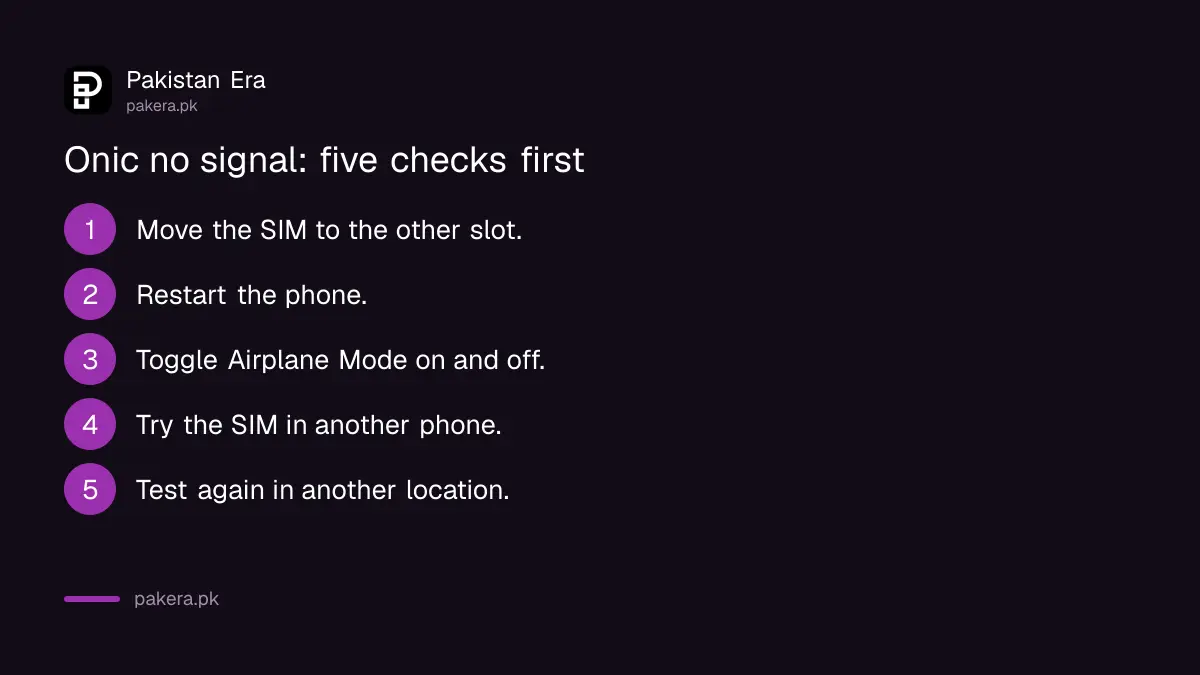
For a SIM with no signal or no data, Onic's FAQ lists five checks: change the SIM slot, restart the phone, switch Airplane Mode on and off, try the SIM in another phone, and move to a different location. If none works, contact support.
- Move the SIM to the other slot in your phone.
- Restart the phone fully.
- Turn Airplane Mode on for a few seconds, then off.
- Put the SIM in another phone to see whether the fault follows the SIM.
- Go outdoors or to another area and test again.
Step 4 is the useful one. If the SIM works in another phone, the problem is your handset or its settings, and the general steps in reset network settings may fix it. If the SIM fails everywhere, it is a network or SIM issue, and that is when to call 051-111-339-111.
Check your own usage in the app before disputing a charge
Onic sends usage records by email rather than showing a bill on screen. In the app, go to Dashboard, then Usage Logs, choose data, voice or SMS, pick the period and tap Get Logs. The report arrives in your email inbox.
Do this before you complain about data running out early. A log gives you dates and amounts to quote, which makes the complaint faster to settle. Renewing or changing a plan is also done in the app: open "Packages Available", pick a plan and pay online, and the plan starts once the payment goes through.
PTA's order on Onic changes what support can do
PTA ordered Pak Telecom Mobile Limited (PTML), which runs Onic, in September 2026 to stop new Onic sales and to move existing customers to PTML within three months. PTML has challenged the order in court, as reported. Onic's website was still taking orders when we checked on 1 November 2026.
For a current Onic user, that means two things. First, keep your number active and your plan paid, because a number that stays active can be moved. Second, if you are asked to migrate, check the request against official channels only, because migration is an obvious opening for scammers. The background is in what PTA's Onic order means and the later PTML court challenge.
Leaving Onic means porting your number to another network
To leave Onic and keep your 0339 number, start a port with the network you are moving to. Mobile number portability in Pakistan uses a code: you text MNP to 667, and the new network takes it from there. Onic's own port-in steps use the same 667 text.
Onic's FAQ explains the rules for coming in: you cannot port from AJK, after a recent change of ownership, or if you have used the current SIM for less than 60 days, and a prepaid port takes up to 4 business days. The steps for moving to Jazz, including its fee, are in Jazz MNP code 667. Other networks follow similar steps at their own outlets.
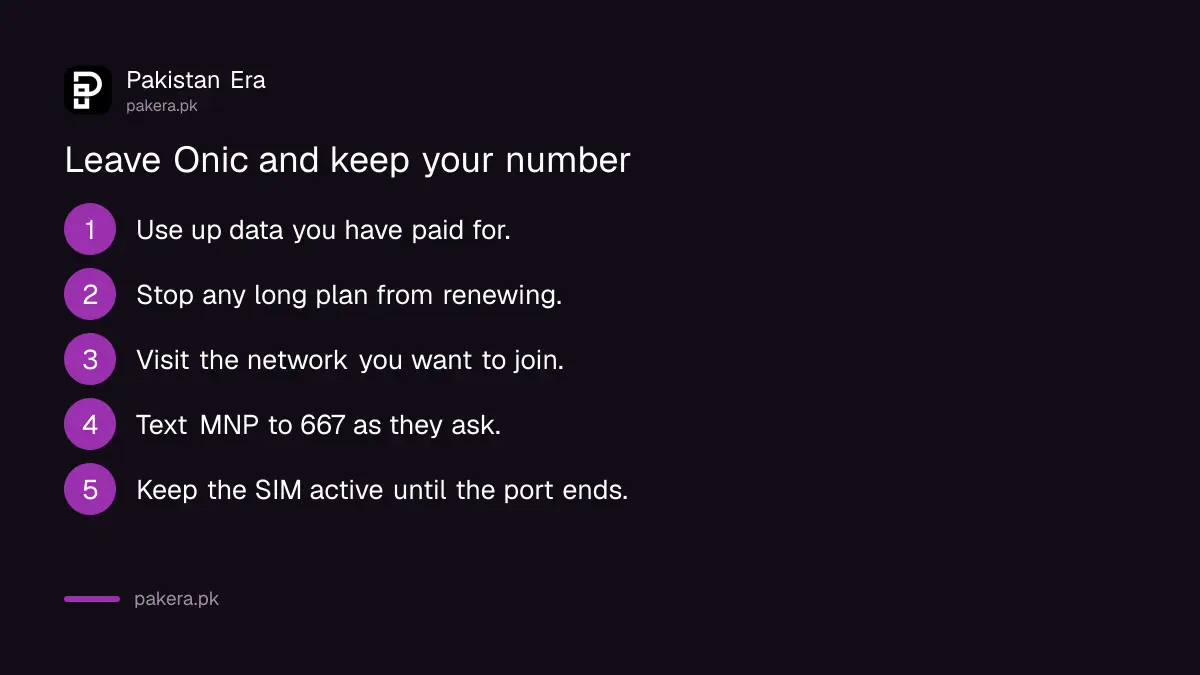
Before you port, use up any data you have paid for, and stop any annual plan from renewing. Onic sells 6 and 12 month plans paid upfront, listed in Onic packages, and we found no refund rule for unused months on the pages we read.
When Onic does not fix the problem, complain to PTA
If Onic's helpline, chat or email does not resolve a complaint, take it to PTA. Keep the date, the chat transcript or email reply, and any ticket number. PTA expects you to approach the operator first and then escalate with that record.
The process, including the online form and the app, is set out in the PTA telecom complaint guide.
Common questions
What is the Onic helpline number?
It is 051-111-339-111, as listed in Onic's FAQ.
What is the Onic customer care email?
happiness@onic.pk. Onic says it replies within one working day.
Is Onic live chat available 24 hours?
Yes. Onic says chat with its OnicAI assistant runs 24/7 in the app and on the website.
How do I check my Onic data usage?
In the Onic app, open Dashboard, then Usage Logs, choose the type and period, and tap Get Logs. The report comes by email.
Can I keep my number if I leave Onic?
Yes. Port it to another network through mobile number portability, starting with the network you are moving to.
Is Onic shutting down?
PTA ordered new Onic sales to stop in September 2026 and PTML challenged that order in court, as reported. Onic was still operating on 1 November 2026.
How we verified this
What we checked, where we read it, and what we could not confirm.
Last checked 1 November 2026. We read Onic's FAQ page and its help centre at onic.pk on 1 November 2026 for the helpline, email, chat, usage, troubleshooting and port-in rules. PTA's order and the court challenge come from our earlier reporting linked above. We did not call the helpline or test the chat, so we could not confirm waiting times or when a human agent takes over. We found no published rule on refunds for unused annual plans.
About the author

Technology Journalist & Multimedia Producer
Ahmad Ali is a technology journalist and multimedia producer at Pakistan Era, joining the team in October 2026. He covers consumer technology and digital life for Pakistani readers, combining research with hands-on product testing.