Open and Mark Up PDFs Inside WhatsApp Web and Desktop in Pakistan
WhatsApp Web and desktop can open a PDF in the chat and let you highlight and annotate it, powered by Adobe Acrobat. See what is confirmed and how to test it.
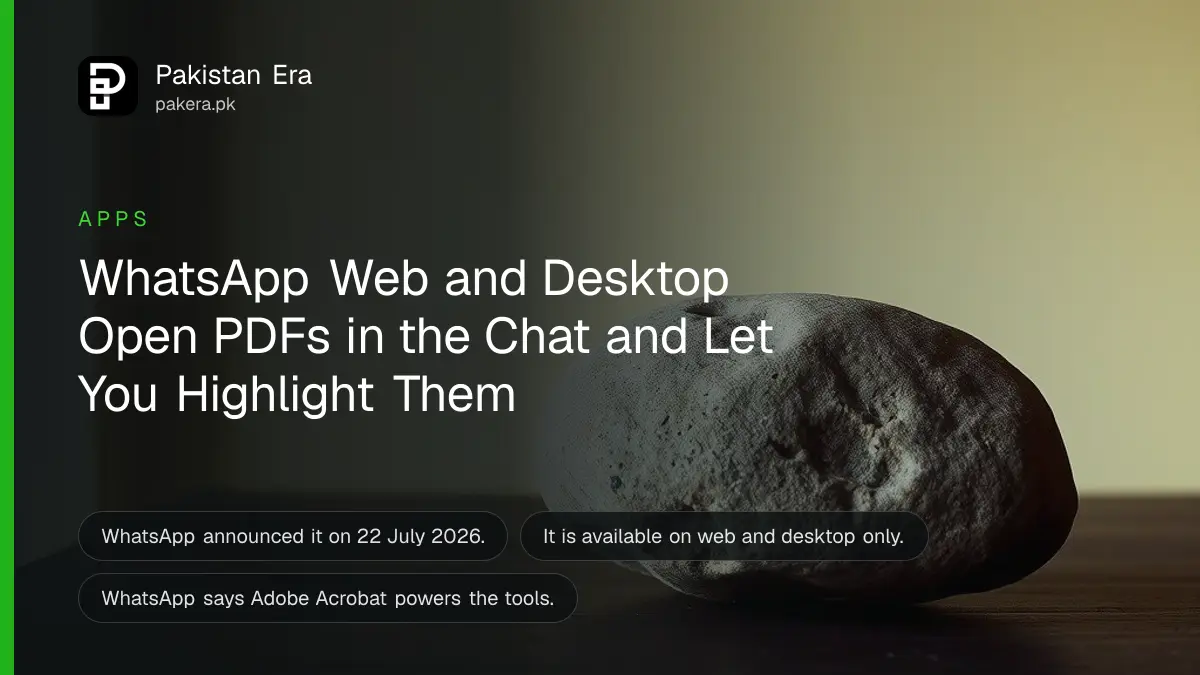
On WhatsApp Web and the desktop app you can now open a PDF inside the chat without downloading it, then highlight and add notes in the same place. WhatsApp announced this on 22 July 2026 and says it is powered by Adobe Acrobat. It is for web and desktop only.
Pakistani offices, schools and shops pass fee challans, forms, quotations and notices as PDFs on WhatsApp. Downloading each one clutters a computer. We read WhatsApp's announcement on 21 October 2026 and the Adobe link it gives. This guide explains what you can do, what we could not confirm, and how to keep documents safe.
PDFs now open and can be marked up inside the chat
WhatsApp says you can open a PDF directly in WhatsApp without downloading it, then make "lightweight edits like highlighting and annotating" in the chat. It is available on web and desktop, not on the phone app, based on the announcement.
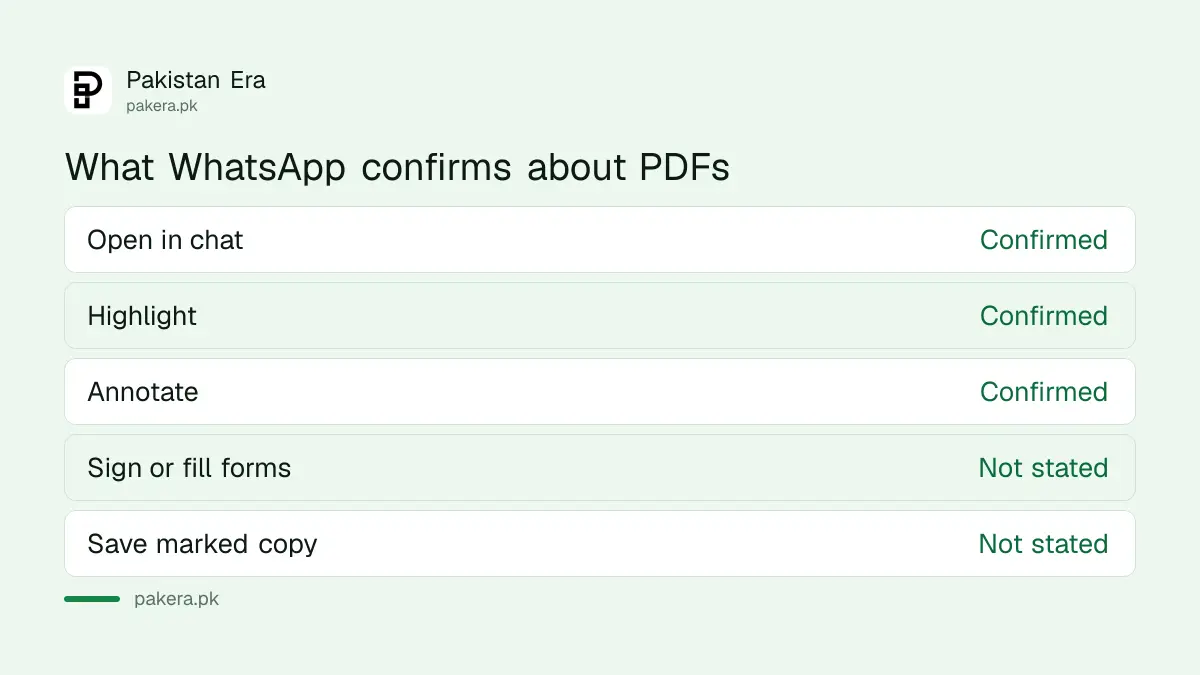
That is the full list WhatsApp gave. It did not say whether you can sign, fill forms, merge pages or save the marked copy. Do not assume those work.
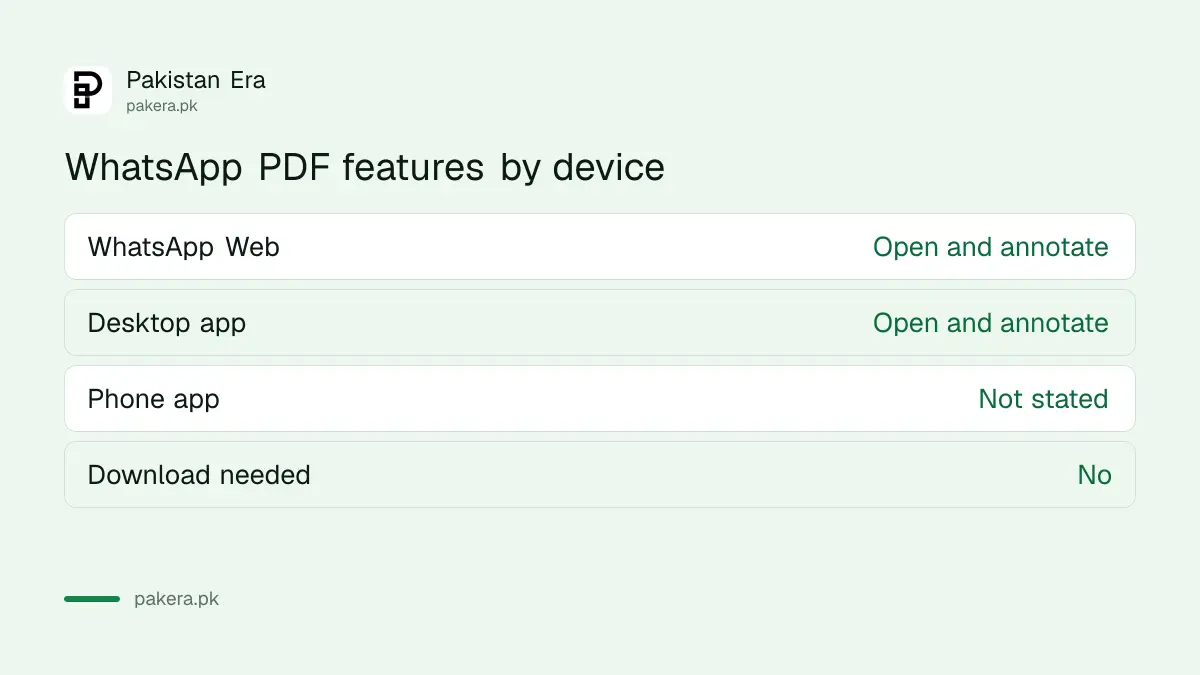
It works on WhatsApp Web and the desktop app only
The announcement says "available on web and desktop". WhatsApp Web runs in a browser at web.whatsapp.com. The desktop app is the installed program for Windows or Mac. If you use WhatsApp only on a phone, you will not see this feature yet.
To link a computer, use your phone's Linked devices screen. Always check the list afterwards with reviewing linked devices on WhatsApp, because a forgotten office computer can still read your chats.
| Where you use WhatsApp | PDF open and annotate |
|---|---|
| WhatsApp Web in a browser | Yes, per WhatsApp |
| WhatsApp desktop app | Yes, per WhatsApp |
| WhatsApp on the phone | Not stated by WhatsApp |
Try it with a harmless file first
WhatsApp did not publish steps, so this is our suggestion. Send yourself a sample PDF, open WhatsApp Web, tap the file, and look for the highlight and note tools. Do this with a menu card or a blank form, never a CNIC copy or bank statement.
- Update WhatsApp Web by refreshing the browser, or update the desktop app.
- Open a chat that has a PDF, or send yourself one.
- Click the PDF so it opens inside the chat.
- Look for the highlight and annotate tools.
- Mark a line and check whether the other person can see it.
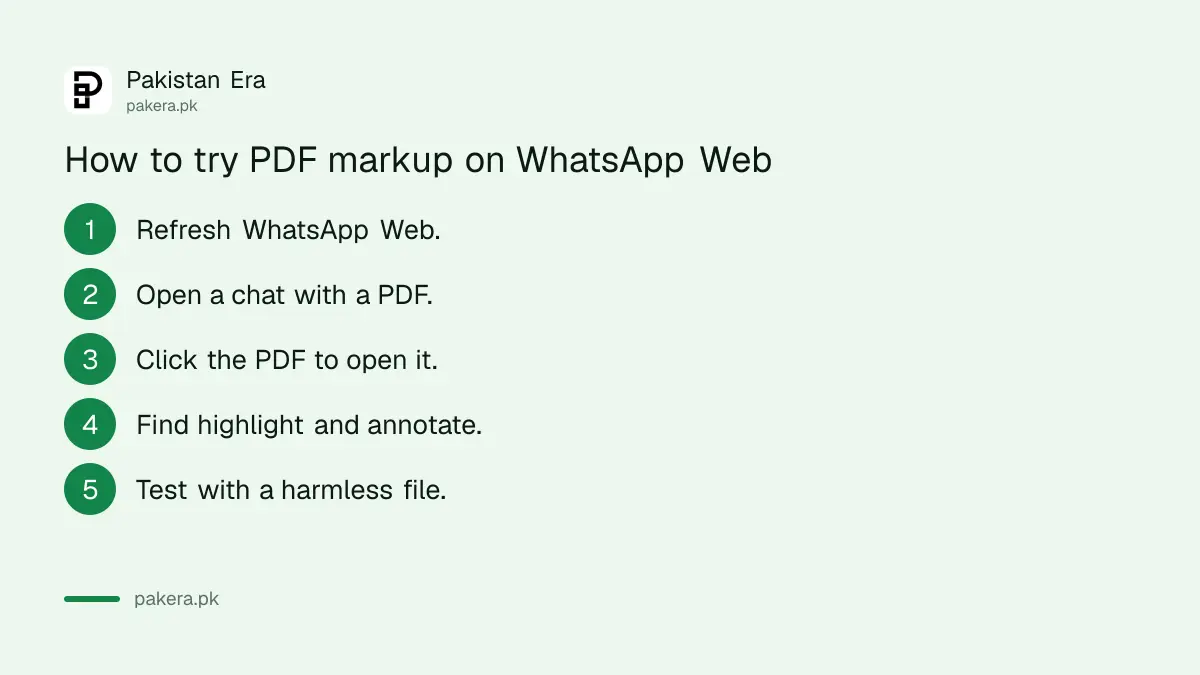
We have not run these steps on a live account, so the button names may differ.
Adobe Acrobat powers the PDF tools
WhatsApp says the feature is powered by Adobe Acrobat and links Adobe's own post dated 22 July 2026. We did not read Adobe's post. So we cannot say whether Adobe handles the file or what Adobe stores. If a file is private, treat it with the same care as any file you send to a third party.
Adobe is a software company, and a named partner on WhatsApp's page. Read the privacy notice before sending anything sensitive.
Keep sensitive documents out of casual chats
Whatever tool you use, scammers send fake PDFs. A fake electricity bill or a fake court notice can carry a link that steals your login. Open a PDF only from a person you know, and never type an OTP or card number because a document asked for it.
Use blocking and reporting a scam number when an unknown sender pushes a file on you. Strengthen the account with a WhatsApp passkey.
Free up your computer and your phone
The feature saves space only on the computer, since the PDF is read in the chat. Chats still store files. Clear large files with WhatsApp Manage Storage.
What is confirmed and what is not
WhatsApp confirms three things: PDFs open inside the chat, highlighting and annotating work, and it runs on web and desktop. It does not confirm signing, form filling, saving marked copies or phone support. Treat those four as unknown until you test them.
For a shop or school, that gap matters. A fee challan marked up in the chat may not be saved as a new file. Keep the original PDF in a folder, and keep a copy of anything you need later as proof. If a bank or office needs a signed form, use their official process, not a chat highlight.
Also remember that a highlight is not a legal change to a document. A quotation you marked up in WhatsApp is still the original file underneath. If two people disagree about a price, go back to the original PDF and the date it was sent.
Common questions about WhatsApp PDF annotation
Can I edit a PDF on WhatsApp?
You can make lightweight edits like highlighting and annotating, per WhatsApp. Full editing is not mentioned.
Does it work on my phone?
WhatsApp says web and desktop. It did not state phone support.
Do I need to download the PDF?
No. WhatsApp says you can open it directly in the chat without downloading.
Is it free?
WhatsApp's announcement mentions no charge. We could not confirm any plan limit.
Who provides the PDF tools?
WhatsApp says the feature is powered by Adobe Acrobat.
Can the other person see my highlights?
WhatsApp does not say. Test with a harmless file before using it for real work.
How we verified this
What we checked, where we read it, and what we could not confirm.
Last checked 21 October 2026. We read WhatsApp's announcement New Feature Roundup of 22 July 2026. We did not read Adobe's post or run the feature, and could not verify sharing of annotations, saving, limits or rollout in Pakistan. The steps are our suggestion.
About the author

Technology Journalist & Multimedia Producer
Ahmad Ali is a technology journalist and multimedia producer at Pakistan Era, joining the team in October 2026. He covers consumer technology and digital life for Pakistani readers, combining research with hands-on product testing.