Punjab Police Pakistan App: 10 Services From Character Certificate to Tenant Registration
The Punjab Police Pakistan app lists 10 services: character certificate, police verification, tenant and staff registration, complaints and more. Read the list.
Short answer: The Punjab Police Pakistan app is the force's own one stop app for citizens. Its store listing names ten services: online complaints, report a crime, character certificate, police verification, private employee registration, tenant registration, IGP complaints, traffic services, find my police station and advisories.
Many of these jobs used to mean a trip to a police station and a wait. Some can now start on your phone. This guide explains what the app lists, which tasks suit it, and what it does not tell you.
We read the app's store listing, last updated on 23 June 2026, and the Punjab government's mobile applications page on 13 October 2026. We did not install the app, so we did not test the screens, the fees or the delivery time of any certificate. The listing does not state fees either. Where you see a gap below, that is why.
The app lists ten services in one place
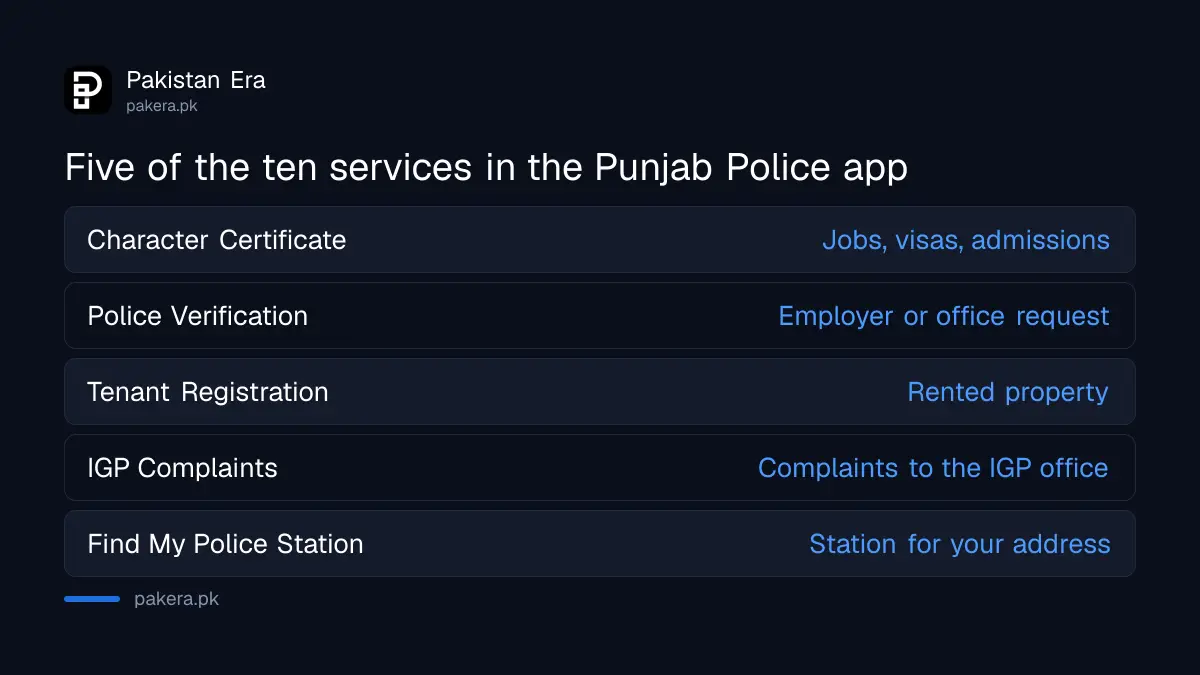
The listing describes the app as "one stop citizen facilitation" for services that Punjab Police provide to the public. The Punjab government lists it among its official mobile applications under citizen services. The ten services named are in the table below.
| Service in the app | When you would use it |
|---|---|
| Online Complaints | You want to complain to the police without visiting the station |
| Report a Crime | You want to report an incident |
| Character Certificate | A job, visa or admission asks for one |
| Police Verification | An employer or office asks for verification |
| Private Employee Registration | You hire a staff member and must register them |
| Tenant Registration | You rent out or rent a property |
| IGP Complaints | Your complaint needs the Inspector General's office |
| Traffic Services | You need a traffic related service |
| Find My Police Station | You do not know which station covers your address |
| Advisory | You want public notices from the police |
Use the app for paperwork and the helpline for danger
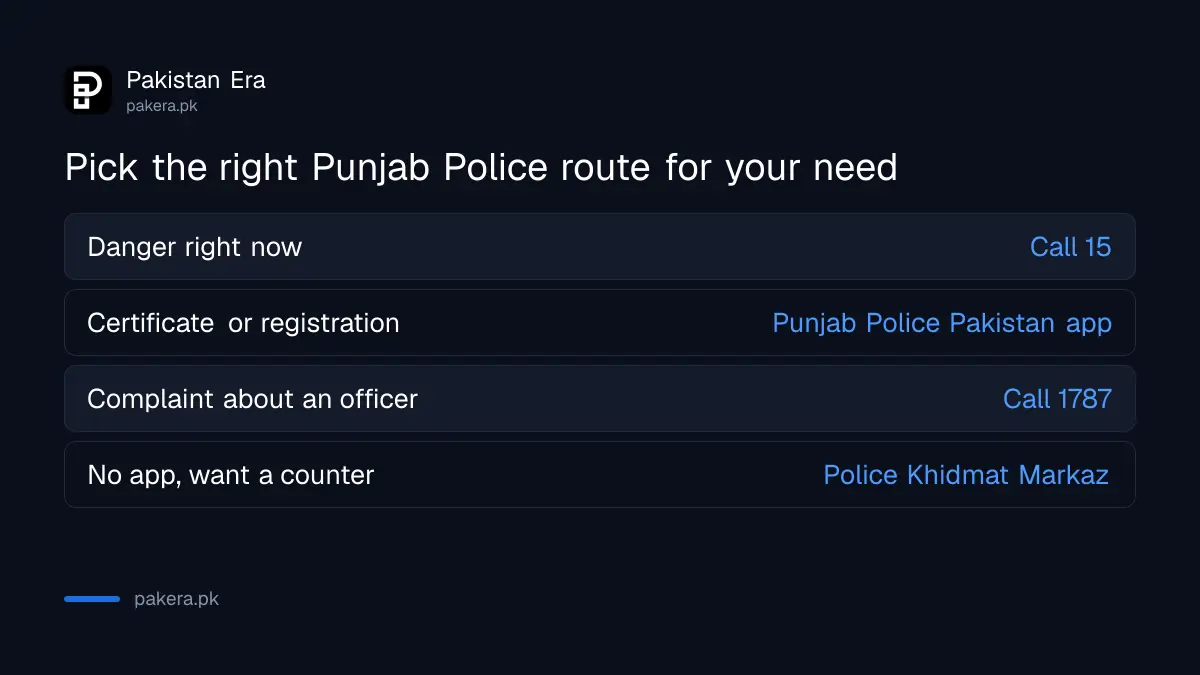
The app suits tasks that can wait a day, such as a character certificate, tenant details or a verification request. It is not the tool for a crime in progress. For danger, call 15. The app does not state a guaranteed response time for any service.
For tenants and landlords, the full process is in the guide to registering a tenant with the police in Punjab. For house staff, see the steps to register a domestic worker with the police.
If you prefer a counter to a screen, the force also runs facilitation centres. See what a Police Khidmat Markaz offers in Punjab. The government has also put police services on wheels, as explained in the report on mobile police stations in Punjab.
Complaints can go to the station level or to the IGP
The listing keeps two complaint routes apart. "Online Complaints" is for complaints in general. "IGP Complaints" is for matters that you want the Inspector General of Police to see. Use the first for a delay or refusal at a station. Use the second when the station has not acted.
If your complaint is about a police officer's conduct, the dedicated number is covered in the guide to complaining on 1787 to the IGP complaint centre. If you filed an FIR and want to know what happened to it, read how to check your FIR status in Punjab.
Five steps to get a police service through the app
- Install the Punjab Police Pakistan app from the link on the Punjab government's official apps page.
- Register with your CNIC and mobile number as the app asks.
- Choose the service from the home screen, for example Character Certificate.
- Fill in your details and attach the documents it requests.
- Keep the reference number it gives you, and use it for any follow up.
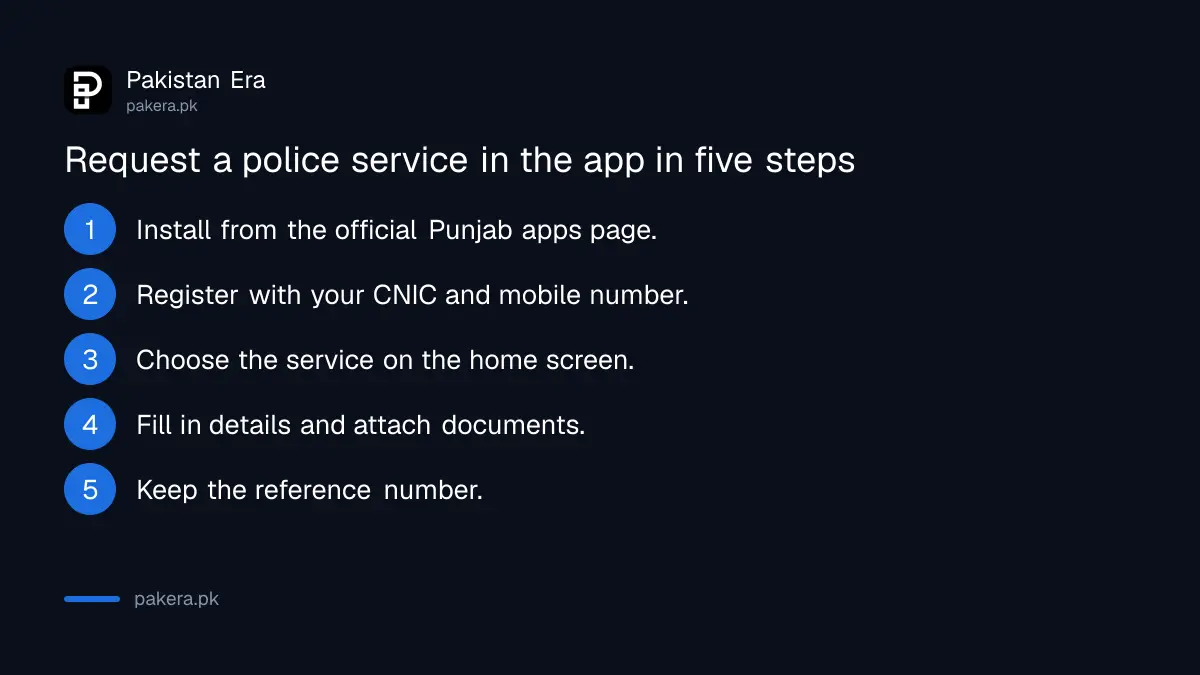
These steps are the usual shape of a government app, not a screen by screen walk through. We have not tested them, so follow the prompts that appear on your own phone.
What the listing does not tell you
The listing does not publish fees, delivery times or the documents needed for each certificate. It also does not say whether every district accepts every service online. Treat any figure you see on social media for these services as unconfirmed until you see it in the app or on a police office notice.
Use only the app linked from the Punjab government's page. Fake apps and fake websites that charge for police services are a common scam. If someone asks you to pay to a personal account, stop.
Common questions
Can I get a police character certificate through the app?
The listing names Character Certificate as one of its services. It does not state the fee or the time, so check inside the app.
Can I register my tenant on the app?
Yes, Tenant Registration is on the listed services. The wider process is in the tenant registration guide.
Does the app replace calling 15?
No. For danger, call 15. The app is for complaints, certificates and registrations.
Is the Punjab Police Pakistan app official?
The Punjab government lists it on its official mobile applications page, with the Play Store link.
Can I find my police station with the app?
Yes, "Find My Police Station" is one of the ten services. It helps when you do not know which station covers your address.
How we verified this
What we checked, where we read it, and what we could not confirm.
Last checked on 13 October 2026, Pakistan time. We read the Punjab government's mobile applications page and the app's store listing. We did not install the app. We could not verify any fee, delivery time, required document list or district coverage.
About the author

Senior Writer, Public Services and Technology
Shahid joined us in 2024 as an author. He is a senior contributor to Pakistan's leading technology websites. He writes detailed articles, mostly covering his expertise in the latest tech, mobiles, apps, gadgets, and step-by-step guides. His ideology is to help people understand the latest trends and explain complex methods through very easy-to-understand guides.