Qatar ID Status Check for Pakistani Workers: New Residence Permit, QID Renewal and Change of Employer on MOI
Check a Qatar ID or residence permit on MOI: new permit by visa and sponsor ID, renewal by QID alone, job change by application number. Fixes for blank results.
To check a Qatar ID (QID) or residence permit status, use the Ministry of Interior's Residency Permits inquiries: RP Application Tracking needs the visa number and the sponsor's ID number, RP Renewal Tracking needs only the QID number, and the Change Employer enquiry needs the application number and the worker's QID. All three sit on the MOI Qatar portal and end with a picture or audio check.
A Pakistani worker in Qatar meets these trackers at three moments: just after landing, when the permit is renewed, and when moving to a new employer. Each tracker asks for different numbers, and using the wrong one is why people think the system is down. We read the MOI Qatar Residency Permits inquiry page and each form on 31 October 2026.
Three Qatar ID trackers ask for three different numbers
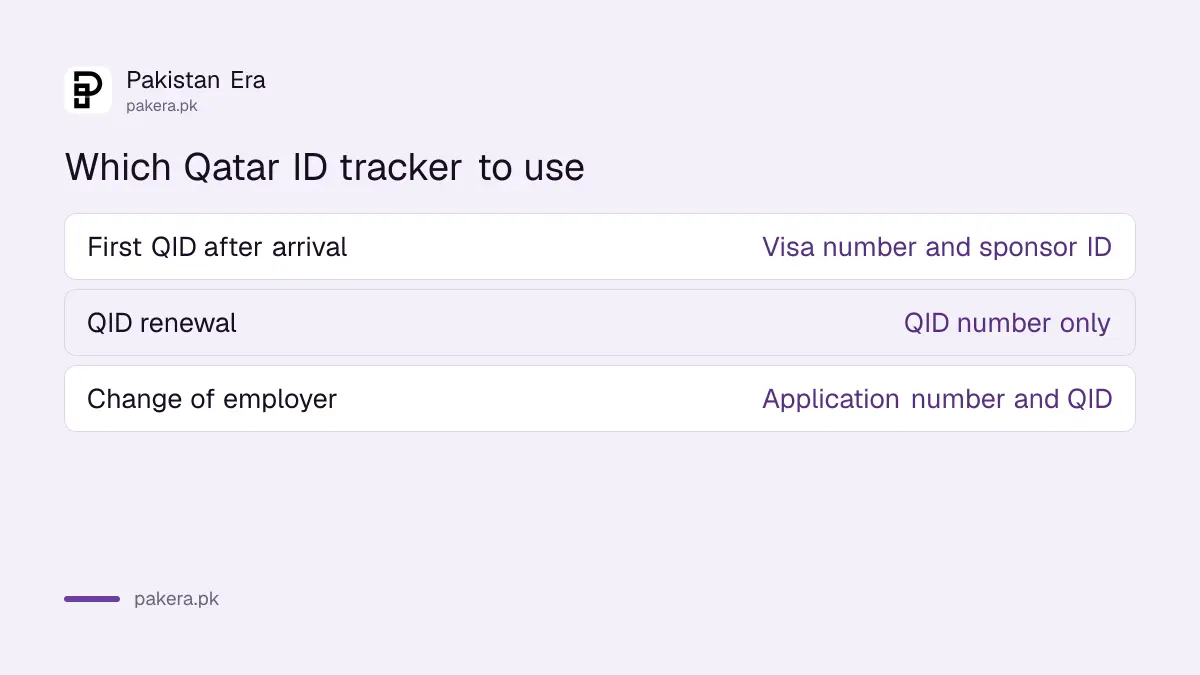
The Residency Permits section of the MOI portal lists separate inquiries for a new permit, a renewal and a change of employer. Pick the one that matches your stage. The table shows exactly what each form asks for, as printed on MOI's pages.
| Your situation | MOI inquiry | Details it asks for |
|---|---|---|
| New arrival, first QID | RP Application Tracking and Printing | Visa number, plus the ID number of the sponsor, representative or authorised signatory |
| Permit being renewed | RP Renewal Tracking | QID number |
| Moving to a new employer | Change Employer Application Enquiry | Application number in three parts, plus the QID of the worker or authorised person |
MOI's description adds that a renewal can be followed with the personal ID number of the sponsor or of the permit holder. So a worker can track a renewal alone with their own QID.
A new QID is tracked with the visa number and the sponsor's ID
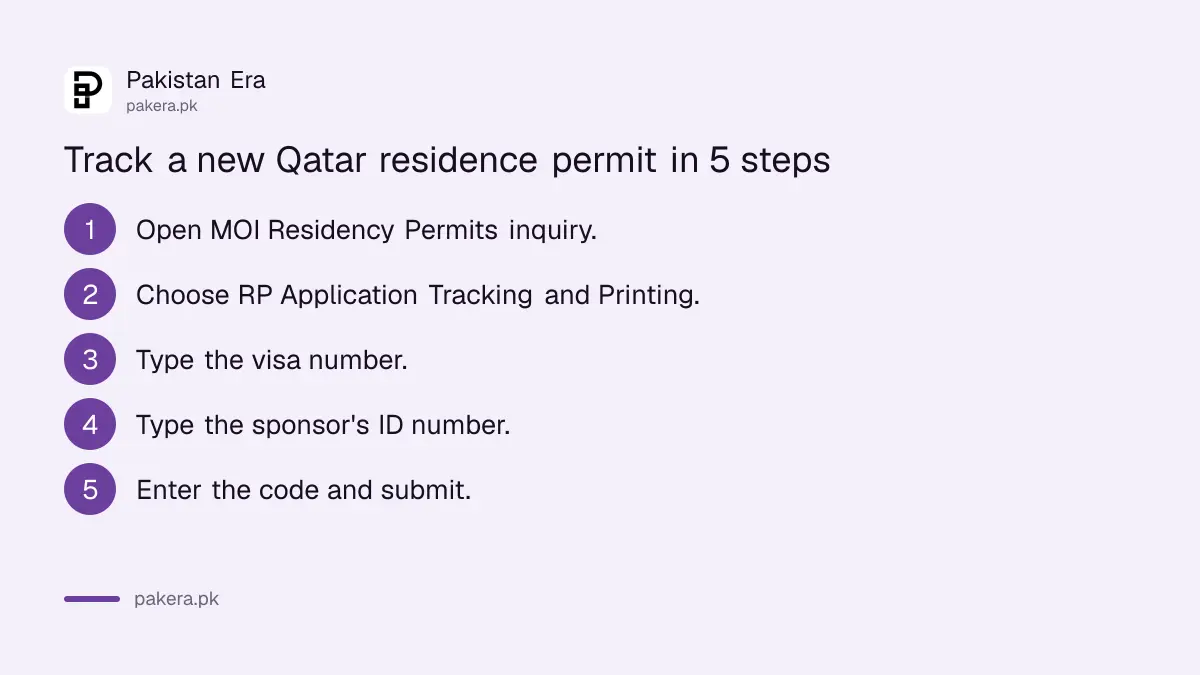
After you land on a work visa, the employer applies for your residence permit. The RP Application Tracking form marks two fields as mandatory: the visa number and the ID number of the sponsor, the company representative or the authorised signatory. The same page can print the permit once it is issued.
- Open the MOI Qatar portal and go to Inquiries, then Residency Permits inquiry.
- Choose RP Application Tracking and Printing.
- Type the visa number from your entry visa.
- Type the sponsor's or representative's ID number.
- Enter the verification code from the picture, or use the audio option.
- Submit, then print the result if the permit is issued.
The visa number is on the visa you entered with. The sponsor's ID number usually has to come from the company PRO. Ask for it in your first week, not when there is a problem.
A renewal is tracked with your QID number alone
RP Renewal Tracking is the simplest of the three. The form has one number field, the QID number, and a verification code. A worker can see whether the employer has started the renewal without asking anyone for a document.
Run this check about a month before the QID expiry date printed on your card. If nothing shows, the renewal has not been filed. That is a conversation to have with the employer early, while there is still time before the card expires.
Change of employer is tracked with a three-part application number
When moving jobs, the transfer application has its own enquiry. The form splits the application number into three boxes, then asks for the QID of the worker or the authorised person. Copy all three parts carefully from the application receipt.
If your receipt shows one long number, ask whoever filed the transfer how it splits into the three parts. Keep the receipt photo on your phone and on paper, since the application number is the only way into this tracker.
Leaving Qatar for leave or an emergency has its own inquiries
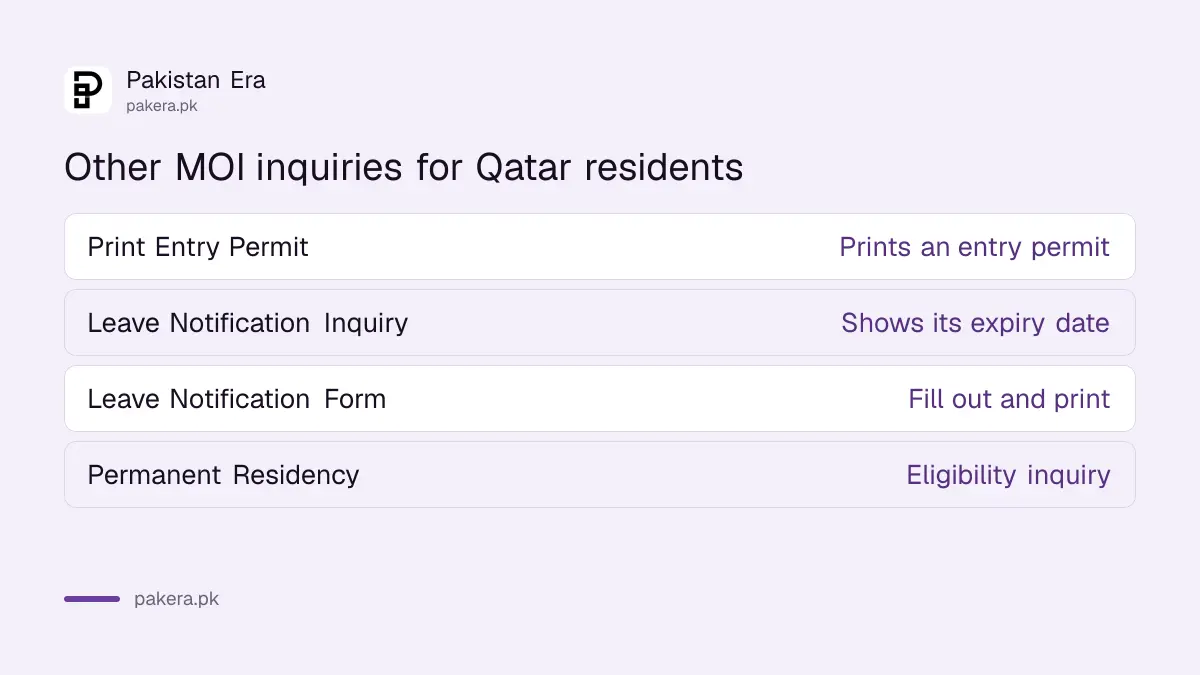
MOI's Exit and Entry Permits section sits next to the residency trackers. It prints entry permits and lets you check the expiry date of a leave notification. Residents planning a trip home to Pakistan should look here before booking.
- Print Entry Permit: listed under both Residency Permits and Exit and Entry Permits.
- Leave Notification Inquiry: shows the expiry date of a leave notification.
- Leave Notification Application Form: filled out and printed online.
- Permanent Residency Eligibility Inquiry: listed under Residency Permits for those who may qualify.
MOI lists info@moi.gov.qa for email. Its pages show two phone numbers, 2342000 and 2367111, with the Qatar code +974.
When a Qatar ID tracker shows nothing
A blank result usually means a mismatched number or a step not yet started. Check you are on the right tracker for your stage. Then check each number against the document it came from. If everything matches, the employer may not have filed yet.
- Wrong tracker: a renewal will not show on the new permit tracker, and the other way round.
- Sponsor ID mistyped: ask the PRO to read it to you again.
- Application parts in the wrong boxes: retype the change of employer number as three parts.
- Code fails: use the audio option or reload the picture.
Before the permit stage, the visa itself is checked differently. The Qatar visa check by passport number covers that. For the steps in Pakistan before you fly, the Qatar Visa Center process applies. And if your Pakistani ID card needs renewing while you are in Doha, the NICOP fee at the Doha embassy is listed in riyals.
Common questions
How do I check my QID status?
For a renewal, use MOI's RP Renewal Tracking with your QID number. For a first permit, use RP Application Tracking with the visa number and the sponsor's ID number.
Can I check a new residence permit without the sponsor's ID?
The RP Application Tracking form marks the sponsor's or representative's ID number as mandatory, so you need it from the employer.
How do I check a change of employer application in Qatar?
Use MOI's Change Employer Application Enquiry with the three-part application number and the QID of the worker or authorised person.
Can I print my residence permit online?
MOI's RP Application Tracking and Printing service prints the permit details once it is issued.
Is there an app for these checks?
MOI lists Metrash among its inquiry channels. The trackers in this guide are on the MOI web portal.
What should I do if my QID renewal does not show?
It likely has not been filed. Ask the employer to start the renewal before the expiry date on your card.
How we verified this
What we checked, where we read it, and what we could not confirm.
Last checked 31 October 2026. We read MOI Qatar's Residency Permits inquiry page, the RP Application Tracking, RP Renewal Tracking and Change Employer Application Enquiry forms, and the Exit and Entry Permits page on that date. Field names come from those forms. We did not run a search with a real QID or visa number, so we have not seen the result screens. MOI does not say how long a new permit takes to issue.
About the author

Global Affairs & Political Economy Writer
Muhammad Hatim is a book lover who started writing because he enjoys it. At Pakistan Era he writes about international relations, geopolitics and the global economy, with a particular interest in South Asia and the forces behind current events.