Recover Deleted Contacts in Pakistan: Google Contacts Trash, Undo Changes and iCloud (Every Method)
Deleted contacts wait 30 days in Google Contacts Trash, and Undo changes rolls back 30 days. iPhone users restore from iCloud.com. Steps for each method here.
To recover deleted contacts on Android in Pakistan, open Google Contacts and look in Trash, where deleted contacts wait for 30 days, or use Undo changes to roll the whole list back up to 30 days. On an iPhone that syncs with iCloud, sign in at icloud.com/contacts on a computer and use Data Recovery, then Restore Contacts. Below are the steps for each, plus the cases where a contact cannot come back at all.
Losing a phone book hurts more in Pakistan than people expect. Numbers for a mechanic, a landlord or a relative abroad are often saved nowhere else. We read Google Contacts and Apple iCloud help pages on 24 October 2026. Every step and time limit below comes from those pages.
Google Contacts keeps deleted contacts in Trash for 30 days
When you delete a contact saved to your Google Account, it moves to Trash. Google says it stays there for 30 days and is then deleted permanently. Inside that window you can pick one contact, several, or all of them and press Recover.
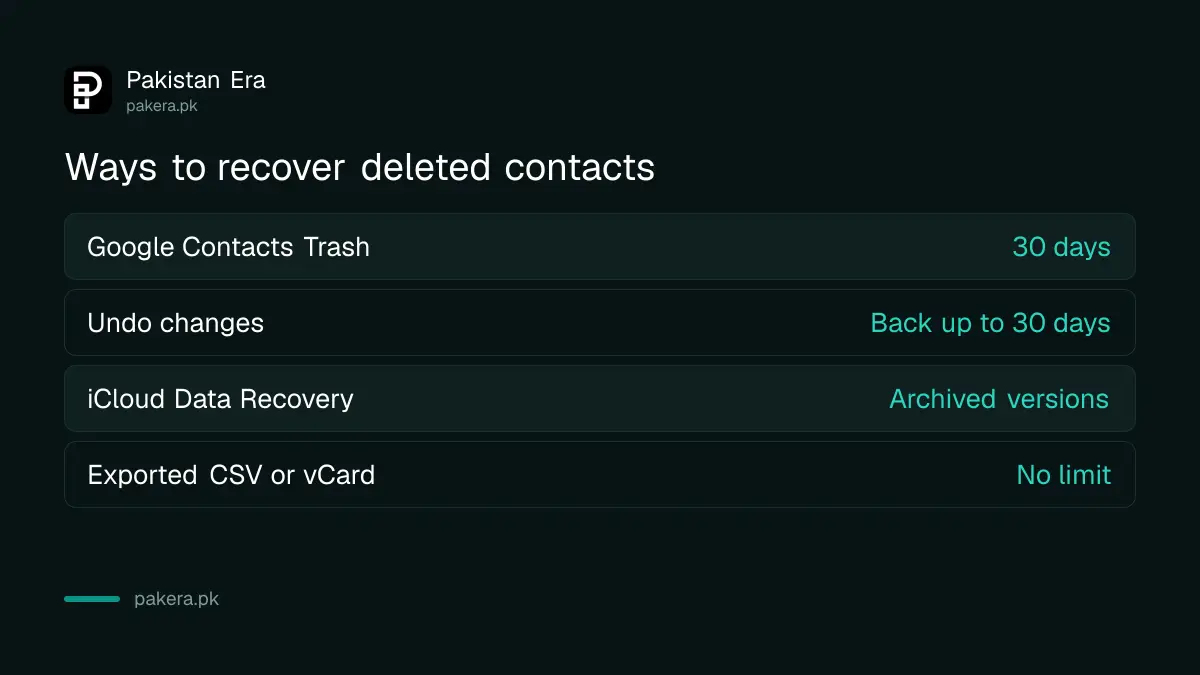
| Method | Where | Time window | Best for |
|---|---|---|---|
| Google Contacts Trash | Contacts app or contacts.google.com | 30 days | A few contacts deleted by mistake |
| Undo changes | Contacts settings | Any point in the last 30 days | Mass deletion, bad merge, wrong sync |
| iCloud Data Recovery | icloud.com/contacts on a computer or tablet | Archived versions by date | iPhone contacts synced with iCloud |
| Exported file | A Google CSV or vCard you saved | No limit | Anyone who exported before |
Google is clear about the limit. If a deleted contact was not stored in your Google Account, you cannot recover it this way. Contacts saved only to the SIM card or to the phone's own memory never reached Google, so Trash cannot show them.
Recover a deleted contact from Trash on Android or a computer
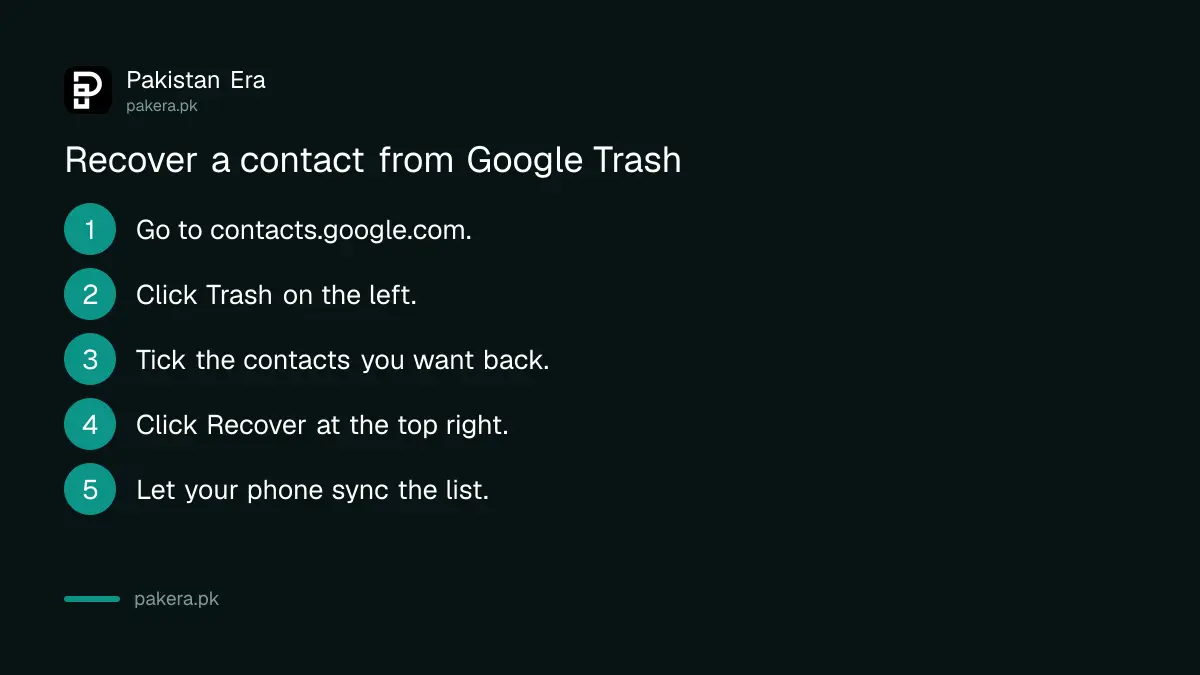
On a computer, go to contacts.google.com, scroll down the left side, click Trash, tick the contacts you want and click Recover. On Android, open Trash from the Contacts app. Google says Trash needs automatic sync turned on and an internet connection.
- Go to contacts.google.com and sign in with the same Google Account as your phone.
- Scroll down on the left and click Trash.
- Tick one contact, several, or use Selection Actions, then All.
- Click Recover at the top right.
- Open the Contacts app on your phone and wait for the sync.
If Trash looks empty on the phone, check that you are online. Google says Trash will not load when the device has no network connection. It also needs automatic sync for Google Contacts switched on in the phone's account settings.
"Other contacts" behave differently. These are addresses Google saves from people you email. Google says contacts deleted from Other contacts do not show in Trash. You can only bring them back with Undo changes, covered next.
Undo changes rolls your whole contact list back up to 30 days
Undo changes puts every contact back as it was at a time you choose, within the past 30 days. On Android, tap your profile picture in the Contacts app, then Contacts settings, then Undo changes. Pick a time and tap Confirm. It works for mass deletions.
On a computer, go to Google Contacts, click Settings at the top right, then Undo changes. Google lets you choose a time to go back to. This is the tool for a bad day: a child who deleted half the list, a merge that went wrong, or a new phone that synced an empty book.
There is a catch. Google warns that any contacts you added after the chosen time will not show after the undo. So export your current contacts first. In Google Contacts, select all, click More actions, then Export, and choose Google CSV. After the undo, import that file to add the newer contacts back.
Contacts that you deleted permanently from Trash cannot be recovered by Undo changes either. Google says so on the same page. Once Trash is emptied, the 30 day net is gone.
iPhone contacts come back through iCloud Data Recovery
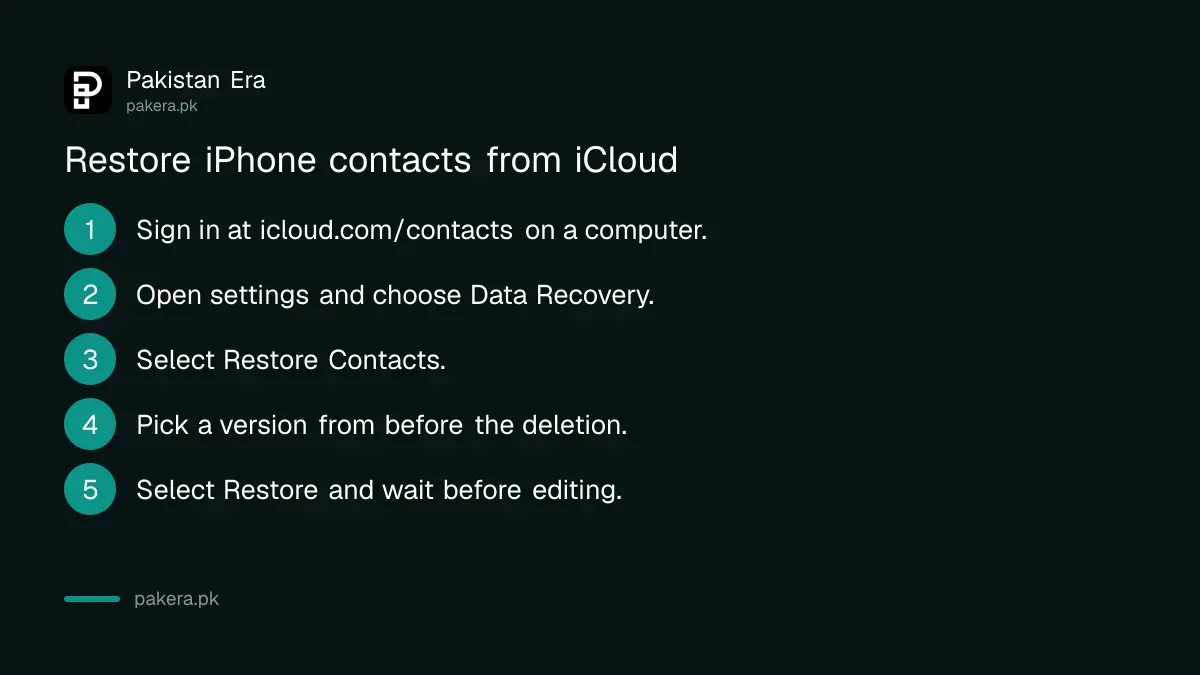
If your iPhone syncs contacts with iCloud, sign in at icloud.com/contacts on a computer or tablet. Open the settings menu, choose Data Recovery, then Restore Contacts. Apple lists archived versions by date and time. Pick one from before the deletion and select Restore.
Apple says your current contacts are archived first, so you can switch back if you pick the wrong version. It can take up to 24 hours for a recent deletion to show as an archive. Do not edit contacts while the restore runs, because Apple says those changes are not saved.
This only works if contacts were syncing to iCloud before you lost them. To check, open Settings, tap your name, then iCloud, tap See All next to Saved to iCloud, and make sure Contacts is on. If it was off, iCloud has no copy to restore.
Your iPhone's full iCloud backup is another route, but it restores the whole phone, not just contacts. The steps to back up your iPhone to iCloud and check the last backup show what is in it before you try.
Save contacts to your account so the next loss is fixable
Make sure new contacts save to your Google Account on Android, or that iCloud Contacts is on for iPhone. Export a Google CSV file once a month. A phone lost in a market or a SIM blocked by mistake then costs you a day, not your whole phone book.
A lost phone is the most common way Pakistanis lose contacts. If that is what happened, first block the lost SIM with your network so nobody uses your number. Then sign in to your Google Account on the new phone and contacts saved there return on their own.
Locked out of the account itself? The steps to recover a Gmail or Google account come before any contact recovery, because Trash and Undo changes sit inside that account.
Common questions
How long do deleted contacts stay in Google Contacts Trash?
30 days. After that Google deletes them permanently and they cannot be recovered from Trash or Undo changes.
Can I recover contacts saved only on my SIM card?
Not through Google. Google says a contact not stored in your Google Account cannot be recovered with its tools.
Why is Trash empty in my Contacts app?
Google says Trash needs automatic sync and an internet connection. Check both, or open contacts.google.com on a computer.
Will Undo changes delete contacts I added recently?
They will not show after the undo. Export your current contacts as a Google CSV first, then import them back afterwards.
Can I restore iPhone contacts on the phone itself?
Not from the Contacts app. Apple's Data Recovery runs at icloud.com/contacts and needs a computer or tablet.
How long does iCloud take to show a deleted contact archive?
Apple says it can take up to 24 hours for the archive of a recent deletion to appear.
How we verified this
What we checked, where we read it, and what we could not confirm.
Last checked 24 October 2026. We read Google's help page on editing, deleting and recovering contacts in both its computer and Android versions, and Google's page on exporting contacts. We read Apple's iCloud User Guide page on restoring contacts stored in iCloud, its page on deleting contacts, and the iPhone guide page on syncing contacts. We did not test a recovery on a live account. Samsung and other phone makers' own contact apps were not checked, and their trash rules may differ.
About the author

Technology Journalist & Multimedia Producer
Ahmad Ali is a technology journalist and multimedia producer at Pakistan Era, joining the team in October 2026. He covers consumer technology and digital life for Pakistani readers, combining research with hands-on product testing.