How to Register for Sales Tax on Services With the PRA in Punjab, Online
Sell services in Punjab? Register with the PRA, not FBR. See the voluntary and notice routes, the PRA Iris screens and what happens after you confirm.
Short answer: Open the PRA Iris registration page, click New Registration, choose Voluntary or Notice/Compulsory, enter the codes sent to your phone and email, complete each screen and confirm the undertaking. A password then arrives by email and SMS.
If you sell a taxable service from Punjab, the province wants its sales tax on services, not FBR. The Punjab Revenue Authority, or PRA, runs that. A salon owner, a freelancer with a Punjab office or a clinic must register before filing a return.
We read the PRA registration user manual, the PRA return FAQs and the PRA homepage on 14 October 2026. The manual is a January 2024 draft, so we did not treat every screen as final. We did not log in to the live site.
Know who the PRA registers and why it matters
The PRA registers people who provide taxable services in Punjab. It pulls many details from FBR records, so you need an NTN first. Registration gives you a user ID on PRA Iris, which you then use to file returns and pay tax.
We did not find the list of taxable services or the rates in the manuals, so we do not state them here. Check the services schedule on the PRA website for your line of work. A business in Khyber Pakhtunkhwa follows a different route, set out in registering with KPRA.
If you have no NTN yet, get one first. The steps are in how to get an NTN number.
Pick voluntary or notice registration
On the New Registration screen you choose a Registration Basis. Voluntary means you apply by yourself. Notice or Compulsory means a tax officer sent you an order, and you must enter the bar code printed on that notice to go on.
| Basis | When you use it | Extra step |
|---|---|---|
| Voluntary | You decide to register | None |
| Notice or Compulsory | An officer ordered you to register | Enter and verify the notice bar code |
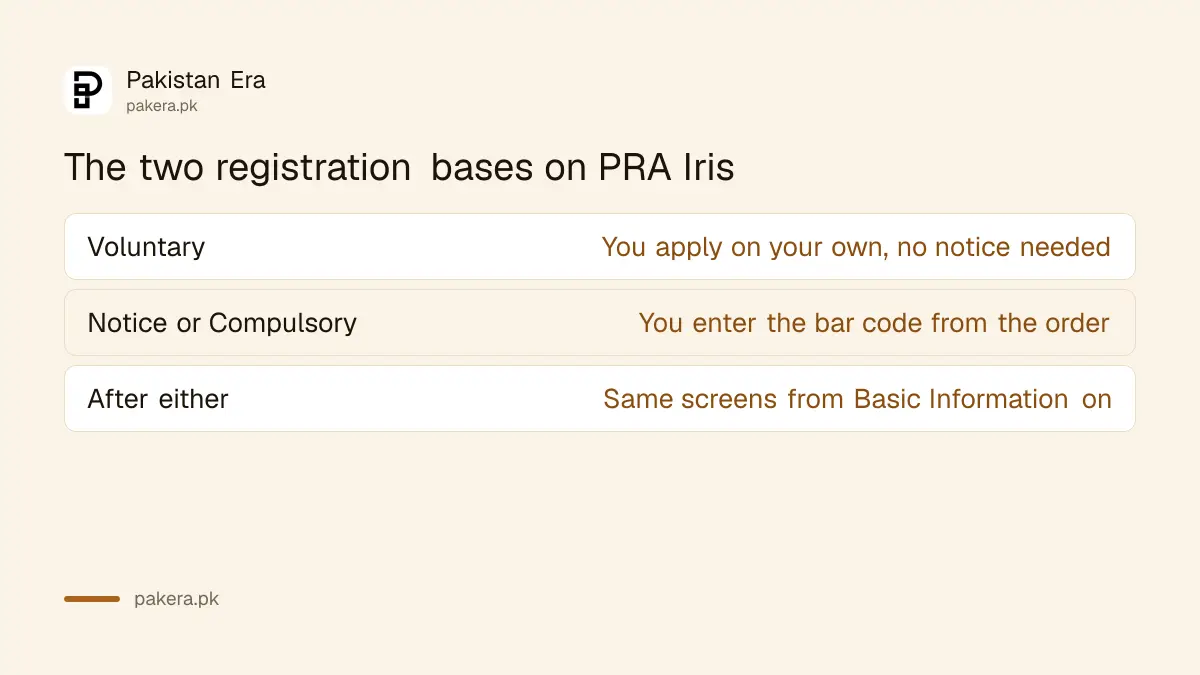
After a compulsory order under section 27(1), you open PRA Iris, click e-Enrolment and fill the mandatory fields with the captcha. Verification codes come by SMS and email. Then you log in with your registered number and password.
Fill the starred fields and verify your phone and email
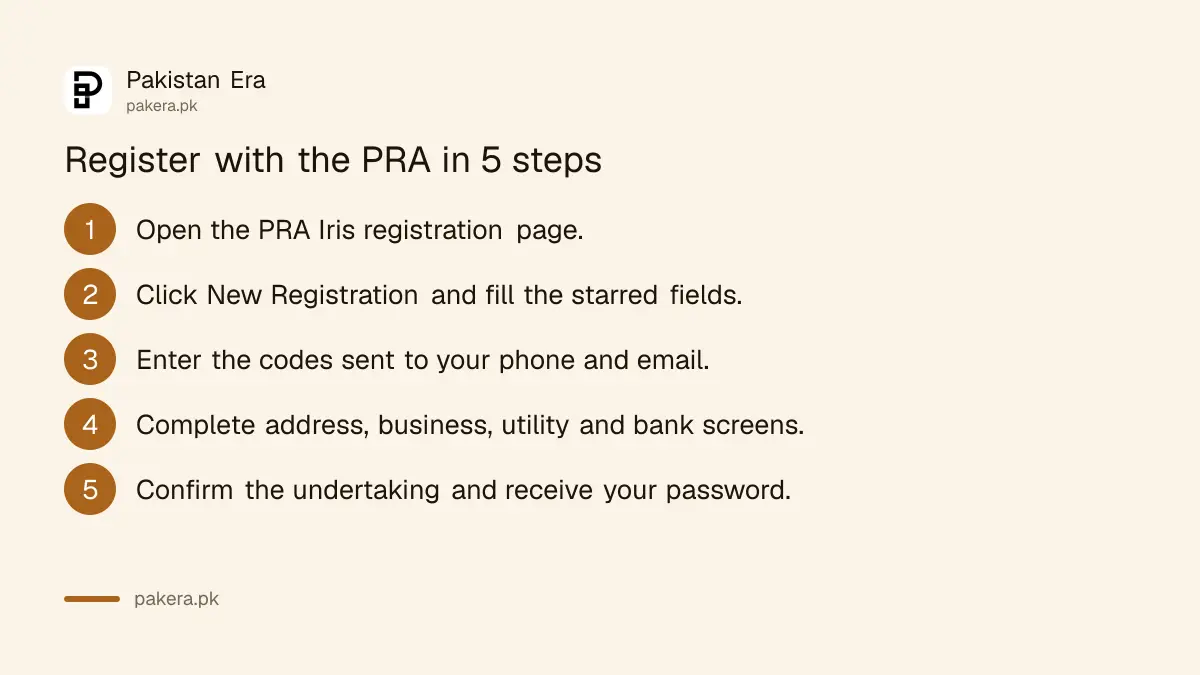
Open the PRA Iris page at reg.pra.punjab.gov.pk and click New Registration. Fill every field marked with a star. Choose the person type, add the captcha and press Submit. The PRA sends a verification code to your mobile number and email.
- Click New Registration on the PRA Iris login page.
- Fill the starred fields, pick the basis and the person type.
- Enter the captcha and press Submit.
- Type the two verification codes and the captcha, then press Next.
Use a phone number and email you can open right now. Both codes are needed before the next screen appears.
Check the details pulled from FBR
The Basic Information screen is filled from FBR records and cannot be edited. A company sees the Withholding Agent box ticked and locked. A business entry is compulsory only if you mark yourself as a service provider.
If any of these details are wrong, fix them with FBR first. The same applies to your address and mobile number. The route for that is in changing your details in FBR IRIS.
Add address, business, utility, bank and links
After Basic Information the manual lists five more screens. Each has a plus button. You add the record, press OK and the dashboard shows it. Tick at least one address, and mark one business activity as principal and one business as primary.
- Address: your residence and business addresses, with at least one selected.
- Business: activities and addresses, with one principal activity.
- Utility: details of your electricity, gas or water connection.
- Bank: your account details.
- Links: a relevant link such as a website or page.
Some of these may come filled from FBR. Check each one before moving on.
Confirm the undertaking and wait for your password
The Verification screen shows an undertaking. When you press Confirm you state that all information is true. A password is then sent to your registered email and mobile number. That ends registration, and you can log in.
The return FAQs add one warning. You cannot start any task, such as a return, until the second part of registration is done. That second part is submitting the registration form with all data and documents. Logging in with a password is not the same thing.
Once you can log in, the next job is the monthly return. Follow filing a Punjab sales tax on services return. The PRA has also been sending notices to restaurants and hotels over its invoice system, as we reported in PRA notices to over 70 hotels and restaurants.
Common questions
Do I need an NTN to register with the PRA?
The manual says your details are fetched from FBR and cannot be edited, so an NTN on record is the safe route. We did not find a no-NTN route for the PRA in the papers we read.
What is the difference between voluntary and compulsory registration?
Voluntary means you apply by yourself. Compulsory follows an order from a tax officer, and you must enter the notice bar code to continue.
Is there a registration fee?
The manuals mention no fee. We did not find a fee schedule, so ask the PRA helpline before you pay anyone to register you.
I have a password but cannot start a return. Why?
The FAQ says you cannot start a task until you submit the registration form with all data and documents. Finish that second part first.
Who can I call for help?
The PRA homepage lists the UAN 042-111-000-772. The return FAQs also list 042-992 054 76-77, from 9 am to 5 pm on weekdays, and the email eSupport@pra.punjab.gov.pk.
How we verified this
What we checked, where we read it, and what we could not confirm.
We read the PRA registration module manual (PRAL, January 2024, marked draft), the PRA Iris return FAQs and the homepage at pra.punjab.gov.pk on 14 October 2026. The online portal is at e.pra.punjab.gov.pk. We could not confirm the services list, rates, any deadline after a notice, or the current screens, so confirm them with the PRA before you rely on them.
About the author

Global Affairs & Political Economy Writer
Muhammad Hatim is a book lover who started writing because he enjoys it. At Pakistan Era he writes about international relations, geopolitics and the global economy, with a particular interest in South Asia and the forces behind current events.