How to File a Punjab Sales Tax on Services Return on PRA Iris, Including a Nil Return
File your Punjab services sales tax return with PRA: log in to PRA Iris, open form 35, fill the annexures and verify with your PIN. A nil return is required.
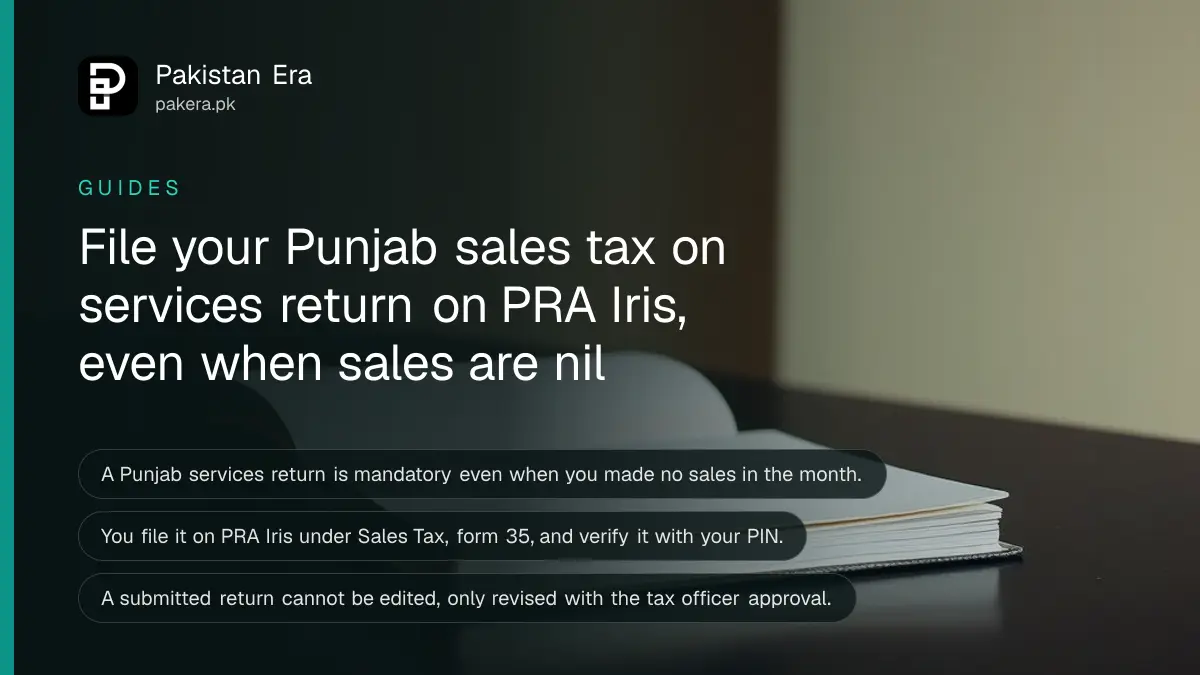
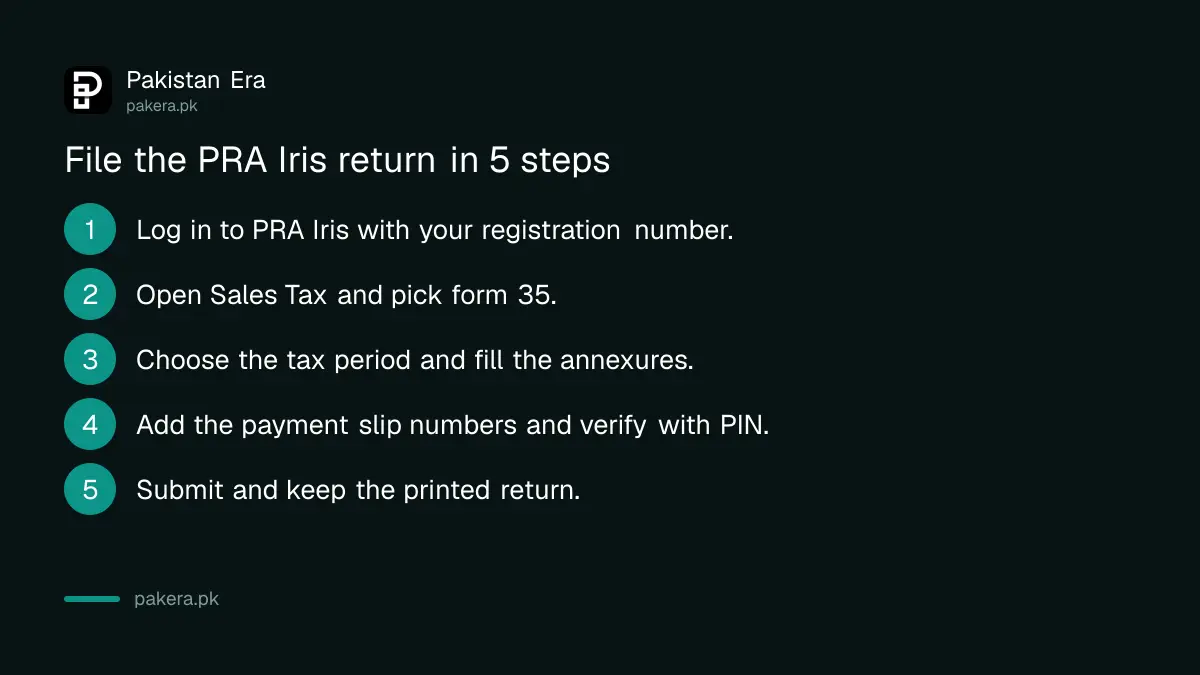
Short answer: Log in to PRA Iris, open Sales Tax, choose form 35 (Monthly Sales Tax Return filed voluntarily), pick the tax period, fill the annexures, enter the payment slip numbers, verify with your PIN and press Submit. If you sold nothing, you must still file a nil return.
Punjab collects its own sales tax on services through the Punjab Revenue Authority, or PRA. That return is separate from the one you file with FBR. A salon, a restaurant, a software house or a clinic in Punjab files it every month. This page walks through the PRA's own steps.
We read the PRA return manual, the PRA return FAQs and the PRA homepage on 14 October 2026. We did not log in to the live portal, so screen names may have moved a little. The PRA helpline is in the sources at the end.
Log in to PRA Iris with your registration number
Your user ID on PRA Iris is your registration number. For a Pakistani individual that is the 13 digit CNIC without dashes. For a company or association of persons it is the 7 digit NTN without the dash and check digit. Use the password and PIN you received at enrolment.
The PRA says Google Chrome works best. Your session closes after 15 minutes without activity, so save your work often. If links stop working after login, clear cookies and try again. If you have not enrolled yet, read how to register with the PRA first.
You cannot start any task until the second part of registration is done, which means the registration form with all papers must be submitted. A password and PIN alone are not enough.
Open form 35 and pick the tax period
From the main menu choose Sales Tax, then 35 (Monthly Sales Tax Return filed voluntarily). A window asks for the tax period. Click Period, enter the tax year, press the search icon and select the month you are filing for.
The return opens on the Data tab. Fill in the tabs that apply to you. If you pick the wrong form by mistake, go to the Draft folder, select the task and press Delete. Then start again from the menu. This works only before you submit.
Make sure your registration profile is up to date first. PRA Iris pulls your address, business IDs, branch IDs and service codes from it. A wrong profile means wrong rates on your invoices.
Load invoices into the annexures instead of typing totals
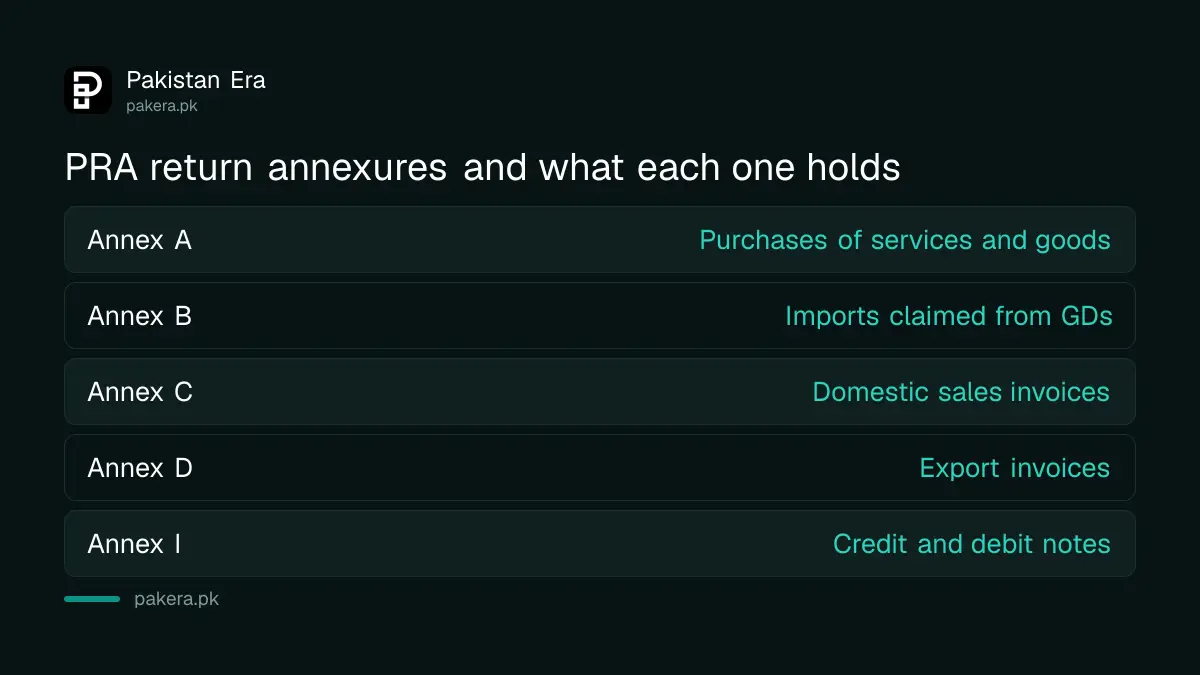
PRA Iris builds the return from invoices you enter in Invoice Management. You then load them into the right annexure. This keeps the return and the invoices matched, which is how the PRA checks your claims.
| Part of the return | What you do |
|---|---|
| Domestic Sales (Annex C) | Click Load Sales and submit the invoices |
| Purchases (Annex A) | Click Load Invoices to claim input tax |
| Imports (Annex B) | Click Load GD(s) to claim your goods declarations |
| Exports (Annex D) | Click Add Invoice for each export GD |
| Arrears (Annex G) | Add default surcharge, arrears and penalty with the plus button |
| Credit and debit notes (Annex I) | Load notes already entered in Invoice Management |
Sales to buyers who are not registered can be entered against the number 9999997, or by name and CNIC. Input tax is claimed through Annex A and Annex B, so keep the right invoices and GDs. The PRA warns that you need the correct papers behind each claim.
Check what is payable, then add your payment details
Click the Payable/Refundable link and then Calculate to see if you owe tax or have a refund. The Head Wise Payable tab shows the amount under each head. Pay first, then enter the details in the Payment tab.
In the Payment tab press the plus icon. Enter the payment slip number (CPR), the amount code and the amount paid. A CPR is the bank receipt number that proves the money reached the treasury. Without it the system will not let you finish.
The PRA manual also explains a liability called 7a. It appears when you claimed input tax on a supplier invoice, but that supplier did not deposit the tax. The system will not let you submit until a 7a liability is paid. It is credited back later when the supplier pays.
Verify with your PIN, submit and print
Open the Verification tab, enter your PIN and press Verify. Then Save the task as a draft and press Submit. The order matters:
- Enter your PIN in the Verification tab and press Verify PIN.
- Press Save so the task sits in your drafts.
- Press Submit to file the return.
- Press Print and keep the PDF.
After submission the system shows a message that the return was submitted and the Submit button turns off.
The filed return lives in the Completed Tasks folder. Press Print for a PDF, or Print with Annexures for the full detail. Keep that PDF with your records. The PRA says a submitted return cannot be edited, only revised under its law and rules. To fix a mistake, read how to revise or extend a PRA return.
File a nil return when you made no sales
The PRA is clear that a return is mandatory even if you provided no services in the period. For a nil return, submit Annexure C1 and Annexure C with no invoice, then verify and submit. That discharges your duty to file for that month.
Skipping a month because there was no business is the common mistake. The FBR rules for late sales tax returns are in late sales tax return penalties. We did not find the PRA's own penalty figure in the manuals, so we do not quote one for Punjab. Ask the PRA before you let a month pass.
A business in Khyber Pakhtunkhwa follows a different path, explained in filing with KPRA. Do not mix up the two authorities.
Fix common errors before you call the helpline
If the system shows an error on submission, check that every required field is filled. Then clear cookies and the cache and try again. If it still fails, write to the PRA support email or call the helpline during office hours.
- Forgot your password: use Forgot Password on the login page and enter the codes sent to your phone and email.
- Need to change your PIN: log in, click Change PIN at the top right.
- Need an adviser to file for you: appoint one with the registration modification form R11/12.
Common questions
Do I file a return if I had no sales this month?
Yes. The PRA FAQ says a return is mandatory even when no services were provided. Submit Annexure C1 and Annexure C with no invoice, then verify and submit.
Which form do I choose on PRA Iris?
Choose Sales Tax, then 35 (Monthly Sales Tax Return filed voluntarily). The FAQ gives these exact words for filing the monthly return.
How do I know my return was filed?
After Submit you see a success message and the Submit button is disabled. The return then shows only in the Completed Tasks folder, with the submission date.
Can I edit a return after I submit it?
No. A submitted return cannot be edited. You can revise it only with the approval of the tax officer, through an application on PRA Iris.
What is my user ID?
It is your 13 digit CNIC without dashes if you are a Pakistani individual. For a company or association of persons it is the 7 digit NTN without the dash and check digit.
How we verified this
What we checked, where we read it, and what we could not confirm.
We read the PRA Iris sales tax return FAQs and the PRA Iris sales tax return user manual, both 2024 editions, and the PRA homepage at pra.punjab.gov.pk on 14 October 2026. The portal is at e.pra.punjab.gov.pk, the helpline on the PRA homepage is 042-111-000-772, and the support email in the manuals is eSupport@pra.punjab.gov.pk. We could not confirm the monthly due date or the late penalty from these papers, and we did not log in, so confirm both with the PRA.
About the author

Senior Writer, Public Services and Technology
Shahid joined us in 2024 as an author. He is a senior contributor to Pakistan's leading technology websites. He writes detailed articles, mostly covering his expertise in the latest tech, mobiles, apps, gadgets, and step-by-step guides. His ideology is to help people understand the latest trends and explain complex methods through very easy-to-understand guides.