Remove Fake or Paid Reviews From Your Pakistan Business Website to Keep Google Stars
Google now bans fake and undisclosed paid reviews in review markup. See what a Pakistan business site must remove or disclose and how to audit your pages.
Short answer: Google's review snippet rules now say a page must not carry fake reviews or incentivized reviews that hide the reward, on the page or in its structured data. A Pakistan business site that does can get a manual action, and Google then ignores the markup. Remove the reviews, or disclose the reward clearly.
Picture a shop in Faisalabad that offers a Rs 500 voucher to anyone who writes five stars on its website. Picture a clinic in Peshawar whose front desk staff write reviews "from patients". Both want the gold stars under their link in Google. Both are now covered by a written rule.
We read Google's review snippet guidelines page, last updated on 8 September 2026, and its documentation updates list. We did not test a live site, so we cannot show what a manual action looks like on your screen.
Google now names fake and undisclosed paid reviews as a violation
The review snippet guidelines say not to include fake or undisclosed incentivized reviews on your page or in your structured data markup. Google's documentation list shows this guideline was added on 24 July 2026. Structured data is the code that tells Google a page holds reviews.
Google gives two examples. The first is a review that is not based on a genuine experience of a product or service. The second is a review written in exchange for money, discounts, vouchers or free products, where the reward is not clearly and prominently disclosed.
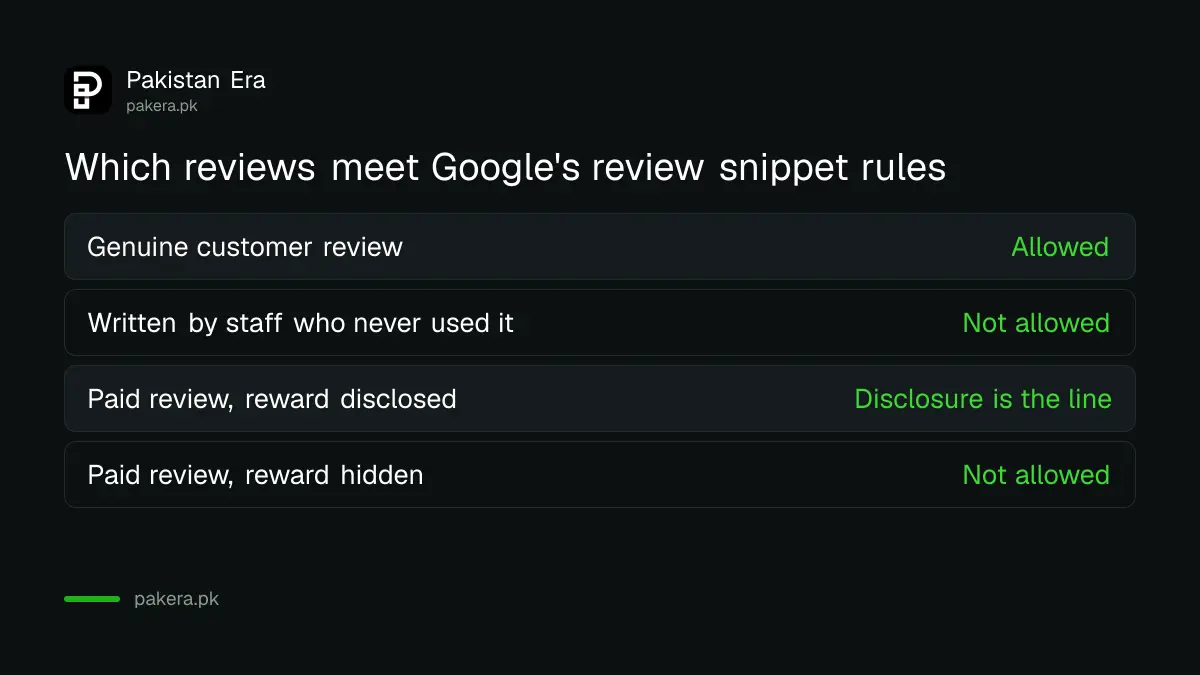
| Review on your page | Allowed for review stars? |
|---|---|
| A customer who really bought and wrote what happened | Yes |
| A review written by staff or friends who never used the service | No, it is not a genuine experience |
| A review given for a voucher, with the reward clearly shown beside it | The guideline targets undisclosed rewards, so disclosure is the line |
| A review given for a voucher, with no mention of the reward | No |
Your own reviews of yourself may not earn stars at all
Google separately says a local business or organization that controls the reviews about itself is ineligible for star review features on pages using LocalBusiness or Organization markup. This covers reviews placed directly on its own site and reviews shown through embedded widgets.
Google's example is a review of entity A placed on the website of entity A, either in its markup or through a third-party widget. It names the Google Business reviews widget and the Facebook reviews widget as examples. So pasting your Maps reviews onto your home page does not win stars.
That is a rule about eligibility, not a penalty. Your reviews are still fine to show customers. They just will not become stars in Google's results through that page. If you run a site that reviews other businesses, the rule is different.
Other review rules on the same page are easy to break by accident
The same guidelines require that review content is readable on the page, that ratings come directly from users, and that you do not aggregate reviews from other websites. Editors may not create or compile ratings for local businesses. Each rating must refer to one specific item.
These points catch more sites than outright fraud. A plugin that pulls a score from another site, or a rating typed in by a web developer to make the page look better, can fail them. Check those first, because they are quick to fix.
- Show the review text and rating on the page, not only in code.
- Do not copy ratings from other websites.
- Use ratings from users, not scores typed in by an editor.
- Mark a review about one product or service, not a whole category.
- If you show several reviews, include an aggregate rating too.
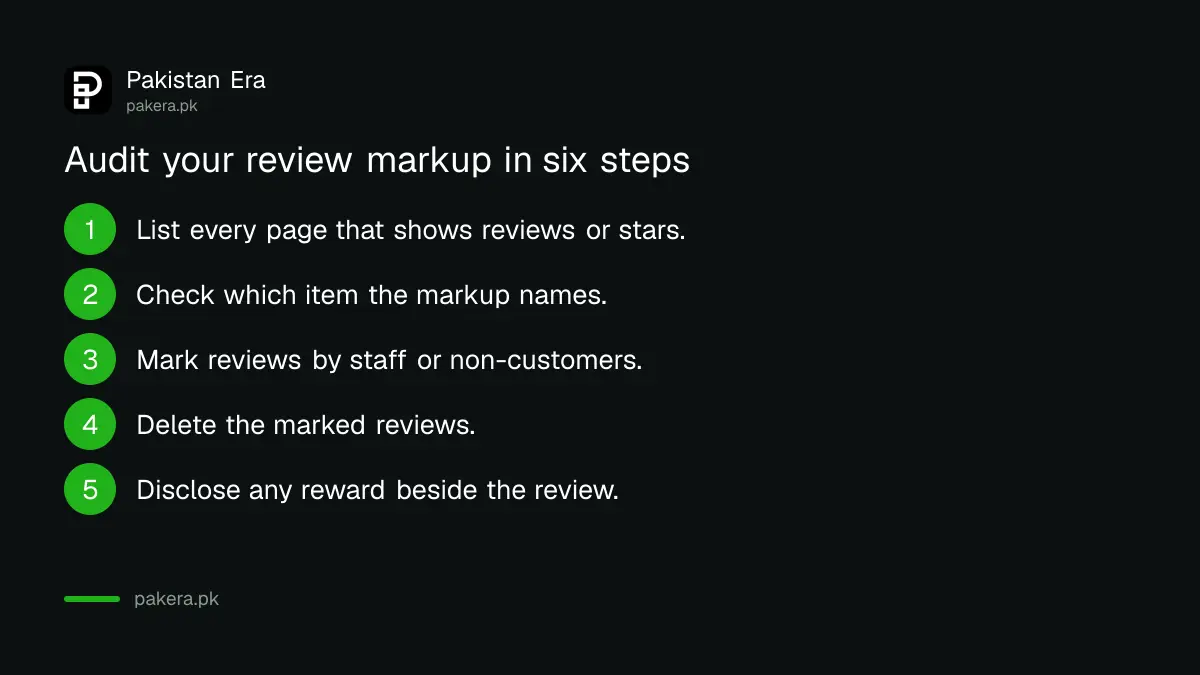
Audit your review markup in six steps
Open the pages that show review stars, look at what each review is, and delete or disclose anything that fails. Then check Search Console for a structured data manual action. Doing this yourself takes an afternoon for a small shop site.
- List every page on your site that shows reviews or a star score.
- Check whether the markup is a review or an aggregate rating, and which item it names. If it names your own business, the page is not eligible for stars.
- Read each review. Mark any written by staff, family, or a reviewer who never used the service.
- Delete the marked reviews. Do not try to hide them in the code while keeping them on the page.
- Find any review given for a reward. Add a clear disclosure beside it, such as "written in exchange for a discount".
- Open the Manual actions report in Search Console and look for a structured data issue.
For the markup itself, adding LocalBusiness schema to a shop website shows how the code sits on a page.
What a manual action does and how to answer it
Google says a structured data manual action makes the structured data on the page ignored. The page itself can still appear in Search results. To fix a structured data issue, Google directs you to the Manual Actions report.
So the risk is not that your shop disappears. It is that the stars go. For a business that relies on click-through from search, that still matters. The steps are the same as in fixing a Google manual action with a reconsideration request.
Reviews on your Google Business Profile follow a different set of rules, which we did not cover in this check. For replying to those reviews in the right tone, see how to reply to Google reviews on a Business Profile.
Common questions
Can I offer a discount for a review in Pakistan?
Google's guideline says reviews written for a benefit must clearly and prominently disclose it. Undisclosed rewards are what the rule targets, so show the disclosure beside the review.
Will Google remove my whole site for fake reviews?
Google says a structured data manual action causes the markup to be ignored, and the page can still appear in Search results.
Can I show my Google Maps reviews on my own website?
You can show them, but Google says embedded Google Business or Facebook review widgets do not make your own pages eligible for star review features.
Do I need schema markup to get stars?
Yes. Review stars use structured data, such as Review or AggregateRating markup, and Google does not guarantee that they appear.
Where do I check if Google has acted against my page?
Open the Manual actions report in Search Console, which Google's guidance points to for structured data issues.
How we verified this
What we checked, where we read it, and what we could not confirm.
Last checked on Sunday 11 October 2026. We read Google's review snippet guidelines, last updated 8 September 2026, and Google's Search documentation updates list for the 24 July 2026 entry. We did not read Google's Business Profile review policy, so nothing here applies to Maps reviews. Rules can change.
About the author

Founder and Editor
Umer Kureshi founded Pakistan Era in July 2024 and runs it as administrator, SEO lead and writer, overseeing website operations, search growth, content strategy and coverage of technology and current affairs.