Samsung No SIM Card Detected Fix in Pakistan: 6 Checks for Jazz, Zong, Telenor and Ufone SIMs
Samsung Galaxy showing No SIM card detected? Restart, reset mobile network settings, reinsert the Nano-SIM and test it in Samsung Members. All 6 checks here.
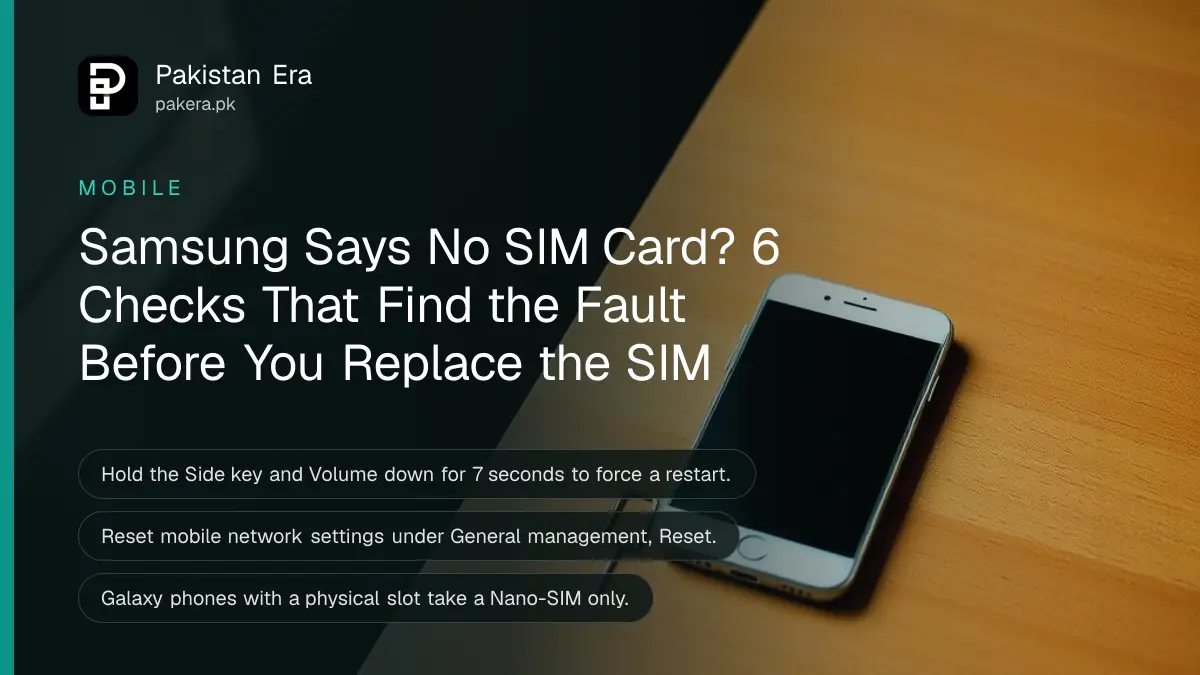
If your Samsung Galaxy says "No SIM card detected" in Pakistan, restart it first by holding the Side key and Volume down for more than 7 seconds, then reset mobile network settings under Settings, General management, Reset. Those two steps fix software glitches. If they fail, the problem is the SIM itself, the tray or a carrier block, and each has its own fix below.
It always happens at the worst moment. The OTP for your bank transfer will not arrive, and the phone insists the slot is empty. We read Samsung Pakistan's two support pages on this error on 25 October 2026, including one updated on 27 August 2026. Here is every check in order, plus what to do with your Jazz, Zong, Telenor or Ufone SIM if the card is dead.
Samsung lists six checks for a SIM card that is not detected
Samsung's Pakistan support pages give six checks: confirm the SIM status, restart, reset mobile network settings, reinsert or replace the SIM, clean its contacts, and run the SIM test in Samsung Members. Start with the quick ones and move down.
| Check | Where | Fixes |
|---|---|---|
| SIM card status | Settings, About phone, Status information | Shows if the carrier name appears |
| Restart | Side key + Volume down, 7 seconds | Temporary software errors |
| Reset mobile network settings | Settings, General management, Reset | Wrong network settings |
| Reinsert the SIM | SIM tray with the eject pin | A loose or crooked card |
| Clean the contacts | Soft, dry cloth | Dust on the gold contacts |
| Samsung Members test | Members app, Support, Get Started | Tells you if the SIM is read |
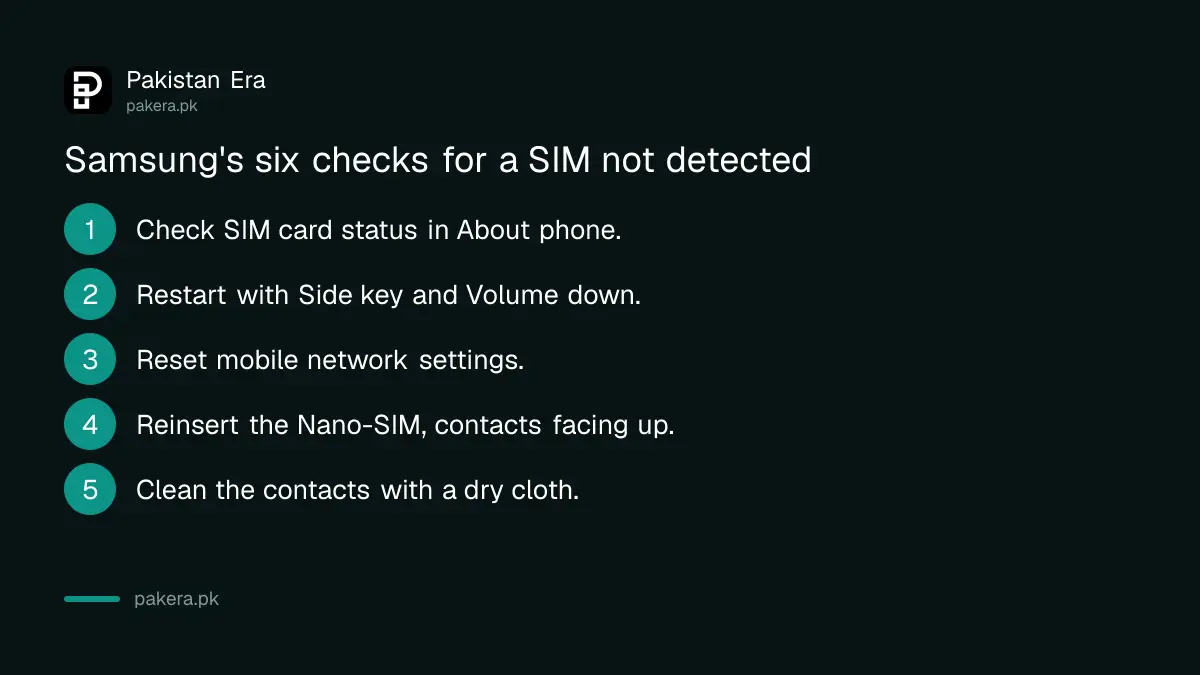
Check the SIM status first to see what the phone can read
Open Settings, tap About phone, then Status information, then SIM card status, and tap Network. If your carrier name such as Jazz or Zong appears, the SIM is read and the problem is signal, not the card.
If the carrier name is blank, carry on with the steps below. If it shows the name but you still cannot call, you are dealing with coverage or a blocked number. A phone whose IMEI is not registered with PTA is a separate problem, and the IMEI and PTA status check tells you in one SMS.
A restart and a network reset fix most software causes
Samsung says temporary system errors can stop the SIM being recognised. Restart from the Quick settings power icon, or hold the Side key and Volume down for 7 seconds if the screen does not respond. If that fails, reset mobile network settings.
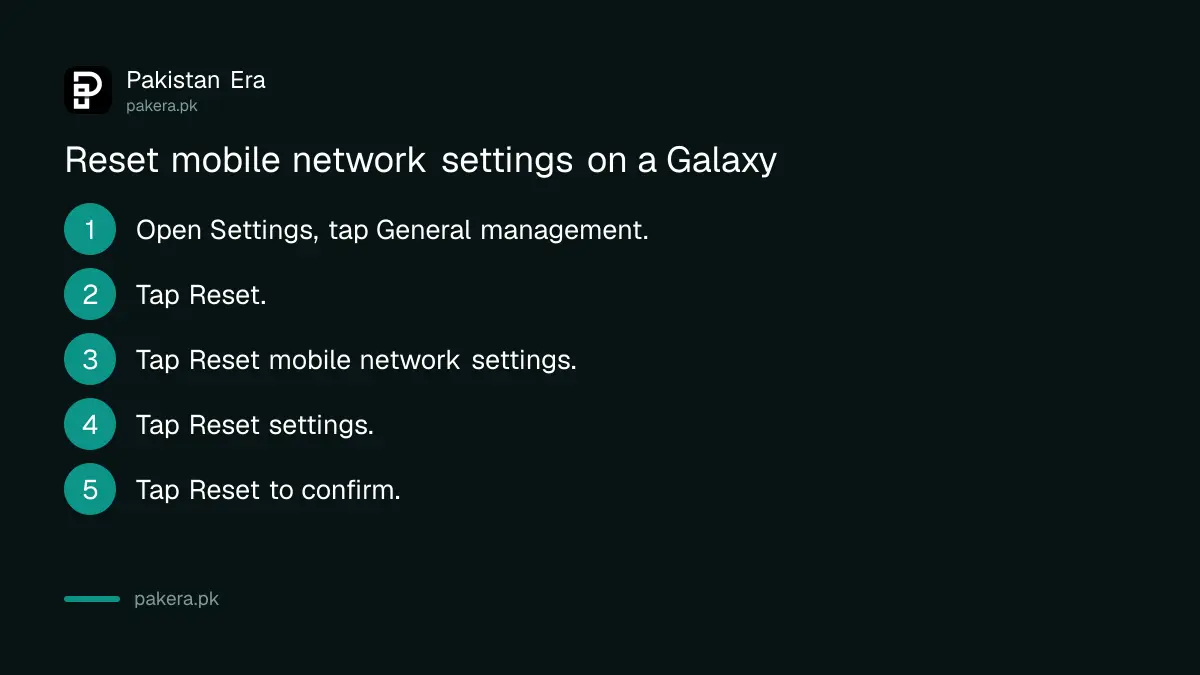
- Open Settings and tap General management.
- Tap Reset.
- Tap Reset mobile network settings.
- Tap Reset settings.
- Read the caution note and tap Reset to confirm.
Samsung warns that this removes saved mobile network settings and cannot be undone. It does not delete photos or apps. After the reset the phone reconnects with default settings, so mobile data usually works again on its own. If it does not, the carrier can send settings by SMS.
Reinsert the SIM with the gold contacts facing up
Turn the phone off, push the eject pin straight into the tray hole and pull the tray out. Place the Nano-SIM with the gold contacts facing upward, wipe it with a soft dry cloth, and push the tray fully back in.
Samsung's page has a few warnings worth repeating:
- Insert the pin straight. Do not bend or force the tray.
- Do not touch the metal contacts with your fingers or a metal object.
- Dry a wet tray fully before you put it back.
- Galaxy phones with a physical slot take a Nano-SIM only. An old SIM cut down with scissors often sits loose and fails.
A tray that is bent from a rough repair job causes this error too. If the tray does not sit flat, a Samsung service centre should look at it, not a roadside shop with a knife.
Samsung Members can test the SIM before you pay for a new one
Open the Samsung Members app, tap Support, then Get Started, and select SIM from the tests. It checks whether the phone reads the card. Samsung notes this works only on Galaxy phones that have the Members app installed.
Then try your SIM in another phone, and another SIM in your phone. Samsung's logic is simple: if a different SIM works in your Galaxy, your own card is damaged and needs replacing. If your SIM fails in every phone, the card is dead.
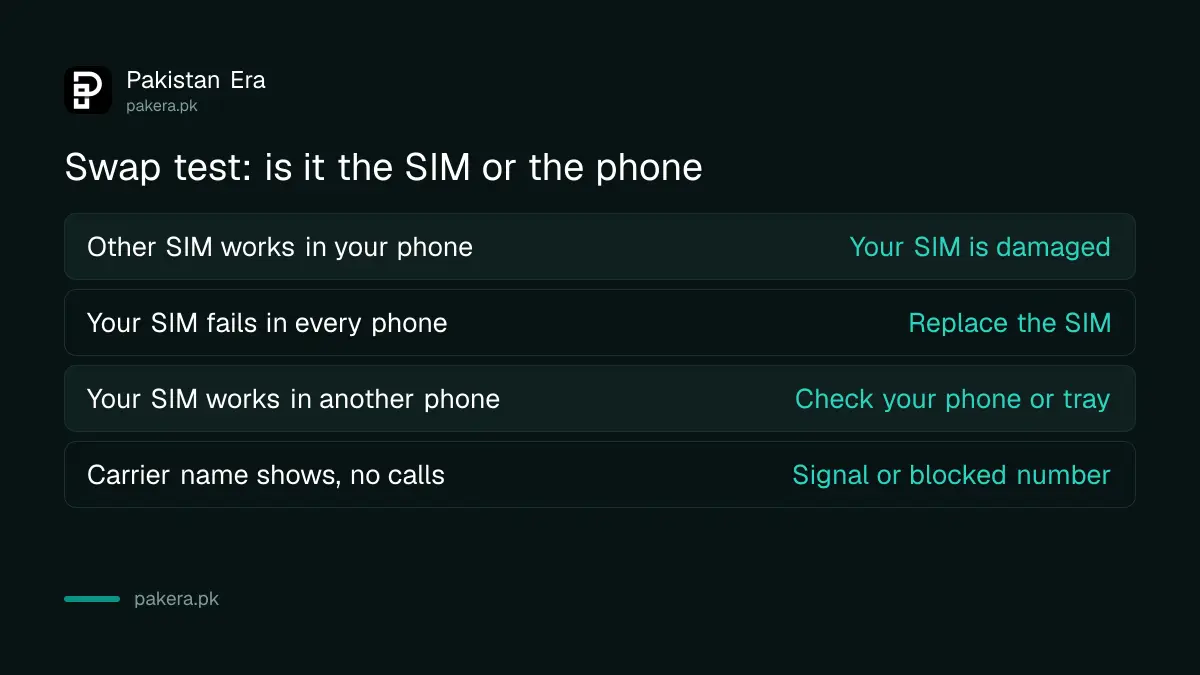
A dead or blocked SIM is replaced by your network, not by Samsung
If the SIM itself has failed, get a replacement at your network's franchise with your original CNIC and biometric check. Samsung also says some carriers run SIM protection that stops a SIM working in a new phone; ask your network to turn it off.
The replacement keeps your number. Each network has its own counter process and fee:
- Jazz: getting a Jazz duplicate SIM
- Zong: replacing a Zong SIM
- Telenor: Telenor duplicate SIM
- Ufone: Ufone duplicate SIM
A SIM that was blocked after wrong PIN entries asks for a PUK code rather than showing "No SIM". That needs the PUK from your network, not a new card.
Common questions
Why does my Samsung say No SIM card when the SIM is inside?
Usually a software glitch, wrong network settings, a loose or dirty card, or a damaged SIM. Restart first, then reset mobile network settings.
Will resetting mobile network settings delete my data?
No. Samsung says it removes saved mobile network settings only. Photos, apps and contacts stay.
How do I know if my SIM card is damaged?
Put it in another phone. If no phone reads it, the card is damaged. If another SIM works in your Galaxy, your own SIM is the problem.
Can a new Samsung phone reject my old SIM?
Samsung says some carriers have SIM protection services that block a SIM on a new device. Call your network and ask them to disable it.
Do Galaxy phones take micro SIM cards?
No. Samsung says Galaxy phones that use a physical SIM support Nano-SIM cards only.
Does a replacement SIM keep my number?
Yes. A duplicate SIM from Jazz, Zong, Telenor or Ufone keeps the same number after a biometric check in your name.
How we verified this
What we checked, where we read it, and what we could not confirm.
Last checked 25 October 2026. We read Samsung Pakistan's SIM card not detected page, updated 27 August 2026, and its older No SIM Card Detected fix page, updated 13 September 2024. The steps, menu names and warnings come from those pages. Samsung says menus vary by model and software version. We did not test a faulty phone, and duplicate SIM fees depend on each network.
About the author

Technology Journalist & Multimedia Producer
Ahmad Ali is a technology journalist and multimedia producer at Pakistan Era, joining the team in October 2026. He covers consumer technology and digital life for Pakistani readers, combining research with hands-on product testing.