Upload Your Documents on the SPSC Candidate Portal Before the Closing Date, or They Lock
SPSC's document system asks you to upload scans before you apply, and locks them after the closing date. See the 11 documents and how to prepare in time.
Short answer: On the SPSC Candidate Portal you must now upload your scanned documents in the Document Management section before you reach the regular dashboard and apply. You can replace documents until the advertisement's closing date. After that date they are locked. Advertisement 05/26 closes on 23 October 2026.
You have the job advertisement open and the form half filled, but the portal asks for a degree scan you cannot find. Or you applied on the closing day and learn that your documents are now locked with a wrong file in them. This is the change that causes both.
We read the Sindh Public Service Commission's press release on its Integrated Document Management System, dated 19 August 2026, and its homepage. We did not log in to the portal, so we describe the steps as the commission lists them.
SPSC asks for documents first and the application second
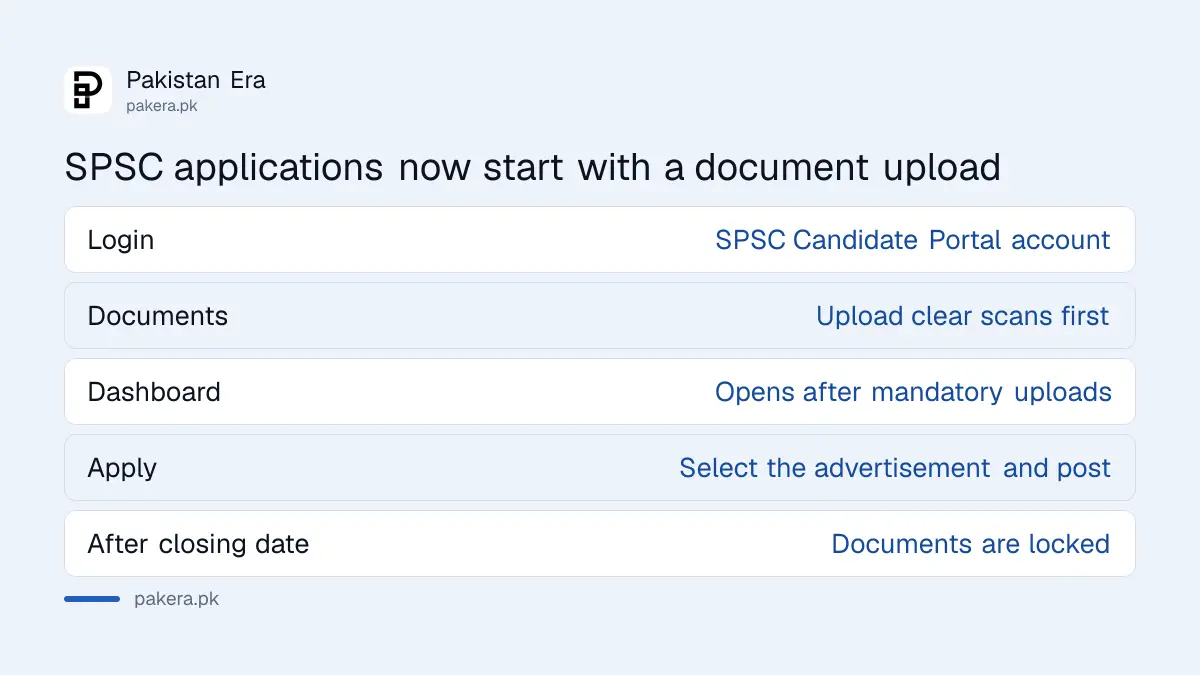
The press release says candidates must first create a login and upload the required documents. After the mandatory documents are uploaded, the candidate can reach the regular dashboard, update biodata and apply for advertised posts. The commission says the system will make applications easier, faster and more transparent.
The same release says existing and prospective candidates should log in and complete their document profiles "at the earliest". It does not give a separate deadline for that. The practical limit is the closing date of the post you want.
| Stage | What SPSC says |
|---|---|
| 1. Login | Log in to the SPSC Candidate Portal with your account |
| 2. Documents | Open the Document Management section and upload clear scans |
| 3. Dashboard | Reach the regular dashboard after the mandatory uploads |
| 4. Profile | Enter or update personal data, qualifications and experience |
| 5. Apply | Select the advertisement and post, review and submit |
| 6. Lock | Documents are locked after the closing date |
The mandatory list has 11 document types
SPSC lists eleven documents "wherever applicable". Not every candidate needs all of them. A fresh graduate has no NOC, and a candidate without a foreign degree needs no HEC equivalence. Match the list to your own case before you start scanning.
- CNIC or NICOP
- Recent photograph
- Matriculation or O-Level certificate showing date of birth, with marks sheet
- Intermediate or A-Level certificate with marks sheet
- Graduation degree, or a pass certificate from the Controller of Examinations showing the result announcement date, with transcript
- HEC equivalence certificate for a foreign degree or a qualification that needs equivalence
- Postgraduate degree or pass certificate with transcript, where the post requires it
- Domicile certificate
- Permanent Residence Certificate (PRC) in Form-D
- No Objection Certificate or departmental permission, for those already serving
- Disability certificate, for the differently abled quota
The scans must be "clear and readable". The release also says the information in your profile must be the same as on the uploaded documents. A mismatch in a name spelling or a date of birth is the easiest way to lose time.
Missing NOC or HEC equivalence can wait, but only until the closing date
SPSC says a candidate who has not yet got an NOC, departmental permission or HEC equivalence certificate may start the application, but must obtain and upload it "within the prescribed time". Failing that, the candidate will not be eligible for the screening test or written test.
The same release says all required documents must be uploaded on or before the closing date. So read "within the prescribed time" as the closing date of that advertisement, which is how the release itself closes the point.
Start the HEC equivalence request early. We have not verified how long the HEC takes, so do not assume it fits inside a short window. For a serving employee, the NOC is the document most often left to the last day.
Documents can be changed until the closing date, then they lock
SPSC allows candidates to add, replace or update uploaded documents until the closing date of the relevant advertisement. After the closing date, the documents submitted against that advertisement are locked, and nobody can change or replace them for that application.
So the closing date is the real deadline for your file, not only your form. Open each upload once at full size. Check that every page is there, the right way up and readable. SPSC's own words are that candidates must check accuracy, validity and readability before the closing date.
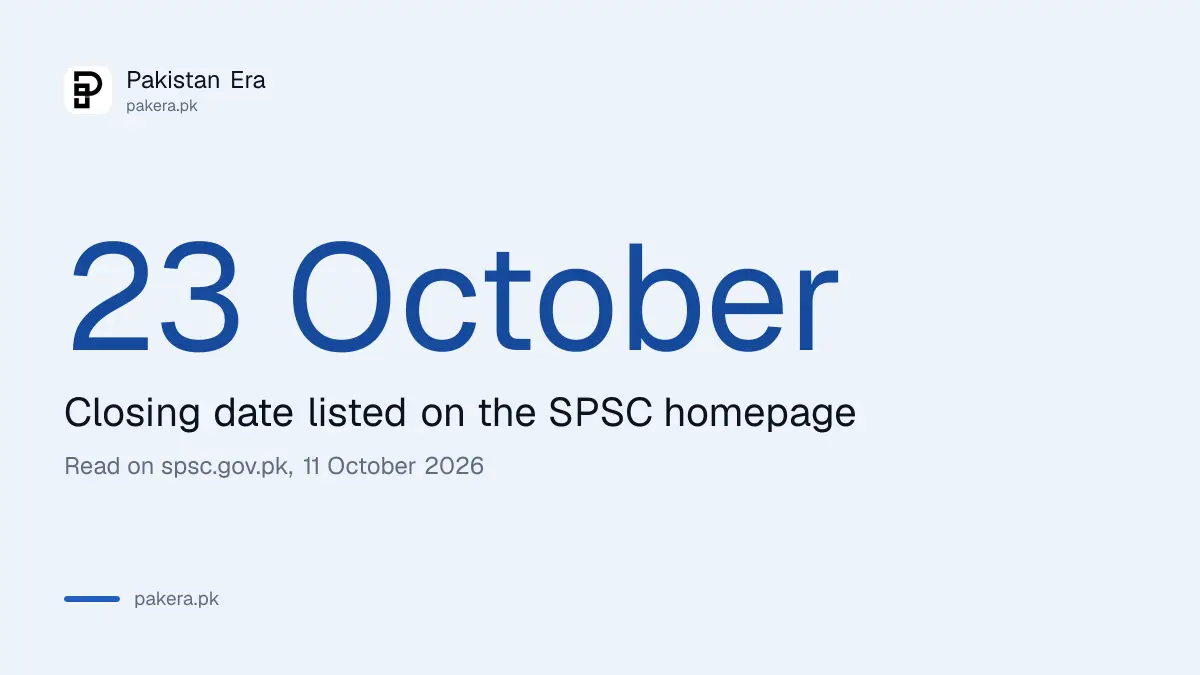
Advertisement 05/26 lists a closing date of 23 October 2026 on the SPSC homepage. The posts and fees are in SPSC Advertisement 05/2026. If you are already on the candidate side of an earlier advertisement, our guide to checking an SPSC result covers the next stage.
How to prepare your upload in one evening
Gather every original, scan each one in colour at a readable size, and name the files so you can find them. Keep a second folder with the same files on a USB drive or phone, because portals often time out and you do not want to start again.
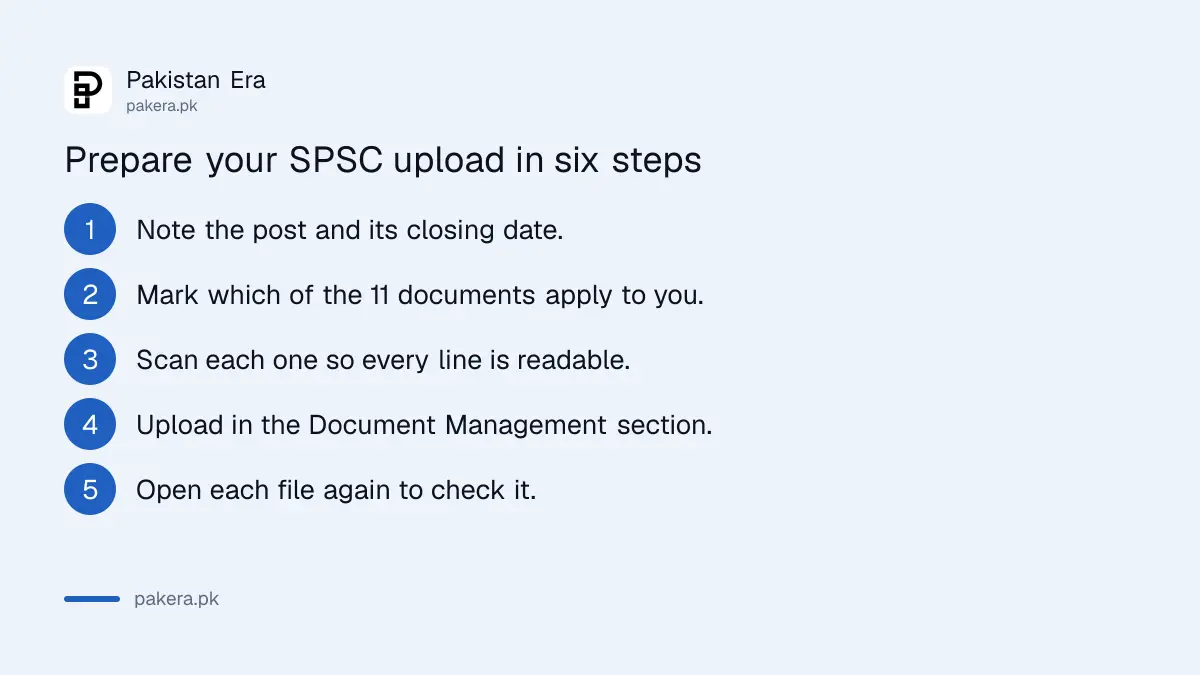
- Pick the advertisement and post and note its closing date.
- Read the post's requirement and mark which of the 11 documents apply to you.
- Scan each document so every line and stamp is readable.
- Log in to the SPSC Candidate Portal, open Document Management and upload.
- Check each uploaded file by opening it again.
- Go to the dashboard, fill your profile from the documents exactly, then apply.
The SPSC homepage also lists an Android and iPhone mobile app for submitting applications, and the phone number 022-9200694 and the email info@spsc.gov.pk. A departmental exam candidate should instead read the SPSC departmental exam admission slip notice, because this upload rule is about applying for advertised posts.
Common questions
Do I have to upload documents before I can apply on the SPSC portal?
Yes. SPSC says candidates must upload the mandatory documents first, and only then reach the regular dashboard to apply.
Can I change a document after I upload it?
Yes, until the advertisement's closing date. After that the documents for that advertisement are locked.
What if I do not have my NOC yet?
You may start the application, but you must upload the NOC on or before the closing date. Without it you will not be eligible for the screening or written test.
When does SPSC Advertisement 05/26 close?
The SPSC homepage lists the closing date as 23 October 2026.
Is a pass certificate accepted instead of a degree?
For graduation and postgraduate level, SPSC lists a pass certificate from the Controller of Examinations showing the result date, with the transcript, as an alternative to the degree.
Who can I ask about the portal?
The SPSC homepage lists 022-9200694 and info@spsc.gov.pk.
How we verified this
What we checked, where we read it, and what we could not confirm.
Last checked on Sunday 11 October 2026 at about 6:45 pm PKT. We read the SPSC press release on the Integrated Document Management System and the homepage of the Sindh Public Service Commission, including the advertisement list. We did not log in to the portal and did not test an upload.
About the author

Public Services and Education Journalist
Fajr Riaz is a journalist and content writer at Pakistan Era, based in Lahore. She covers the questions people meet in everyday life in Pakistan: how a public service works, what a change in the rules means, and where to find a reliable answer.