Stop Comment and Forum Spam on Your Pakistani Website: Google's 10 Steps, Updated October 2026
Stop comment, forum and profile spam on your Pakistani website with Google's 10 steps: CAPTCHA, rel ugc, noindex for new users and Search Console warning signs.
To stop comment and forum spam from hurting your Pakistani website in Google, follow Google's own list: add a CAPTCHA, mark user links rel="ugc" or "nofollow", keep posts from new users out of Google with noindex until they earn trust, moderate suspicious posts, and block repeat spammers. Then watch Search Console for sudden jumps in indexed pages or strange search terms. Google updated this guidance on 26 October 2026.
We read Google's page on preventing user-generated spam and its documentation update log on 4 November 2026. The log says Google added advice on blocking indexing of link-shared content and on monitoring abuse in Search Console. That matters to any Pakistani site with a comment box, a forum, a classifieds section, a job board or user profiles. Below is the full list, in the order a small team can realistically put it in place.
User-generated spam is content strangers post on your site
User-generated spam is junk that visitors post through your own forms: comments full of betting or loan links, fake forum threads, spam profiles and pages created only to carry links. Google says spammers exploit any open input, and that even a simple challenge before posting can discourage them.
In Pakistan the common patterns are easy to spot. Comment sections fill with links to betting apps, fake loan offers and "earn money online" schemes. Classified and job sites get fake listings. Free profile pages on community sites get used only for a backlink. If enough of this gets indexed, it can drag the whole site down in Google, and Google may take manual action against it.
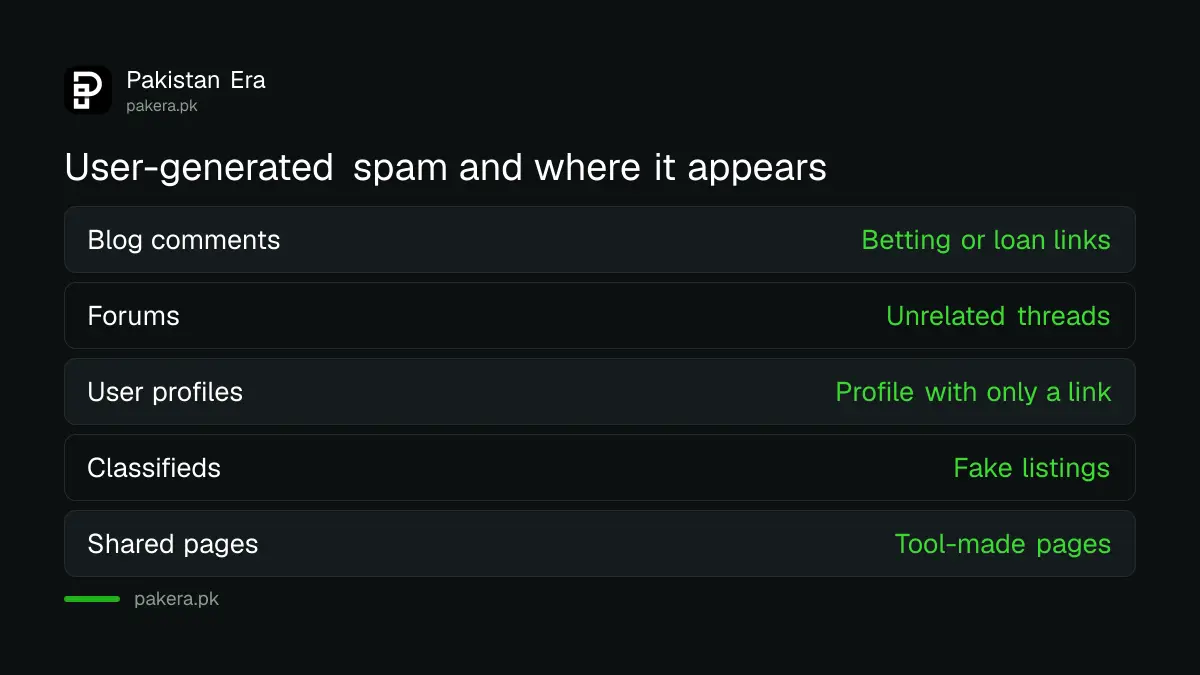
| Where spam appears | What it usually looks like |
|---|---|
| Blog comments | Short praise plus a link to a betting or loan site |
| Forums | New threads with unrelated keywords and links |
| User profiles | Empty profiles with only a website link |
| Classifieds and job boards | Fake listings that send people elsewhere |
| Link-shared or generated pages | Pages built by tools, never meant for search |
Ten steps from Google's list, in order
Google's page lists an abuse policy, CAPTCHA, signals that flag spam accounts, noindex for new users, rel="ugc" or "nofollow" on links, a decision about link-shared pages, moderation, blocklists, checks on account creation and Search Console monitoring. Start with the cheapest steps.
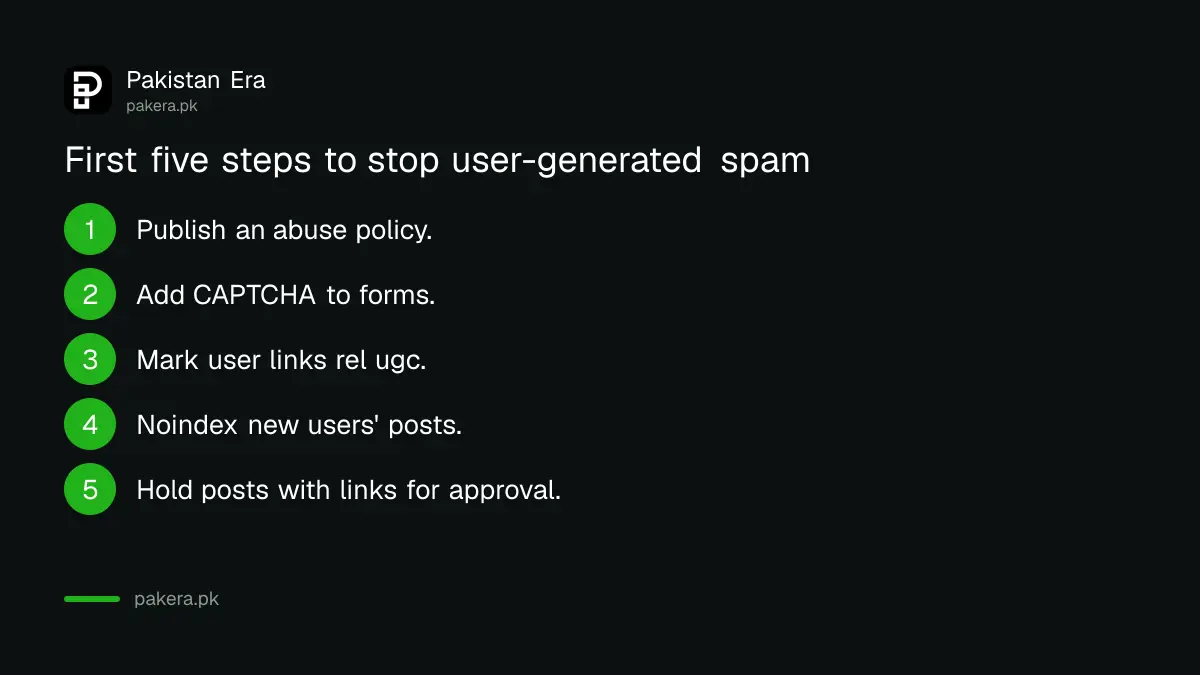
- Publish a clear abuse policy and show it at sign up. Let trusted users report spam.
- Add reCAPTCHA or a similar check to comment, sign up and post forms.
- Mark every link in user content with rel="ugc" or rel="nofollow".
- Add a noindex robots meta tag to posts from new users, and allow indexing once they build a record.
- Decide whether link-shared or tool-generated pages are meant for search. If not, noindex them or block them in robots.txt.
- Hold suspicious posts for manual approval.
- Watch signals of spam accounts: very fast form filling, many requests from one IP range, odd user agents and strange usernames.
- Ban spammers' identifiers, such as IP addresses, at the platform or firewall level.
- Use verification at account creation so scripts cannot open hundreds of accounts.
- Verify your site in Search Console and check its reports regularly.
Steps 2 and 3 take minutes on WordPress, where comment links get nofollow-style attributes by default in most setups. Step 4 is the most useful for forums. A new member's first posts stay out of Google, so a spammer gains nothing from them.
Pages not meant for search should be noindexed by default
Google's new advice is about link-shared and generated content. Decide whether such pages are meant to appear in search. If they are not, apply noindex through a robots meta tag or an X-Robots-Tag header, or block crawling in robots.txt, by default.
This catches pages many small sites forget: shared shopping carts, quiz results, saved searches, printable receipts and pages created by a "share" button. Spammers create thousands of these with their own text inside. Noindex by default means none of them reaches Google unless you choose. Our guide on checking robots.txt and noindex shows how to confirm the tag is working, and that you have not blocked real pages by mistake.
One warning. Do not block a page in robots.txt and also expect Google to read its noindex tag. If Google cannot crawl the page, it cannot see the tag. Pick one method per page type.
Search Console shows spam before traffic drops
Google says to verify your site in Search Console to receive alerts about manual actions and security issues. Check the Page indexing and Search performance reports for sudden jumps in indexed pages, impressions or search queries that have nothing to do with your site.
A Pakistani school site that suddenly shows impressions for casino or loan terms almost certainly has spam pages indexed. Look in Performance, filter by query, and open the pages behind those terms. Google also suggests watching server logs for traffic spikes, scanning for spam signals, checking URLs with Google Safe Browsing and flagging unexpected activity from other countries.
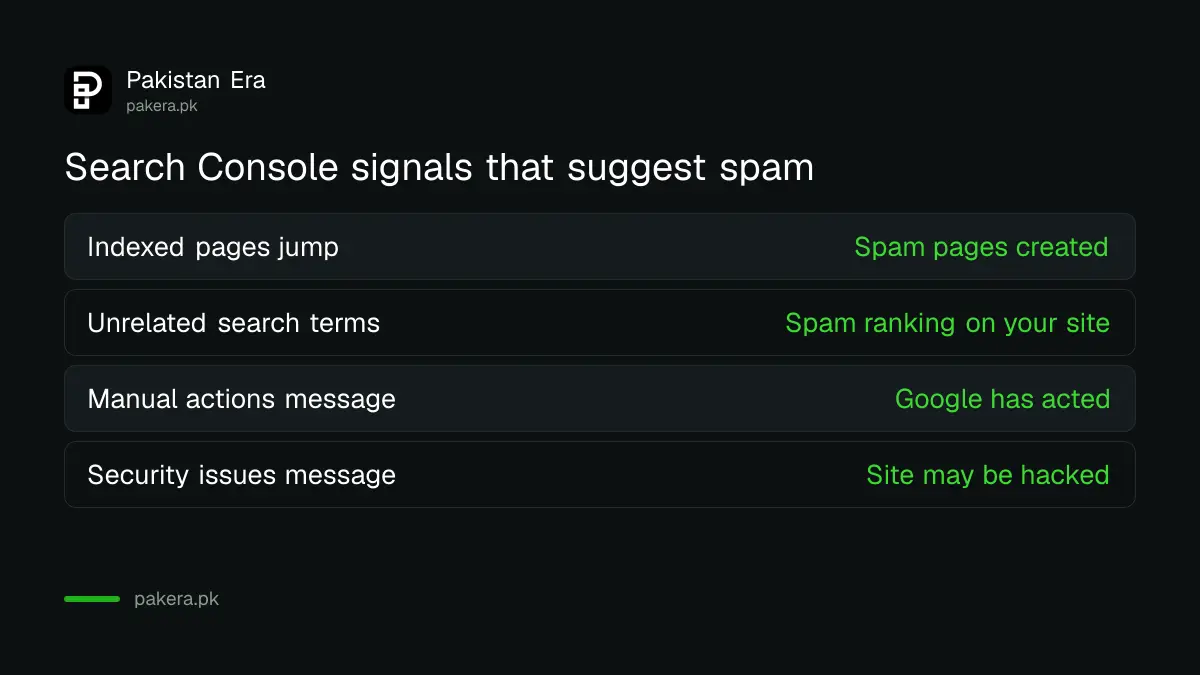
| Search Console signal | What it may mean |
|---|---|
| Indexed pages jump overnight | Spam pages or profiles being created |
| Impressions for unrelated terms | Spam content ranking on your domain |
| Manual actions message | Google has acted on spam |
| Security issues message | Site may be hacked, not just spammed |
If you already have a manual action, clean up first and then request a review; the steps to fix a Google manual action cover the request. If indexed pages jumped, the guide to reading the Page indexing report helps you find which URLs to remove.
Moderation costs time, so focus it where spam lands
Google says manual approval of suspicious posts cuts spam a great deal, but it adds work. For a small Pakistani team, moderate only new accounts and posts with links. Trusted members with a clean record can post straight away.
A simple rule works for most small sites: any comment with a link waits for approval, and any comment without one goes live. Combine it with CAPTCHA and noindex for new users, and most spam never reaches Google. Sites that allow forums or profiles with links should also look at Google's UGC Fresh Data Program; our page on the UGC Fresh Data Program for forums explains who can join.
Common questions
What is user-generated spam in Google's terms?
It is spam that visitors post through your site's own features, such as comments, forum posts, profiles or pages they can create. Google asks site owners to prevent it.
Should comment links be nofollow or ugc?
Google says to apply rel="nofollow" or rel="ugc" to links in untrusted content, because spammers often post just to get links. Either attribute works for this purpose.
Can comment spam get my website penalised by Google?
Google can take manual action when spam is widespread on a site. Verify your site in Search Console so you receive any manual action or security alert.
Should I noindex new forum members' posts?
Google suggests adding noindex to posts from new users without a reputation, then allowing indexing once they earn trust. It stops spammers gaining anything from first posts.
When did Google update its user-generated spam guidance?
Google's documentation update log lists 26 October 2026, when it added advice on blocking indexing of link-shared content and monitoring abuse in Search Console.
Sources and last checked
On 4 November 2026 we read Google Search Central's page on preventing user-generated spam and its documentation updates log. The steps and monitoring advice come from the guide, and the 26 October 2026 date from the log. The order of steps, the Pakistani examples and the moderation rule are our own.
About the author

Founder and Editor
Umer Kureshi founded Pakistan Era in July 2024 and runs it as administrator, SEO lead and writer, overseeing website operations, search growth, content strategy and coverage of technology and current affairs.