How to Activate a Telenor Package on WhatsApp in Pakistan
Telenor's WhatsApp number is 051-111-345-100, as linked on telenor.com.pk. Send Hi, pick a package and pay from balance. Steps and safety checks.
Telenor's WhatsApp number is 051-111-345-100. Save it, send "Hi" from WhatsApp, and follow the menu to buy a package. This is the number Telenor's own website links for its WhatsApp chat, as wa.me/9251111345100. The package price is taken from your Telenor balance, so load enough first.
We confirmed the number on telenor.com.pk on 22 September 2026, where the help and support pages link straight to that WhatsApp chat. We did not message the chat ourselves, so we cannot list its current menu options. What follows is the route Telenor publishes, the checks to make, and what to do when it fails.
Telenor's WhatsApp number, and how it differs from the helpline
People often mix up two Telenor numbers that look almost the same. The city code is the difference.
| Route | Number | Source on telenor.com.pk |
|---|---|---|
| WhatsApp chat | 051-111-345-100 (+92 51 111 345 100) | WhatsApp link on help and support pages |
| Helpline from a Telenor number | 345 | Contact page and FAQs |
| Helpline from another phone | 042-111-345-100 | Contact page and FAQs |
| Live web chat | telenor.com.pk | Complaints procedure page |
| facebook.com/TelenorPk | Complaints procedure page |
The WhatsApp number starts with 051, the Islamabad code. The helpline starts with 042, the Lahore code. Telenor's contact page says a call connected to a helpline agent costs Rs 2.69 including tax. Using WhatsApp uses your internet data, not a call charge.
How to activate a Telenor package on WhatsApp
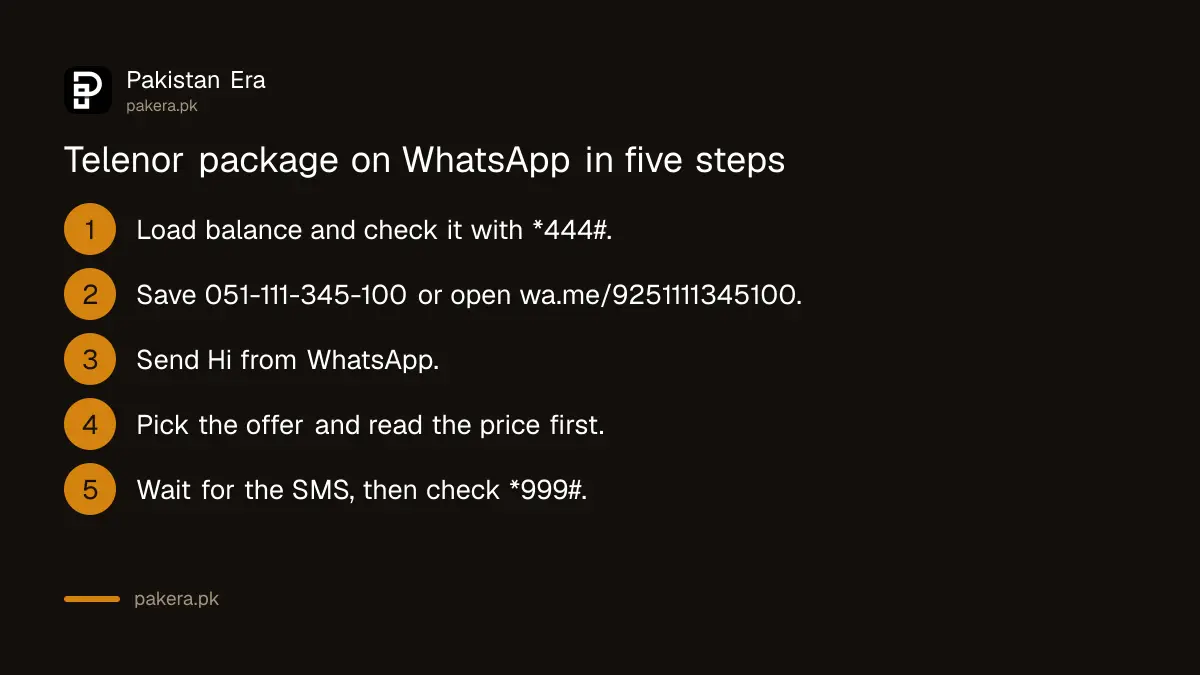
- Load your balance. The package is paid from your Telenor balance. Check it first with *444#, which costs Rs 0.24 including tax.
- Save the number 051-111-345-100 in your contacts, or open the link wa.me/9251111345100 in your phone's browser.
- Send "Hi" from WhatsApp. Telenor's own link pre-fills the word "Hi".
- Choose from the menu. Pick the package type and the offer you want. Read the price and validity shown before you confirm.
- Confirm with your Telenor number. If the chat asks for the number to charge, give your own Telenor number only.
- Check the SMS. Telenor sends an SMS when an offer activates. Then check your MBs with *999#.
Use WhatsApp from the phone that has your Telenor SIM if you can. It keeps the chat, the SMS and the balance in one place.
Which package to ask for
The WhatsApp menu shows Telenor's current offers, and those are changing this month. Telenor's homepage notices say several monthly offers, including Monthly Prime and Monthly Extreme Pro Max, will not be available from 10 October 2026, and that many prices change from 26 September.
If you only need WhatsApp data, Telenor's notices list Social WhatsApp at Rs 350 for 10GB of WhatsApp from 26 September. Its Monthly WhatsApp Package FAQ says you can unsubscribe by dialling *124#.
Other ways to buy the same package
- Dial the offer code. Each offer page lists one, for example *345*189# for Monthly YouTube and Social. This needs no internet.
- My Telenor app. Telenor says the app lets you view, activate and deactivate offers, and shows app-only discounts.
- Helpline 345. An agent can activate an offer for you, at Rs 2.69 including tax per connected call.
WhatsApp is the easiest route if you do not remember codes. The code is quickest if you already know exactly which offer you want.
When WhatsApp activation fails
- No reply to "Hi". Check the number is 051-111-345-100 exactly. Try the wa.me link instead of a saved contact.
- Not enough balance. Recharge the load price shown on the offer page, which is higher than the package price because of tax on the recharge.
- Balance taken, offer not active. Telenor's FAQ says to lodge a complaint in the My Telenor app or call 345.
- Wrong package activated. Unsubscribe from it quickly.
Safety warning
Fake "Telenor" accounts on WhatsApp are easy to make. Only chat with 051-111-345-100, and reach it from Telenor's own website link if you are unsure. Do not send your SIM PIN, PUK, a one time code, bank details or a photo of your CNIC to any chat that reached you first. Do not dial any code a chat or caller sends you if it contains a phone number and an amount, because that is how balance is transferred. Report suspicious accounts as soon as you find them.
Where to escalate
If Telenor takes money and does not give the package, complain first to Telenor through the app, 345 or 042-111-345-100, and keep the complaint number. If it is not fixed, go to PTA. Telenor Pakistan is now part of the same company as Ufone after a merger reported as closing on 1 July 2026, but its WhatsApp link, helpline and app were all still Telenor-branded on 22 September 2026.
Common questions
What is the Telenor WhatsApp number?
051-111-345-100. Telenor's website links it as wa.me/9251111345100.
Is the Telenor WhatsApp number the same as the helpline?
No. The helpline is 345 from a Telenor number or 042-111-345-100 from another phone. The WhatsApp number starts with 051.
Does activating a package on WhatsApp cost extra?
Telenor does not list a fee for using the chat. You pay the package price from your balance, and WhatsApp uses some data.
Can I activate a Telenor package without internet?
Yes. Dial the offer's own code, such as *345*189#, which does not need data.
What should I do if the package was not activated but balance was deducted?
Complain in the My Telenor app or call 345, as Telenor's FAQ advises, and keep the complaint number.
How we verified this
What we checked, where we read it, and what we could not confirm.
Last checked 22 September 2026. The WhatsApp link wa.me/9251111345100 with the pre-filled text "Hi" is from Telenor's help and support pages on telenor.com.pk. The helpline 345, 042-111-345-100 and the Rs 2.69 charge are from telenor.com.pk/contact-us. Live chat and Facebook routes are from Telenor's complaints procedure page. Offer codes, the Social WhatsApp price and the 10 October 2026 withdrawals are from Telenor's offer pages and homepage notices. The *124# code is from Telenor's Monthly WhatsApp Package FAQ, and the complaint advice from its Offer Related Issue FAQ. We did not message the WhatsApp chat, so its menu is not described here.
About the author

Senior Writer, Public Services and Technology
Shahid joined us in 2024 as an author. He is a senior contributor to Pakistan's leading technology websites. He writes detailed articles, mostly covering his expertise in the latest tech, mobiles, apps, gadgets, and step-by-step guides. His ideology is to help people understand the latest trends and explain complex methods through very easy-to-understand guides.