How to Track a Revenue Court Case Online in Punjab Through the Board of Revenue's RCMS
Track a revenue court case in Punjab on the Board of Revenue's RCMS: who can sign up, the steps, what PLRA says it shows and one FAQ you should not trust.
Short answer: To track a revenue court case in Punjab, open the Board of Revenue's Revenue Courts Management System (RCMS) at rcms.punjab-zameen.gov.pk, sign up as a lawyer, individual or company, and sign in. PLRA says the system shows case details, hearing schedules and case progress.
A land dispute in a revenue court can run for years, and the hearing date is the one fact a party cannot afford to miss. Many litigants still learn it from a clerk, or from a lawyer who is hard to reach.
We opened the Punjab Land Records Authority (PLRA) page on the Revenue Court Management System, and the RCMS public sign-in and sign-up screens, on 11 October 2026. We did not create an account, because that needs a real CNIC and a case. So we describe what the screens and the PLRA page show, and nothing beyond them.
RCMS is the Board of Revenue's case tracking system
RCMS is the Revenue Courts Management System of the Board of Revenue, Punjab, run with PLRA. PLRA describes it as one system to log, track and monitor cases lodged with the Board of Revenue and across its revenue appellate hierarchy, which is the chain of revenue courts.
The PLRA page lists three aims: computerising revenue cases that are pending, controlling how cases are disposed of through the hierarchy, and turning the Board of Revenue into a modern, IT-enabled body. It also says the public can use the system to see case details, hearing schedules and progress online.
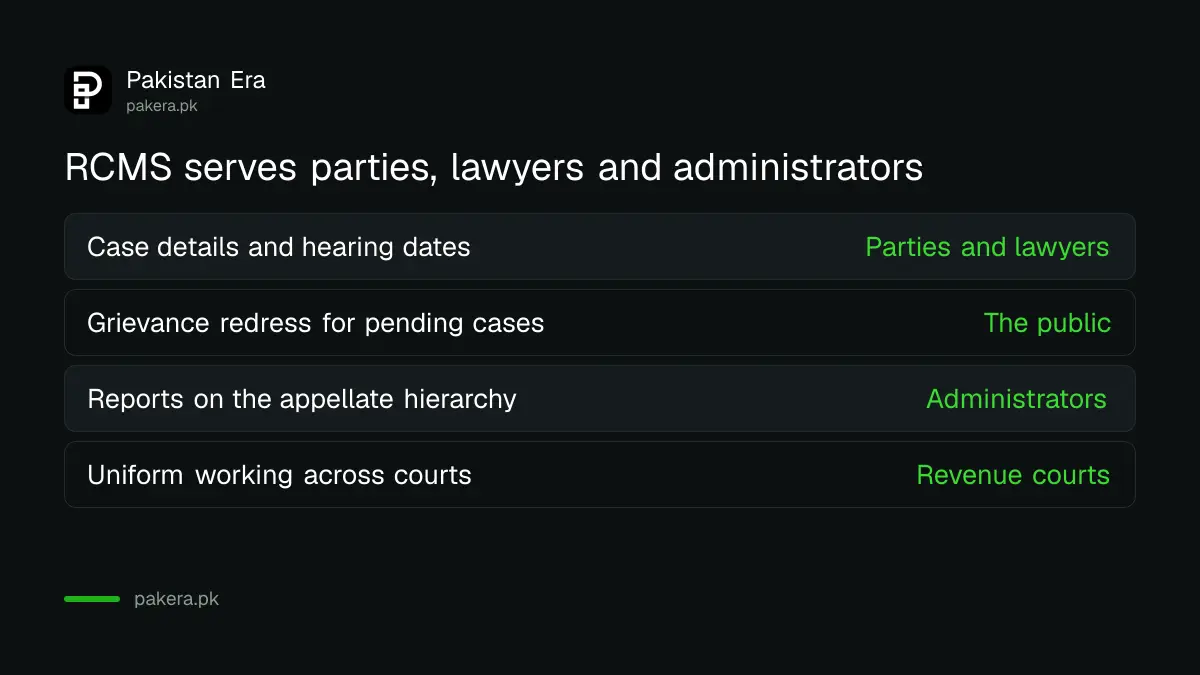
| What PLRA says RCMS gives | Who gains |
|---|---|
| Case details, hearing schedules and case progress online | Parties and lawyers |
| A public grievance redress system for pending litigation | The public |
| Reports on the revenue appellate hierarchy and regional units | Administrators and planners |
| Uniform working across the appellate hierarchy | The revenue courts |
The sign-up asks who you are first
The RCMS public sign-up screen offers three roles: Lawyer, Individual, and Other Legal Person (Company). Pick the one that matches your standing in the case. The sign-in screen has a password reset link and a Help and Support link.
The sign-in screen says a password must contain at least one uppercase letter, one special character and one number. Choose one that meets all three, or the form will reject it.
Use only your own details. Do not share an RCMS login with a middleman. A login is tied to a person, and a stranger with your password can see your case.
Follow these steps to find your case
Go to the RCMS public site, create an account under the right role, sign in, and search for your case. The screens behind the login are not public, so the exact search fields are not visible to us, and you should expect to need your case details.
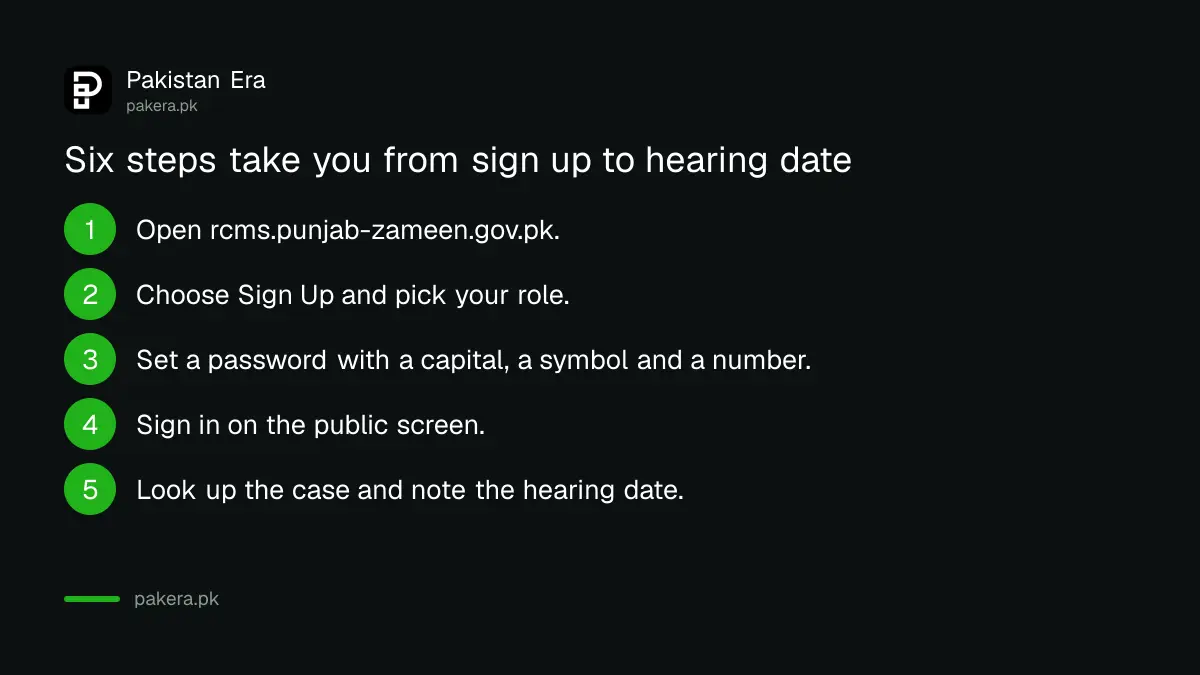
- Open rcms.punjab-zameen.gov.pk, or use the Revenue Court Management System link on the PLRA home page.
- Choose Sign Up and pick Lawyer, Individual or Other Legal Person.
- Complete the form with your own details and set a password that meets the three rules.
- Sign in on the public sign-in screen.
- Look up the case and note the hearing date and the stage it has reached.
- Keep a copy of the hearing date, and confirm it with your lawyer or the court.
Keep the case number, the name of the court and the names of the parties ready. These are the details any case database asks for.
Two PLRA pages disagree, so check before you rely on it
The FAQ on PLRA's revenue court page gives the same answer to every question. That answer is about what documents you need to request a fard, which is not what the questions ask. So the FAQ cannot be used to learn how to file a case or check a hearing date.
We therefore take only the page's description and the portal screens as reliable. For filing a case, the page gives no steps. Ask the revenue court office or your lawyer. For correcting land records, there are separate PLRA services, such as correcting a mistake in a Punjab land record.
A revenue court order does not change the land record by itself. To apply an order, see how to have a court order recorded in the Punjab land record. A partition case follows its own route, covered in how to apply for land partition in Punjab.
Protect yourself while you use it
Use the official address, rcms.punjab-zameen.gov.pk, and type it yourself. Never pay anyone for a hearing date. PLRA lists a complaints line at (042) 111-22-22-77, Monday to Saturday, 8:00 AM to 5:00 PM.
Do not treat the online date as a legal notice. Confirm it with the court before travelling, especially when the date is close. Systems lag behind court orders, and an adjournment can be entered after you checked.
If you have a land record problem, not a court case, you do not need RCMS. Start with how to verify land records in Punjab.
Common questions
Is RCMS free to use?
PLRA's page and the sign-up screens show no fee for creating an account. We could not see what lies behind the login, so check the portal before paying anyone.
Who can create an RCMS account?
The public sign-up screen offers three roles: Lawyer, Individual, and Other Legal Person (Company). Choose the one that fits you.
Can I see my hearing date online?
PLRA says the system lets you view case details, hearing schedules and case progress online. Confirm the date with the court before you travel.
Does RCMS file a new case for me?
PLRA's page describes logging, tracking and monitoring of cases. It gives no step-by-step method for filing, so ask the revenue court or your lawyer.
What if I forget my password?
The sign-in screen has a Forgot Password link. A Help and Support link also appears on the screen.
Is RCMS for civil courts as well?
No. PLRA describes it for cases lodged with the Board of Revenue and across the revenue appellate hierarchy.
How we verified this
What we checked, where we read it, and what we could not confirm.
We read the PLRA Revenue Court Management System page, the RCMS public sign-in and sign-up screens, and the PLRA home page on 11 October 2026. We did not create an account.
About the author

Senior Writer, Public Services and Technology
Shahid joined us in 2024 as an author. He is a senior contributor to Pakistan's leading technology websites. He writes detailed articles, mostly covering his expertise in the latest tech, mobiles, apps, gadgets, and step-by-step guides. His ideology is to help people understand the latest trends and explain complex methods through very easy-to-understand guides.