How to Get and Verify a Sindh e-Stamp Paper: Challan 32-A Steps for Rs 500 and Above
Get a Sindh e-Stamp for any deal of Rs 500 or more: make Challan 32-A on estamps.gos.pk, pay at a bank, then verify the paper online. Learn how to fix errors.
Short answer: In Sindh, any stamp paper of Rs 500 or more is an e-Stamp. You get it by generating a Challan 32-A on estamps.gos.pk, paying the duty at a designated bank branch, and collecting the printed certificate on the spot. You can check it is real on the same portal or by SMS.
A property deal in Sindh often rests on one sheet of paper. If that sheet is fake, the sale can fall apart years later. The Sindh e-Stamping system exists to stop fraud with fake stamp paper. We opened the e-Stamping Citizen Portal, its FAQs, its About page and its valuation tool.
This page covers the buyer's side: how to get a genuine e-Stamp, how to check one, and what to do when the amount is wrong.
Stamp paper of Rs 500 or more is now an e-Stamp in Sindh
The Sindh e-Stamping system issues judicial and non-judicial stamp certificates for transactions of Rs 500 or more. Each certificate has a unique identification number. Stamp papers below Rs 500 are not issued through the system and still come from stamp vendors.
The portal's FAQ says the aim is to prevent fraud in paper and process, stop leakage of government revenue, and keep a central database that makes checking easy. The certificate does not need a fixed denomination. The duty is calculated for each deal.
High value non-judicial stamp papers usually end up at sub-registrar offices, housing societies and housing authorities. Judicial stamp papers go to courts. Those offices can check the paper through their own logins. You as a buyer can check it on the public portal.
| Question | Answer from the portal |
|---|---|
| Which papers are e-Stamps? | Judicial and non-judicial, Rs 500 and above |
| Papers below Rs 500 | Bought from stamp vendors, not the portal |
| Where is the form made? | estamps.gos.pk, Challan Form 32-A |
| Where is duty paid? | A designated bank branch |
| How is it checked? | On the web and by SMS |
| Portal helpline | 021-38892347 |
How to get an e-Stamp through Challan 32-A
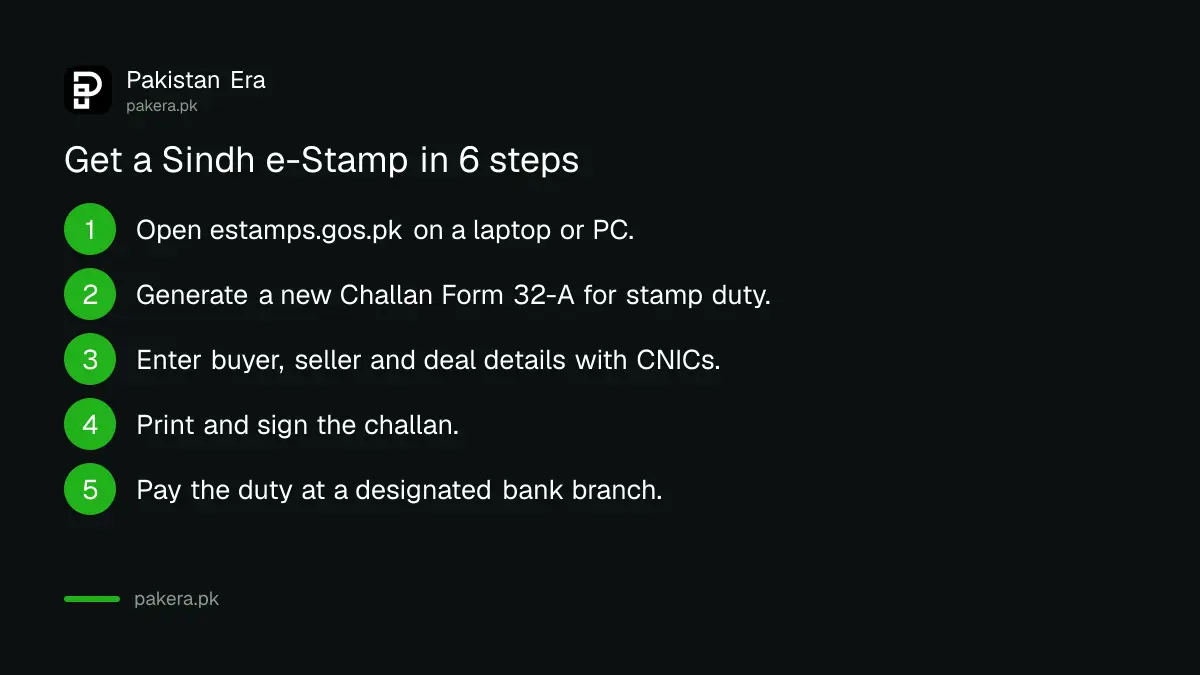
Open estamps.gos.pk on a laptop or PC, generate a new Challan Form 32-A with the details of the deal, print it, and take it to a designated bank branch. Pay the stamp duty there. The branch prints your e-Stamp certificate at once.
- Open estamps.gos.pk. The portal says mobile devices are not recommended, so use a laptop or PC.
- Choose Challan Form 32-A to generate a new challan for stamp duty.
- Enter the buyer, seller and applicant details with their CNICs, plus the land or deal details.
- Use the calculator (the book icon) to see the duty for your type of document.
- Print and sign the challan.
- Pay the duty at a designated bank branch. The portal lists National Bank of Pakistan, Sindh Bank and Bank of Punjab among its partners.
- Collect the e-Stamp certificate from the same branch.
The About page says the bank counter prints the certificate on a specially designed, legal-size, yellow security paper. That paper then goes to the sub-registrar, society, authority or developer who needs it. Keep a photocopy and note the unique ID.
You can add any number of buyers or sellers on the web form. Only the selected one prints on the challan, and "and others" is added automatically. If there is no separate applicant, enter your own details.
How to check that an e-Stamp is genuine
Use the "Verification Through Web" option on the portal home page, and check the certificate's unique ID. The portal also says authenticity can be checked by SMS. A genuine paper matches the database. A paper that does not match should be stopped before anyone pays.
We could not run a live check, since we had no real certificate ID to enter. The portal home page lists two links for this: Verification Through Web, and Verify or Print Challan 32-A for an existing challan. The SMS route is named in the FAQ, but we did not find the number on the pages we read. Call the helpline on 021-38892347 to ask for it.
Check three things on any paper you are handed. The paper should be the yellow security paper from a bank branch, not a plain printout. It should carry a unique ID. And the ID should verify on the portal. A paper with a handwritten amount and no ID is not an e-Stamp.
Valuation rates decide how much duty you pay
The portal publishes a valuation rate for property, which it calls the minimum value of property declared by government officials. The duty is calculated using the data you provide, such as area, location and whether the land is commercial or residential, together with these rates.
The portal has a Property DC Valuation tool. It lets you choose agricultural or non-agricultural land, then the district, taluka and area. It shows a valuation rate per marla for urban plots. If the value you enter is lower than the DC valuation, the page warns you that the user-provided value is less than the DC valuation. We read this warning on the tool itself.
That matters for your wallet. Underdeclaring a price is risky, as the system compares it with the government's own figure. To see how valuation works in other places, read how to check the DC valuation of property in Pakistan.
Wrong amount, unpaid challan or short duty
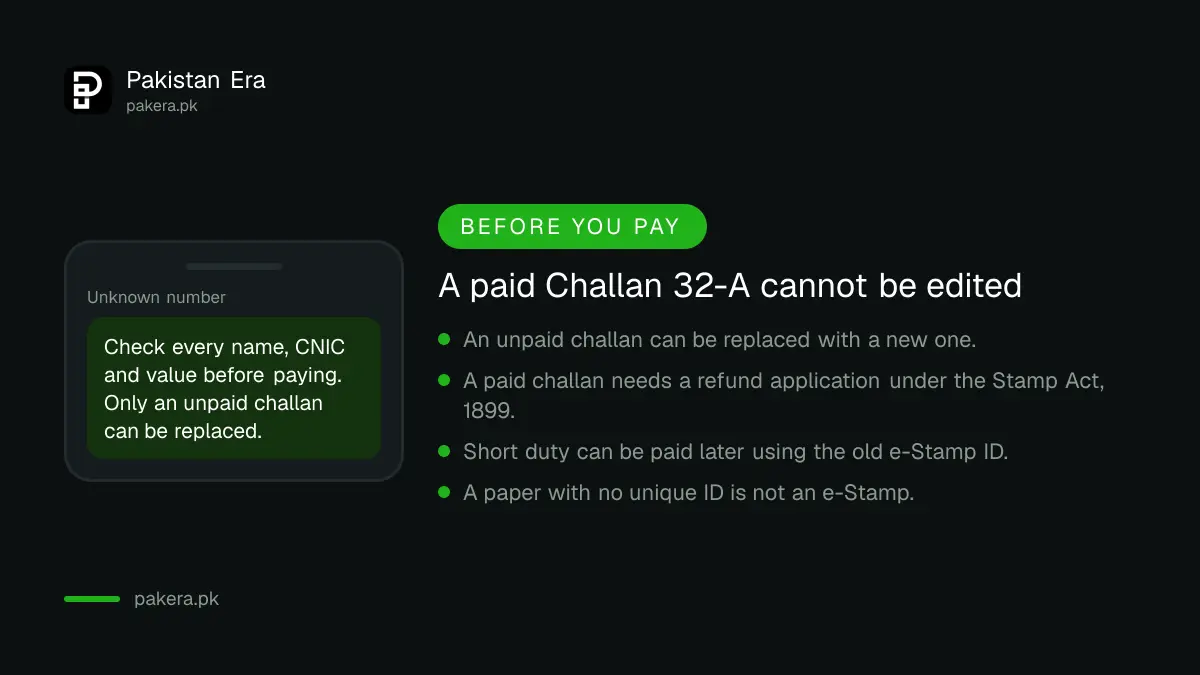
An unpaid challan can be replaced by generating a new one. A paid challan cannot be edited. To correct it you must file a refund application under the Stamp Act, 1899 and the Stamp Rules. If the duty paid was too low, you can pay the shortfall through the same system.
The FAQ says a deficiency in stamp duty can be paid online. You need the previous e-Stamp ID for the deal. In that case only applicant details can be updated. You can also pay the deficiency on old stamp papers or registries.
The home page also shows a newer option: generate an IPT challan against stamp duty already paid, for challans paid before 21 July 2026. IPT is listed on the portal as Immovable Property Tax. The page does not explain who needs it, so ask the sub-registrar or the helpline before assuming it applies to you.
Other fees run through the same portal, including registration fee, mutation fee, certified true copy fee and digital scanning fee. For the land record side of a Sindh deal, see how to check Sindh land records online. Rent papers are simpler, and rent agreements and stamp paper in Pakistan covers them. For the ongoing tax after a purchase, what Sindh property tax actually costs gives the picture. A general walk through is in issuing an e-stamp paper in Pakistan.
Common questions
Which stamp papers are issued as e-Stamps in Sindh?
Judicial and non-judicial stamp papers of Rs 500 or more. Papers below Rs 500 are not issued through the e-Stamping system and come from stamp vendors.
Where do I pay the stamp duty?
At a designated bank branch, after printing Challan Form 32-A from the portal. The branch gives you the e-Stamp certificate on the spot. The portal lists National Bank of Pakistan, Sindh Bank and Bank of Punjab among its partners.
How can I check if a Sindh stamp paper is fake?
Use Verification Through Web on estamps.gos.pk with the unique ID. The FAQ says an SMS check also exists. Call 021-38892347 for the SMS number.
Can I fix a mistake on a paid challan?
No. A paid Challan 32-A cannot be changed. You must submit a refund application under the Stamp Act, 1899 and the Stamp Rules. An unpaid challan can simply be replaced.
Can I use my phone to generate the challan?
The portal says mobile devices are not recommended and asks you to use a laptop or PC. Use a computer to avoid form errors.
How we verified this
What we checked, where we read it, and what we could not confirm.
Last checked on Sunday 11 October 2026 at about 4:30 am PKT. We read the Government of Sindh e-Stamping Citizen Portal at estamps.gos.pk: its home page, the Help and FAQs page, the About Us page, and the Property DC Valuation tool. The excise department's website links to the same eStamp service. We did not generate a challan or verify a live certificate, and we did not find the SMS verification number. The IPT challan option is described only as it appears on the home page.
About the author

Senior Writer, Public Services and Technology
Shahid joined us in 2024 as an author. He is a senior contributor to Pakistan's leading technology websites. He writes detailed articles, mostly covering his expertise in the latest tech, mobiles, apps, gadgets, and step-by-step guides. His ideology is to help people understand the latest trends and explain complex methods through very easy-to-understand guides.