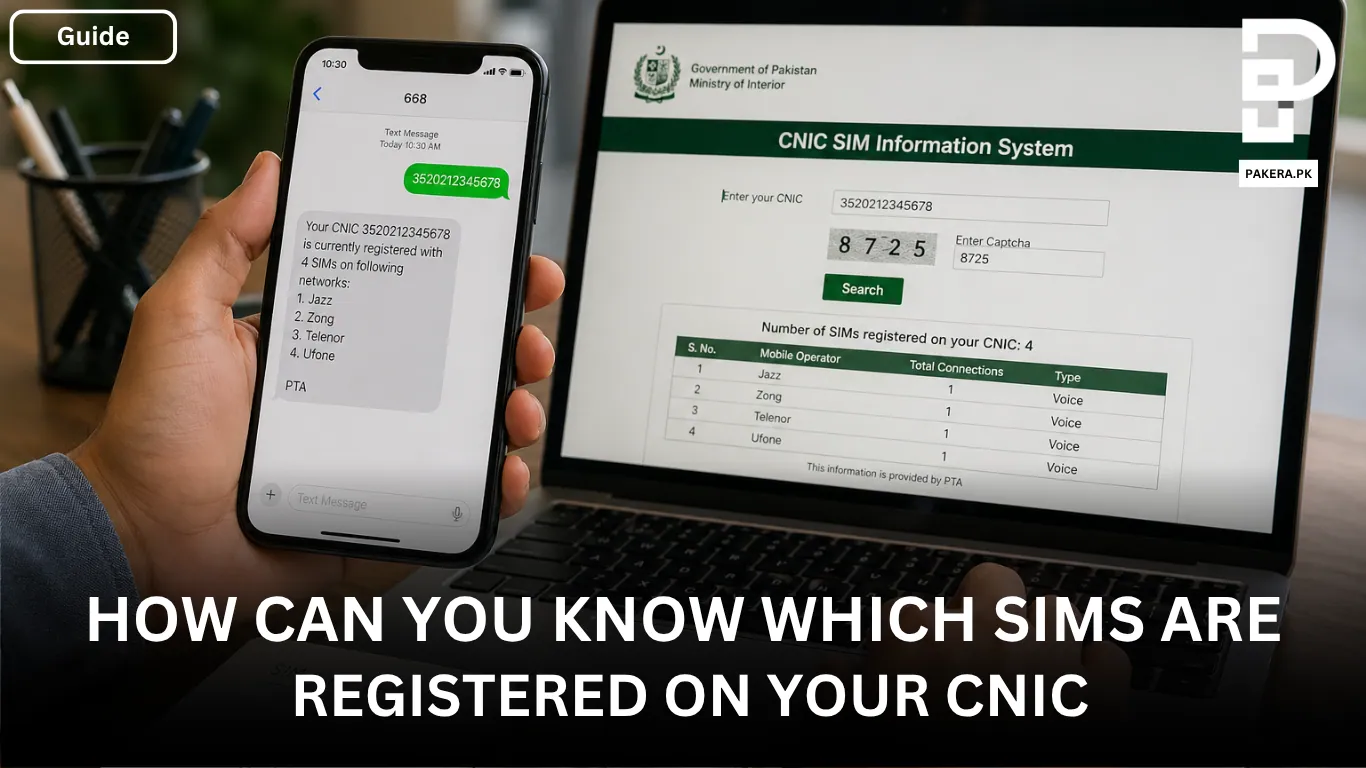
In Pakistan, every SIM card is registered against a CNIC, but the problem is many people don’t actually know how many SIMs are active on their name. Sometimes you may have old numbers you forgot about, or even worse, a SIM registered without your knowledge.
This is why it’s important to check your SIM information regularly. It helps you stay secure and avoid any misuse of your identity. The good thing is that checking SIMs on your CNIC is very simple and only takes a few minutes.
How to Check SIMs Registered on Your CNIC
There are two easy methods you can use to check how many SIMs are registered on your CNIC. Both methods are official and reliable.
Checking Through the Official Website
The easiest and free method is through the official SIM information system website.
First, go to CNIC SIM Information System. Once you open the site, you’ll see a simple form.
Enter your 13-digit CNIC number carefully without any dashes. After that, complete the captcha verification. Once submitted, the system will show you all the SIMs registered on your CNIC along with the mobile operators.
This method is completely free and gives you instant results.
Checking Through SMS
If you don’t have internet access, you can use the SMS method.
Simply type your 13-digit CNIC number (again, without dashes) and send it to 668. After a few seconds, you’ll receive a reply message.
The response will clearly show how many SIMs are registered on your CNIC and which mobile operators they belong to. Keep in mind that charges may apply for this SMS service.
What Information You Will Get
After checking, you will see a summary of your SIM records. This includes:
- Total number of SIMs registered on your CNIC
- The mobile operators (like Jazz, Zong, Telenor, Ufone) linked to those SIMs
This information helps you quickly understand if everything is under your control.
SIM Limit Per CNIC in Pakistan
There is a limit on how many SIMs you can have on one CNIC.
- A maximum of 5 voice SIMs
- A maximum of 3 data SIMs
This means a total of 8 SIMs can be registered on a single CNIC. If your number exceeds this, you won’t be able to register new SIMs until you remove some.
What to Do If You Find an Unknown SIM
If you see a SIM that you don’t recognize, don’t ignore it.
Immediately report it to your mobile operator or visit their nearest franchise. You can request to block or remove that SIM from your CNIC. This step is very important because unknown SIMs can be misused, and you could be held responsible.
Frequently Asked Questions
You can visit the official CNIC SIM Information System website, enter your CNIC number without dashes, complete the captcha, and view all registered SIMs instantly.
Send your CNIC number (without dashes) to 668. You will receive a message with details of all SIMs registered on your CNIC. Charges may apply.
The website method is completely free. However, the SMS method to 668 may have a small fee depending on your network.
You can have up to 5 voice SIMs and 3 data SIMs, making a total of 8 SIMs per CNIC.
You should immediately contact your mobile operator or visit a franchise to block or remove that SIM from your CNIC.
Conclusion
Checking how many SIMs are registered on your CNIC is something most people ignore, but it’s actually very important. It only takes a few minutes and can protect you from serious problems later.
Whether you use the website or the SMS method, make sure you check your SIM record regularly. If you ever find something suspicious, take action immediately and keep your identity safe.