If your Easypaisa account has been blocked, don’t worry. The recovery process depends on why your account was restricted. In some cases, you can regain access within a few minutes by resetting your PIN, while in other situations, you may need to contact Easypaisa customer support for verification.
This guide explains how to recover a blocked Easypaisa account based on the type of restriction, so you can get back to using your account as quickly as possible.
How to Recover a Blocked Easypaisa Account
The recovery method varies depending on whether your account has been temporarily locked or permanently blocked. Identifying the reason for the restriction is the first step toward restoring access.
Recover a Temporarily Locked Easypaisa Account
If your account has been temporarily locked because you entered the wrong PIN multiple times, you can reset your PIN yourself without visiting a service center.
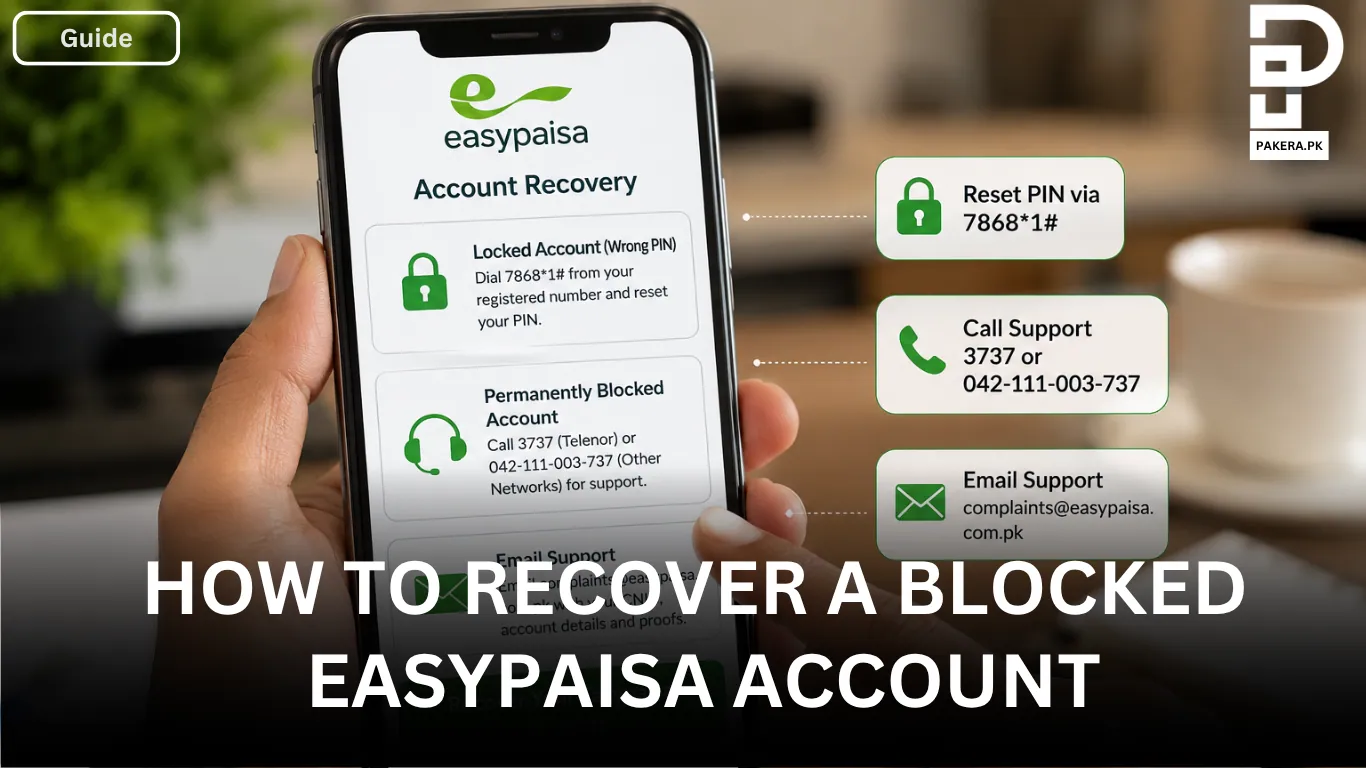
Dial 7868*1# from your registered mobile number. When prompted, enter your 13-digit CNIC number for verification. After your identity is confirmed, follow the on-screen instructions to create a new PIN. Once the process is complete, you should be able to access your Easypaisa account again.
Recover a Permanently Blocked or Blacklisted Easypaisa Account
If your account has been permanently blocked or blacklisted due to security concerns or suspicious activity, such as unusual transactions, you will need assistance from the Easypaisa support team.
Telenor users can call 3737, while customers using other mobile networks can contact 042-111-003-737. A customer support representative will verify your identity and explain the steps required to recover your account.
Recover Your Account Through Email
Another option is to contact Easypaisa through email.
Send an email to complaints@easypaisa.com.pk and include the following information:
- Your CNIC number
- Your Easypaisa account details
- Any relevant transaction proof, if available
The support team will review your request, verify your identity, and guide you through the account recovery process.
Tips to Avoid Your Easypaisa Account Being Blocked Again
To reduce the chances of your account being blocked in the future, keep these tips in mind:
- Always remember your PIN and avoid repeated incorrect attempts.
- Never share your PIN or account details with anyone.
- Use only your registered mobile number for Easypaisa services.
- Report any suspicious activity immediately to Easypaisa customer support.
- Keep your CNIC information updated if required.
Frequently Asked Questions
Your Easypaisa account may be blocked due to multiple incorrect PIN attempts, suspicious transactions, security concerns, or verification issues.
Dial 7868*1# from your registered mobile number, enter your 13-digit CNIC number, and follow the on-screen instructions to create a new PIN.
Yes. If your account has been permanently blocked, you need to contact Easypaisa customer support by calling 3737 (for Telenor users) or 042-111-003-737 (for other networks). You can also email complaints@easypaisa.com.pk for assistance.
You may be asked to provide your CNIC number, registered mobile number, account details, and recent transaction information or supporting documents to verify your identity.
Conclusion
Recovering a blocked Easypaisa account is usually straightforward once you know the reason behind the restriction. If your account is temporarily locked due to incorrect PIN attempts, you can reset your PIN yourself using the USSD code. For permanently blocked accounts, contacting Easypaisa customer support by phone or email is the best way to complete the verification process and restore access to your account.