Apple Intelligence in Pakistan: Supported iPhones, the English Fix and the Siri AI Waitlist (iOS 27)
Apple Intelligence works in Pakistan on iPhone 15 Pro, 16 and later with iOS 27, but not in Urdu. See every device, storage needs, the English fix and Siri AI.
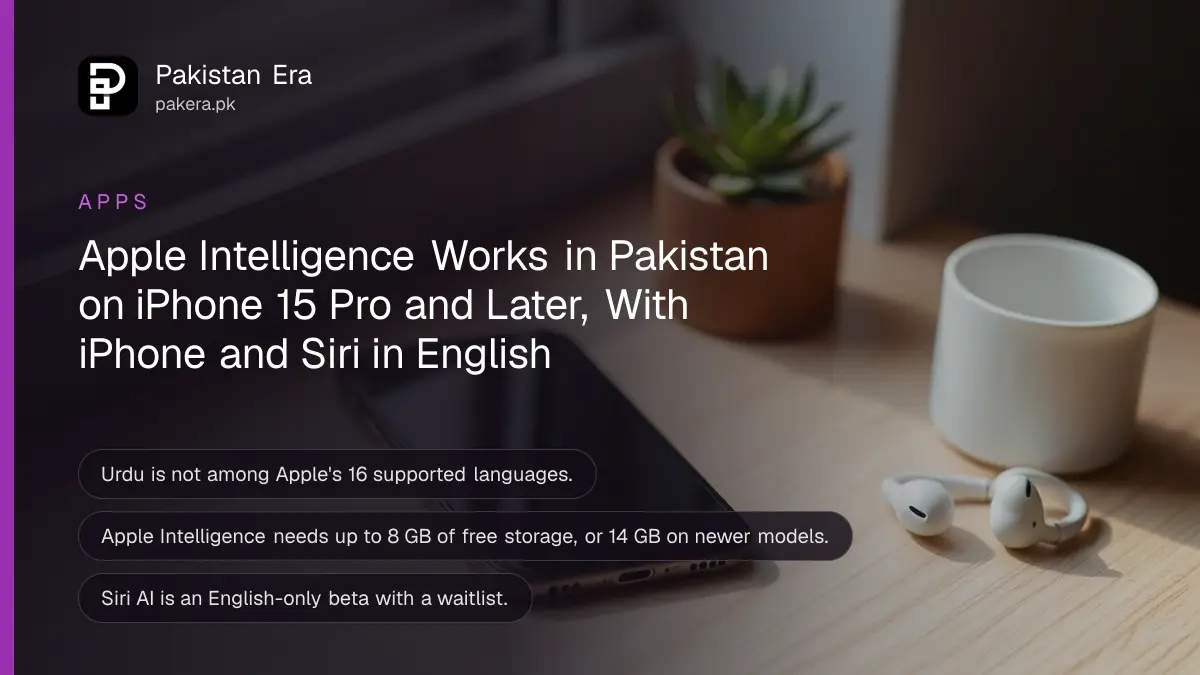
Apple Intelligence works in Pakistan on an iPhone 15 Pro, iPhone 15 Pro Max, any iPhone 16 or later, iPhone Air or iPhone Duo once it runs iOS 27, as long as the iPhone and Siri are both set to English. Urdu is not one of Apple's 16 supported languages, and that, not the country, is what stops most Pakistani users. The new Siri AI is a separate beta with a waitlist under Settings, then Siri. Below is every supported device, the storage it needs, the language fix, the Siri AI steps, and the daily limits Apple has just written into its terms.
We read Apple's support pages on Apple Intelligence and Siri AI, both published on 22 October 2026, and Apple's usage terms on 28 October 2026.
Apple does not block Pakistan, but it does not support Urdu
Apple's support page names only two regional limits: mainland China, where the features do not work, and the European Union, where some features differ. Pakistan is not named. The real barrier is language: the iPhone and Siri must both use one of Apple's supported languages.
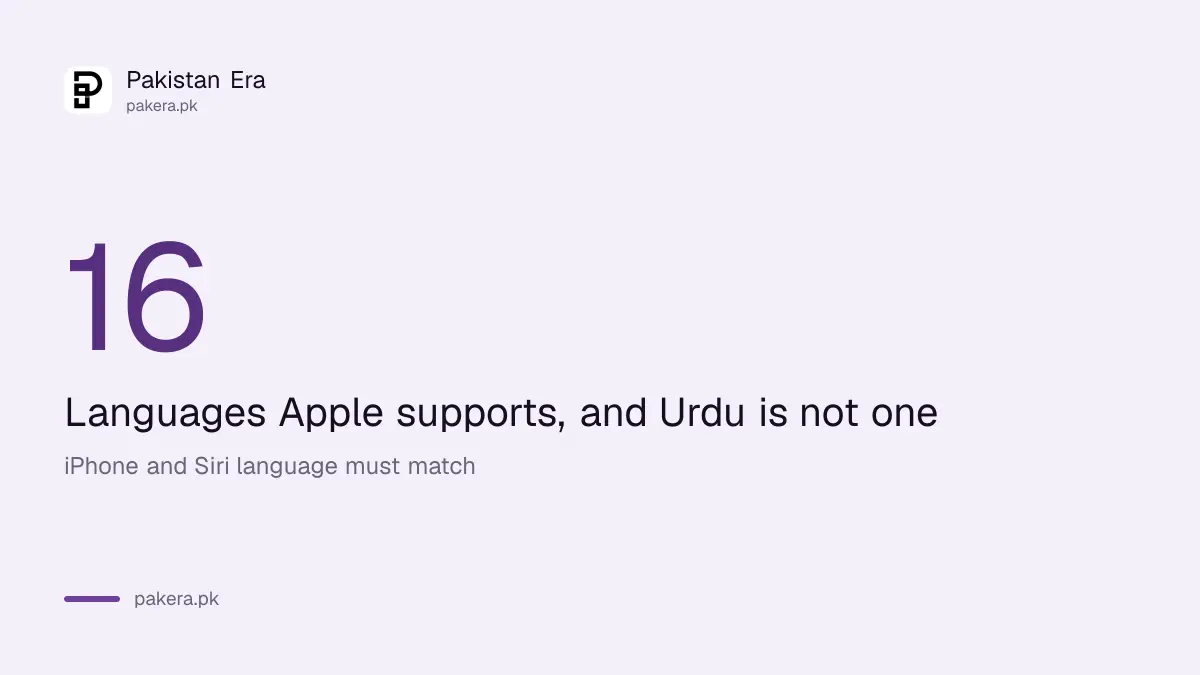
Apple lists 16 languages for iOS 27: English, Danish, Dutch, French, German, Italian, Norwegian, Portuguese, Spanish, Swedish, Turkish, Vietnamese, simplified and traditional Chinese, Japanese and Korean. Urdu, Hindi and Arabic are not on it. So an iPhone set to Urdu will show no Apple Intelligence options at all.
Apple also says the features keep working when you travel. A Pakistani who sets it up in Dubai or London keeps it after flying home to Karachi.
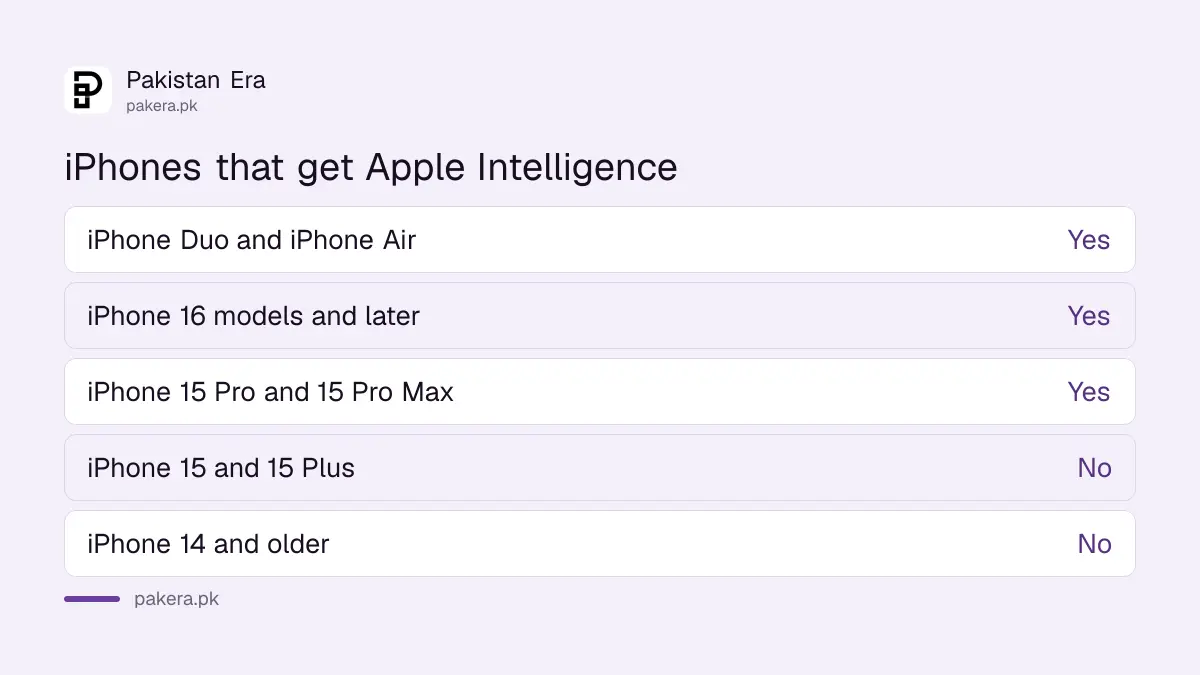
The iPhone 15 Pro and every iPhone 16 or later get Apple Intelligence
Apple lists iPhone Duo, every iPhone 16 model or later, iPhone 15 Pro, iPhone 15 Pro Max and iPhone Air. The ordinary iPhone 15 and older models get iOS 27 but not Apple Intelligence. Apple Watch Series 9 and later get some features through a paired iPhone.
| Device | Apple Intelligence | Storage needed |
|---|---|---|
| iPhone Duo, iPhone 17 Pro models and later, iPhone Air | Yes | Up to 14 GB |
| iPhone 16 models, iPhone 17, iPhone 15 Pro and 15 Pro Max | Yes | Up to 8 GB |
| iPhone 15, iPhone 15 Plus and older | No | Not applicable |
| iPad mini (A17 Pro), iPad with M1 or later | Yes | Up to 8 GB, or 14 GB on M4 with 12 GB memory |
| Mac with M1 or later, MacBook Neo | Yes | Up to 8 GB, or 14 GB on M3 or later with 12 GB memory |
Storage is the hidden problem for 128 GB iPhones full of WhatsApp videos. Apple says the download can briefly take more than these figures during an update. Clear space first, or the features stay greyed out. Whether your model gets iOS 27 at all is listed in iOS 27 supported iPhones in Pakistan.
Turn it on by switching the iPhone and Siri to English
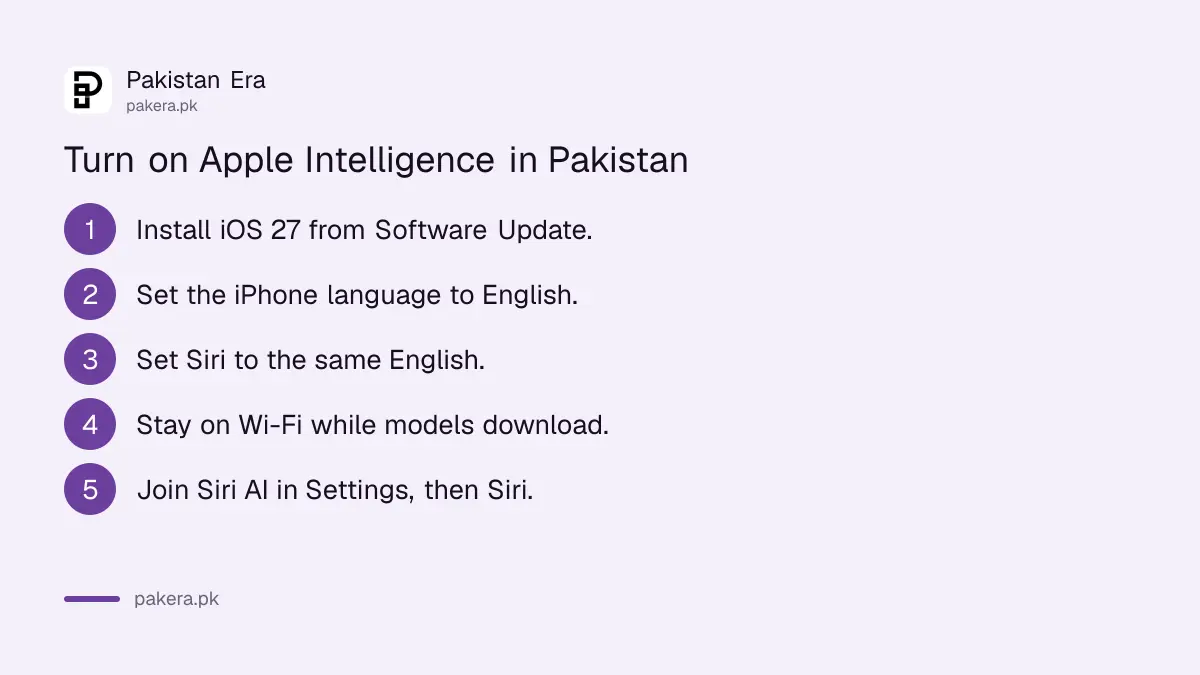
Apple says Apple Intelligence arrives automatically with iOS 27 on a supported device. In Pakistan, that usually means three settings: update to iOS 27, set the iPhone language to English, and set Siri to the same English. Apple warns the two languages must match.
- Open Settings, then General, then Software Update, and install iOS 27.
- Go to Settings, then General, then Language and Region, and make English the iPhone language.
- Go to Settings, then Siri, and set Siri's language to the same English, for example English (United States).
- Keep the iPhone on Wi-Fi and charging while the models download.
- Check Settings for the Apple Intelligence section once the download finishes.
Apple warns that changing Siri's language can make Apple Intelligence unavailable until the new language finishes downloading. So change it at night on Wi-Fi, not on mobile data in the morning.
Siri AI is a separate beta with a waitlist
Siri AI is Apple's new version of Siri. Apple says you join it from Settings, then Siri, then Try Siri AI (Beta), after choosing a voice and completing voice setup. You are put on a waitlist, and it downloads automatically when your turn comes.
Siri AI is English only for now, and Apple says your Apple Account must be in an eligible region. Apple's page names the EU and mainland China as limited and does not list Pakistan either way. We could not test it with a Pakistani Apple Account, so treat the waitlist as the test: if Try Siri AI (Beta) appears, your account is eligible.
Wait times vary, Apple says, and it gives no estimate. Apple's page lists no fee for joining and no way to skip the queue.
Apple has added daily limits, and a fee is coming
Apple's page says features that use its servers, including Siri AI, Image Playground and the intelligent photo editing tools, have daily usage limits. It adds that "expanded access to such features will be available for a fee in the future."
Apple has not said what the fee will be, when it starts or whether it will be sold in Pakistan. Apple's usage terms, published on 9 September 2026, also say some features may carry age limits that vary by region. For now, the features on your iPhone are included with iOS 27.
If you mainly want AI help in Urdu, Apple Intelligence is the wrong tool today. A free chatbot that handles Urdu, compared in the best AI for Urdu in Pakistan, will do more for an Urdu speaker.
Common questions
Is Apple Intelligence available in Pakistan?
Apple does not name Pakistan as restricted. It works on supported iPhones on iOS 27 when the iPhone and Siri are set to a supported language such as English.
Does Apple Intelligence work in Urdu?
No. Urdu is not among the 16 languages Apple lists for iOS 27.
Does the iPhone 15 get Apple Intelligence?
Only the iPhone 15 Pro and 15 Pro Max. The iPhone 15 and 15 Plus do not.
How do I get Siri AI in Pakistan?
On iOS 27, go to Settings, then Siri, then Try Siri AI (Beta), and join the waitlist. It works in English only.
Is Apple Intelligence free?
Yes, with iOS 27 on a supported device. Apple says server features have daily limits and that expanded access will cost a fee later.
How we verified this
What we checked, where we read it, and what we could not confirm.
We read Apple's How to get Apple Intelligence page and its How to get Siri AI (Beta) page, both published 22 October 2026, and Apple's Apple Intelligence usage terms, published 9 September 2026, on 28 October 2026. The Settings paths for language and software update are iOS's standard menus. We could not test Siri AI eligibility on a Pakistani Apple Account, and Apple has not published the planned fee.
About the author

Technology Journalist & Multimedia Producer
Ahmad Ali is a technology journalist and multimedia producer at Pakistan Era, joining the team in October 2026. He covers consumer technology and digital life for Pakistani readers, combining research with hands-on product testing.