How to Apply for an FPSC Job Online in Pakistan: Two Steps, One Edit
Apply for an FPSC job online in Pakistan: get a PSID in Step 1, pay the fee, upload a photo under 30 KB in Step 2, then edit once. Read it before the next ad.
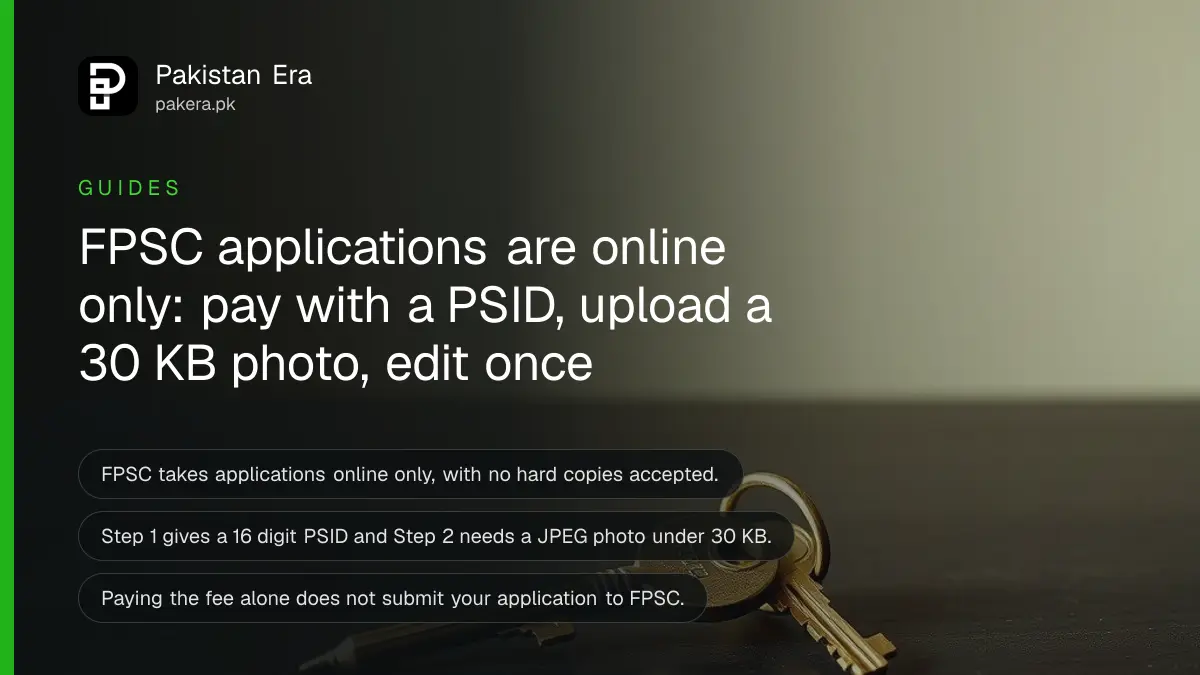
Short answer: FPSC takes applications online only, in two steps. In Step 1 you pick the post, enter your CNIC and get a 16 digit PSID. You pay the fee against it. In Step 2 you upload a JPEG photo under 30 KB and submit. FPSC lets you edit the form once.
Most rejected applications fail on small things: a photo that is too big, a fee paid but no Step 2, or a form changed twice. The steps below follow FPSC's own guidelines for online applications, so you do not repeat those mistakes.
We read the FPSC jobs page and its online application guidelines (dated 9 September 2025) on 14 October 2026. The jobs page showed no active General Recruitment advertisement that day, so this is what to do the day the next one appears. FPSC also advises applying early, not on the closing date.
FPSC accepts online applications only
FPSC says no hard copy or manual application is accepted in any case. You apply on the FPSC website through the Apply Online link and the General Recruitment option. FPSC advises candidates to apply soon after an advertisement appears, not near the closing date.
Before you start, read the advertisement for your post. Check age, degree, experience, domicile, gender and religion. The form only lists the domicile, gender and religion options that the post allows. If your option is missing, you are not eligible, and you should not apply.
The system allows one application per CNIC for the same post. If you already applied, it tells you so.
If you already work for the government, get your departmental permission first. FPSC says an in-service application without it will not be processed. See how to get the FPSC departmental permission certificate (Annex-6) before the closing date.
Step 1 gives you a PSID for the fee
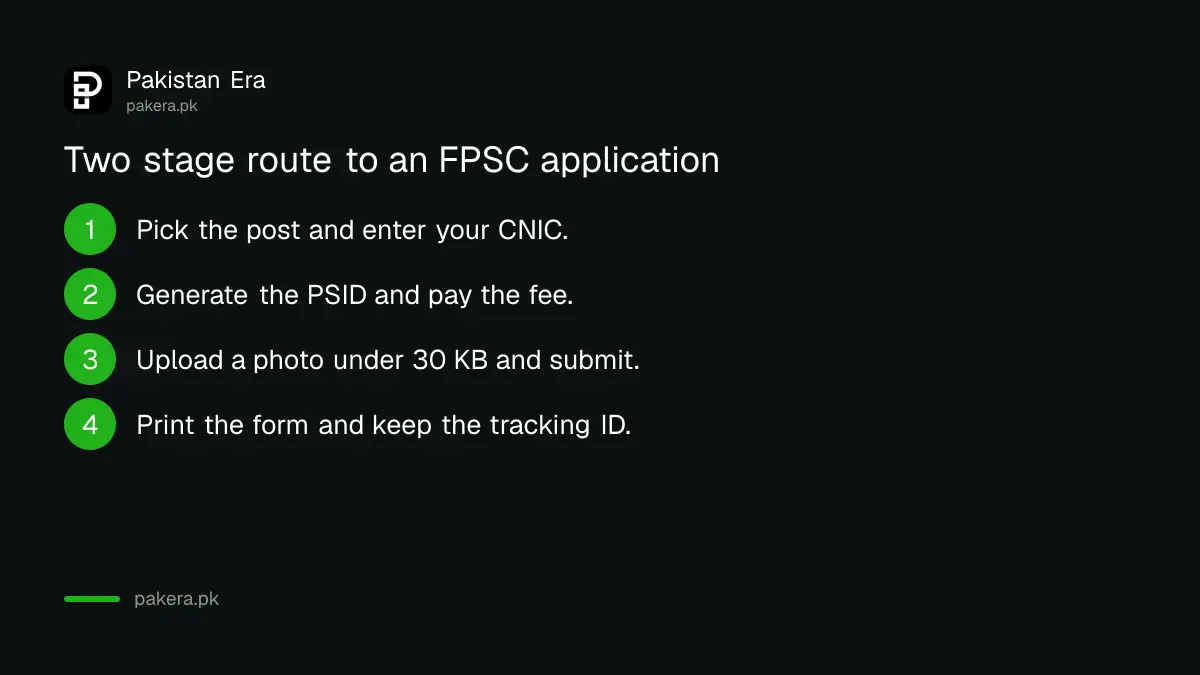
In Step 1 you choose the post, enter your CNIC, fill in basic details and click Generate PSID and Challan. The system shows a unique 16 digit PSID at once. You use it to pay the application fee. Nothing is submitted yet.
The Step 1 details include your name, domicile, district, domicile issue date, gender, religion, test centre and interview centre. You also confirm that you hold the advertised qualification and give the result declaration date of the degree that makes you eligible. If the post needs two degrees, give the date of the one you earned later.
In-service candidates also enter the permission certificate issue date, number and verification code. Until the PSID appears, your entries stay in the system.
Pay the fee, then finish Step 2 before the closing date
Pay the fee with the PSID at an ATM, a mobile or internet banking app, or a 1Link participating bank branch. Then return to the site, choose the same post and re-enter your CNIC. Paying alone does not submit your application.
- Click Apply Online, pick the same post and enter your CNIC again.
- Check the payment message, review your Step 1 details and click Proceed to Step 2.
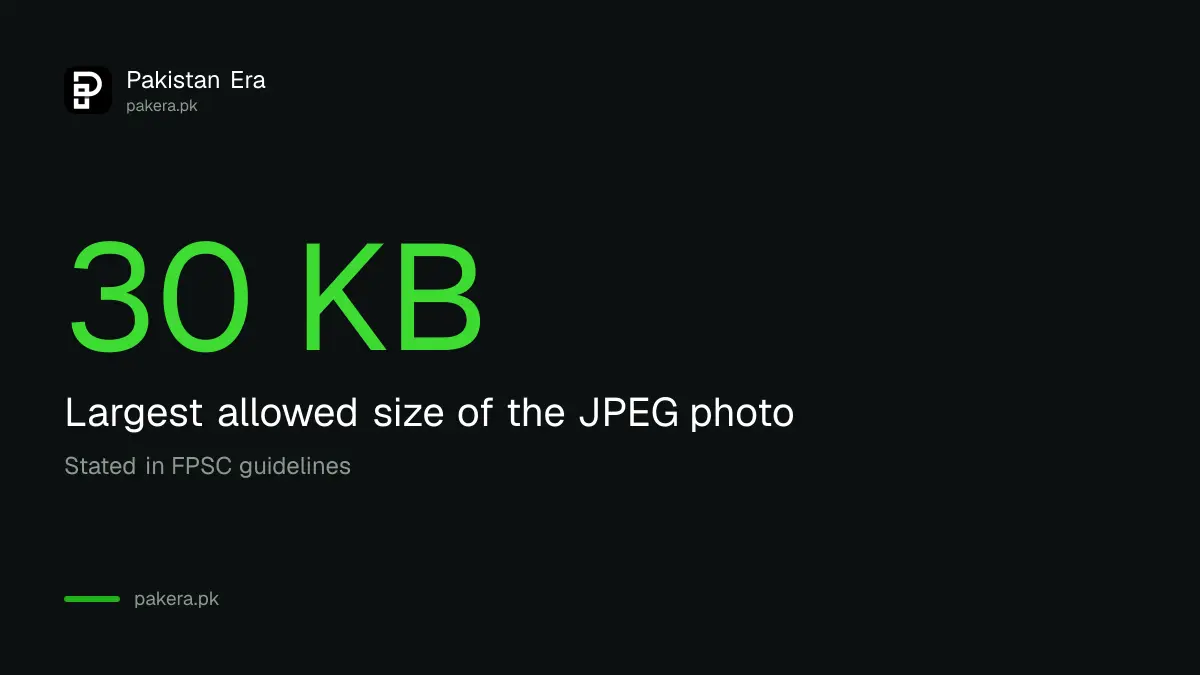
- Upload a recent passport size photo in JPEG format, under 30 KB.
- Re-enter your CNIC, then add your CNIC issue date, father's name, date of birth, address, mobile number and email.
- Add education, and any courses, research and experience the post asks for. Education allows up to 5 records.
- Tick the undertaking and click Submit Your Application.
The final screen shows a tracking ID and a link to print your application. Keep the printout for your records. FPSC says you do not send it to the Commission.
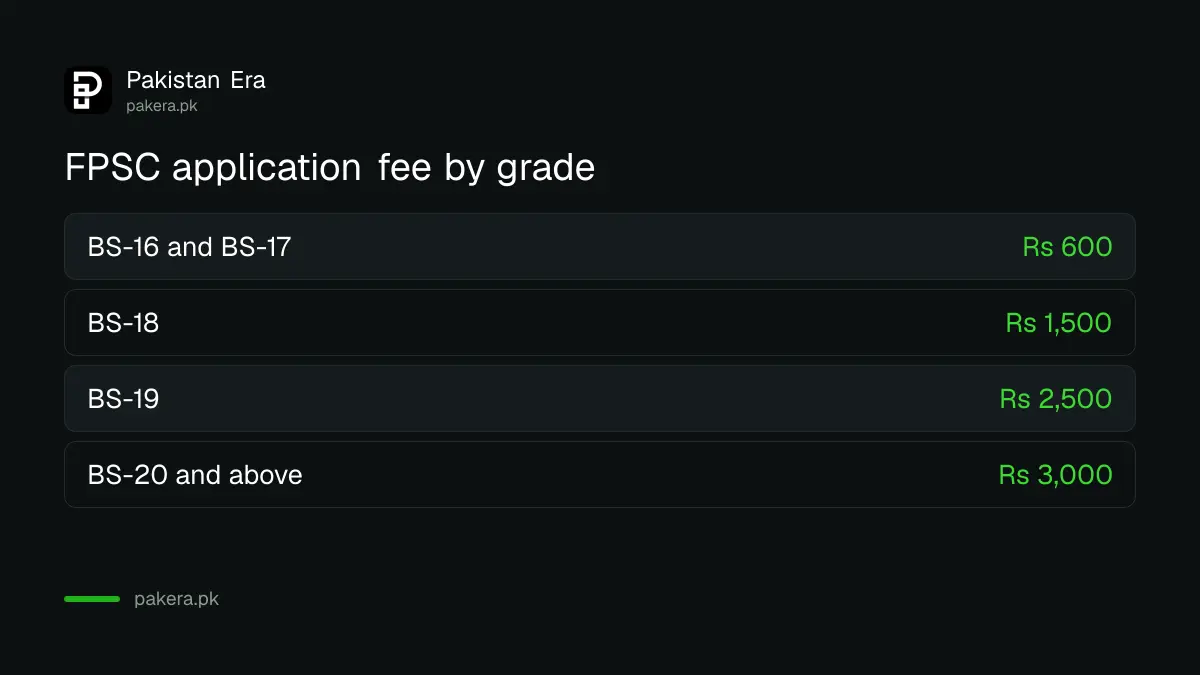
The fee depends on the grade of the post, and old TR-6 challans, bank drafts, pay orders and cheques are not accepted. Our guide to the FPSC application fee by grade, paid with a PSID has the amounts and payment channels.
You can edit the application only once
After you submit, FPSC allows one edit before the closing date. Open Edit/Update, enter your CNIC and tracking ID, change the allowed fields and click Update Application. After that, the form is locked, so check every entry before you click.
If you lose your tracking ID, use Retrieve Tracking ID from the menu. Enter your CNIC and the verification code, and the system shows it if the details match. FPSC says the print and retrieve options work for current jobs only, so do both before the advertisement closes.
Wrong or false entries are checked later against your documents. If they do not match, FPSC can reject your candidature. Accuracy matters more than speed. If your application is rejected, read how to challenge an FPSC rejection through a representation.
Small mistakes that stop an application
Four mistakes cause most problems: paying but not finishing Step 2, uploading a large photo, applying without departmental permission, and editing twice. The table lists each one with what FPSC's guidelines say and what to do instead.
| Mistake | What FPSC says | What to do |
|---|---|---|
| Fee paid, Step 2 not done | Payment alone does not submit the application | Finish Step 2 before the closing date |
| Large or informal photo | JPEG, under 30 KB, recent, formal | Compress it and check the size |
| No departmental permission | In-service applications will not be processed | Get it first and enter its number |
| Second edit | Only one edit is allowed | Review every field before updating |
| Wrong or false entries | Candidature can be rejected | Match entries to your documents |
If a page loads slowly, FPSC suggests closing the browser, clearing history and trying again. Edge, Firefox and Chrome are supported, with JavaScript turned on.
Common questions
Can I apply to FPSC by post or in person?
No. FPSC says it accepts applications through the online system only, and no hard copies or manual applications are accepted in any case.
What size must the FPSC photo be?
It must be in JPEG format and under 30 KB. FPSC also asks for a recent passport size picture and warns against informal photos.
Is my application submitted once I pay the fee?
No. Payment only unlocks Step 2. Your application is submitted when you see the message that it was submitted successfully, with a print option and tracking ID.
How many times can I edit my FPSC application?
Once, before the closing date. You need your CNIC and tracking ID. If you forget the tracking ID, use the Retrieve Tracking ID option.
Who can help if the form will not load?
FPSC lists a helpline at 051-111-000-248 for online application help, open Monday to Friday during office hours, and the email fpsc@fpsc.gov.pk.
How we verified this
What we checked, where we read it, and what we could not confirm.
Last checked on 14 October 2026, Pakistan time. We read the FPSC jobs page, which showed no active General Recruitment advertisement, and FPSC's Guidelines for Online Application Submission dated 9 September 2025. We did not submit a test application. FPSC can change its portal screens or rules in a new advertisement, so always follow the advertisement of your post.
About the author

Senior Writer, Public Services and Technology
Shahid joined us in 2024 as an author. He is a senior contributor to Pakistan's leading technology websites. He writes detailed articles, mostly covering his expertise in the latest tech, mobiles, apps, gadgets, and step-by-step guides. His ideology is to help people understand the latest trends and explain complex methods through very easy-to-understand guides.