How to Cancel an Apple Subscription on Your iPhone in Pakistan
Cancel an Apple subscription on iPhone, Mac or the web in Pakistan. See the exact steps, what to do if it is missing, and when to cancel a free trial.
Short answer: On your iPhone, open Settings, tap your name, tap Subscriptions, tap the subscription and tap Cancel Subscription. If there is no Cancel button, or you see a red expiry message, the subscription is already cancelled. Apple says to cancel a free trial at least 24 hours before it ends.
A free trial for a music, video or storage plan is easy to forget. Then the card or wallet linked to your Apple Account is charged. Many people in Pakistan pay these small amounts every month without noticing.
We read Apple's support page on cancelling a subscription, which Apple dated 29 September 2026, on 13 October 2026. We did not cancel a paid plan to test it. The steps below follow Apple's page.
Cancel a subscription from Settings on your iPhone
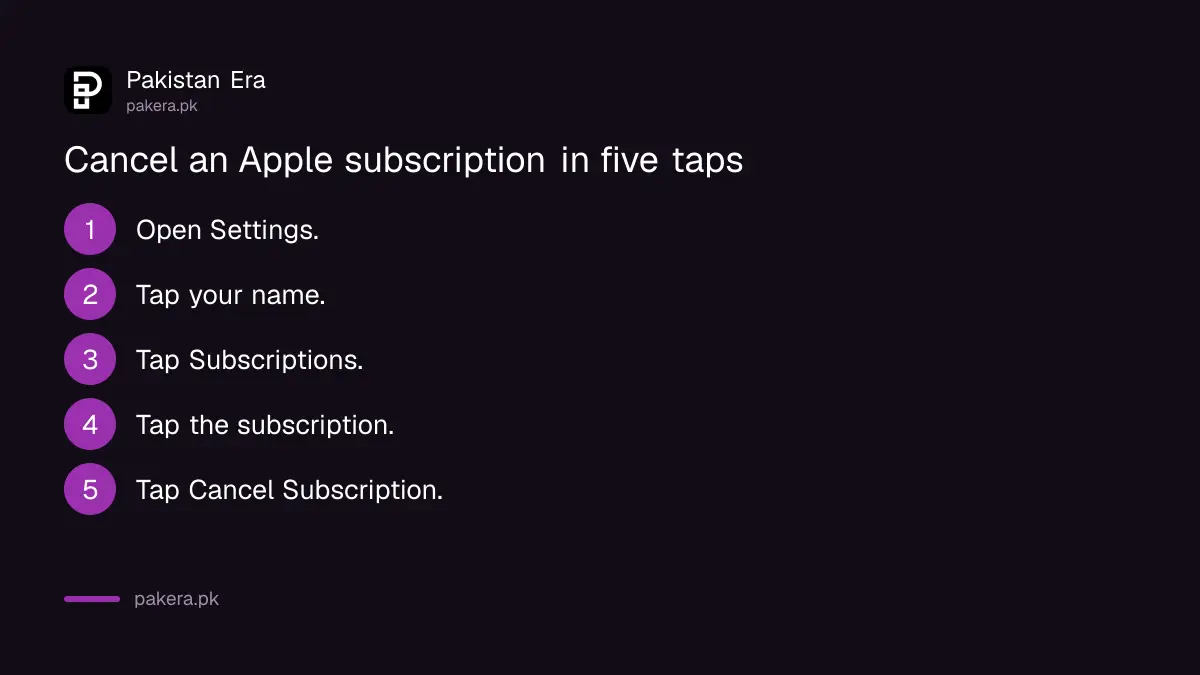
Open Settings, tap your name, then tap Subscriptions. Pick the plan and tap Cancel Subscription. You might need to scroll down to find the button. The same steps work on an iPad, according to the page.
- Open Settings on your iPhone.
- Tap your name at the top.
- Tap Subscriptions.
- Tap the subscription you want to stop.
- Scroll down and tap Cancel Subscription.
Check that the cancellation worked
Open the same subscription again. Apple says that if there is no Cancel button, or you see an expiry message in red text, the subscription is already cancelled. You can usually keep using the service until the end of the period you paid for.
Do not trust memory here. Open the screen again a minute later and read it. That one look is the whole check.
Cancel from a Mac, a Windows PC or the web
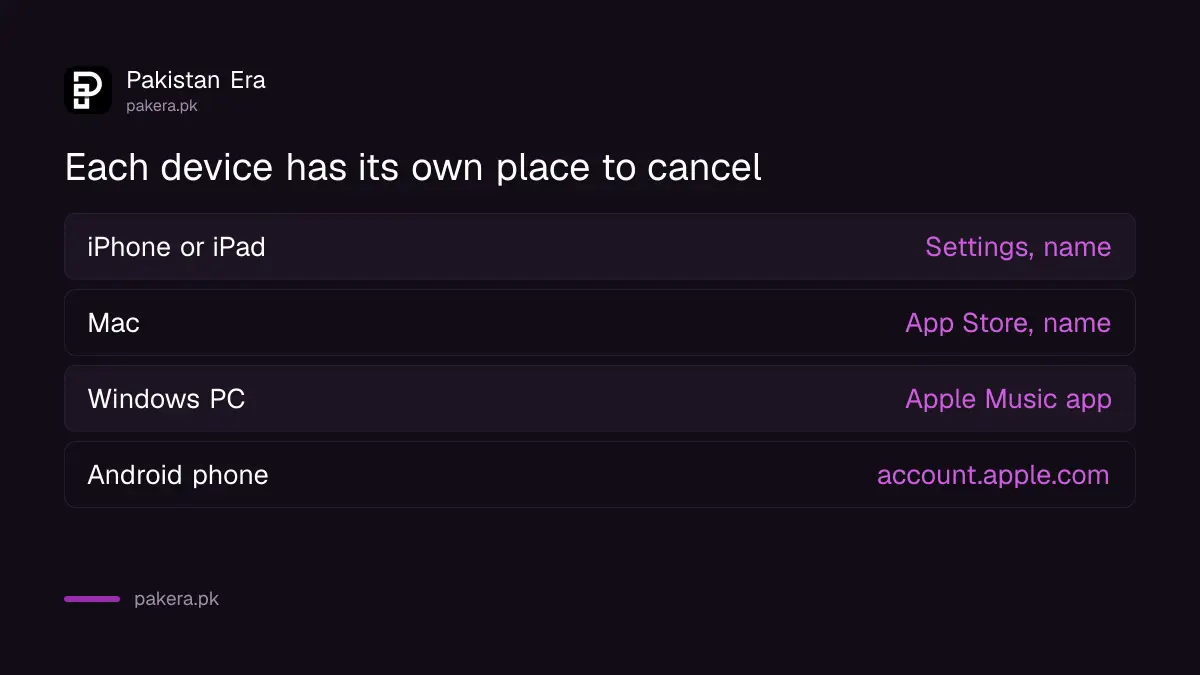
You do not need your iPhone. On a Mac, open the App Store, click your name, then Subscriptions. On the web, go to account.apple.com and sign in. On a Windows PC, use the Apple Music or Apple TV app, or iTunes.
| Where you are | What to open |
|---|---|
| iPhone or iPad | Settings, your name, Subscriptions |
| Mac | App Store, your name, Subscriptions |
| Windows PC | Apple Music or Apple TV app, or iTunes, then Account |
| Android phone | account.apple.com in a browser |
If you pay for Apple Music or Apple TV on an Android phone and are billed through Google Play, Apple says to cancel in the Google Play app instead. The steps for that are in the page on how to cancel a Google Play subscription.
Find a subscription that is not in your list
If the plan does not show, you may be signed in to the wrong Apple Account. Search your email for "receipt from Apple" or "invoice from Apple". Check which Apple Account the receipt names. Then sign in to that account and cancel there.
Apple gives three more cases.
- A family member paid. Apple says you cannot cancel a family member's subscription. They must cancel it from their own account.
- Another company bills you. Check your bank or card statement for the name, then contact that company.
- A carrier bills you. Contact your wireless carrier or the provider for support.
Apple also says an AppleCare plan may need to be linked to your Apple Account before you can cancel it.
Stop surprise charges in future
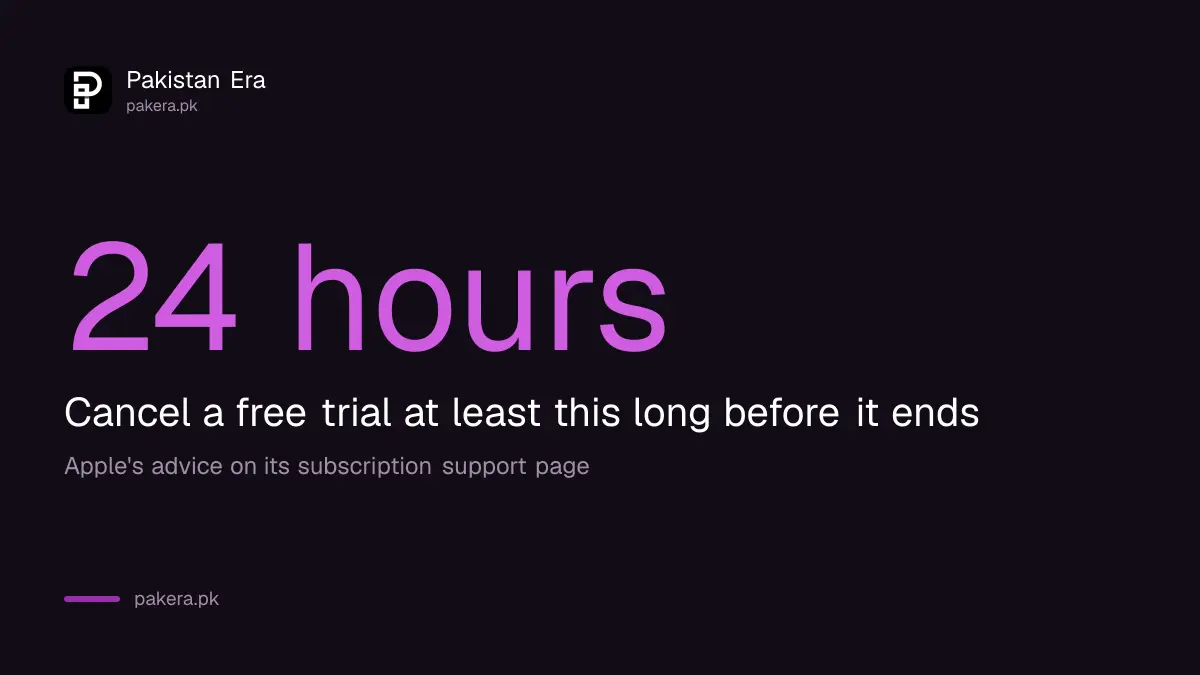
Cancel a trial on the day you start it. The plan normally keeps running until the trial ends, so you lose nothing. Apple advises doing it at least 24 hours before the trial ends.
Check your Subscriptions list once a month. It takes a minute. If you also pay for services through a wallet or card, compare the amounts with your statement. A charge you do not recognise is a reason to turn on two-step verification and look at who else is signed in to your account.
If you sell or give away your phone, erase it properly first. A phone left signed in can keep a subscription running on your account.
Keep the receipt emails from Apple. They show the plan name, the date and the Apple Account that paid. If a charge ever looks wrong, that email is the first thing you will need.
Common questions
Where do I cancel an Apple subscription on my iPhone?
Open Settings, tap your name, tap Subscriptions, pick the plan and tap Cancel Subscription. You might need to scroll down to see the button.
What if there is no Cancel button?
Apple says the subscription is already cancelled if there is no Cancel button, or if you see an expiry message in red text.
Can I cancel a family member's subscription?
No. Apple says you cannot cancel a family member's subscription. Ask the person whose Apple Account is on the receipt to cancel it.
When should I cancel a free trial?
Apple says to cancel at least 24 hours before the trial ends, so the renewal does not go through.
Can I cancel from an Android phone?
Yes, for Apple-billed plans. Go to account.apple.com in a browser and sign in. If Google Play bills you, cancel in the Google Play app.
What if another company is billing me?
Check your bank or card statement for the company name. Apple says to contact that company to cancel.
How we verified this
What we checked, where we read it, and what we could not confirm.
Last checked on 13 October 2026, Pakistan time. We read Apple's page on cancelling a subscription, published 29 September 2026. We did not test a paid cancellation. Refund rules in Pakistan are not covered here because we did not find them on Apple's page. Menu names can change with a new iOS version.
About the author

Technology Journalist & Multimedia Producer
Ahmad Ali is a technology journalist and multimedia producer at Pakistan Era, joining the team in October 2026. He covers consumer technology and digital life for Pakistani readers, combining research with hands-on product testing.