Google Business Profile Performance in Pakistan: Check Calls, Views and Searches, All 12 Metrics
Check Google Business Profile performance on a computer or in Maps: what Calls, Views, Searches and 9 more metrics count, and why Views is lower than emails.
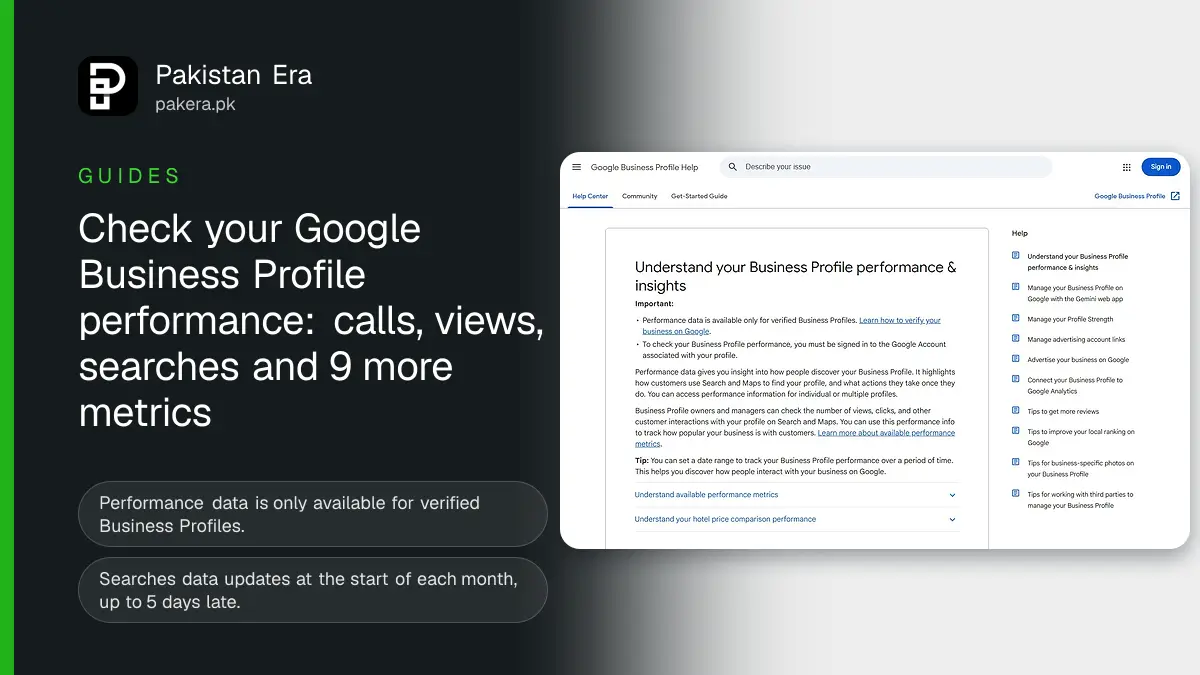
To check your Google Business Profile performance, go to business.google.com and click Performance, or in the Google Maps app tap Business, then See more next to Performance. Pick a time period and tap Apply. Google shows up to 12 metrics, including Calls, Views, Searches, Directions and Website clicks. Only verified profiles get this data, and only the metrics that apply to your type of business appear.
We read Google's Business Profile Help page on performance and insights on 8 November 2026. The steps, metric names and rules below are from that page. We did not open a client's profile for this article, so the numbers you see will be your own.
Open the Performance report on a computer or in Google Maps
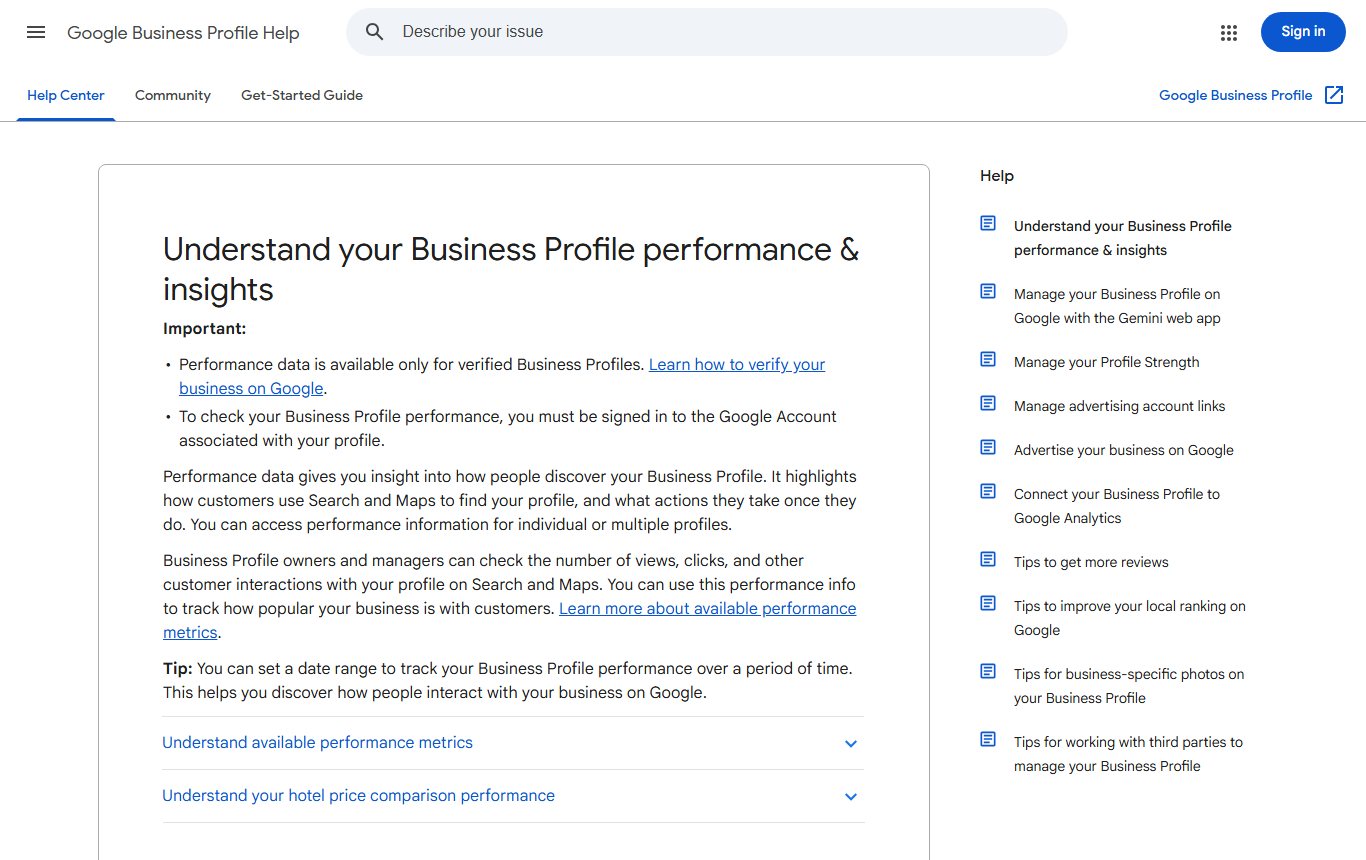
You must be signed in to the Google Account that manages the profile. Google says performance data is only available for verified Business Profiles. If your shop is not verified yet, follow our guide to verify a Google Business Profile in Pakistan first.
On a computer:
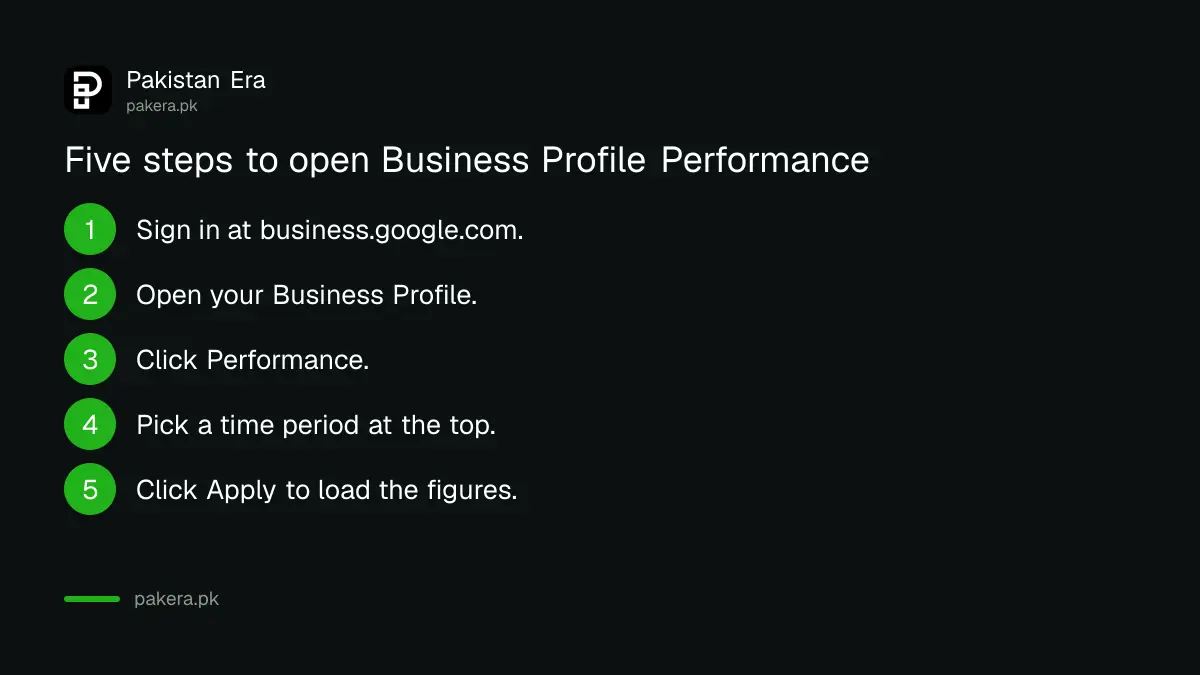
- Go to business.google.com and sign in.
- Open your Business Profile.
- Click Performance.
- Select a time period at the top of the report.
- Click Apply.
On a phone, open the Google Maps app. Tap Business at the bottom right. Next to Performance, tap See more. Choose the time period and tap Apply. The figures are the same on both routes, so use whichever is easier.
Google Business Profile shows 12 metrics, and each counts something different
Google says the data includes visits from normal search and from Google Ads. So if you run local ads, those clicks are in these figures too. The table lists every metric Google names and what it counts.
| Metric | What Google counts | Who sees it |
|---|---|---|
| Interactions | A total of all customer actions on the profile | All businesses |
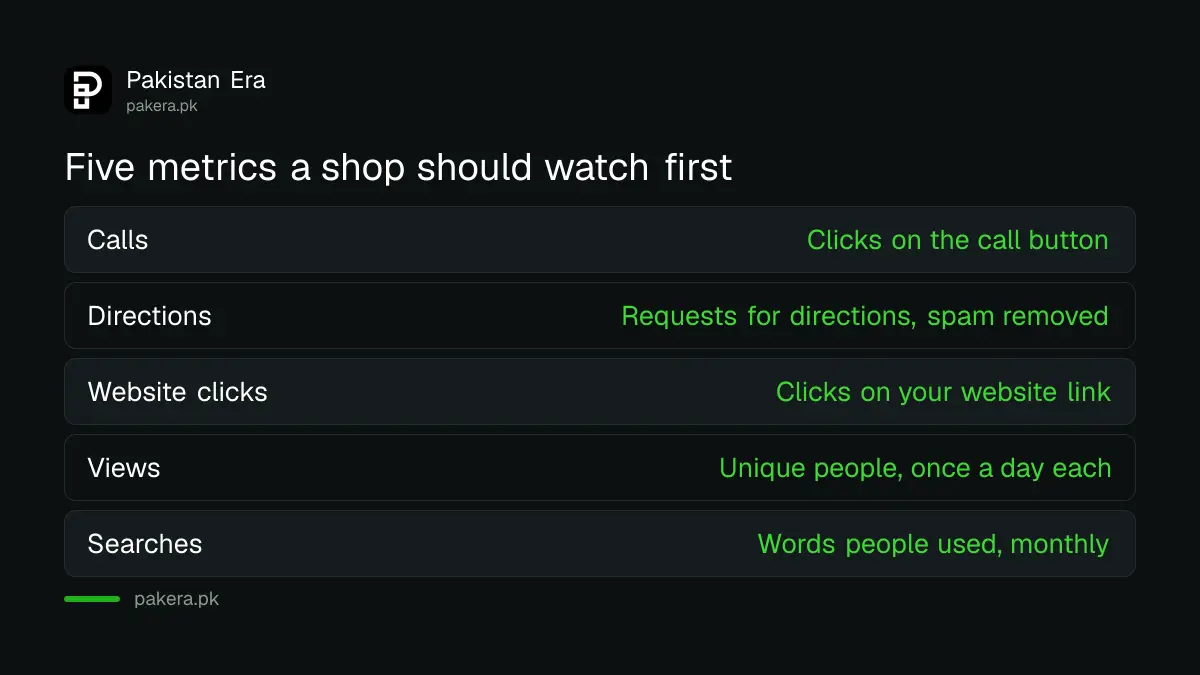
| Searches | The search words people used to find you | All businesses |
| Views | Unique people who viewed the profile on Search and Maps | All businesses |
| Directions | Requests for directions to your location | Businesses with an address |
| Calls | Clicks on the call button | Profiles with a phone number |
| Website clicks | Clicks on your website link | Profiles with a website |
| Messages | Separate chat conversations started | Profiles with chat turned on |
| Bookings | Completed bookings | Businesses using a booking provider |
| Booking clicks | Clicks on a hotel's booking link | Hotels only |
| Products | Views of products sold at your location | Shops that list products |
| Menus | Clicks on menu photos, links or menu data, per person, per day | Restaurants and food outlets |
| Offers | Views and clicks on offers on the profile | Profiles that post offers |
Calls only counts if your phone number is on the profile. Google says you need to add it to track calls. For a Pakistani shop, use a number that is answered in working hours, because a call that rings out still counts as a click.
Views are lower than your notifications, and Google explains why
Many owners see one number in an email from Google and a smaller one in Performance. Google says this is expected. The Views metric counts unique visitors, not every view.
Google gives three reasons. A person using several devices or apps may only be counted a limited number of times. A person is counted once a day, however often they open the profile. And Views counts only views of your Business Profile, not every time your business appears somewhere on Google.
Directions is also cleaned. Google says it adjusts for repeated taps, cancelled requests and spam. So a customer who taps Directions five times in a minute does not count five times.
Searches data arrives once a month, up to 5 days late
The Searches metric is the most useful for a small business, because it shows the words customers type. A Lahore bakery may find people search "cake shop near me" far more than its own name. That tells you which words to put in your description and posts.
Google says Searches data is updated at the start of each month and can take up to 5 days to appear. So on 3 November you may still not see October's search words. Check again after the 5th. Google also says you cannot directly manage these search terms. You can only affect them through accurate categories, a clear description and good photos. Our guide to adding Business Profile photos and videos covers the size rules.
Download a report to compare branches
If you have more than one branch, say shops in Karachi and Islamabad, you can download all of them at once. Google gives these steps:
| Step | What to do |
|---|---|
| 1 | On a computer, open Business Profile Manager at business.google.com |
| 2 | Tick the box next to each profile you want |
| 3 | At the top right, click Actions, then Insights |
| 4 | Select the time frame |
| 5 | Click Download Report, then DOWNLOAD if a box appears |
Google says that if a profile is not enabled for downloads, you may see three stars (***) in its columns. The file opens in any spreadsheet app, so you can compare calls and direction requests branch by branch.
Insights is a separate tab with suggestions, not figures
Some profiles also have an Insights button. Google says it may not be available for all profiles. Insights are suggestions based on public, location based information such as reviews, photos and local search trends, and they are updated often. You can mark each one with a thumbs up or thumbs down.
Reviews feed into these suggestions, so answering them matters. Our guide to replying to Google reviews shows how. For traffic from the profile to your website, set up Google Analytics 4 for a small business site so you can see what visitors do after the click.
Common questions
Why can I not see Performance on my Google Business Profile?
Google says performance data is only available for verified profiles. You also need to be signed in to the Google Account linked to the profile.
What does Calls mean in Google Business Profile?
It counts clicks on the call button on your profile. You must have a phone number on the profile for Google to track it.
Why is my Views number lower than in Google's email?
Views counts unique people, once a day each, and only views of the Business Profile itself. Google says this can make it lower than numbers in notifications.
When does Searches data update?
At the start of each month. Google says it can take up to 5 days to appear in the report.
Does Performance include Google Ads clicks?
Yes. Google says performance data includes both normal search and Google Ads.
Can I see performance for all my branches together?
Yes. In Business Profile Manager, tick each profile, click Actions, then Insights, pick a time frame and download the report.
How we verified this
What we checked, where we read it, and what we could not confirm.
Last checked 8 November 2026. Source: Google Business Profile Help, Understand your Business Profile performance and insights. For getting your shop listed in the first place, see our guide to putting your shop on Google Maps.
About the author

Founder and Editor
Umer Kureshi founded Pakistan Era in July 2024 and runs it as administrator, SEO lead and writer, overseeing website operations, search growth, content strategy and coverage of technology and current affairs.