Check if Meta AI Works on Your WhatsApp in Pakistan, Including Urdu and Image Tools
WhatsApp says Meta AI is in limited countries and names none. Urdu is on the device language list but not on the image tool list. Test your phone in five steps.
To check Meta AI on WhatsApp in Pakistan, look for the Meta AI circle at the top of the Chats tab or search "Ask Meta AI". WhatsApp does not publish a country list. It says Meta AI is "only available in limited countries", and its image tool supports 12 languages, and Urdu is not one of them.
Pakistani users keep asking whether the blue and purple circle on their friends' phones should be on theirs too. WhatsApp's own Help Center gives a partial answer. We read three of its pages on 21 October 2026. This guide explains what they say, what they leave out, and how to test your own phone in five minutes.
WhatsApp does not list the countries where Meta AI works
WhatsApp's Help Center says Meta AI and some experiences are "currently only available in limited countries" and may not reach you "even if others in your country have access". It names no country. So nobody outside Meta can say that Pakistan is in or out.
That wording matters. Two cousins in Lahore can have different results on the same day. A missing circle does not mean your phone is faulty. It usually means the feature has not reached your account.
Urdu appears in the device language list but not in the image tool list
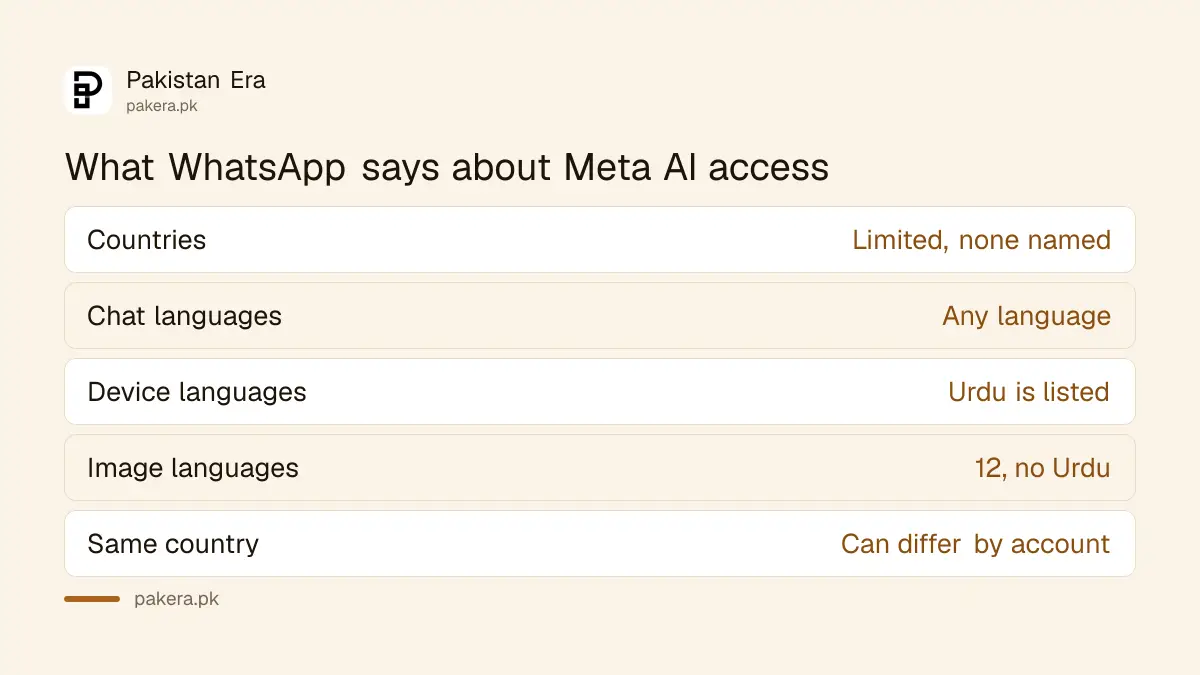
WhatsApp says you can chat with Meta AI in any language. In some countries, though, access is tied to your phone's language. Urdu is on that device language list. The separate image creation page names only 12 languages, and Urdu is not among them.
| Question | What WhatsApp says |
|---|---|
| Chat with Meta AI in Urdu | Any language is allowed |
| Urdu on the device language list | Yes, listed |
| Urdu for image creation | Not listed |
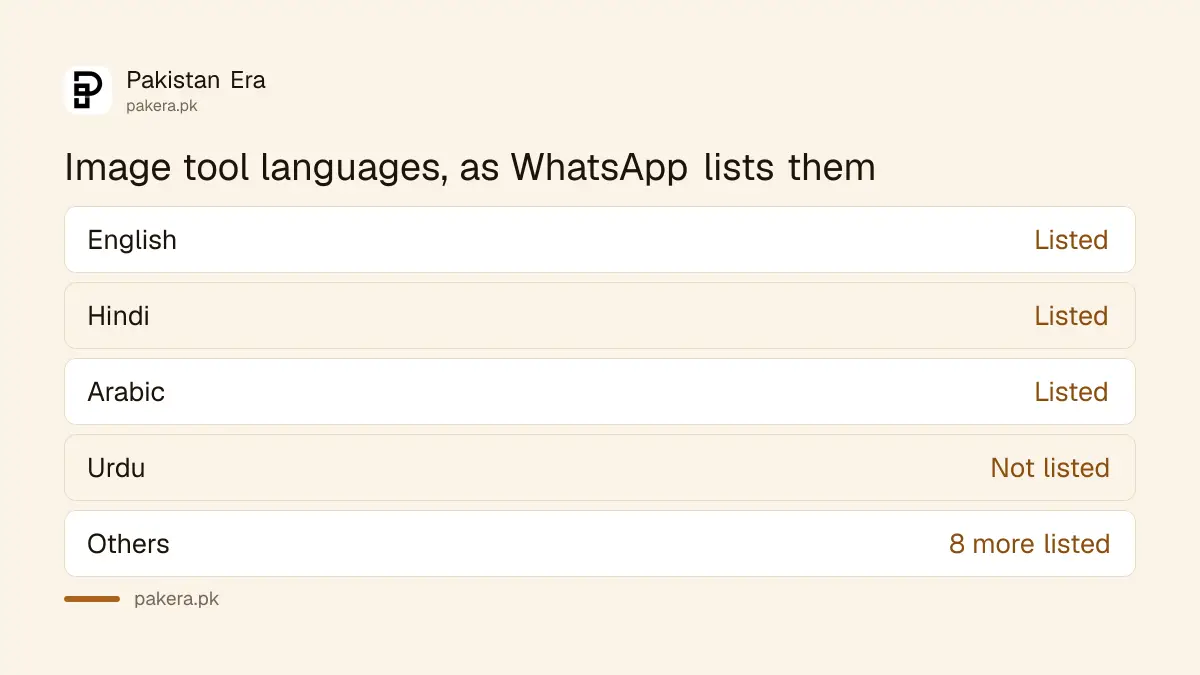
| Languages for image creation | English, Arabic, French, German, Hindi, Indonesian, Italian, Portuguese, Spanish, Tagalog, Thai, Vietnamese |
| Countries | "Limited countries", none named |
Hindi is on the image list, which may tempt some users. We did not test whether Hindi prompts work well for Urdu speakers, so we cannot promise it does. For a wider view of which tools handle Urdu well, see the best AI tools for Urdu in Pakistan.
Five steps tell you whether you have Meta AI
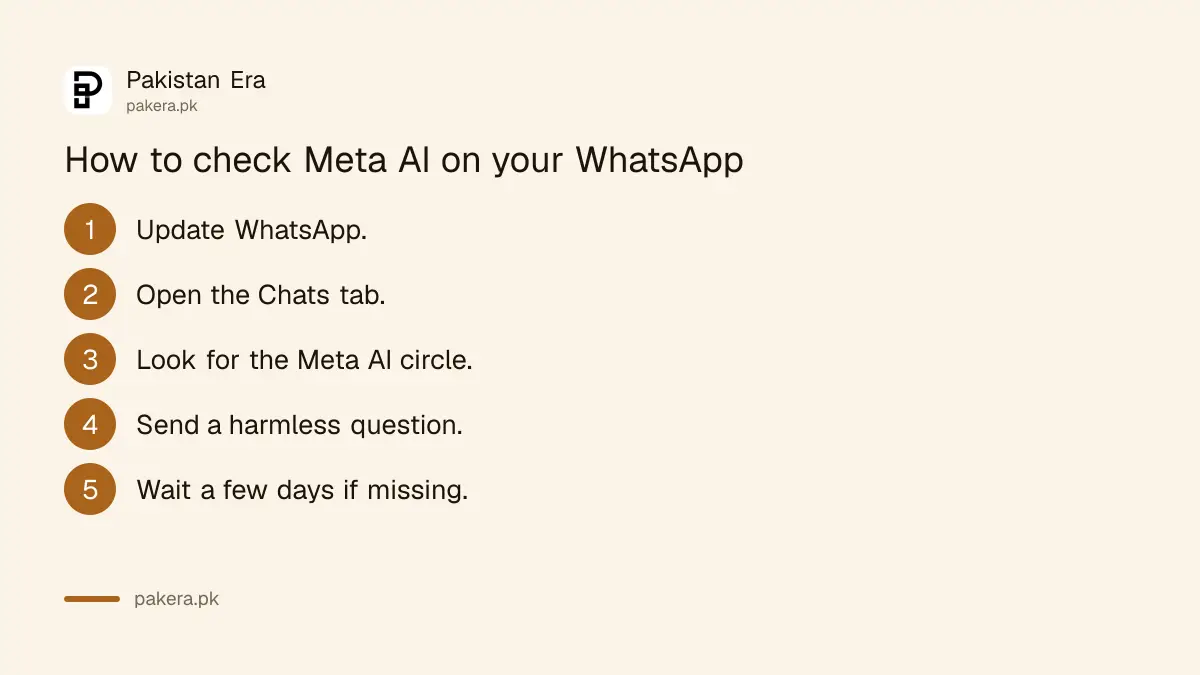
WhatsApp gives no checklist for this. The steps below are our suggestion, built from where WhatsApp says the entry point sits. Update the app first, then look in the Chats tab, then try a harmless question.
- Update WhatsApp from Google Play or the App Store.
- Open the Chats tab and look for a pink and purple oval, or a blue and purple circle.
- If you see a search bar, check whether it says "Ask Meta AI or Search".
- Tap it and send a harmless question, such as a recipe.
- If nothing shows, wait a few days and check again.
We have not run these steps on a Pakistani SIM, so we cannot say what you will see. WhatsApp itself says some users see different entry points.
Meta AI reads only what you mention or share with it
WhatsApp says only messages that mention @Meta AI, or that you choose to share with it, can be read by Meta. It says other messages in personal chats stay unreadable, and that personal messages and calls remain end to end encrypted. That is WhatsApp's claim. We could not test it.
Still, treat any AI chat as a place for general questions. Do not type a CNIC number, OTP, bank PIN or card number. Our guide on deleting Meta AI chats on WhatsApp shows how to remove a chat you regret.
WhatsApp has also announced a private mode, described in Incognito Chat with Meta AI. It says that mode is still rolling out over the coming months.
Photo edits and AI images follow the same availability rule
WhatsApp's 26 March 2026 announcement says you can use Meta AI to touch up photos in a chat, for example to remove something distracting or swap a background. It adds that "Meta AI features may not be available to all users". Image creation sits under the same limits.
To create an image, the Help Center says open the chat with Meta AI, describe the picture in the message field and send. Then you can save or edit it. The page warns that some images may be inaccurate or inappropriate. Never use an AI image as proof of an event, a bill or a document.
Keep the account itself safe first
An AI tool is no use if your account is stolen. Turn on a passkey as in setting up a WhatsApp passkey. Then clear unknown computers with reviewing linked devices on WhatsApp. If you are already locked out, follow recovering a hacked WhatsApp account.
Common questions about Meta AI on WhatsApp in Pakistan
Is Meta AI available on WhatsApp in Pakistan?
Unconfirmed. WhatsApp says it is only in limited countries and names none. Update the app and look for the Meta AI circle on the Chats tab.
Can I use Meta AI in Urdu?
WhatsApp says you can chat with Meta AI in any language, and Urdu is on its device language list. We did not test the quality of Urdu answers.
Does the image tool support Urdu?
Not on WhatsApp's list. It names 12 languages and Urdu is not one of them.
Can Meta read my personal chats?
WhatsApp says only messages that mention @Meta AI or that you share with it can be read. Other personal messages stay end to end encrypted.
Is Meta AI free on WhatsApp?
The Help Center pages we read mention no charge. We could not confirm whether any feature needs a paid plan.
Why does my friend have Meta AI and I do not?
WhatsApp says features may not reach you even if others in your country have them. Rollout is gradual and account by account.
How we verified this
What we checked, where we read it, and what we could not confirm.
Last checked 21 October 2026. We read WhatsApp's Help Center pages About Meta AI, About languages Meta AI is available in and How to create an AI-generated image in a chat, plus the 26 March 2026 feature roundup. We did not test Meta AI on a Pakistani number. The country list, Urdu answer quality and any price are not stated, so we could not verify them.
About the author

Technology Journalist & Multimedia Producer
Ahmad Ali is a technology journalist and multimedia producer at Pakistan Era, joining the team in October 2026. He covers consumer technology and digital life for Pakistani readers, combining research with hands-on product testing.